Mobile Apps
Building a Mobile Banking App Members Trust: Sign-In, Device Binding and Review
A banking app holds the keys to people's money, and every design decision has to stand up to scrutiny from members, auditors and app store reviewers. Here is how we approach sign-in, biometrics, device binding, accessibility and release for a credit union or small bank.

Members judge a banking app in two ways at once. They want it to be as quick as the app-first banks they compare it with, and they want to feel certain nobody else can get into their account. Those goals pull against each other, and the work is in deciding exactly where the friction goes.
We build banking apps for iPhone and Android, either natively through our iOS and Android app development services or cross-platform, depending on the team that will maintain them. The mobile banking app we built for a member-owned credit union used React Native, with the security-sensitive parts relying on each platform's native features. This post covers what we learned there and what we would expect any developer to explain to your board.
Sign-In: Biometrics Are the Door, Keys Are the Lock
Face ID and fingerprint sign-in feel secure, but biometrics on their own prove only that someone enrolled on that phone is holding it. What matters is what the biometric unlocks. A weak design stores a password and reveals it after a successful scan. A strong one, which is what the credit union app uses, keeps a device-bound private key in the iOS Keychain or Android Keystore. The biometric unlocks the key, the key signs a challenge from the server, and the key itself never leaves the device.
Points to agree with your developer:
- Step-up authentication for risky actions. Viewing a balance and sending money to a new payee should not need the same level of proof. The credit union app asks again for payments.
- What happens when biometrics change. If a new fingerprint is enrolled on the phone, keys tied to biometrics should be invalidated so the member signs in again with their full credentials.
- A fallback that is not weaker than the front door. A four-digit PIN fallback undoes much of the work above.
- Strong customer authentication rules. In the UK and EU, payments generally need two independent factors from knowledge, possession and inherence. A device-bound key plus a biometric or passcode is the usual pairing.
Device Binding: The Phone Is Part of the Identity
Device binding means the server knows which phones are allowed to act for a member, and refuses everything else even with the right password. It is what stops a stolen password from being useful on its own. The questions are mostly about the edges:
- Registering a new phone. The member proves who they are through a channel the attacker is unlikely to control as well, and existing devices are told a new one was added.
- Losing a phone. Members should be able to remove a device from the app on another phone or by calling, and the server should revoke its key immediately.
- Rooted and jailbroken devices. Detection is useful as a signal, but blocking outright locks out some honest members. Many institutions warn, restrict payments, or both.
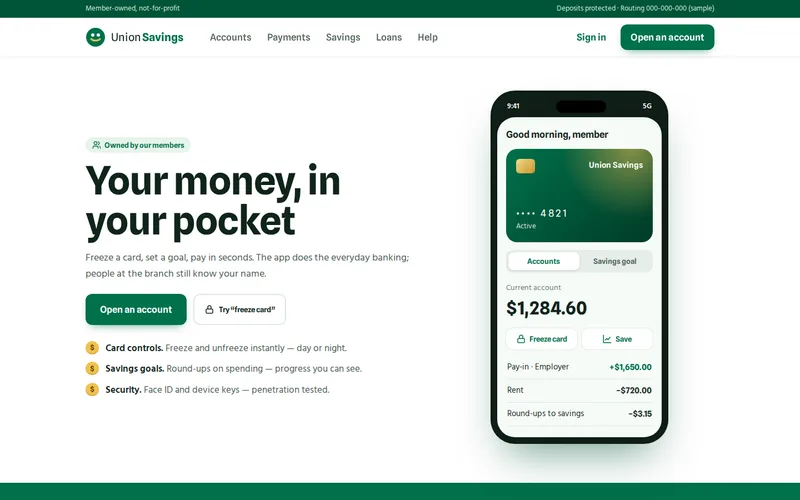
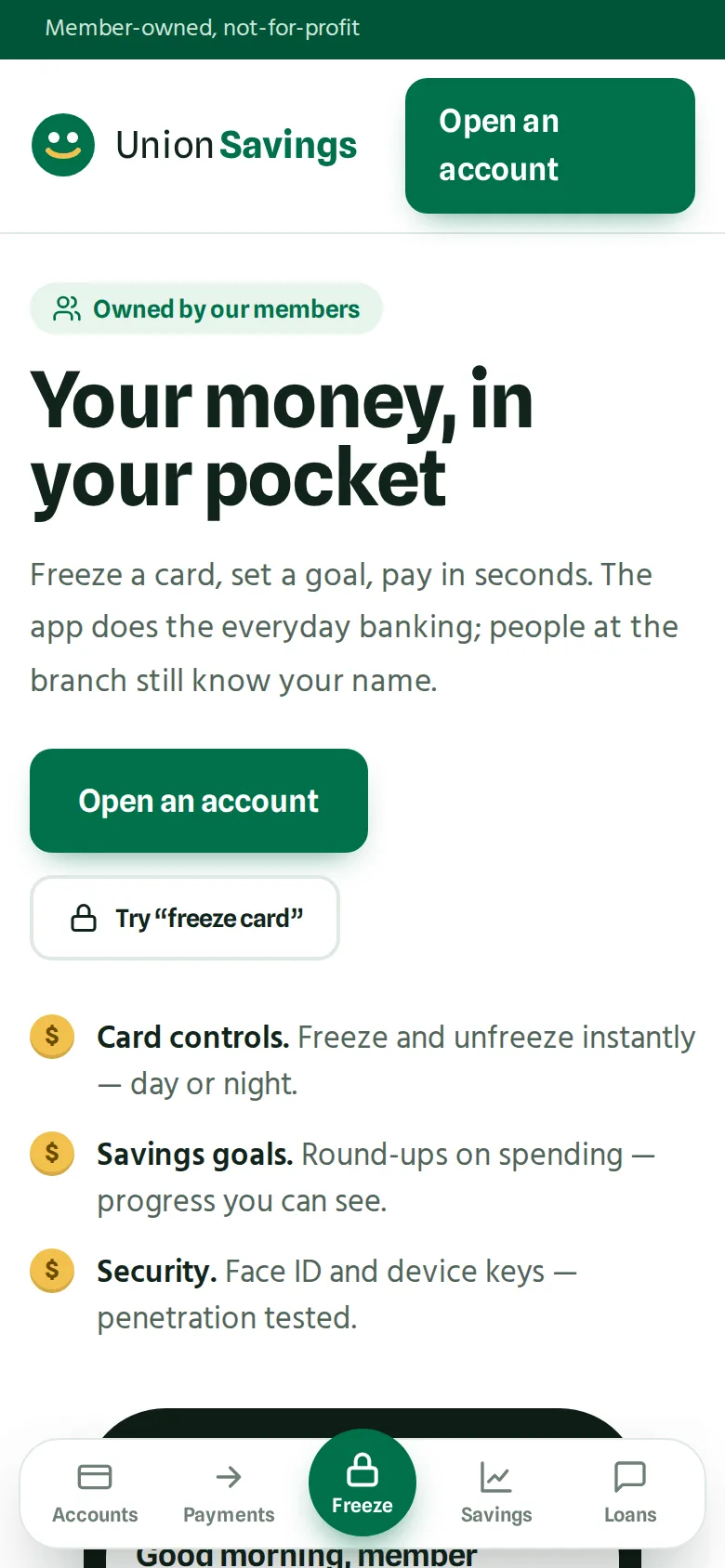
Pair this with features that help members protect themselves. Instant card freeze was one of the most valued features in the credit union app: a lost card can be frozen at midnight instead of waiting for the office to open.
Protecting the Connection and the Data
- Certificate pinning so a compromised network cannot intercept sessions. Pin more than one key and plan certificate rotation, or a routine renewal will lock every member out.
- No secrets in the app bundle. Anything shipped inside the app can be extracted. API keys that grant real access belong on the server.
- Hide balances in the app switcher, where a screenshot of the last screen is shown to anyone looking over a shoulder.
- Logs without personal data. Crash reports are invaluable, but they must not contain account numbers, names or tokens.
- Confirmation of payee with warnings that are clear when a name does not match, written in plain language rather than a code.
Most of the risk sits behind the app, in the APIs that connect it to the core banking system. Design that layer with the same care, and talk to our API and integration team early about what your core system exposes.
Accessibility Is Part of Trust
A member who cannot read their balance with a screen reader, or who is timed out before finishing a payment, does not trust the app either. Accessibility belongs in the design from the first screen. In the EU, the European Accessibility Act now covers consumer banking services, and WCAG 2.2 AA is the usual reference for both web and app.
- Text that scales with the phone's font size setting without breaking layouts.
- Every control labelled for VoiceOver and TalkBack, including icons for card freeze and payee warnings.
- Warnings that do not rely on colour alone.
- Session time-outs that warn first and can be extended.
- Large, separated targets for actions that move money.
Getting Through App Store Review
Banking apps attract extra scrutiny, and a rejection in launch week is avoidable:
- Publish from the institution's own developer account. Apple expects apps in regulated fields such as banking to be submitted by the organisation providing the service, not by an agency. Set the accounts up early, because verification takes time.
- Give reviewers a working demo account against a test environment, with data that exercises the main journeys.
- Complete Google Play's financial features declaration and both stores' privacy questionnaires accurately.
- Leave slack in the schedule for at least one round of questions from a reviewer.
What Members and Regulators Expect
Expectations vary by country and licence, so your compliance team has the final word, but these come up in nearly every project:
- An independent penetration test before launch, with findings closed. The credit union app passed one with every finding closed pre-release. We prepare for the test and fix what it finds, but the test itself should be independent. Our security audit service is a useful earlier review, not a substitute.
- Automated end-to-end tests on the critical journeys. The credit union app uses Detox for sign-in, payments and card controls.
- An audit trail of security events and a written incident response plan.
- Self-service controls for the moments members panic: freeze a card, report it lost, remove a device.
If you are weighing React Native for a regulated app, our post on React Native's new architecture explains how it talks to native code today. The cross-platform option is covered on our React Native development page.
Questions to Ask Before You Commit
- What exactly does a biometric unlock, and where is that secret stored?
- How is a new device registered, and how is a lost one revoked?
- What is the plan when the pinned certificate is renewed?
- Which journeys are covered by automated tests, and who runs the penetration test?
- Whose developer account will the app be published from?
If you are a credit union or small bank planning an app, send us a short note on your core banking system and the three things members ask for most. We will come back with the security architecture we would propose and the questions to put to your core provider.
Frequently Asked Questions
Is a cross-platform framework secure enough for a banking app?
Yes, provided the security-sensitive parts use the platforms' native features. Key storage in the iOS Keychain and Android Keystore, biometric prompts and certificate pinning are all available to React Native and Flutter through maintained native modules. The bigger risks are in authentication design and the API layer, which are the same whichever framework draws the screens.
Should a banking app block rooted or jailbroken phones?
Detection is worth having, but an outright block can lock out honest members and determined attackers can often bypass the check anyway. Many institutions treat it as a risk signal: they show a warning, restrict payments to existing payees or require extra checks. Decide the policy with your risk team, and document it so support staff can explain it to members.
How long does app store review take for a banking app?
Most reviews finish within a few days, but banking apps are more likely to receive questions, particularly about account ownership, demo access and privacy disclosures. We plan for at least one round of reviewer questions before a launch date and submit a release candidate early, so a query does not collide with a member announcement.
What does a mobile banking app need from our core banking system?
At minimum, secure APIs for authentication, balances, transactions, payments and card status. Savings goals, round-ups and loan views each need their own endpoints. Many core systems expose these through a vendor gateway or open banking interfaces. We review the available APIs during discovery, because they decide what the first release can include.
Do we need accessibility testing with real users?
Automated checks catch missing labels and contrast problems, but they miss confusing flows and time-outs. We recommend testing the main journeys with VoiceOver, TalkBack and large text ourselves, and where possible with members who use assistive technology every day. Their feedback on payments and warnings is usually the most valuable.