Cloud, Data & AI
Keeping an AI Support Assistant Accurate When Your Documentation Changes
A support assistant that answers from your documentation is only as current as its copy of that documentation. Here is how answers go stale, how to re-index properly, how to turn unanswered questions into a weekly to-do list, and who should own the content once the assistant is live.

An assistant that answers from your documentation is only as current as the copy of the documentation it is reading. On launch day the two match. Six months later the product has shipped several releases, a settings screen has moved, two help articles contradict each other and an FAQ has been rewritten. Nobody told the assistant. It keeps answering, politely and confidently, from the old material.
This is the part of AI support that demos skip. Building a grounded assistant is a defined project through our AI integration service; keeping it right is a process that runs for as long as the assistant does. This article is about that process: how answers go stale, how to re-index properly, how to turn the questions it cannot answer into a to-do list, and who should own the content.
How a Grounded Assistant Goes Stale
Retrieval-augmented assistants do not memorise your documentation. They search an index of it, fetch the most relevant passages and write an answer from those. That design is what makes them correctable, but it also means every weakness in the index shows up in the answers. The causes are almost always one of these:
- The index is behind the docs. A page was updated on the help centre, but the assistant is still searching last month's copy.
- Deleted pages were never removed. The article was retired, but its passages are still in the vector database, still being retrieved.
- Two versions disagree. Old and new instructions both exist, for different product versions, and nothing tells the assistant which applies to this customer.
- A cache remembers the old answer. Caching repeated questions is a sensible way to control cost, until the answer underneath changes and the cache does not.
- The answer was never written down. The assistant is not wrong; the documentation has a gap, and customers keep falling into it.
Only the last one is a content problem. The other four are engineering problems, and they have engineering fixes.
Re-Index on Publish, Not on a Calendar
The simplest pipeline re-indexes everything every night. It works, but it leaves a window of up to a day where the assistant contradicts the help centre, and it re-embeds thousands of unchanged passages for nothing. We prefer to tie indexing to publishing:
- Trigger on change. When an article is published, edited or unpublished in the help centre or CMS, a webhook tells the indexing service which page changed.
- Compare by content hash. Each passage is stored with a fingerprint of its text. Only passages whose text has actually changed are re-embedded, so a typo fix costs close to nothing.
- Remove what is gone. An unpublished or deleted page must take its passages out of the index in the same step. This is the step most often missing, and the one that produces the strangest answers.
- Clear the cache for affected answers. Any cached answer that cited a changed page is dropped, so the next customer gets a fresh one.
- Keep a nightly reconciliation anyway. A job compares the index with the source and reports differences. Webhooks fail silently; reconciliation catches it.
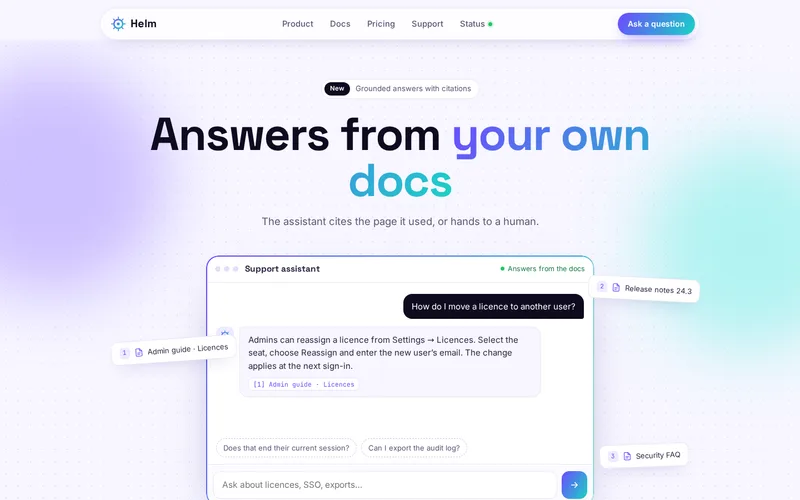
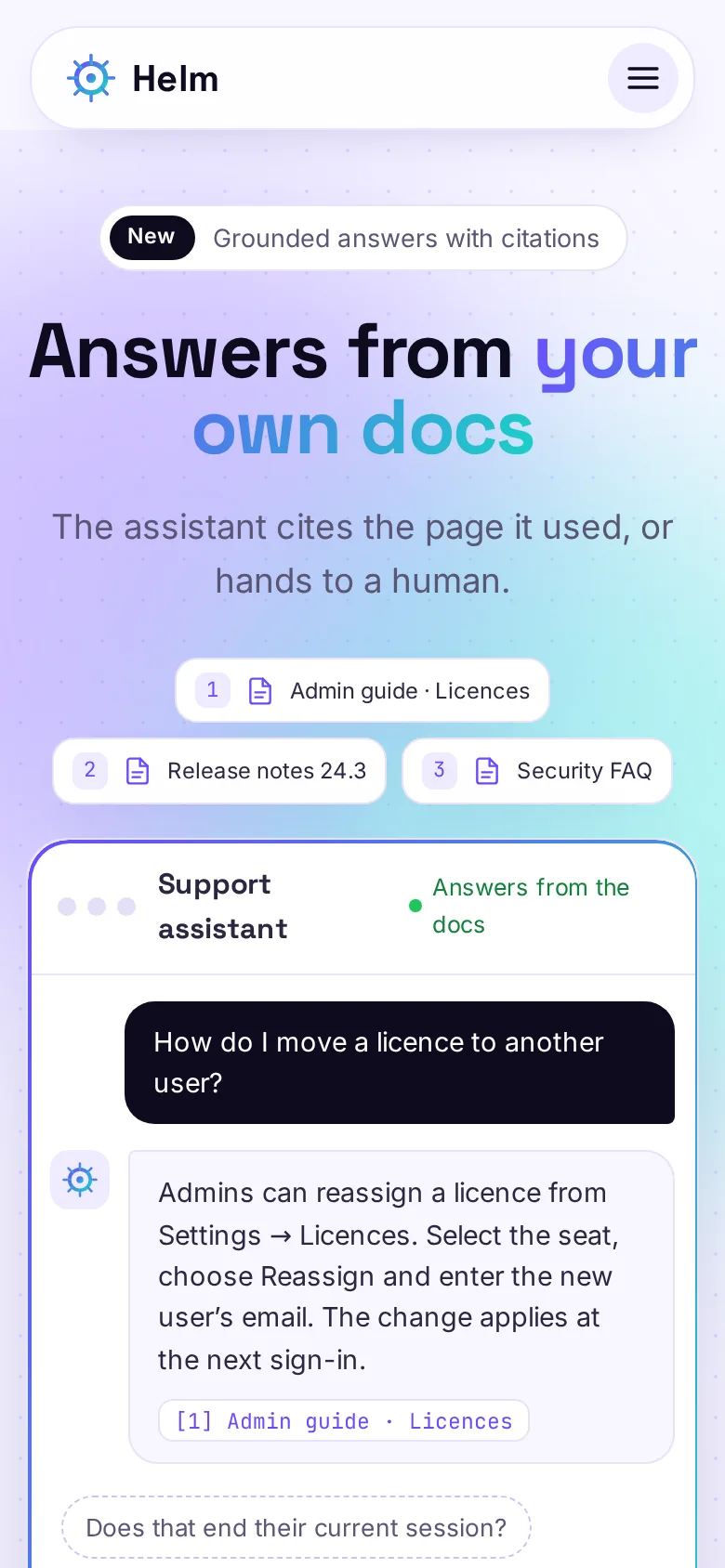
None of this is exotic. It is a small service, usually written in Python alongside the assistant, that sits between your content system and the vector database. The support assistant we built for a B2B software vendor answers from the vendor's documentation, release notes and security FAQ, and shows the source pages beneath every reply. Citations are what make staleness visible: when a customer or an agent sees an answer citing a page that has since changed, they know immediately where the fault lies.
Make the Content Version-Aware
Software documentation rarely has one correct answer. Customers on an older release see a different settings screen from customers on the current one. If both sets of instructions sit in the index with nothing to tell them apart, retrieval picks whichever reads closer to the question, which is a coin toss.
The fix is metadata. Each passage carries the product, the version range it applies to, the date it was last reviewed and whether it is current or archived. The assistant filters before it searches: if the customer's version is known, from their account or by asking, only passages for that version are candidates. Archived material can stay searchable for staff while being excluded from customer answers. None of this needs a new model. It needs a content model, and the discipline to fill it in when articles are written.
Turn Unanswered Questions Into a Gap Report
The most valuable output of a support assistant is not the answers it gives. It is the list of questions it could not answer. Every time the assistant says it is not sure, every time a customer asks for a person, every time an answer gets a thumbs-down, that conversation says something about the documentation.
We log those conversations with the passages that were retrieved, group similar questions together and produce a short weekly report for whoever owns the content. A useful report answers three things for each cluster: how many customers asked, what the assistant found (often nothing, sometimes an outdated page) and what a good answer would be. That last part usually comes from the support agent who took the handover, because they have already answered it by hand.
Handled this way, the assistant becomes a documentation tool. Gaps get filled, the new pages are indexed on publish, and the cluster disappears from next week's report. Customers who search the help centre directly benefit too.
Keep Measuring Against Real Questions
Before launch, the software vendor's assistant was scored against an evaluation set of 180 real support questions with expected answers, and that set is re-run after every prompt, model or retrieval change. An evaluation set is the only honest way to say an assistant is getting better rather than just different.
It also has to grow. When a gap is filled, the question that exposed it joins the set with its expected answer. When a feature changes, the questions about it are updated. A set that is never touched slowly measures last year's product.
Decide Who Owns the Content
Most assistants that drift do so because nobody's job includes keeping them right. Engineering built it, support uses it, product writes the release notes and marketing owns the help centre. Before launch we agree a simple split:
- Content owners: one named person per area of the documentation, who receives the gap report for that area and decides what gets written.
- A release check: one line on the release checklist, "help articles updated for this change". If the docs ship with the feature, the assistant does too.
- A technical owner: someone who watches the indexing job, the reconciliation report and the evaluation scores, whether that is your team or ours under a support plan.
- Review dates: every article carries a last-reviewed date, and anything older than an agreed age appears on a list to re-check.
Questions to Ask Before You Buy or Build
- How long after I publish a change does the assistant use it?
- What happens to passages from a page I delete?
- Can I see which pages each answer came from?
- Will I get a list of the questions it could not answer, and how often?
- What test set measures accuracy, and when is it re-run?
If a supplier cannot answer these, the assistant will be accurate for exactly as long as your documentation stands still. For the wider question of what an assistant should and should not attempt, read our guide to what a website chatbot should do, and for lead capture on a marketing site, see our website assistant service. Other places language models earn their keep are covered in practical AI use cases for websites. If you already have an assistant that has started to drift, send us three answers it got wrong; tracing them back to the index usually shows which of the five causes above is at work.
Frequently Asked Questions
Do we need to retrain the AI model when our documentation changes?
No. A retrieval-based assistant does not learn your documentation into the model; it searches an index of your content at the moment a question is asked. Updating that index is enough for the assistant to start using new material, which is why indexing and the removal of old passages matter far more than the choice of model. Fine-tuning is rarely the right tool for keeping factual answers current.
How quickly should an assistant pick up a change to a help article?
When indexing is tied to publishing, a change can reach the assistant within minutes of the article being saved. Nightly batch indexing leaves up to a day where the two disagree. Minutes is achievable for most setups and worth it, especially around releases, when customers ask about the newest changes first.
What should a weekly gap report contain?
Clusters of similar questions the assistant could not answer confidently or that ended in a handover, how many customers asked each one, which passages were retrieved, and a suggested answer from the agent who dealt with it. Ten well-grouped items a week is far more useful than a raw export of every conversation, and it should go to the person who can actually change the content.
Can the assistant answer differently for customers on older versions of our product?
Yes, if the content carries version information. Each passage is tagged with the versions it applies to, and the assistant filters by the customer’s version, taken from their account when they are logged in or asked for when it matters. Without that tagging, retrieval cannot tell old and new instructions apart.
Who should be responsible for an AI assistant after launch?
Usually two people: a content owner, often in support or product, who acts on gap reports and keeps articles current, and a technical owner who watches indexing, evaluation scores and running costs. Neither role is full time once things are set up, but if neither exists, accuracy drifts quietly until customers notice.