Growth & Support
Multilingual Websites for Exporters: hreflang, Translation Workflow and Local Search
Selling into several countries from one website means more than translating the pages. Here is how we plan language versions, get hreflang right, keep translations from drifting, handle units and currencies, and make each market findable in its own search results.
Most exporters' websites grow the same way. First there is an English site. Then a distributor translates a few pages into German, someone adds a French brochure as a PDF, and a Spanish page appears for a trade show. A few years later nobody knows which versions are current, search engines show the English page to buyers in France, and every enquiry lands in one central inbox to be forwarded by hand.
Fixing that is part design, part engineering and part process. Our website design work on international sites starts with the structure of the languages and markets, and our technical SEO service makes sure search engines understand that structure. This is the order we tackle it in.
Decide What a "Language Version" Means Before Anything Else
A language is not a market. German is read in Germany, Austria and Switzerland; French in France, Belgium and parts of Switzerland and Canada. The first decision is whether each market needs its own version or whether one language version can serve several countries.
Our rule of thumb: create a separate version only where the content genuinely differs. Different products, prices, certifications, distributors or legal text justify a country version. A different phone number does not; a country-specific contact block on a shared German version handles that with far less upkeep. Every extra version is another set of pages to translate, review and keep current for as long as the site exists.
Then choose a URL structure. Subdirectories on one domain (/de/, /fr/) are our default: one site to host and secure, and search authority shared across languages. Country domains send a strong local signal but multiply hosting, certificates and link building. Subdomains sit between the two and rarely have a reason to exist.
One thing we never do is redirect visitors automatically based on their IP address or browser language. A buyer in Spain who reads English, or a German engineer travelling, gets trapped in the wrong version. Search engine crawlers mostly visit from one country and can end up seeing only one version. Show a clear language switcher and, at most, a polite suggestion banner.
hreflang: The Rules That Catch Everyone
hreflang tags tell search engines which page is the equivalent in each language, so the right one appears in each market. They are simple in principle and easy to get wrong in practice. The checklist we work through on every multilingual site:
- Every page lists every version, including itself. A German page carries tags for the English, French and Spanish equivalents and for itself.
- Tags must be reciprocal. If the English page points to the German one, the German page must point back, or search engines may ignore the pair.
- Use valid codes. Language codes such as de or fr, optionally with a region such as de-AT. The United Kingdom is en-GB, not en-UK, a mistake we still see on live sites.
- Add an x-default. It names the page for visitors whose language you do not serve, usually the English version or a language chooser.
- Canonicals point to themselves. A German page with a canonical tag pointing at the English original tells search engines to ignore the German page entirely.
- Generate tags from the CMS, never by hand. Hand-written hreflang breaks the first time someone adds a page in one language and forgets the others.
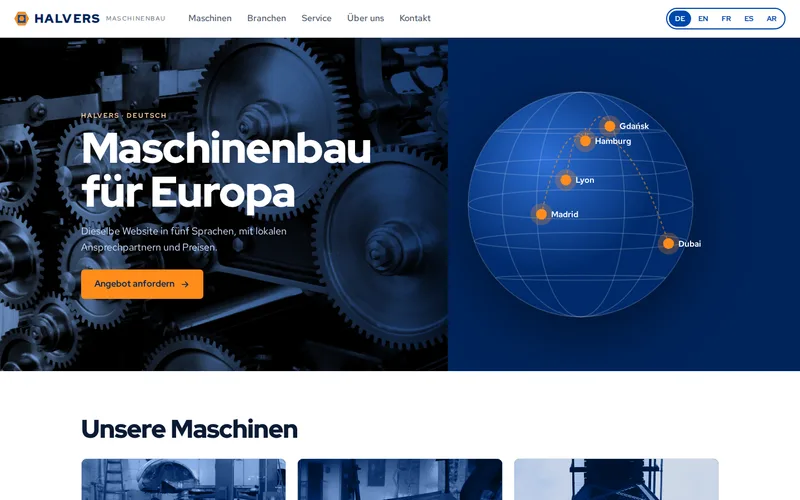
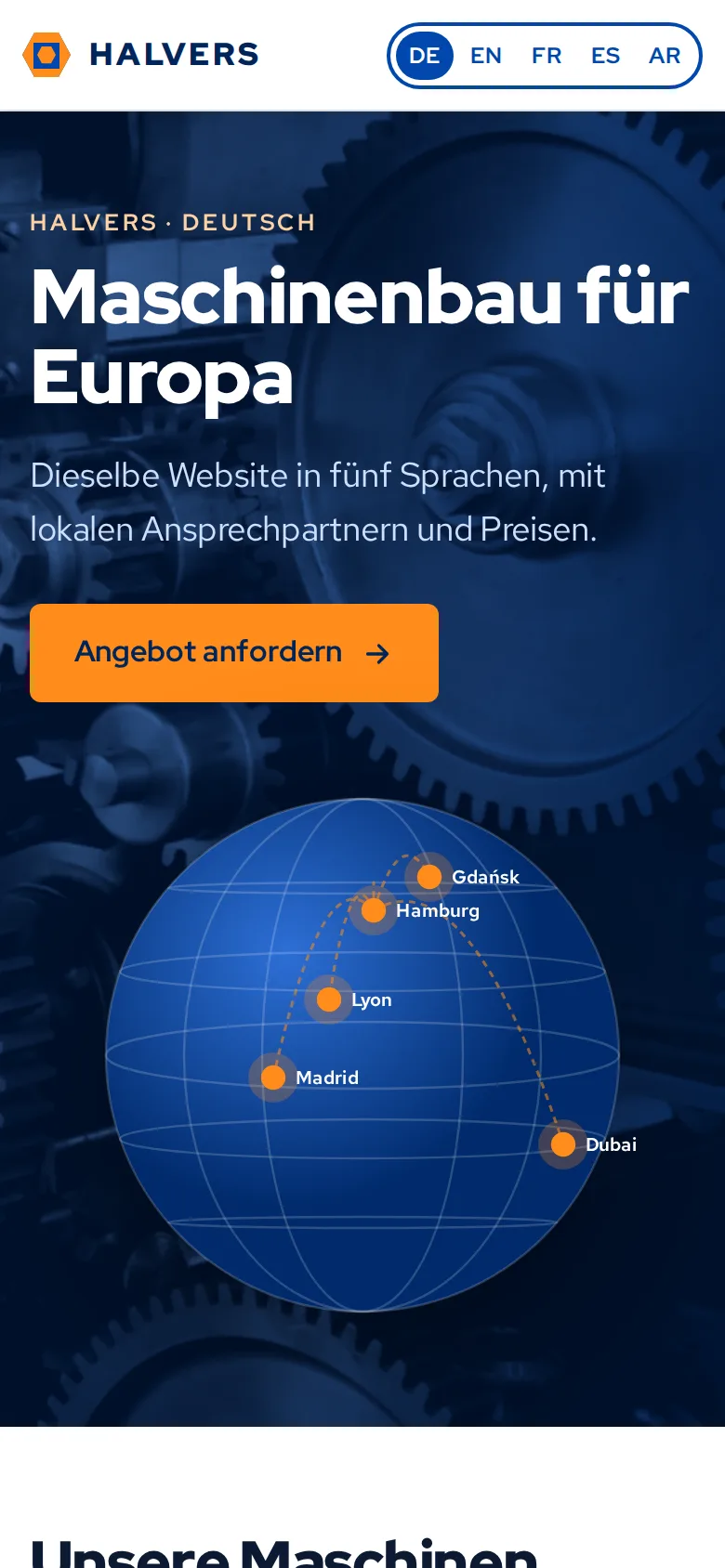
On the multilingual website we built for a machinery exporter, five language versions share one content structure in WordPress with WPML, and hreflang and canonical tags are generated from the links between translations. Getting that right ended the duplicate-content confusion between markets that the old, once-translated country pages had caused.
A Translation Workflow That Stops Drift
The hard part of a multilingual site is not the first translation. It is the fortieth edit. Someone updates a specification on the English page and the German page quietly goes on showing the old figure for three years. The fix is a workflow, not more diligence:
- Source edits flag translations as outdated. On the exporter's site, changing a source page marks its translations as needing attention, and each territory can see which of its pages are behind.
- Technical data lives in structured fields. Specifications, dimensions and downloads are entered as fields rather than typed into page text, so a number is entered once and translators work on words, not layouts.
- Keep a glossary. Product names, technical terms and phrases you never translate belong in a shared list, so three translators do not produce three words for the same component.
- Be deliberate about machine translation. It is a reasonable first draft for routine pages. For technical and legal content, a human who knows the product, ideally someone in the market, should review before publishing.
Currencies, Units and the Details Buyers Notice
Engineers and procurement teams judge a site by its details. A translated page that still writes 1,250.5 mm for a German reader, who expects 1.250,5 mm, looks like an afterthought. Things to plan for each market:
- Number, date and phone formats, generated from stored values rather than typed into the text.
- Metric or imperial units, and which is primary where you serve both.
- Currency and tax display if you publish prices, and whether prices differ by market at all. Many exporters show none and route buyers to a local quote instead.
- Certifications and approvals that differ by market, shown only where they apply.
- Datasheets and manuals in the right language, with the English version offered as a fallback rather than silently substituted.
Local Search Is More Than Translation
A word-for-word translation of your English keywords is often not what buyers search for. Each market deserves its own short keyword review: the term an engineer in Lyon types for your product category may not be the dictionary translation of the one you use in English. Titles, descriptions and headings should be written for that search, not converted from the English.
Local trust signals matter just as much. Regional contact details, local references and the certifications buyers expect all help a page convert once it ranks. On the exporter's site, enquiry forms route by territory to the right regional sales inbox, and each regional team maintains its own contacts, references and certifications inside the brand template. That keeps local pages accurate without asking head office or a developer every time a phone number changes.
Our technical SEO checklist covers the foundations every language version still needs: crawlable pages, a clean sitemap and fast loading.
What to Ask Your Developer
- Which markets get their own version, and why?
- How are hreflang and canonical tags generated, and what happens when a page exists in only some languages?
- How will we know when a translation is out of date?
- Where do specifications, units and prices live, and are they translated or formatted?
- Who can edit each language version, and what can regional teams change on their own?
- How will we check indexing in each market after launch?
The platform matters less than the answers. We often build these sites in WordPress because editors already know it, but the same principles apply to any CMS. If you are planning the brief, our notes on what we check before designing a site apply to every language version too.
If your site has accumulated country pages that nobody maintains, send us the address and the markets you sell into. We will check hreflang, canonicals and indexing for each language and tell you what is holding each market back.
Frequently Asked Questions
Should we translate every page into every language?
Usually not. Translate the pages buyers in each market actually use: products, applications, contact, certifications and the pages that bring in enquiries. Old news items and internal-facing content can often stay in English. A smaller set of well-maintained translations is better for buyers and for search than a complete set that falls out of date. hreflang works fine when some pages exist only in some languages, as long as each page lists only the versions that really exist.
Is machine translation good enough for a B2B website?
For a first draft of routine pages, modern machine translation is often good. For technical specifications, safety information, contract terms and anything a buyer may rely on, it should be reviewed by a person who knows the product and the language, ideally someone in that market. A glossary of product terms makes both machine and human translation more consistent, and the translation workflow should record which pages have been reviewed.
Do we need a separate domain for each country?
Not normally. Language folders on one domain are easier to host, secure and maintain, and the whole site builds search authority together. Country domains send a strong local signal and can make sense for a large business with genuinely separate operations in each country, but they multiply the work of hosting, renewals and link building. Whichever you choose, hreflang tells search engines how the versions relate.
How long does it take for search engines to show the right language version?
Once hreflang and canonical tags are correct, search engines need to recrawl the affected pages, which can take from a few days to several weeks depending on the size of the site and how often it is crawled. Submitting an updated sitemap helps. We check indexing per language in Search Console after launch, because errors such as missing return tags or wrong canonicals show up there before they show up in traffic.
Can regional teams edit their own pages without breaking the brand?
Yes, if the site is built for it. Give regional editors structured fields for the things they own, such as contacts, references and certifications, and keep layout and product information under central control. Roles in the CMS can limit each team to its own language version or market. That way local details stay accurate and the design stays consistent, without every change going through head office.