




Data Automation & OCR

Invoice Processing & OCR Automation

A Python pipeline that reads 18,400 supplier documents a month and posts 93% of them without a person keying anything.

View live demo Opens a working demo with sample content in a new tab.
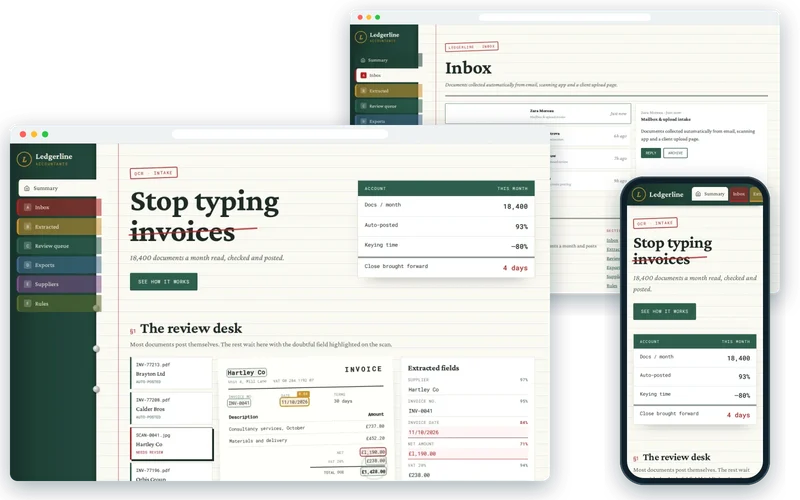
Ledgerline Accountants demo on desktop and phone

On location

  • Accounting Finance — Ledgerline Accountants
    Accounting FinancePhoto: Wilfred Iven (CC0)
  • Calculator Numbers — Ledgerline Accountants
    Calculator NumbersPhoto: Martin Vorel (CC0)
  • Calculator Numbers — Ledgerline Accountants
    Calculator NumbersPhoto: Martin Vorel (CC0)
  • Calculator Numbers — Ledgerline Accountants
    Calculator NumbersPhoto: Negative Space (CC0)
  • Filefolders Business — Ledgerline Accountants
    Filefolders BusinessPhoto: Michal Kulesza (CC0)

About the Project

This project is an invoice OCR automation pipeline for an accountancy practice that was drowning in supplier documents. Three staff spent most of their week typing invoices from PDFs and phone photos into the accounting system. As the client base grew, so did the backlog; errors crept in under time pressure, and month-end closed late because the pile was never quite cleared.

We built a Python service that reads around 18,400 documents a month, extracts the fields an accountant needs and posts 93% of them into the accounting system without anyone keying anything. Documents the system is unsure about go to a quick review screen. Keying time fell by about 80%, staff moved onto advisory work, and month-end close came forward by four working days.

About the Client

The client is an accountancy practice handling bookkeeping and accounts for a growing portfolio of small and medium-sized businesses. Those businesses send supplier invoices and receipts in every format imaginable: clean PDFs, scanned pages and photos taken on a phone in a van.

For an accountancy practice, accuracy and an audit trail matter as much as speed. Any automation had to show where every figure came from and make it easy for a person to step in when a document was unclear.

Project Goals

  • Remove routine manual keying of supplier invoices and receipts.
  • Accept documents from email and an upload page in whatever format clients send.
  • Post confident extractions automatically and route uncertain ones to a person.
  • Keep every document with its extraction record for audit.
  • Bring month-end close forward by clearing the backlog every day.

Project Overview

The Challenge and Our Solution

The Challenge

Three staff spent most of their week typing supplier invoices from PDFs and phone photos into the accounting system. Volume grew with the client base, errors crept in under time pressure, and month-end closed late because the backlog was never quite clear.

Our Solution

We built a FastAPI service that receives documents from a monitored mailbox and an upload page, runs OCR where the PDF has no text layer, and extracts supplier, dates, line items, tax and totals. Each field carries a confidence score: high-confidence documents post straight into the accounting system through its API, and anything below the threshold goes to a review screen where a person corrects it in seconds. Corrections feed back into supplier-specific extraction rules, so accuracy improves with use.

Intake From the Mailbox and the Upload Page

Clients already emailed their documents, so the pipeline starts there: a monitored mailbox collects attachments automatically, and an upload page accepts files from clients who prefer to drag and drop. Each document is stored and tracked from the moment it arrives.

Background workers built with Celery and Redis process documents as they come in, so there is no daily batch to wait for and the queue never builds up overnight.

  • Monitored mailbox and upload page
  • Every document stored and tracked on arrival
  • Continuous processing with background workers
OCR and Field Extraction

Where a PDF already contains text, the service reads it directly; where it does not — scans and phone photos — Tesseract OCR converts the image to text first. Extraction then identifies the supplier, invoice number, dates, line items, tax and totals, validated with Pydantic so every field has the expected type and format.

Cross-checks catch common problems: line items that do not add up to the net total, tax that does not match the rate, or a supplier the practice has never seen before.

  • OCR only where a document has no text layer
  • Supplier, dates, line items, tax and totals extracted
  • Arithmetic and supplier cross-checks

Confidence-Based Review

Every extracted field carries a confidence score. High-confidence documents post straight into the accounting system, while anything below the threshold goes to a review screen that shows the scan beside the extracted values with the doubtful field highlighted.

A reviewer corrects the value in seconds and approves it. Those corrections feed back into supplier-specific extraction rules, so the next invoice from the same supplier is more likely to post automatically. Accuracy improves with use rather than staying fixed.

  • Per-field confidence scores
  • Scan and fields side by side for quick correction
  • Corrections improve supplier-specific rules

Posting to the Accounting System with an Audit Trail

Approved documents post through the accounting system’s API, so there is no export, import or re-keying step. Each posting links back to the original document and its extraction record, including any corrections and who made them.

When an auditor or client asks where a figure came from, the answer is one click away. With 93% of documents posting automatically, staff spend their time on the exceptions and on advisory work instead of data entry.

  • Direct posting through the accounting API
  • Every posting linked to its source document
  • Corrections and approvals recorded for audit

Our Process

How We Delivered It

  1. Document Sampling

    We collected a representative sample of real client documents, from clean PDFs to blurry phone photos.

  2. Extraction Prototype

    An early extraction pipeline was measured against the sample to set realistic confidence thresholds.

  3. Review Screen Design

    The review experience was designed with the staff who would use it, to make corrections take seconds.

  4. Integration and Posting

    We connected the accounting system API and built posting, linking and audit records.

  5. Gradual Rollout

    Clients moved onto the pipeline in groups while thresholds were tuned on live volumes.

Key Features

What We Delivered

  • Mailbox & upload intake

    Documents collected automatically from email, scanning app and a client upload page.

  • OCR & field extraction

    Text layer detection, OCR fallback and structured extraction of totals, tax and line items.

  • Confidence-based review

    Only low-confidence documents reach a human, in a review screen built for speed.

  • Accounting system posting

    Validated records pushed through the accounting API with duplicate detection.

Outcome

Results and Impact

  • 93% of documents posted automatically with no manual keying.
  • Keying time reduced by about 80%, with staff moved onto advisory work.
  • Month-end close brought forward by four working days.
  • Every document retained with its extraction record for audit.

Client Feedback

What the Client Says

★★★★★

Three of my team spent most of the week typing invoices. Now 93% post themselves and the rest come to a review screen that takes seconds. Month end closed four days earlier than it ever had.

Practice PartnerAccountancy practice

Services

Services Behind This Project

The Python, Django & FastAPI, OCR & Document Processing expertise we used to build this data automation & ocr — and can bring to yours.

  • Python, Django & FastAPI Development

    Python web applications and APIs built with Django, FastAPI or Flask — plus automation, data processing, OCR and document pipelines.

  • OCR & Document Processing

    Invoices, receipts, IDs, forms and scanned contracts turned into structured data — with human review where accuracy matters and straight into your systems where it does not.

FAQ

Frequently Asked Questions

How accurate is invoice OCR automation?

Accuracy depends on document quality and how consistent suppliers are. The key is not expecting perfection: each field gets a confidence score, confident documents post automatically and uncertain ones go to a person. In this project 93% posted without manual keying, and accuracy improves as corrections feed supplier-specific rules.

Does it work with photos and scanned receipts?

Yes. Documents with a text layer are read directly, and scans or phone photos go through OCR first. Poor photos naturally produce lower confidence scores, which sends them to the review screen rather than posting incorrect figures. Clear guidance to clients on photographing receipts also helps.

Which accounting systems can it post to?

Most modern cloud accounting packages provide APIs for creating bills and attaching documents, and the posting step is built around whichever system the practice uses. Where an API is limited, a structured export can be used instead, though direct posting is faster and keeps the audit trail tighter.

What happens when the system is unsure about a field?

The document is routed to a review screen showing the original scan next to the extracted values, with the uncertain field highlighted. A person corrects or confirms it in seconds and approves the document. The correction is remembered for that supplier, reducing future reviews.

Is client data secure in an automated pipeline?

Documents and extracted data stay within infrastructure the practice controls, access is restricted by role, and every action is logged. Sensitive data is encrypted in transit and at rest. We also keep retention rules in line with the practice’s obligations, so documents are kept as long as required and no longer.

How long does it take to see results?

A pilot with real documents usually shows within weeks how many can post automatically and where reviews are needed. Savings grow as thresholds are tuned and supplier rules build up. The timeline depends on document variety, the accounting integration and how quickly clients move to the new intake.

Similar Work

Related Projects

Case studies built with the same technologies or for similar needs.

  • Containers Bins — Stanmore Haulage
    • Azure Document Intelligence
    • Python
    • FastAPI

    Data Automation & OCR

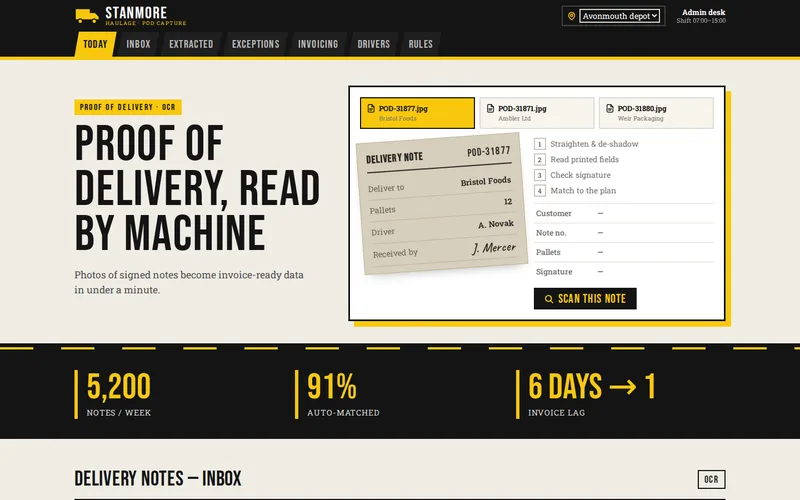
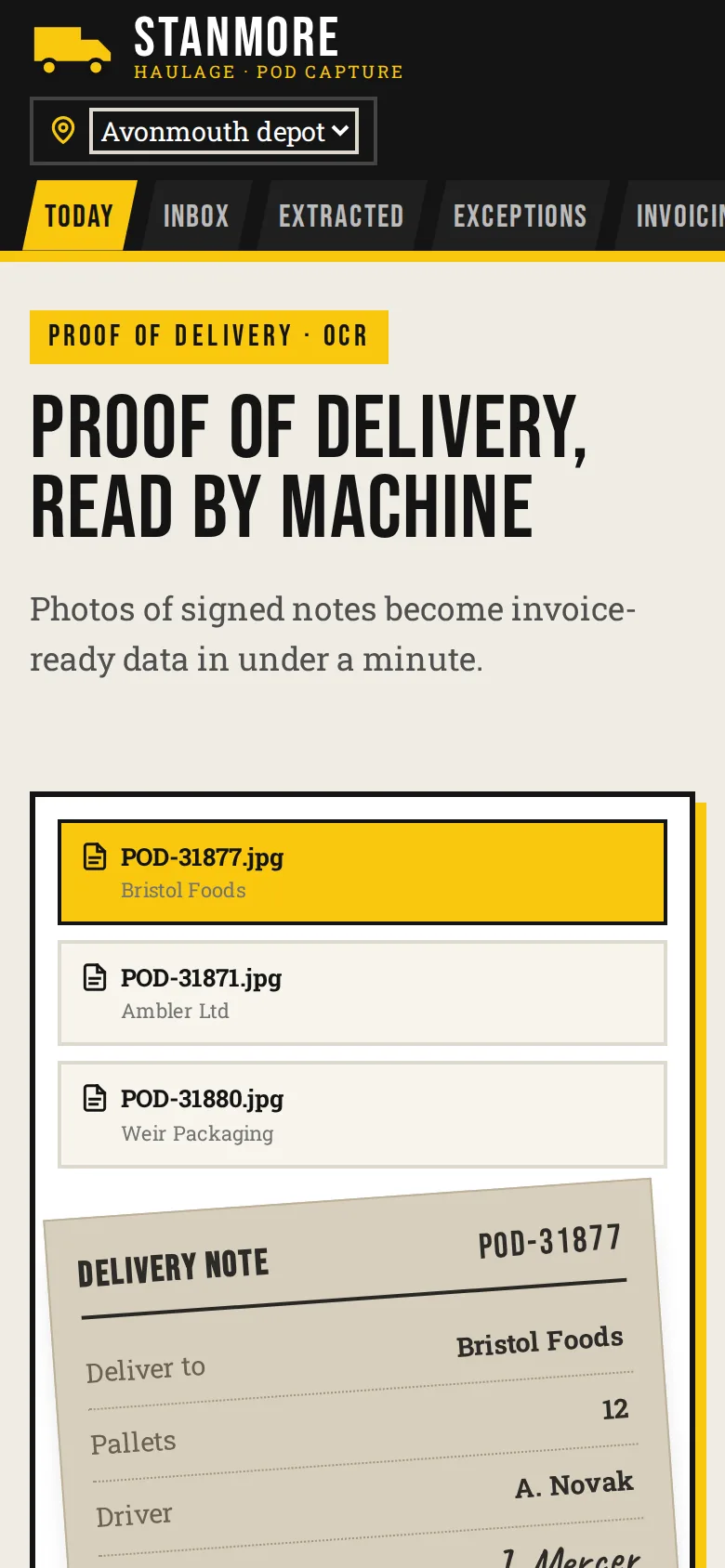
    Proof-of-Delivery Capture with OCR for a Haulage Firm

    Photos of signed delivery notes turned into invoice-ready data automatically, cutting the gap between delivery and invoice from six days to one.

  • Man at a laptop in an office — Helm Software
    • Python
    • FastAPI
    • Vector database

    AI Integration

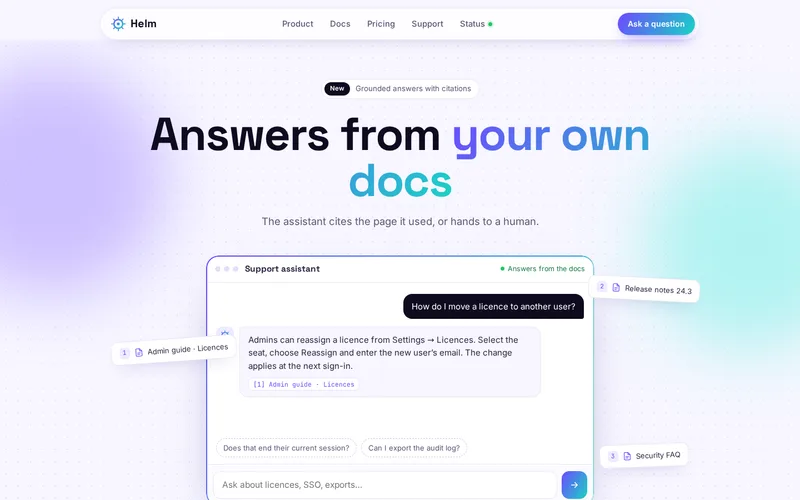
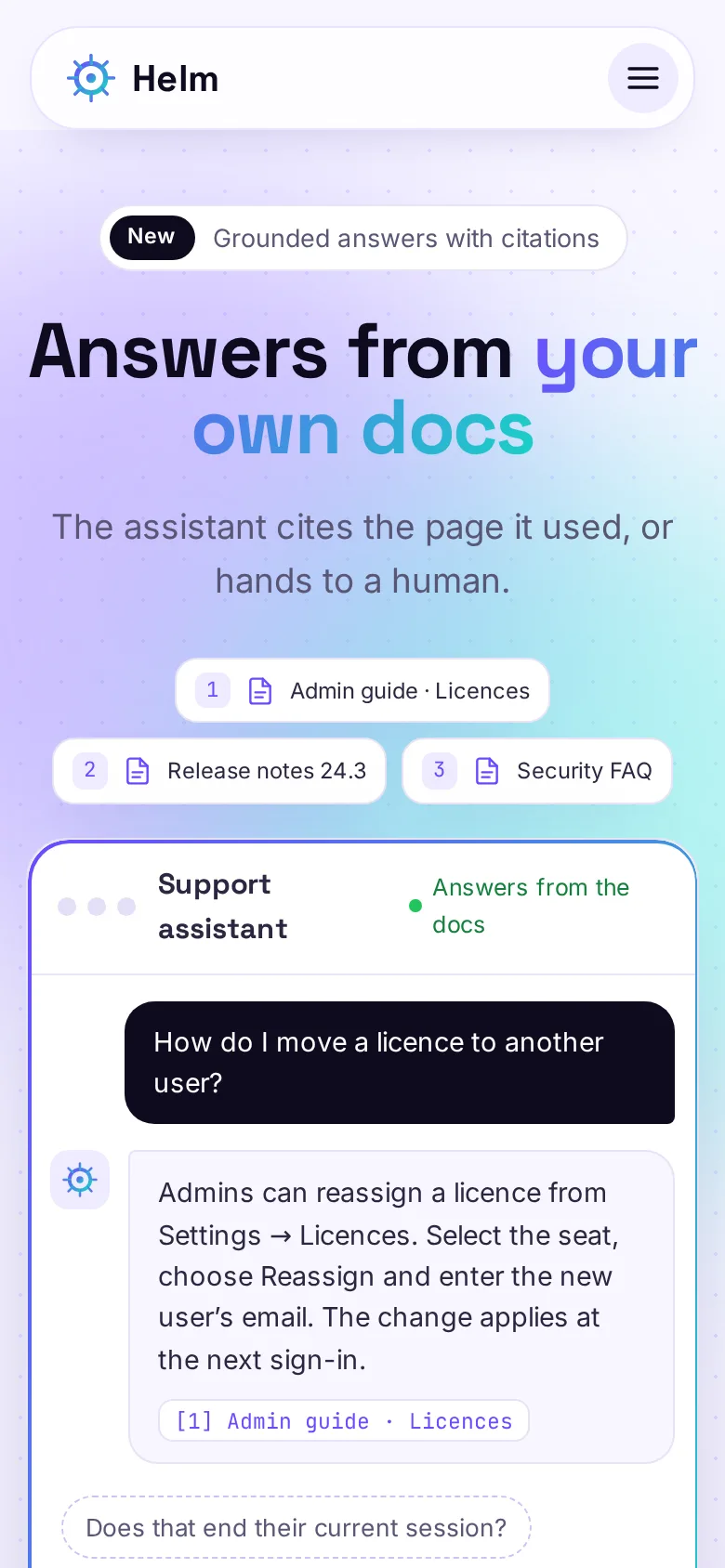
    Support Assistant Grounded in Product Documentation

    A retrieval-based assistant answering customer questions from the vendor’s own documentation, with citations.

  • Camera Macbook — Lendly Marketplace
    • PostgreSQL
    • pg_stat_statements
    • Redis

    Database Optimisation

    Rental Marketplace Database Optimisation

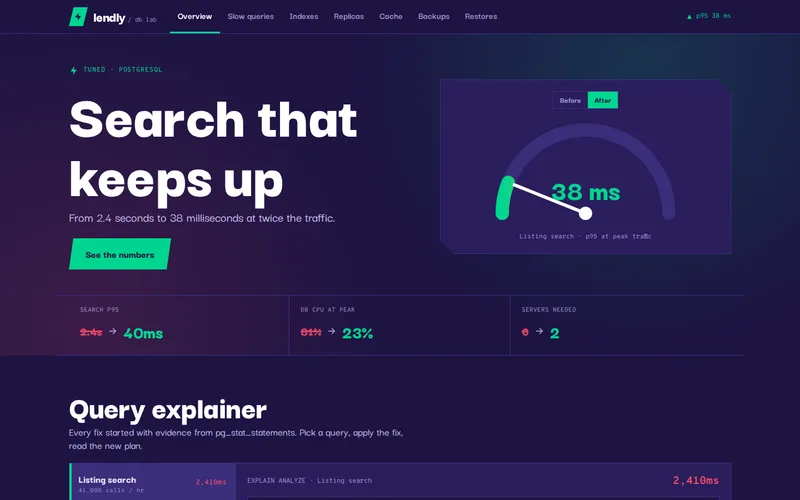
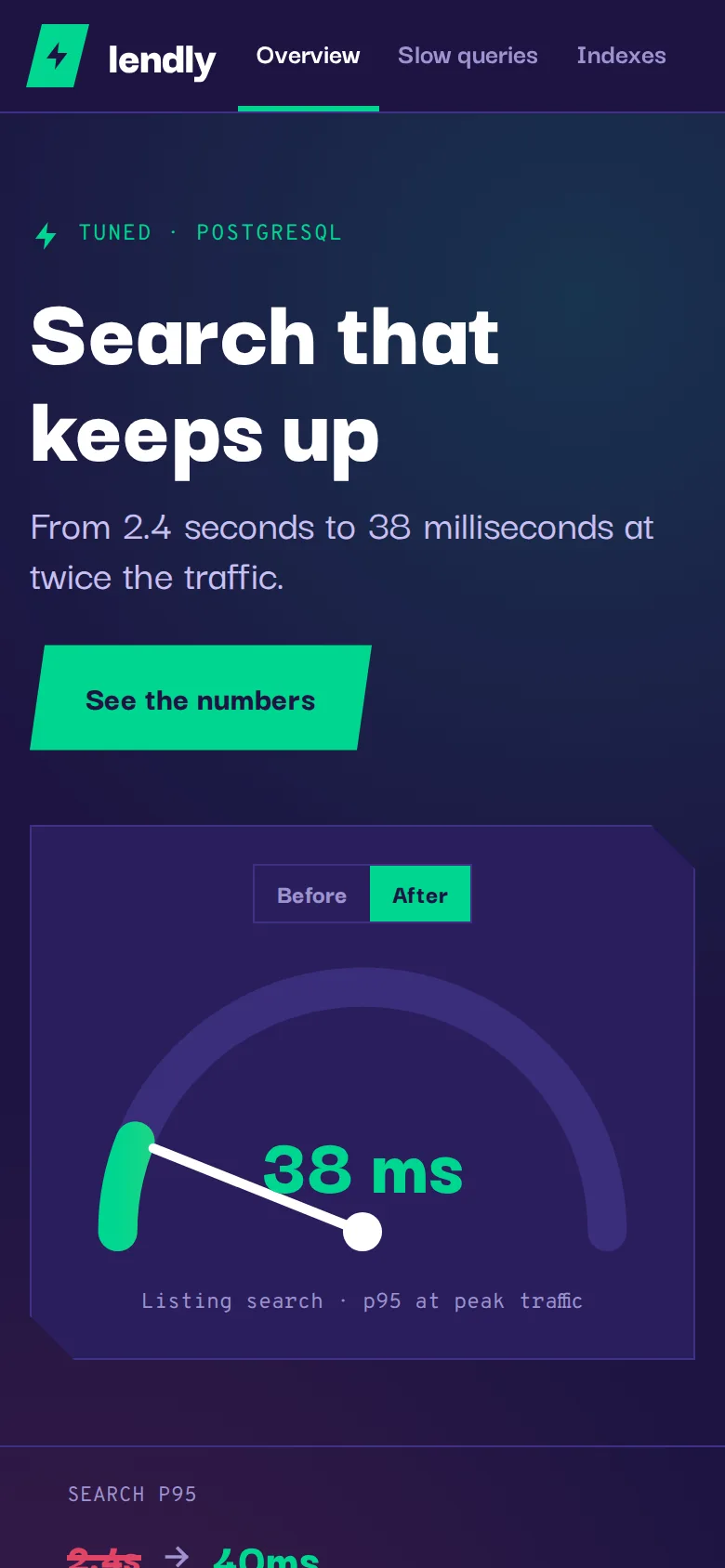
    Search dropped from 2.4 seconds to 38 milliseconds, and the marketplace went from six database servers to two.

  • Semi trucks line up to pick — Northline Freight
    • React
    • TypeScript
    • Node.js

    Web Application Development

    Freight Dispatch & Driver Tracking Platform

    A live dispatch board built in React and Node.js that replaced a spreadsheet-and-phone workflow for 120 drivers.

  • Tools Workshop — Quotely
    • Ruby on Rails
    • Hotwire (Turbo & Stimulus)
    • PostgreSQL

    SaaS Product Development

    Field-Service Quoting SaaS

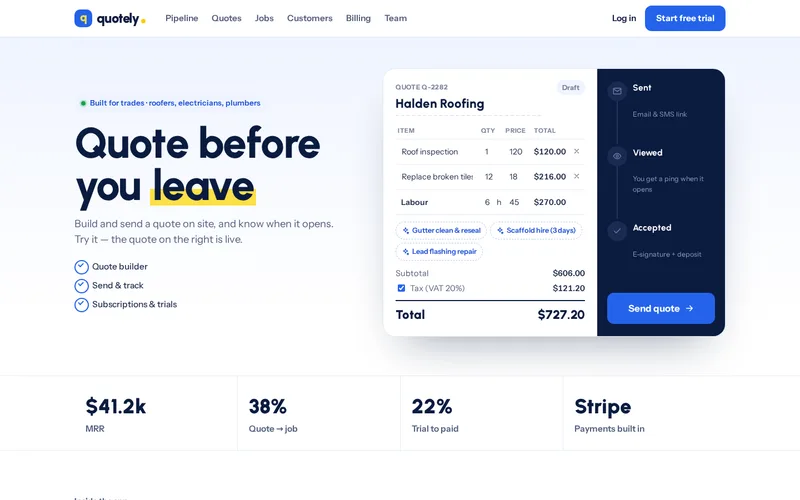
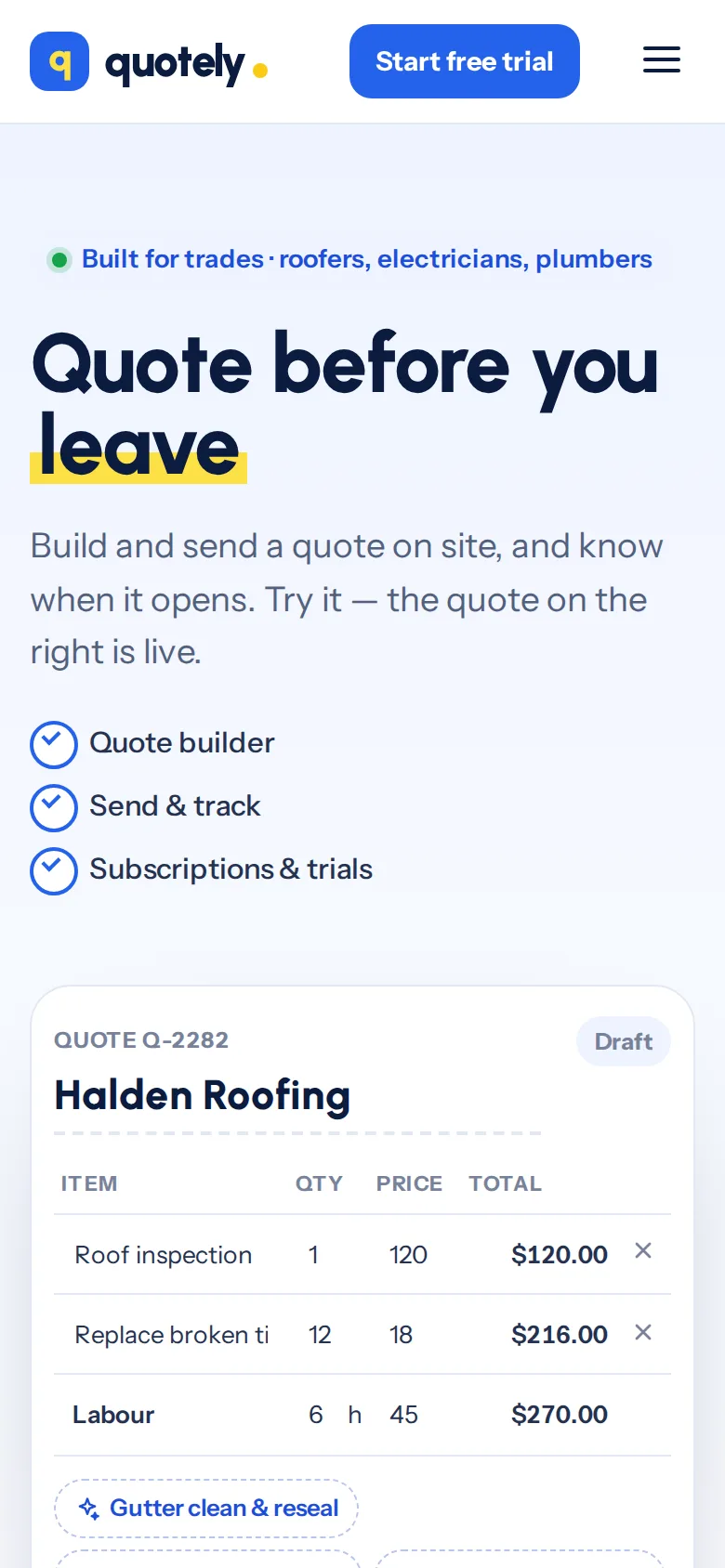
    A Rails MVP taken from idea to paying subscribers in ten weeks, with Stripe billing and Hotwire interactivity.

  • Antique Watch — Ridgemont Auctions
    • Elixir
    • Phoenix Channels
    • Go

    Real-Time Web Platform

    Live Auction Bidding Platform

    An Elixir and Go platform holding 11,000+ concurrent bidders per sale with bid latency measured in milliseconds.

Let’s Connect

Want Results Like These?

Share your project details and our experts will get back to you within one business day with the best solution — free consultation, no obligation.