Cloud, Data & AI
Human Review Queues for Document Automation: Confidence Scores and Exceptions
No document pipeline reads everything correctly, and checking every page by hand defeats the point. A well-designed review queue sends only uncertain documents to a person, shows exactly what needs checking, and learns from every correction.
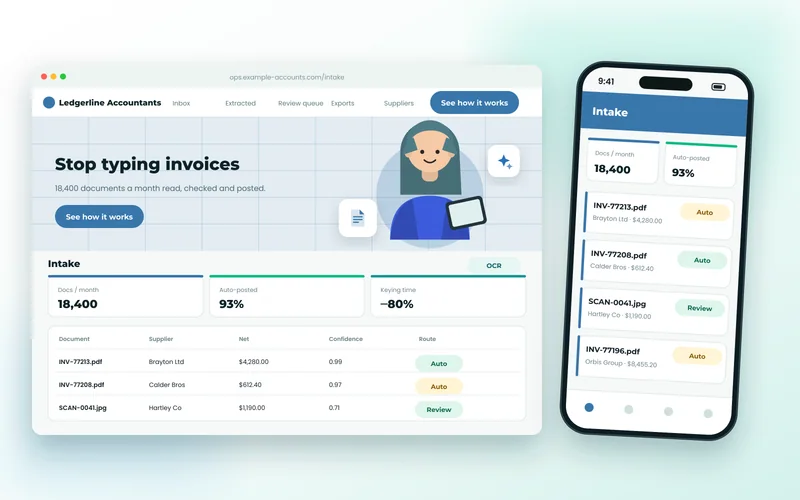
Every document automation project reaches the same point. The pipeline reads most invoices or forms correctly, but not all of them, and nobody is comfortable letting a misread total flow into the accounts unchecked. The answer is neither to give up on automation nor to check everything by hand. It is a review queue: a deliberate path for the documents the system is unsure about, designed so a person can resolve each one quickly.
In our OCR and document processing work, the review queue often takes as much design effort as the extraction itself. It decides how much time the automation really saves and whether staff trust the data that comes out. This is how we build them.
What Sends a Document to Review
Two different signals decide whether a document goes straight through or stops for a person, and they need to be kept apart.
Confidence scores come from the extraction engine. Document APIs such as Azure AI Document Intelligence, Google Document AI and AWS Textract return a confidence value for each field and often for each word. They tell you how sure the engine is that it read the characters correctly.
Validation rules come from your business. They catch values that were read confidently but are still wrong or unacceptable:
- The line totals do not add up to the net amount, or net plus tax does not equal the gross.
- The supplier is not in your supplier list, or the bank details differ from those on file.
- The invoice number has already been processed for this supplier.
- The date is in the future, or implausibly old.
- There is no matching purchase order, or the amount exceeds it.
A high-confidence read can still fail a rule, and a document that passes every rule may still have one low-confidence field. A document goes to review if either check fails, and the queue should say which one, because the reviewer's job is different in each case.
Thresholds Per Field, Not Per Document
A single threshold for the whole document is the most common mistake we see. It forces a choice between reviewing too much and trusting too much. Fields carry different risk: a wrong total or bank account number costs money, while a slightly misread supplier address usually costs nothing because the supplier is matched by its ID anyway.
We set thresholds field by field, using a labelled sample of your own documents. For each field, look at how often values above a given confidence were actually correct, then pick the point where the error rate is acceptable for that field. Raw confidence scores are not true probabilities and are not comparable between engines, so this calibration has to be done for the engine you actually use, and repeated when you change it.
Language models need a different approach, because they do not produce calibrated confidence. When we use one for extraction, we lean harder on rules and on agreement: if a document API and the model return the same total, it can pass; if they disagree, a person decides.
Designing the Review Screen
A reviewer should never have to hunt. The screen we build shows:
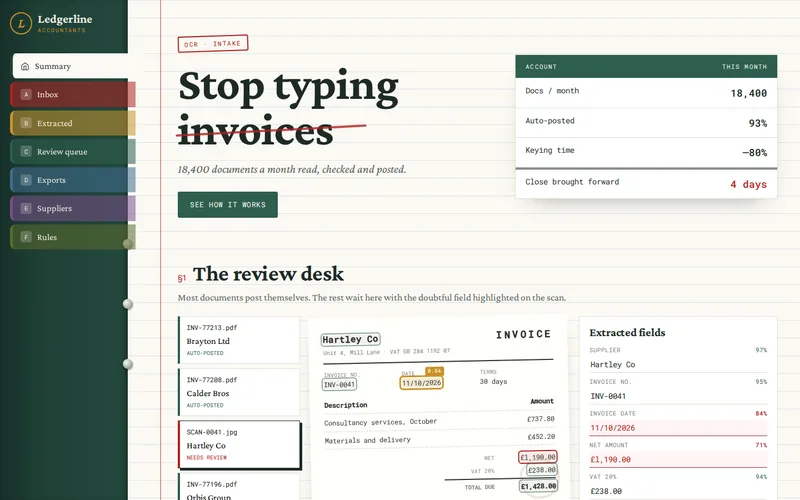
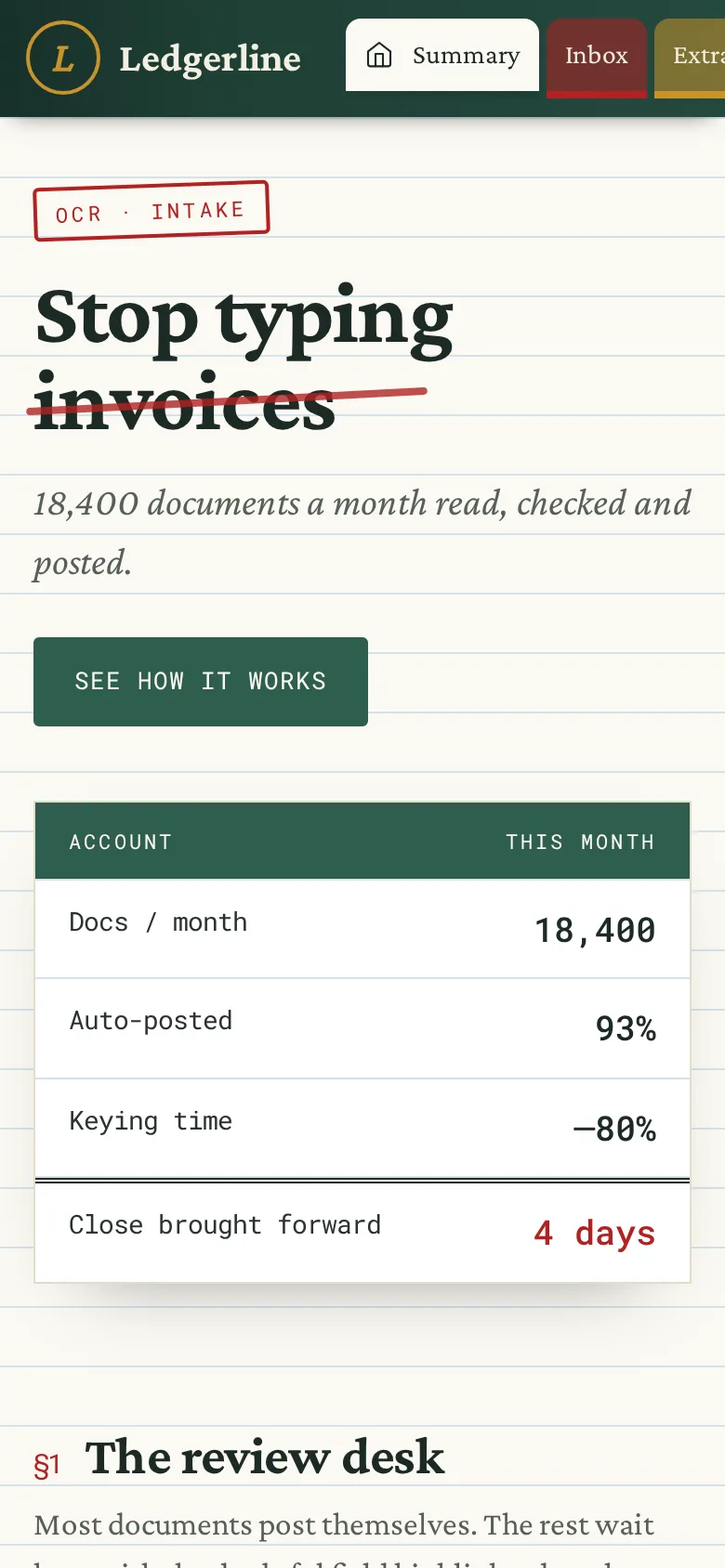
- The document on one side, with the area each field came from highlighted, using the bounding boxes the engine returns.
- The extracted values on the other, with uncertain or failing fields first and the reason in plain words: "total does not match lines", "supplier not recognised".
- Keyboard shortcuts to move between fields, accept, correct and approve, so an experienced reviewer rarely touches the mouse.
- Quick actions for common exceptions: match to a different supplier, split a PDF that contains several invoices, mark as a duplicate, reject as not an invoice.
Only flagged fields should need attention. If reviewers find themselves re-checking every value because they do not trust the ones marked as fine, the thresholds are wrong or the screen is hiding something.
Running the Queue Day to Day
A review queue is a small workflow system, and it needs the basics of one:
- Assignment and locking, so two people never work the same document at once.
- Priority by what matters to the business: payment due date, a customer waiting, value.
- Exception categories with owners. A missing purchase order goes to purchasing, a changed bank detail to finance, an unreadable scan back to whoever sent it.
- Escalation for high-value or unusual items, including a second approval above a set amount if your financial controls require it.
- An audit trail recording the original extracted value, the correction, who made it and when.
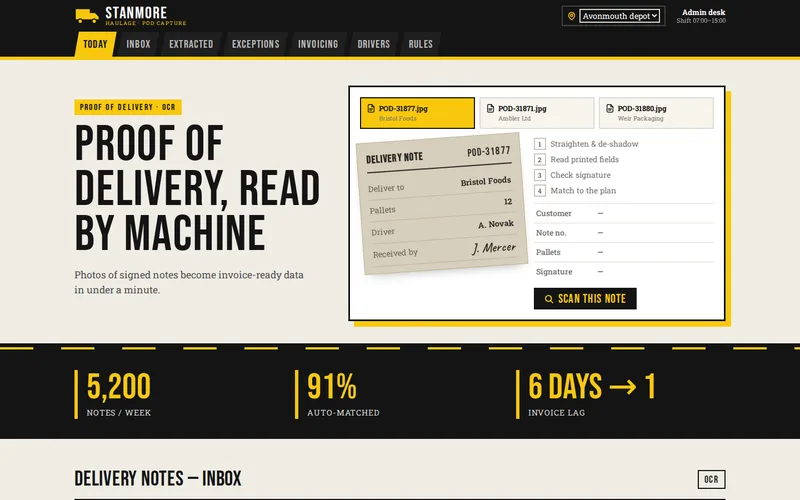
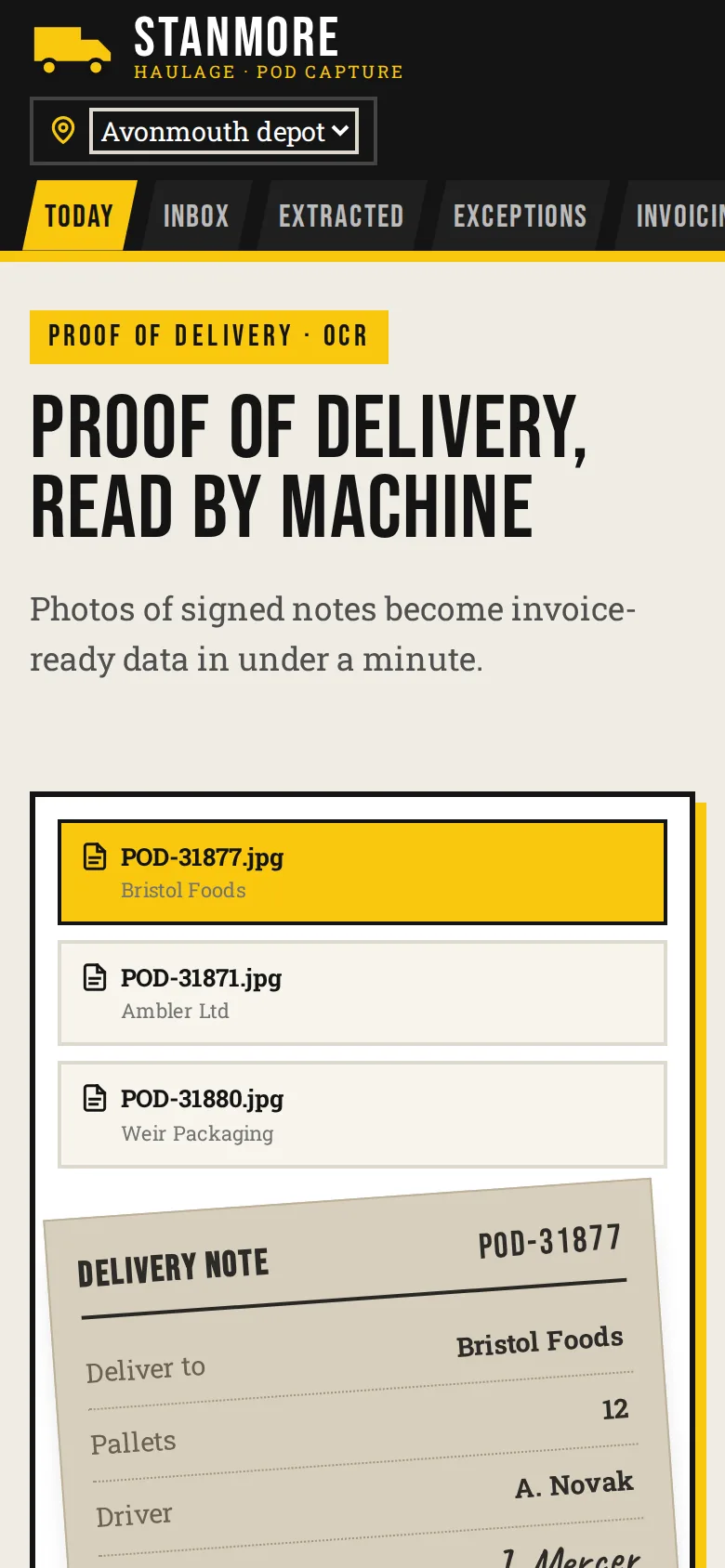
Notifications should be useful rather than noisy: a daily summary of queue size and the oldest waiting item works better than an email per document. Documents photographed in the field follow the same exception routing; our article on proof-of-delivery capture with phone cameras shows how that looks for photos taken on the road.
Learning From Every Correction
Each correction a reviewer makes is labelled data. Stored properly, with the original value, the corrected value, the field and the document, it tells you:
- Which fields and suppliers cause the most work, so you can add a custom model, a supplier-specific rule, or simply ask that supplier to send digital invoices.
- Whether thresholds can be relaxed for fields that are almost never corrected.
- Whether a new engine or model version is better, by replaying past documents against it and comparing with the corrected values.
Also sample the documents that went straight through. Reviewing a small random selection of auto-approved items each week is the only way to find errors the thresholds are missing, and it keeps everyone's confidence in the system grounded in evidence. For the wider picture on accuracy, see what accuracy to expect from OCR and AI document processing.
Where the Queue Lives
The queue can be a screen inside your existing back office, a small standalone web app, or a step before data reaches your accounting or ERP system. We usually build it into the pipeline's own admin, with a Python back end handling extraction and rules, and push approved records on to Xero, QuickBooks or your ERP through an API integration. Where approvals involve several departments and their own rules, it becomes a custom web application in its own right.
If you already automate some document handling but your team still checks everything, or you are planning a pipeline and want the review step right from the start, tell us what documents you process and what happens to them today. We will suggest where the thresholds and rules should sit.
Frequently Asked Questions
What share of documents should go to human review?
There is no universal figure; it depends on document quality, layout variety and what an error costs. At launch we set thresholds conservatively, so more documents are reviewed, then relax them field by field as correction data shows which fields are reliable. The aim is to review documents because they need it, not out of habit.
Can the review step happen inside our accounting software instead?
Sometimes. Some accounting and ERP systems have approval workflows that can host a final check, but they rarely show the source document with extracted fields highlighted or explain why an item was flagged. A small dedicated review screen before posting usually saves reviewers time, with approved records then sent to the accounting system automatically.
Who should do the reviewing?
Whoever does the manual entry today is usually best placed, because they know the suppliers and the usual exceptions. Specific exception types can be routed to specialists, such as bank detail changes to finance or missing purchase orders to purchasing, so the main reviewers are not left holding questions they cannot answer.
How do we know the automatically approved documents are correct?
By checking a random sample of them regularly and tracking how often a sampled item turns out to be wrong. Combined with business rules that every document must pass, this gives you evidence rather than assumption. If sampling finds errors in a particular field, tighten that field's threshold or add a rule that would have caught them.
Do reviewer corrections retrain the OCR model automatically?
Not with most cloud prebuilt models, but the corrections are still valuable. They can be used to train a custom model for awkward layouts, to add supplier-specific rules, and as a test set when comparing a new engine or model version. Storing the original and corrected value for every field is what makes that possible.