Web Development
Life After Drupal 7: Upgrade to Modern Drupal or Move Platforms?
Drupal 7 reached end of life in January 2025, and moving on means a rebuild whichever platform you choose. Here is what the risk looks like now, what moving to Drupal 11 involves, and when WordPress, a headless CMS or Backdrop fits better.
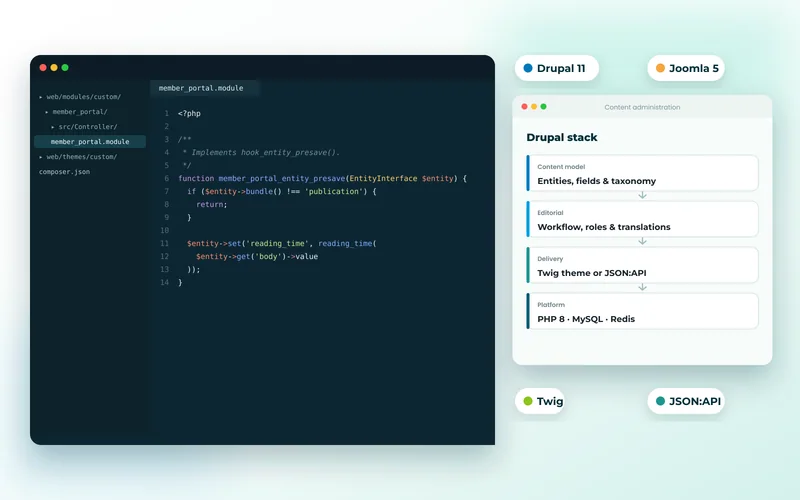
Drupal 7 reached end of life on 5 January 2025. Since then the Drupal Security Team no longer reviews or publishes fixes for Drupal 7 core or its contributed modules, and many hosts and PHP versions are moving out of reach. Yet plenty of organisations still run a Drupal 7 site because it works, it holds years of content, and replacing it has never quite reached the top of the list. The question is no longer whether to move, but where to and how.
Through our Drupal and Joomla development service we help teams make that call and carry it out. This article is specific to Drupal 7 after end of life: what the risk now looks like, what moving to modern Drupal really involves, and when another platform is the better answer.
What End of Life Means in Practice
A Drupal 7 site did not stop working in January 2025. What changed is that new vulnerabilities in core and contributed modules are no longer fixed through the official process, and module maintainers have largely stopped releasing Drupal 7 versions. The practical consequences are:
- Unpatched vulnerabilities accumulate. Each newly disclosed weakness in a widely used module is a potential entry point, and automated attacks target known Drupal flaws quickly.
- PHP becomes a constraint. Older contributed modules often break on newer PHP versions, so the site can end up pinned to a PHP release that no longer receives security fixes either.
- Compliance questions get harder. Insurers, auditors and procurement teams increasingly ask whether software is supported.
If a move will take months, it is worth reducing risk in the meantime: remove unused modules, lock down admin access, put a web application firewall in front of the site, and consider paid extended support from a third-party vendor. A focused security audit shows which exposures matter most. These are bridges, not destinations.
Moving to Modern Drupal Is a Rebuild
From Drupal 8 onwards, Drupal was re-architected on Symfony components, object-oriented code and Twig templates. Drupal 10 and 11 upgrade cleanly from one major version to the next, but there is no in-place upgrade from Drupal 7. What actually happens is a new site is built and the content migrated into it:
- The theme is rewritten. PHPTemplate files become Twig templates, and most Drupal 7 themes are rebuilt rather than ported. This is a natural moment to refresh the design and accessibility.
- Custom modules are rewritten. Procedural hooks become services, plugins, event subscribers and entity classes. Some business logic carries over; the code that wraps it does not.
- Contributed modules are mapped. Views, CKEditor, media handling and multilingual support are now in core. Field Collection is usually replaced by Paragraphs. Some Drupal 7 modules have no modern equivalent, and their functionality needs a different approach.
- Content is migrated with the Migrate API. Nodes, users, taxonomy, files and field data are moved through repeatable migration scripts, so they can be re-run against fresh data until launch day.
We target Drupal 11 for new builds, since it has the longest support window ahead of it and requires PHP 8.3, which in turn keeps the hosting current. Drupal CMS, the packaged distribution built on Drupal 11, can be a sensible starting point for simpler marketing sites.
When Modern Drupal Is the Right Answer
Drupal earns its place where content is genuinely complex. It remains the strongest option when you have:
- Many content types with structured fields that are reused across sections or other channels.
- Large editorial teams with granular roles, approval workflows and revision history.
- Serious multilingual requirements, with translated content and interface.
- Integrations that rely on Drupal's entity system, Views or its JSON:API output.
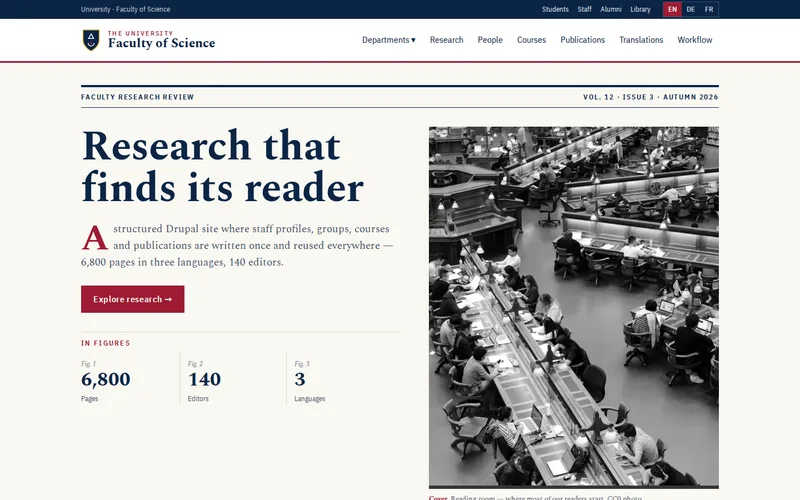
Universities, public bodies, membership organisations and publishers often fall into this group. We discussed the governance side in content governance for a university faculty website.
When Another Platform Makes More Sense
Because the move is a rebuild either way, it is a fair moment to ask whether Drupal is still the right fit. Common alternatives are:
- WordPress, for marketing and brochure sites with a few content types and a small editorial team. Our WordPress development work often comes from exactly this kind of review.
- A headless CMS, when content needs to feed a website, an app and other channels and the front end is being rebuilt anyway. See our headless CMS development service.
- Backdrop CMS, a community fork of Drupal 7 with a similar architecture and an upgrade path for Drupal 7 sites. It can suit organisations with heavy Drupal 7 customisation and a limited budget, though its module ecosystem and developer community are much smaller.
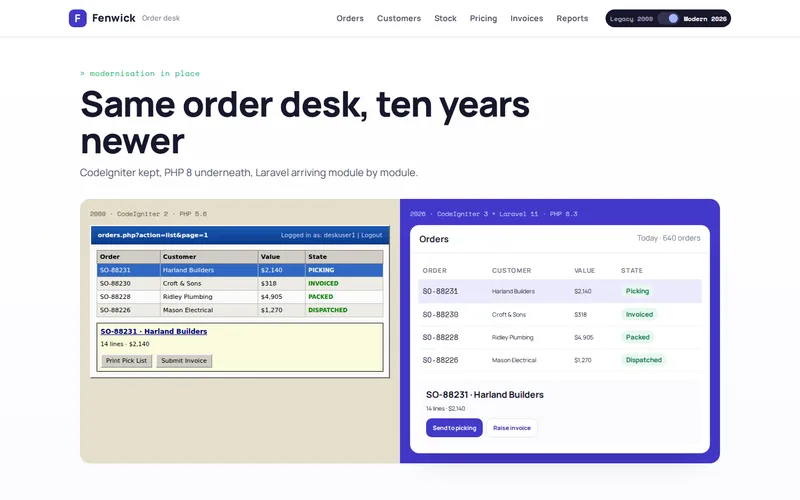
For a broader comparison covering Joomla as well, our earlier article on whether to keep, upgrade or move a Drupal or Joomla site sets out the general trade-offs.
Planning the Migration
- Audit the content. Count content types, fields, vocabularies, files and users, and decide what to retire. Old Drupal 7 sites often carry years of unused content types.
- Inventory modules and custom code. For each module, decide whether it maps to core, a modern contributed module, custom code or nothing.
- Preserve URLs. Export every path alias and plan redirects for any that change, so search rankings and inbound links survive. Our website migration process treats this as a launch blocker.
- Build and rehearse. Run the content migration repeatedly against fresh copies of the live database, and let editors test with real content well before launch.
- Freeze and switch. Agree a short content freeze, run the final migration, check redirects and forms, then switch DNS.
Next Steps
If you still run Drupal 7, the most useful first step is a short assessment of the site's content model, modules and custom code, with a recommendation on platform and a realistic plan. Get in touch and we will review your site and explain the options.
Frequently Asked Questions
Is it still safe to run a Drupal 7 site?
It is riskier every month. Security fixes are no longer published through the official Drupal process, so new vulnerabilities in core or contributed modules may stay open. Hardening, a web application firewall and paid extended support from a third-party vendor reduce the risk while you plan, but they are not a long-term substitute for a supported platform.
Can we upgrade Drupal 7 straight to Drupal 11?
There is no in-place upgrade. A new Drupal 11 site is built with a new theme and rewritten custom modules, and the content is moved across with the Migrate API. Because Drupal 8 onwards shares the same architecture, there is no need to pass through Drupal 8, 9 or 10 on the way.
Will we lose our search rankings when we move off Drupal 7?
Not if URLs are handled carefully. Keeping the same paths where possible, redirecting every changed URL to its new equivalent, and carrying over page titles, meta descriptions and structured content protects rankings. Problems usually come from forgotten aliases, file URLs and old campaign links, which is why we export and test them all before launch.
Can our editors keep working while the new site is built?
Yes. Migration scripts can be re-run against fresh copies of the live database as often as needed, so editors carry on publishing on Drupal 7 until a short content freeze just before launch. The final migration then brings across everything added in the meantime.
How do we decide between modern Drupal and WordPress?
Look at how structured your content is and how your editors work. Many content types, granular permissions, approval workflows and serious multilingual needs point to Drupal. A marketing site with a handful of page types and a small team usually costs less to build and run on WordPress. We base the recommendation on an audit of your actual site.