Frameworks & Languages
Upgrading CodeIgniter 3 to CodeIgniter 4 in Stages
CodeIgniter 4 is a rewrite, not an update, so converting a large CodeIgniter 3 application in one go is risky. Here is how we run both frameworks side by side and move features across in stages without stopping the business.

A CodeIgniter 3 application that still runs the business is a good problem to have, but it is getting harder to keep. CodeIgniter 3 receives little more than occasional maintenance releases, each new PHP version adds deprecation notices, and developers who know it are moving on. CodeIgniter 4 is the obvious next step, yet it is a rewrite of the framework rather than an update, so a big-bang conversion of a large application can mean months with nothing shipped.
In our CodeIgniter development work we usually avoid that by moving in stages: CodeIgniter 3 and CodeIgniter 4 run side by side against the same database, and features move across one area at a time until the old code can be switched off. This article covers how that works in practice and where it gets difficult.
Why CodeIgniter 4 Is Not a Simple Upgrade
CodeIgniter 4 keeps the spirit of CodeIgniter 3, small, fast and easy to read, but almost every API changed. The differences that cost the most time are:
- Structure and namespaces. Code lives under
app/with PSR-4 namespaces and Composer autoloading, and the web root moves to apublic/folder. Nothing is loaded with$this->loadany more. - Controllers return responses. Views are rendered with
view()and returned, input comes from the request object, and the old super-object that gave every class access to everything is gone. - Models and the query builder. CodeIgniter 4 models extend
CodeIgniter\Modelwith built-in validation, timestamps and soft deletes. Raw query builder calls look similar but are not identical. - Configuration and hooks. Config arrays become classes in
app/Configwith.envoverrides, and hooks are largely replaced by filters. - Routing. Auto-routing is off by default in recent CodeIgniter 4 releases, so every URL the old application answered has to be mapped deliberately.
- Sessions and encryption. Session storage and the encryption library both work differently, which matters as soon as two applications need to share a logged-in user or read data the old code encrypted.
Current CodeIgniter 4 releases also need PHP 8.1 or later, so the server side of the plan has to be settled early.
Stage 0: Stabilise the CodeIgniter 3 Application
Before anything moves, the existing application needs to be in a known state:
- Bring CodeIgniter 3 to the latest 3.1.x release and run it on a supported PHP 8 version. Expect to patch deprecation notices, particularly dynamic property warnings from PHP 8.2 onwards, in both the framework and your own code.
- Put the code in Git if it is not already, with a repeatable deployment instead of FTP uploads.
- Write characterisation tests at the HTTP level. CodeIgniter 3 code is often hard to unit test, but a set of automated requests that log in, submit the important forms and check the responses gives a safety net that works against either framework.
- List every route, cron job and CLI command. This inventory becomes the migration plan.
This stage is worth doing even if the rest is postponed; it is the same groundwork we describe in our overview of upgrading, maintaining or moving a CodeIgniter application.
Stage 1: Run Both Frameworks Side by Side
The CodeIgniter 4 application is installed alongside the old one, usually in its own directory with its own public/ folder. The web server decides which application handles each request: specific path prefixes go to CodeIgniter 4, and everything else falls through to CodeIgniter 3. In Nginx this is a handful of location blocks; in Apache it is rewrite rules. Both applications use the same database, so there is no data synchronisation to manage.
The hardest part of this stage is usually authentication. The two frameworks cannot read each other's sessions out of the box, so a user logged in on a CodeIgniter 3 page would appear logged out on a CodeIgniter 4 page. The options we use, in rough order of preference, are:
- Moving login itself to CodeIgniter 4 early and having CodeIgniter 3 trust a signed cookie or token it issues.
- A small shared session reader that lets one side read the other's database session record.
- Migrating whole user-facing areas at once, so users rarely cross between the two in a single visit.
Getting the server configuration and deployment right for two applications on one domain is where our server management work comes in.
Stage 2: Move Features in a Sensible Order
With routing in place, features move across one at a time. The order matters:
- Shared building blocks first. Port the models and helper libraries that many screens depend on, written as proper CodeIgniter 4 models with validation rules, so later features can use them.
- Low-risk, read-only pages next. Reports, listings and public pages are good first candidates. They prove the routing, layout and deployment without touching critical writes.
- Self-contained modules. An admin area, a customer portal or an API that has clear edges can move as a block, with its routes switched over in one release.
- Checkout, payments and core workflows last, once the team is confident in the new code and the test suite.
Each move follows the same pattern: port the code, run the HTTP tests against the CodeIgniter 4 version, switch the route, watch the logs for a few days, then delete the old controller so nobody fixes a bug in the wrong place.
Pitfalls We Watch For
- Silent query differences. A query builder call that ported cleanly can still escape values, handle
NULLor order results slightly differently. Compare actual output, not just whether the page loads. - Form validation and CSRF. Rules and error messages changed between versions, and both applications need consistent CSRF protection on the forms each one serves.
- Encrypted data. If CodeIgniter 3 encrypted values in the database, check how CodeIgniter 4 will read them before moving the code that uses them. Recent CodeIgniter 4 versions include settings for CodeIgniter 3 compatibility, but this needs testing with real data.
- Background jobs. Cron entries pointing at
index.phpcontrollers must be moved to CodeIgniter 4 commands deliberately, or they keep running old code long after you think it is gone. - Stalled migrations. Two frameworks are a temporary cost. Set a target date for removing CodeIgniter 3 and track progress against it, or the business ends up paying to maintain both indefinitely.
When Laravel Is the Better Destination
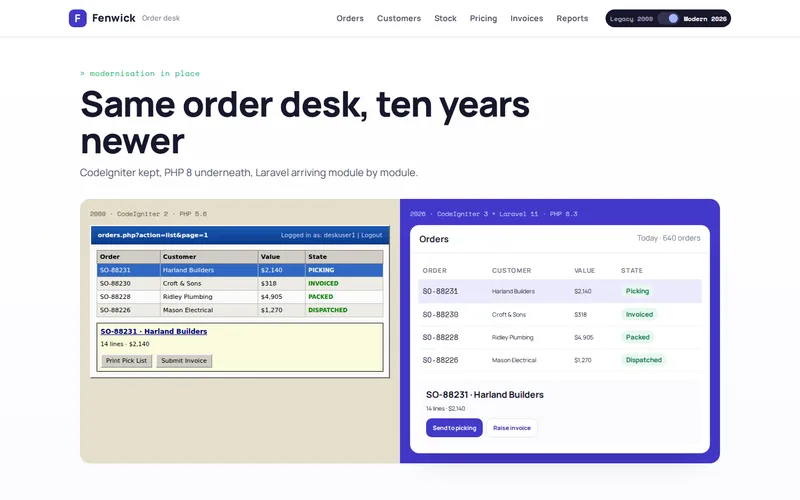
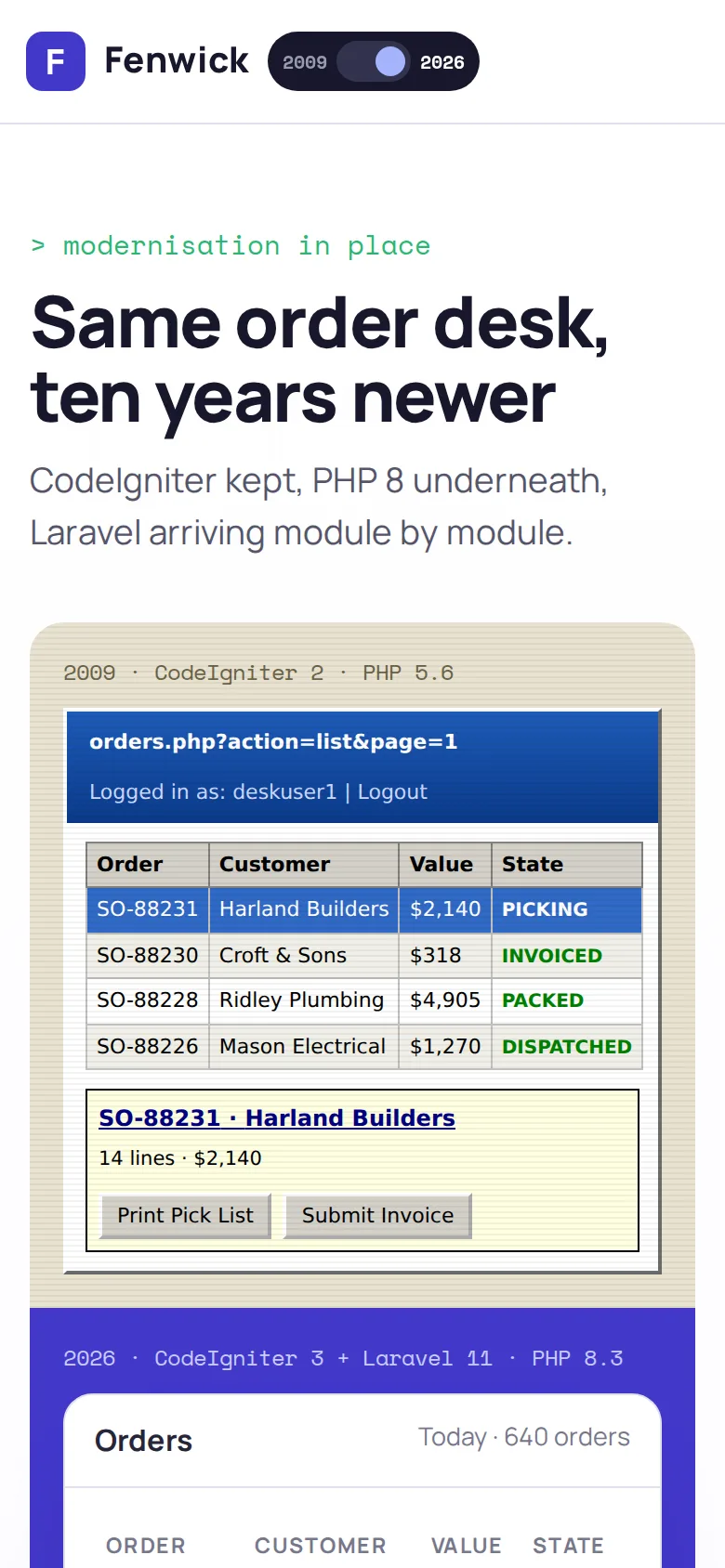
Because CodeIgniter 4 is effectively a new framework, some teams ask whether the effort would be better spent moving to Laravel instead. The staged approach works the same way for either target. CodeIgniter 4 tends to suit applications whose developers like CodeIgniter's lightweight style and want the closest familiar path. Laravel makes more sense when the application is growing, needs queues, scheduled jobs, richer authentication or a larger hiring pool. We have written about a similar gradual approach in modernising a legacy PHP order system without downtime.
Whichever you choose, the application keeps running throughout, and day-to-day fixes can carry on under a maintenance and support arrangement while the migration progresses.
Getting Started
The first useful step is an assessment: the size of the codebase, the routes and jobs it exposes, how authentication works and how much of the logic sits in controllers rather than models. From that we can propose a stage-by-stage plan with a realistic order of work. If you have a CodeIgniter 3 application that needs to move forward, get in touch and tell us about it.
Frequently Asked Questions
Can we upgrade CodeIgniter 3 to CodeIgniter 4 by running an automated tool?
Not in any meaningful way. Tools can help with mechanical changes such as namespaces and some syntax, but CodeIgniter 4 changed how controllers, models, configuration, routing and sessions work. Most of the effort is in understanding what each part of the application does and rewriting it in the new style, then proving it behaves the same.
Do we need to change our database to move to CodeIgniter 4?
Usually not. The tables your application uses can stay as they are, which is exactly what makes running both frameworks side by side possible. The exceptions tend to be framework tables such as sessions, which have a different structure in CodeIgniter 4, and any values encrypted by the old encryption library, which need testing before they are read by new code.
Is it safe to keep running CodeIgniter 3 in the meantime?
It can be, provided it runs on a supported PHP version, its dependencies are patched and the server is properly maintained. The risk grows with time, because fewer people maintain CodeIgniter 3 and each new PHP release adds compatibility work. A staged migration lets you reduce that exposure steadily rather than all at once.
How long does a staged CodeIgniter migration take?
It depends on the number of routes, how much logic lives in controllers and how well the existing code is tested. A small application might move in a few weeks, while a large one with many modules is often planned over several months of releases. We give an estimate after reviewing the code, not before.
Should we choose CodeIgniter 4 or Laravel for the new version?
If your team likes CodeIgniter's lightweight style and the application's needs are modest, CodeIgniter 4 is the more familiar route. If the application is growing, relies on queues and scheduled tasks, or you want access to a larger pool of developers and packages, Laravel is usually the better long-term home. The staged process is almost identical for both.