Web Development
Content Governance for University Websites: Roles, Templates, Research Profiles and Accessibility
A university site edited by a hundred people across dozens of departments decays quickly without rules the platform itself enforces. Here is how we set up roles, templates, research profiles, translation and accessibility so many editors can share one site without it falling apart.

University websites rarely fail at launch. They fail slowly. A department adds its own staff list because the central profiles are out of date. A research group builds a page in a different layout because the template did not quite fit. Course details are copied into three places and edited in one. Five years later the site has thousands of pages, nobody knows who owns half of them, and an accessibility audit lands on the vice-chancellor's desk.
Governance documents and style guides help, but rules that live only in a PDF are not followed for long. The rules that last are the ones the platform enforces. For most of the university and public sector sites we work on, that platform is Drupal, and our Drupal development service spends as much time on content structure and permissions as on design.
Governance Starts With the Content Model
Most duplication on university sites comes from modelling everything as a page. If a professor's details are typed into the department page, the research group page and three course pages, they will soon disagree. The answer is to model the things the faculty actually has as distinct, related content types.
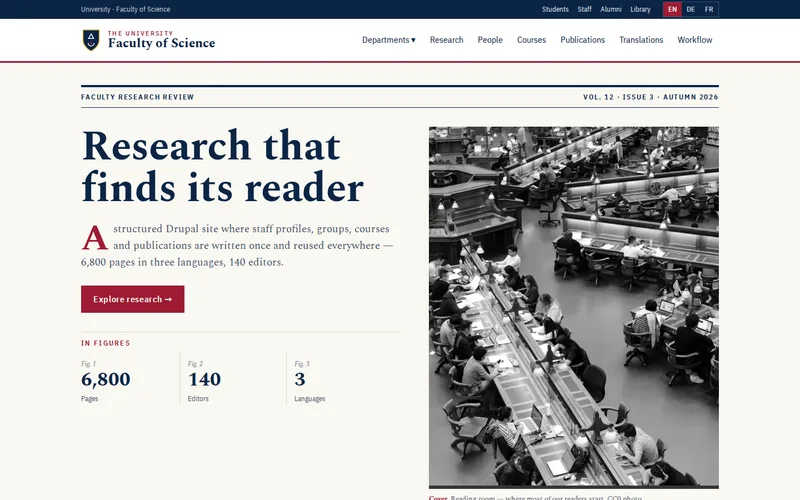
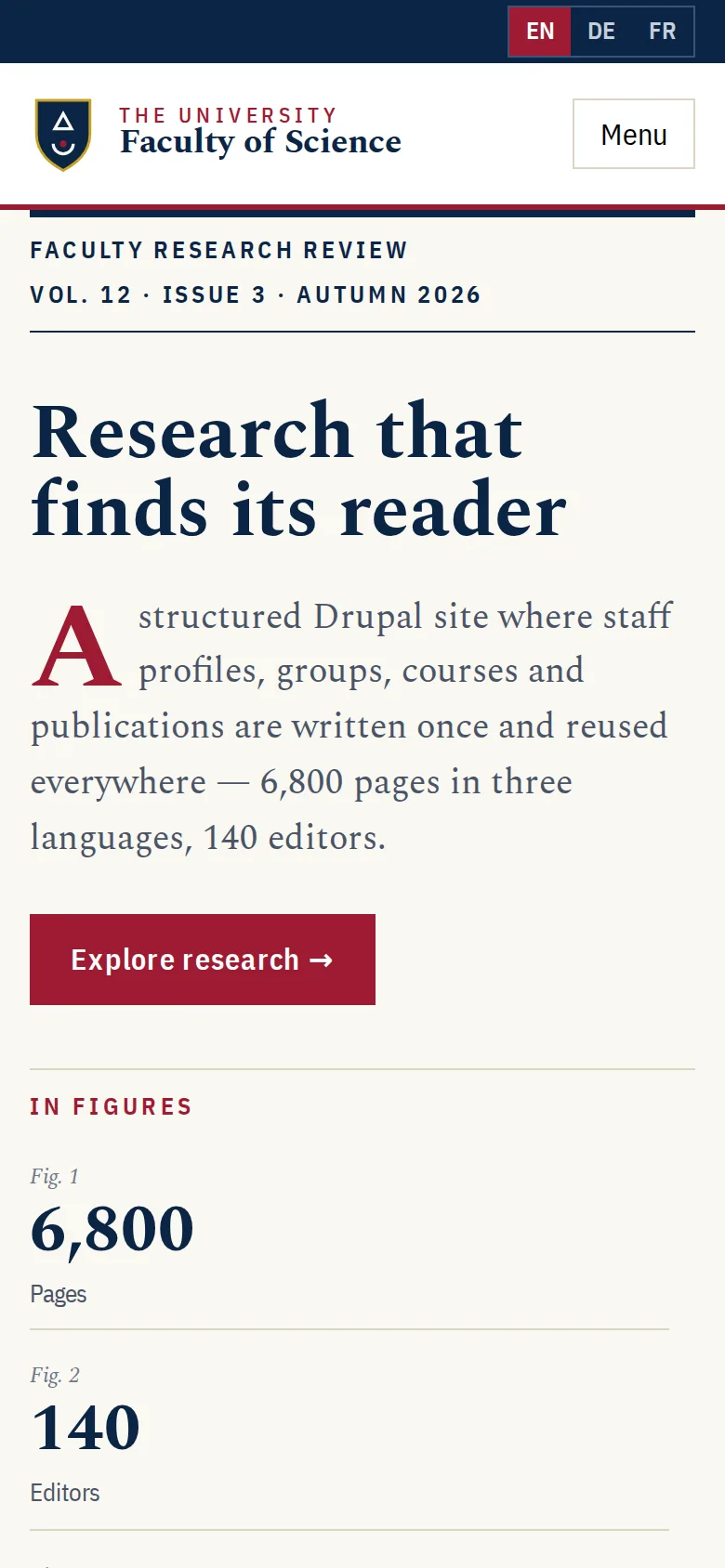
On the faculty of science research portal we built, people, research groups, projects, publications, courses and policies are separate entity types with relationships between them. A staff profile is authored once and appears on the research group page, the courses that person teaches and beside the publications they wrote, always identical because it is the same record. The old Drupal 7 site had duplicated staff profiles and inconsistent course pages; the new model removed the opportunity for both.
Roles and Permissions That Match the Organisation
The faculty portal has 140 editors, many of them academics or administrators who edit only occasionally. Editorial workflow gives each research group control of its own content, with permissions scoped so editors see and change only what they own, and a review step before publication. The roles we typically define:
- Contributors who can draft and edit content for their own group or department, but not publish.
- Group or department leads who review and publish for their area.
- Translators who work on the language versions of content they are assigned.
- The central web or communications team, who own templates, navigation, the homepage and anything institution-wide.
- Administrators, kept to a very small number.
Two practical points are often missed. Accounts need an offboarding process, because staff leave and their editing rights should not outlive their contract. And occasional editors need a short, task-based guide, such as "how to update your profile", rather than a full CMS manual.
Templates That Make the Right Thing the Easy Thing
Free-form editing is where consistency goes to die. On the faculty portal, editors work with structured fields and a limited set of components, assembled with Views and Paragraphs, rather than blank pages. A course page has fields for the things every course has; a policy has an owner and a review date; a research group page pulls in its people, projects and publications automatically.
When we design templates for many editors, we aim for:
- A small set of components, each with a clear purpose, rather than dozens of near-duplicates.
- No raw HTML for ordinary editors, so markup stays clean and accessible.
- Required fields for anything a visitor depends on, such as course entry requirements or a contact.
- An owner and a review date on every page, with reminders when the date passes.
Research Profiles Without the Duplication
Research profiles are usually the most visited and least maintained pages on a faculty site. Decide early who owns each part of a profile: academics often keep their own biography and research interests, while titles, contact details and group memberships come from the department. Publications can be entered and related to people and projects, and many universities eventually feed them from an institutional research system so academics are not entering the same paper twice.
Plan for people leaving too. A departed researcher's profile should not simply vanish if it is linked from publications and projects; an archived state with a clear note keeps those links meaningful. Good search helps here as well. On the faculty portal, Solr indexes the structured content so visitors can search people and research by department, topic or type rather than wading through near-duplicate pages.
Accessibility as a Rule, Not a Project
Accessibility was a procurement requirement the faculty's old site did not meet. The new theme was designed and tested for keyboard operation, colour contrast, heading structure and screen-reader behaviour throughout development, and the finished site passed an independent audit at WCAG 2.2 AA. That kind of front-end work is where our front-end development team spends much of its time.
A theme can be accessible on launch day and content can still undo it. Editors add images without alternative text, skip heading levels, write "click here" links and upload scanned PDFs. Governance closes those gaps: required alt text fields, heading options limited to valid levels, warnings on vague link text and a preference for web pages over PDFs. In the UK, most universities fall under the public sector accessibility regulations and must publish an accessibility statement, so periodic checks belong in the governance calendar, not just the launch plan.
Translation, Ownership and Review Dates
The faculty publishes in three languages. Translation is managed per field with a visible pending state, so a page updated in one language shows which translations need attention, and nothing publishes half-translated. The same principle applies to everything else: make the state of content visible. Dashboards showing pages past their review date, pages with no owner and translations pending give the central team something to act on instead of a vague sense that the site is out of date.
If you are moving off an older platform, the migration is the best chance you will get to fix governance. The faculty's 6,800 pages moved from Drupal 7 through Drupal's Migrate API, transformed into the new model rather than copied as they were, with every old URL redirected. Our migration and replatforming service and a technical SEO check protect search visibility through that move. If you are still deciding whether to stay on your current CMS at all, read keep, upgrade or move to WordPress first.
Questions to Ask Before You Rebuild
- Which content is duplicated today, and which single record should replace it?
- Who owns each section, and can the CMS restrict editors to it?
- What can an occasional editor break, and how do templates prevent it?
- How will translation status and review dates be visible to the central team?
- How will accessibility be checked after launch, not just before?
If your faculty or department site has grown faster than anyone can manage, send us the address and a rough count of editors. We will look at where duplication and ownership gaps are hurting most and suggest a content model to fix them.
Frequently Asked Questions
Is Drupal still a good choice for a university website?
For large, multi-department sites it often is. Drupal handles structured content types with relationships, fine-grained permissions, editorial workflow and multilingual content in core or well-supported modules, which is exactly what a faculty with many editors needs. Smaller departmental sites with a handful of editors can be well served by WordPress. The decision should follow the number of editors, the complexity of the content and the skills available to maintain it.
How many editors should a university website have?
As many as there are people who genuinely own content, provided permissions limit each of them to their own area and a review step sits before publication. Problems come from editors with access to everything, not from the number of editors. Accounts should be reviewed regularly and removed when staff leave, and occasional editors benefit from short, task-based guides rather than full training.
How do we keep staff profiles up to date?
Store each person once as a structured record and show it wherever they are referenced, so there is only one place to update. Split ownership sensibly: the academic maintains biography and research interests, while the department or an HR feed maintains title, contact details and group membership. Review dates and reminders help, and profiles of staff who leave should move to an archived state rather than disappearing.
Does passing an accessibility audit at launch mean the site stays compliant?
No. An audit confirms the theme and the content at that moment. New content added by editors can introduce problems such as missing alternative text, skipped headings, vague link text and inaccessible PDFs. Building checks into templates, training editors and scheduling periodic reviews keeps the site accessible over time, and UK public sector bodies also need to keep their accessibility statement current.
Should we fix our content before or during a migration?
During, ideally. A migration that copies every page as it is carries the duplication and inconsistency across to the new platform. Modelling the content first and transforming it during migration, merging duplicate profiles and consolidating inconsistent pages, means the new site starts clean. Repeatable migration scripts let you re-run the process against fresh data until the result is right, so content editing does not need to freeze for long.