Mobile Apps
Visit Logging Apps for Home Care Workers: Check-In, Offline Notes and Compliance
Home care visits have to be evidenced: when the worker arrived, what care was given and what the office or family should know. Here is how we design visit logging apps that work without signal, prove attendance, keep notes useful and protect the people being cared for.

A home care visit leaves a trail of obligations behind it. The provider has to show the visit happened and lasted as planned, often to a local authority that funds it. Medication has to be recorded accurately. Anything worrying has to reach the office the same day. And all of it has to be captured by a care worker who is already running late for the next client, often somewhere with no mobile signal.
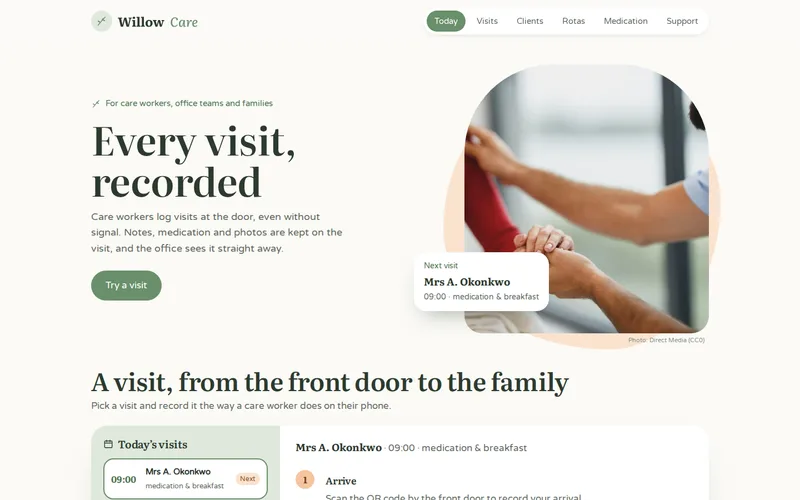
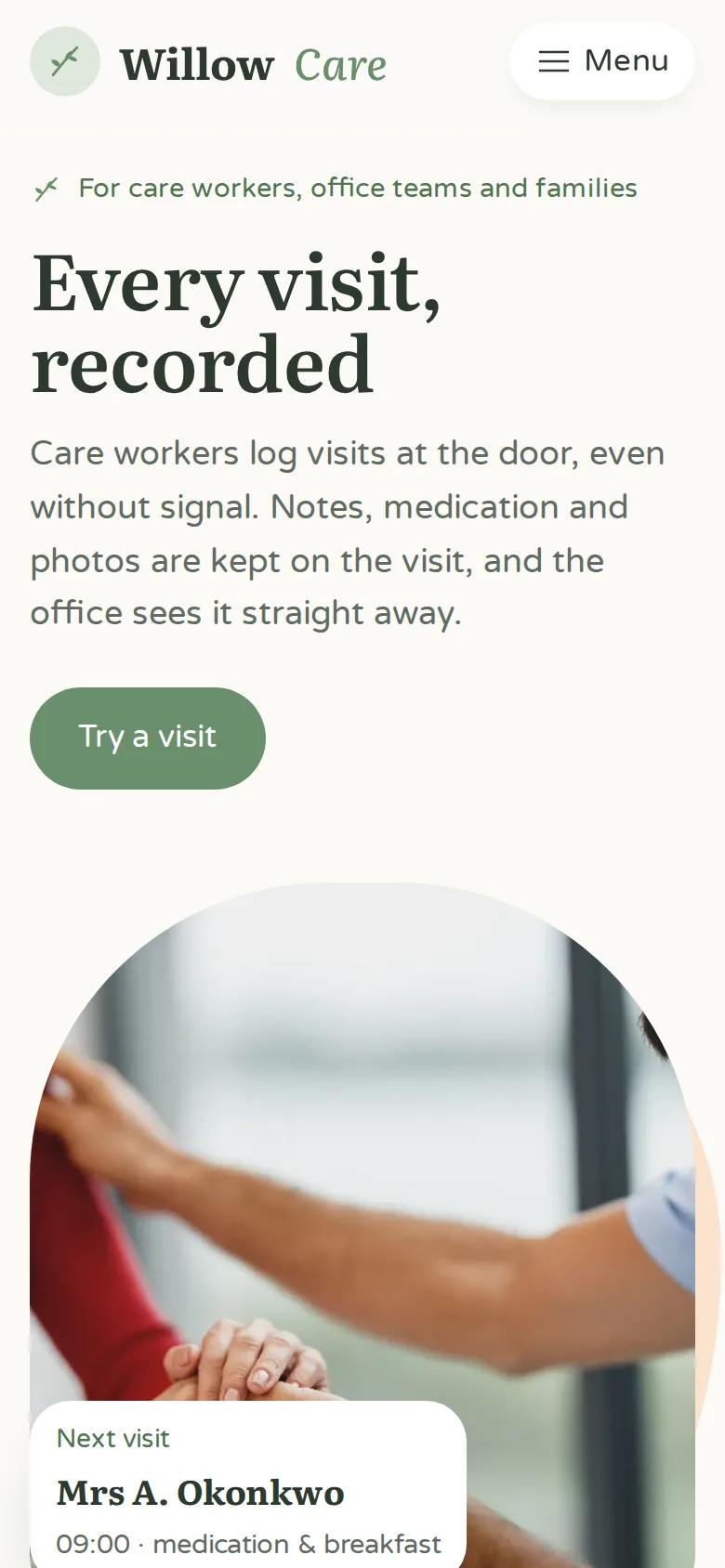
Paper timesheets cannot keep up with that, which is why providers come to us for visit logging apps. We often build them through our Ionic and Capacitor development service, as we did for the home care visit logging app we delivered for a home healthcare provider: visits that used to be confirmed a week later on paper are now confirmed in real time.
What a Visit Record Has to Prove
Start with the evidence, not the screens. A visit record usually needs to show:
- Arrival and departure times, captured at the client's home rather than written up later.
- Tasks completed against the care plan, and tasks not completed with a reason.
- Medication given, refused or unavailable, with the reason recorded.
- Notes on the client's wellbeing, and any concern that needs escalating.
- Who did the visit, tied to their account rather than a shared login.
In the provider's app, these are captured as structured data, so local-authority billing evidence is produced from the visit record automatically instead of being assembled from timesheets. The same record answers questions from funders, families and inspectors, so it is worth getting the structure right with your registered manager before development starts.
Check-In: QR, GPS or Both
There are two common ways to prove a worker was at the door, and each has trade-offs:
- GPS geofencing needs nothing in the home, but location drifts in flats, terraced streets and rural areas. That produces false alerts and missed check-ins, and workers lose faith in the system.
- A QR code in the home proves the worker was physically at the door, works with gloves on and needs no location permission. It does need a code placed in every home, and a plan for when one goes missing.
The provider chose QR codes, scanned with the Capacitor barcode plugin on arrival and again on departure. Some providers combine both, using GPS as a secondary signal. Whichever you choose, record location only at check-in and check-out, not continuously between visits. Care workers are entitled to privacy on their breaks and journeys, and tracking them all day is a fast way to lose their goodwill.
Offline by Default
Signal is often weakest exactly where care is delivered. In the provider's app, care notes, medication records and photo evidence are stored locally in SQLite and synchronised automatically once a connection returns. Care workers no longer stand in the street looking for signal, and nothing is lost when a visit happens in a dead zone.
Offline needs more design than "save it and send it later":
- Download the day's visits and care plans in advance, so the worker has what they need at each door.
- Show when the phone last synced, so workers and the office know how current the information is.
- Handle schedule changes made while a worker is offline. The provider's app pushes new visits, changes and cancellations through Firebase Cloud Messaging once the phone is reachable, and the office can see who has been told.
- Never block the worker. A failed sync should retry quietly, not stop the next visit being logged.
Our post on offline-first apps for field teams covers sync and conflict handling in more depth.
Notes That Are Quick and Useful
A worker with ten minutes left on a visit will not type a paragraph. Make the common case fast and the important case unmissable:
- Tick-box tasks from the care plan, with free text only where it adds something.
- Medication recorded with fixed outcomes and a required reason when a dose is not given.
- A clear "raise a concern" route that alerts the office immediately when there is signal and as a priority on sync when there is not.
- Photos taken inside the app, through the Capacitor camera plugin in the provider's case, so they are stored with the visit and never land in the phone's personal photo library.
Compliance and Data on the Phone
A visit logging app holds health information about vulnerable people, so treat the phone as part of your data protection arrangements:
- Keep data inside the app's protected storage and synchronise over encrypted connections.
- Tie access to each worker's own account, with sign-in that is quick but not shareable.
- Remove data from the phone once it has synced and is no longer needed for the next visits.
- Use device management so a lost or stolen phone can be wiped remotely.
- Keep an audit trail of who viewed and changed each record.
Agree retention and device policies with your data protection lead, and make sure the record supports what inspectors expect to see, such as the CQC in England.
Family Visibility Without Oversharing
Families increasingly want to know that a visit happened and how their relative was. Sharing visit times and a short summary can be reassuring, and it reduces calls to the office. It also needs care:
- The client's consent, or the appropriate legal authority, decides who sees what.
- Share facts such as times and completed tasks automatically, and keep clinical detail and concerns for staff.
- Consider a short delay or office review before notes become visible, so a worried family reads context rather than a raw note.
Family access was not part of the provider's first release, which focused on care workers and the office. That is a sensible order: get the record right first, then decide what to share from it.
Reuse What You Already Have
The provider already ran an Angular web system for its office teams. Ionic and Capacitor let us reuse its data models, validation and much of its interface, with mobile features added through plugins and Fastlane automating store releases. Because roughly 70% of the code was already written and tested, the apps reached both stores in seven weeks. If your office system is built in Angular, our Angular development team can assess what would carry over. Our guide to getting a web app into the app stores with Ionic and Capacitor explains when this route fits, and our mobile app development page covers fully native alternatives.
If your care workers are still on paper timesheets, tell us what system your office uses and how visits are evidenced today. We will tell you what can be reused and what a first release would include.
Frequently Asked Questions
Is QR check-in better than GPS for home care visits?
QR codes are more reliable as proof of presence because GPS drifts in flats, terraced streets and rural areas, leading to false alerts. QR needs a code placed in each home and a process for replacing lost ones. GPS needs nothing in the home but works best as a supporting signal. Some providers use both, with QR as the primary record.
Can care workers use their own phones for a visit logging app?
It is possible, but company-owned phones are easier to secure and support. If workers use their own devices, keep all care data inside the app, use device management that controls the app rather than the whole phone, and make sure data can be removed remotely if someone leaves. Agree the policy with your data protection lead before rollout.
How does a visit logging app help with local-authority billing?
When arrival, departure and tasks are recorded as structured data at the time of the visit, the evidence funders ask for can be exported directly instead of compiled from timesheets. Queries about a particular visit can be answered from the record, and late or short visits are visible the same day rather than at the end of the month.
What happens if a care worker forgets to check out?
The office should see it quickly. A good app reminds the worker when they open the next visit, flags unclosed visits on the office dashboard and lets a supervisor correct the record with a reason. Every correction should be logged, so the visit history stays trustworthy for billing and inspection.
How long does it take to build a home care app?
It depends mostly on whether existing software can be reused and which systems the app must connect to, such as rostering and care management. Reusing an existing Angular system, the provider in our example reached both app stores in seven weeks. Starting from scratch, with integrations and a pilot, typically takes longer, and we agree milestones after a short discovery phase.