Mobile Apps
One Shared Core for Several Field Apps: Structuring Kotlin Multiplatform for Different Roles
Field operations rarely involve one kind of user. Adjusters, contractors and supervisors need different apps, but they work on the same jobs, follow the same rules and sync to the same back end. Here is how we structure a Kotlin Multiplatform core that several native apps can share without drifting apart.

Field operations rarely involve just one kind of person. An insurer has adjusters assessing damage and contractors carrying out repairs; a utility has inspectors, engineers and supervisors; a facilities company has technicians, auditors and site managers. Each role needs its own app, with different screens and permissions. Underneath, though, they all work on the same jobs, follow the same rules and sync with the same back end, and when each app implements those rules separately, the apps drift apart.
Kotlin Multiplatform lets you share that underlying logic while keeping each app's interface native. Through our Kotlin Multiplatform development service we structure the shared core so several apps can depend on it without tripping over each other. This article covers how.
What Drift Costs in the Field
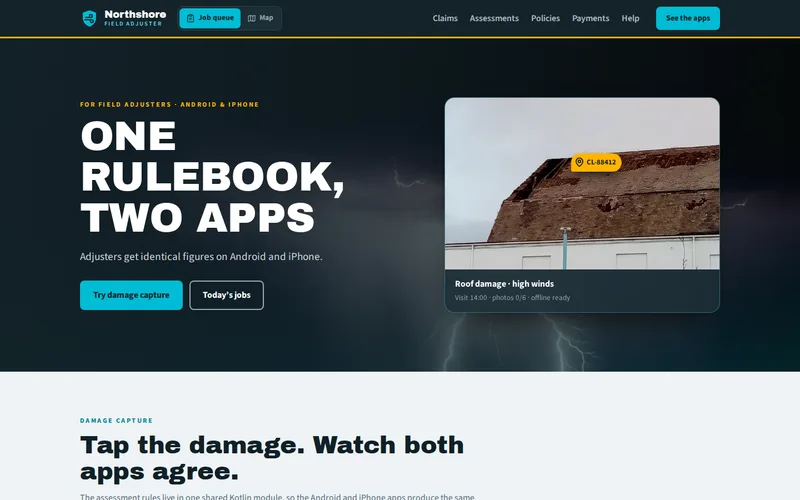
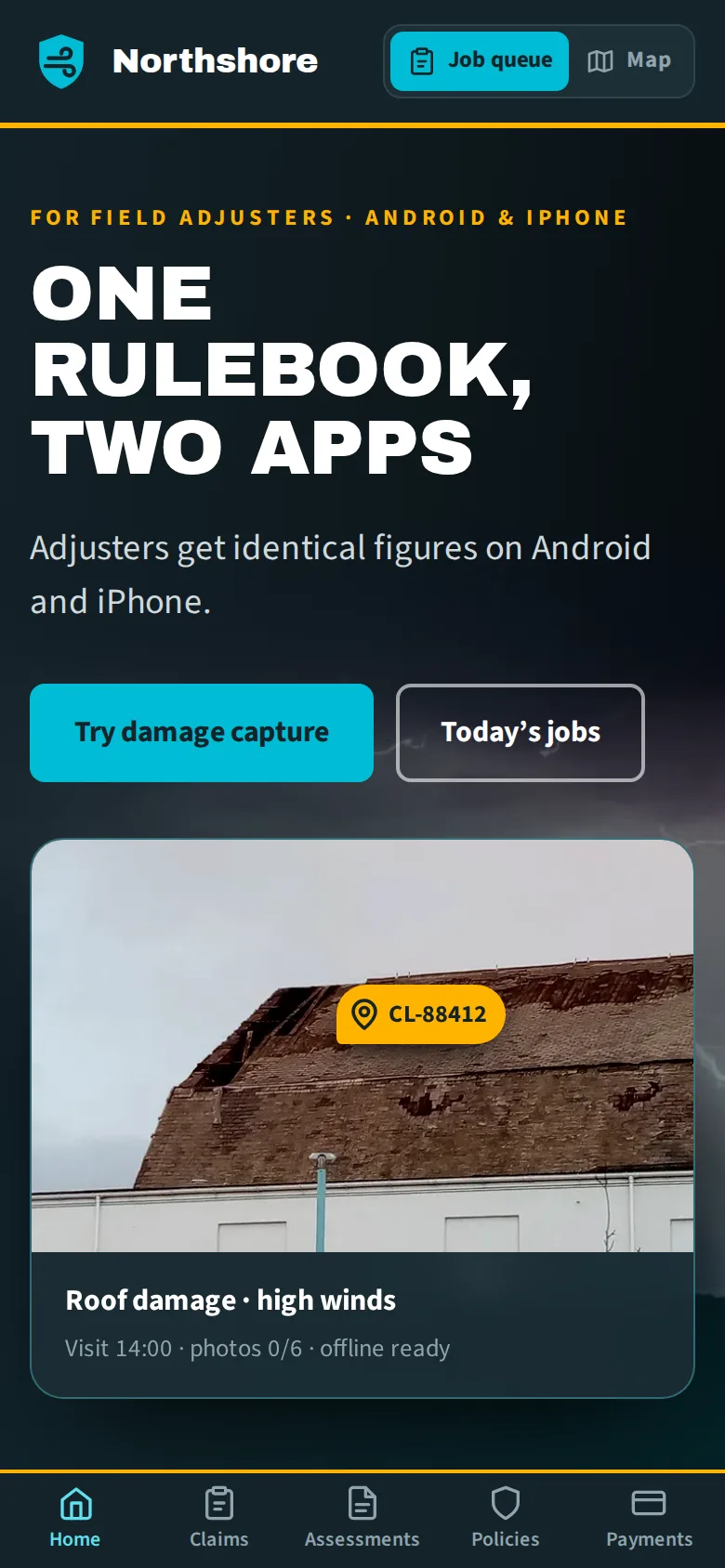
Our field adjuster apps for a regional insurance group show the problem clearly. The group had separate Android and iOS apps whose settlement calculations had been implemented twice. A rule change usually reached Android first and iOS three weeks later, and in between, the same damage could produce different figures depending on which phone the adjuster carried.
We moved assessment rules, excess and depreciation calculations, validation, offline storage and sync into a Kotlin Multiplatform module with one set of tests. The Android app kept Jetpack Compose and the iOS app kept SwiftUI. Settlement figures are now identical on both platforms by construction, and rule changes ship to both in the same week.
That project shared one core between two platform apps for a single role. The same drift happens, usually faster, when an organisation runs several role-specific apps on each platform. The rest of this article describes how we would structure that case.
Drawing the Line Between Shared and Native
The first decision is what belongs in the core. Our rule: share anything where two apps giving different answers would be a business problem, and keep native anything that is about how the app feels.
- Shared: domain models, business rules and calculations, validation, the API client, the local database schema, sync and conflict resolution, and analytics event definitions.
- Native: screens, navigation, camera and media capture, maps, push notification handling and platform accessibility features.
Getting this boundary wrong hurts in either direction. Share too little and the drift returns. Share too much, such as navigation state, and every interface change becomes a negotiation between teams.
Structuring a Core for Several Apps
When several apps share a core, a single shared module becomes a bottleneck: every app carries code for every role, and a change for one role forces a release of all of them. We split it into layers instead. As a hypothetical example, picture an insurer with an adjuster app, a contractor app and a supervisor app:
- Core domain: the claim, the property, the job and the rules that apply to them. Every app depends on this.
- Data and sync: the SQLDelight schema, the Ktor API client and the sync engine, also shared by all.
- Role features: one module per role for the logic specific to it, such as settlement calculations for adjusters, work orders and parts for contractors, and approvals for supervisors.
- App shells: each Android and iOS app pulls in the core plus only the role modules it needs.
On iOS, each app gets its own exported framework containing just its modules, which keeps app size down and avoids shipping one role's logic inside another role's app. Permissions still live on the server. The shared core decides what to show, never what a user is allowed to do.
Offline Sync That Behaves the Same Everywhere
Field apps live or die on offline behaviour. The insurance group's adjusters work in basements and rural properties with no signal, so the apps store everything locally in one SQLDelight schema compiled for both platforms, and photos, measurements and notes are captured offline. When a connection returns, sync runs in the shared core, and conflicts are resolved by the same code on either device.
With several role apps, that consistency matters even more, because different roles edit the same records: an adjuster updates a claim while a contractor marks work complete on the same job. Patterns we use:
- An outbox of changes, recorded locally as they happen and sent in order when online, each with an ID so the server can ignore duplicates.
- Conflict rules per field, not per record. Which role owns which field is a business decision; write it down and encode it once in the core.
- Reconciling local and server IDs, so records created offline link up correctly after sync.
- Schema migrations tested against real old databases, because a device that has been offline for a week may still be running last month's build.
We covered the same problem for browser-based field tools in offline-first PWAs for field teams, and the sync principles carry across.
Releasing Several Apps From One Core
A shared core means one change can reach every app at once. That is the point, but it needs discipline.
- Test the core once, thoroughly. The insurance group's rules are covered by one Kotest suite, run against scenarios such as partial losses, limits, excesses and depreciation schedules before every release.
- Version the core. Each app pins a version, so a supervisor-only change does not force the contractor app into an unplanned store release.
- Keep the API backward compatible. Apps update at the pace of their users, and some devices will run an older build for weeks.
- Coordinate rule changes. When a rule must change everywhere on the same day, ship the new logic in every app first, then switch it on with a server-side flag.
The native shells still need native skills. Our Android and iOS app development teams build the Compose and SwiftUI layers, and the back end the core syncs with comes from our API development work.
Is It the Right Approach for You?
A shared Kotlin core makes most sense when the logic is substantial and inconsistency has a real cost in money, safety or compliance. If your apps are mostly forms over an API, a single cross-platform app may be simpler, and Kotlin Multiplatform vs Flutter covers that choice. Existing native apps can adopt a shared core gradually, starting with the most duplicated and most critical logic, which for the insurance group was the settlement calculation.
If you run several field apps that disagree with each other, tell us which roles use them and which rules keep drifting. We will map what should be shared and what should stay native before anyone writes code.
Frequently Asked Questions
Can different apps use different versions of the shared core?
Yes, and with several apps it is usually wise. Publishing the core as a versioned library lets each app upgrade when it is ready, so a change needed by one role does not force every app through store review. The exception is rules that must be identical everywhere at the same moment, such as financial calculations. Those are shipped to every app first and switched on together once all of them are live.
Does Kotlin Multiplatform make the iOS app much larger?
It adds some size, because the shared Kotlin code and parts of its runtime are compiled into a native framework inside the app. For most business apps the increase is modest compared with images, fonts and other libraries. Building a separate framework for each app that includes only the modules it uses keeps the overhead down, and it also keeps one role’s logic out of apps that do not need it.
Do our iOS developers need to learn Kotlin?
Not to build screens. The shared core appears to Swift as an ordinary framework with classes and functions, so SwiftUI work continues as before. iOS developers benefit from being able to read Kotlin when debugging and reviewing changes to shared logic, and many pick it up quickly because the two languages are similar in style. Someone on the team does need to own the core and its interface to Swift.
Can we share the user interface between the apps as well?
You can, with Compose Multiplatform, and it can make sense for internal tools or screens that are identical across roles. Field apps often benefit from staying native, though, because camera handling, accessibility and platform conventions matter on site. A middle path is to share the logic everywhere and the interface only for a few complex, non-platform-specific screens, such as a long inspection form.
What does the back end need to support offline field apps?
It needs to accept changes that arrive late, out of order and more than once. That means idempotent endpoints keyed by a change ID, a clear record of which version of each record a change was based on, rules for resolving conflicting edits, and a way for apps to fetch everything that changed since their last sync. It also needs to support older app versions for a while, because field devices are not always updated promptly.