Cloud, Data & AI
Firestore Security Rules for Community Apps: Keeping Members' Data Where It Belongs
In a Firebase app, the phone talks to the database directly, so security rules are the only thing standing between one member and everyone else's data. Here is how we design rules around roles, test them before launch, and the mistakes we find most often in community apps.

Community apps collect more personal information than their organisers often realise: names, phone numbers, dates of birth for junior sections, which team someone plays for and when they will be at a pitch. In a traditional web application, that data sits behind a server that decides what each user may see. In a Firebase app, the app on the member's phone reads Firestore directly, and the only thing deciding what it may see is the project's security rules.
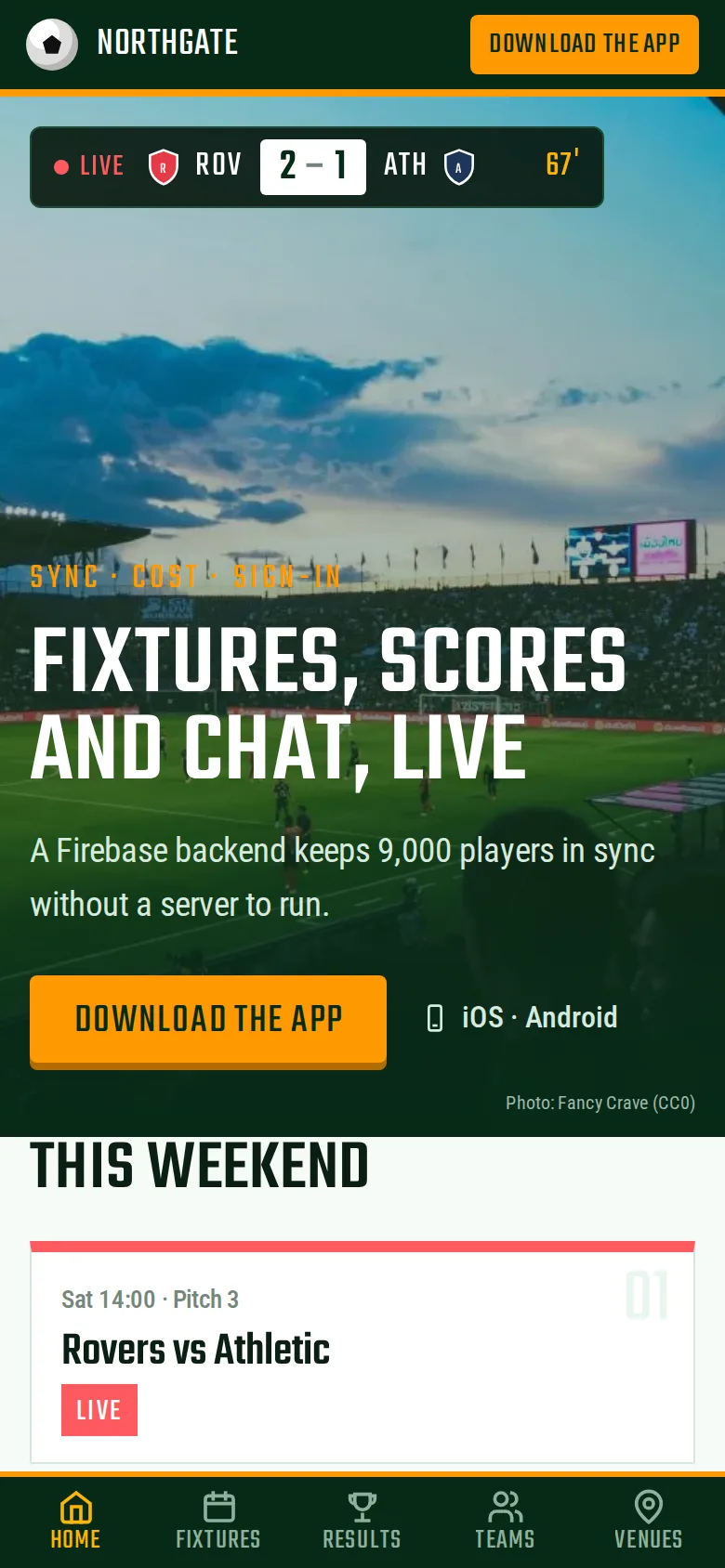
Getting those rules right is a core part of our Firebase development work, and a frequent reason projects come to us for rescue. This post explains how we approach them, using our community sports league app as the example: a Flutter app on Firebase for 9,000 players, with fixtures, live scores, team chat and online registration.
Why Hiding Buttons Is Not Security
The most common misunderstanding is that if the app does not show a screen, the data behind it is safe. It is not. The Firebase configuration inside every app is public by design, and anyone with it can call Firestore directly, with or without your app. A modified app, or a few lines of script, will happily request every document in a collection.
So the rule we follow is simple: every permission must be enforced by security rules, as if the app did not exist. In the league app, players read the leagues they belong to, captains edit their own teams and organisers manage everything, and those permissions are enforced by rules rather than by the user interface. Even a modified app cannot read or change data it should not.
Start From Roles, Then Write the Rules
Before writing a single rule, list who uses the app and what each of them needs to do. For a league that is players, captains, referees and organisers; for a club it might be members, coaches, parents and committee. For every collection, write down who can read, create, update and delete. That table is the specification, and most mistakes come from skipping it.
Then decide where roles live. There are two common options:
- Custom claims on the user's sign-in token, set by trusted server code. Rules can check them without reading anything, so they are fast and cost nothing per request. The downside is that a change takes effect only when the user's token refreshes.
- Membership documents in Firestore, such as a record saying this player belongs to this team as captain. They are flexible and change instantly, but each lookup from a rule counts as a document read, which matters for cost on busy screens.
Many apps use both: a claim for broad roles such as organiser, and documents for per-team roles such as captain. Whatever the choice, users must never be able to write their own role.
Rule Patterns That Hold Up
- Deny by default. Anything not explicitly allowed is refused, including collections added later.
- Validate writes, not just access. Check that a write contains only the expected fields, of the right types and sizes, so a member cannot add an "isAdmin" field to their own profile or upload a megabyte of text into a chat message.
- Keep server-owned data server-only. League tables, payment status and moderation flags should be writable only by Cloud Functions, which use admin access and are not bound by rules. In the league app, tables, registration payments and moderation all run in Cloud Functions, and Stripe payments are handled there so card logic never runs on the device.
- Split private fields into their own documents. Rules apply to whole documents, not individual fields. If a public player profile and a phone number share a document, anyone who can read the profile can read the phone number. Put contact details in a separate private document readable only by the member and organisers.
- Use server time. Compare against the request time in rules rather than trusting a timestamp sent by the app.
Rules Are Not Filters
A detail that surprises many developers: Firestore does not quietly remove documents a user cannot read from a query result. If a query could return even one document the rules would refuse, the whole query fails. That is a good thing for security, but it means queries and rules have to be designed together. A list of "my team's messages" must query by team in a way the rule can verify, not fetch all messages and filter on the phone.
This also ties security to cost. Rules that look up membership documents add reads to every request, and in a busy community app those reads add up. We covered the cost side in what Firebase costs and where it fits; the league app's read-aware data model keeps its bill at about $61 a month at full usage.
Testing Rules Before Launch
Rules are code, and untested code is wrong in ways nobody notices until someone exploits it. In the league app, roles for players, captains and organisers were written and tested as rules before features were built, and every collection's rules were tested in the Firebase emulator before launch.
A useful test suite is a matrix: every role against every collection against every operation, with both the cases that should succeed and the ones that must fail. The failing cases matter most, because they are the ones a normal user never tries. The tests run against the local emulator in the build pipeline, so a rules change that opens a hole fails the build instead of reaching production.
Common Mistakes We Find
- Test mode left on, or rules that allow any signed-in user to read and write everything. Signing in is not authorisation; anyone can create an account.
- Roles stored in a document the user can edit, so promoting yourself to organiser is one write away.
- Personal data inside public documents, because rules cannot hide individual fields.
- Storage rules forgotten. Team photos and uploaded documents need their own rules. In the league app, files in Firebase Storage sit under the same security model as the database.
- Moderation done in the app. Reported chat messages should be hidden by trusted code. In the league app, a Cloud Function hides flagged messages immediately until an organiser reviews them.
- Leavers' data left behind when a member deletes their account, with no function to clean up their documents and files.
Firebase also offers App Check, which makes it harder for scripts that are not your app to call your backend. It is worth enabling, but it complements rules rather than replacing them.
Where This Fits in the Wider App
Rules are one layer. The app itself, its sign-in options and its release process matter too; our Flutter app development team builds the client side (see our wider mobile app development service for other approaches), and for apps holding sensitive member data an independent security audit before launch is a sensible check on everyone's assumptions, ours included.
If you run a club or community app on Firebase and are not sure what your rules allow, ask us for a rules review. Send us the rules file and a list of who uses the app, and we will tell you plainly which data a determined member could read today.
Frequently Asked Questions
How can I tell whether my Firebase project's rules are too open?
Start with the Firebase console, which warns about rules that allow public access, and read the rules file looking for conditions that only check whether a user is signed in. Then try it: from a test account with no special role, attempt to read another member's profile or list a whole collection using the emulator or a short script. If it works, so will it for anyone else. A rules review gives you a definite answer.
Do Firestore security rules affect performance or cost?
Simple rules that check the user's sign-in token or the document being accessed add no cost. Rules that look up other documents, such as checking a membership record, count each lookup as a document read, so a busy screen can double its reads if the rules are designed carelessly. Using custom claims for common roles and keeping lookups to one per request keeps rules fast and cheap.
Can Firestore rules handle parents managing their children's accounts?
Yes, with care. A common design gives each junior member a profile document that lists the guardian accounts allowed to manage it, set by trusted server code during registration rather than by the app. Rules then allow those guardians to read and update that profile and its private details. Junior data deserves extra caution, so we keep it in separate documents with narrower access than adult profiles.
We built our app in test mode. How do we fix the rules without breaking it?
First, list every read and write the app makes and which role makes it. Write rules that allow exactly those, test them in the emulator against the current app, and deploy them at a quiet time with monitoring on denied requests. Denied requests that appear after deployment show where the app relied on open access. Often a few queries need adjusting so the rules can verify them.
Is Firebase secure enough for an app that stores members' personal data?
Firebase itself is a mature platform with encryption in transit and at rest, and it can support a well-protected app. The weak point is almost always the project's configuration: rules, data structure and what runs in the app versus in Cloud Functions. With roles defined, rules tested and personal data kept in narrowly readable documents, Firebase is a reasonable choice for community apps holding member information.