eCommerce
Trade Accounts Online: Customer Pricing, Credit Terms and Fast Reordering for B2B Buyers
Trade buyers want their own prices, pay on account and order the same things every week. Here is how we build B2B stores they will actually use: account approval, customer-specific pricing, credit terms and purchase orders at checkout, multi-user approvals, quick order and the ERP integration underneath it all.

Trade buyers do not shop like consumers. They know what they want, often down to the part number. They buy the same things every week or month, at prices agreed with your sales team, and they pay on account rather than by card. A website that greets them with list prices, a consumer checkout and a demand for card details is not a sales channel to them. It is a reason to keep phoning and emailing orders in.
We build trade stores as part of our eCommerce development work, mostly on BigCommerce and Magento. The platform matters less than getting five things right: account approval, customer-specific pricing, credit terms, multi-user accounts and fast reordering, all sitting on an honest connection to your back-office system.
Opening a Trade Account: Approval Before Prices
A trade store starts with a decision about who sees what. Common patterns:
- Guests see the catalogue but not prices, or see list prices with a prompt to log in for account rates.
- New businesses apply online with company details, VAT or tax number, references and the credit terms they want.
- Your team approves the application, checks credit, assigns the account to a customer group or price list, and sets a credit limit.
- Restricted catalogues hide products an account is not allowed to buy, such as regulated items or lines reserved for certain distributors.
Decide where approval lives. If accounts are opened in your ERP or accounting system, the store should follow it rather than becoming a second place where customers are created and managed.
Customer-Specific Pricing Buyers Believe
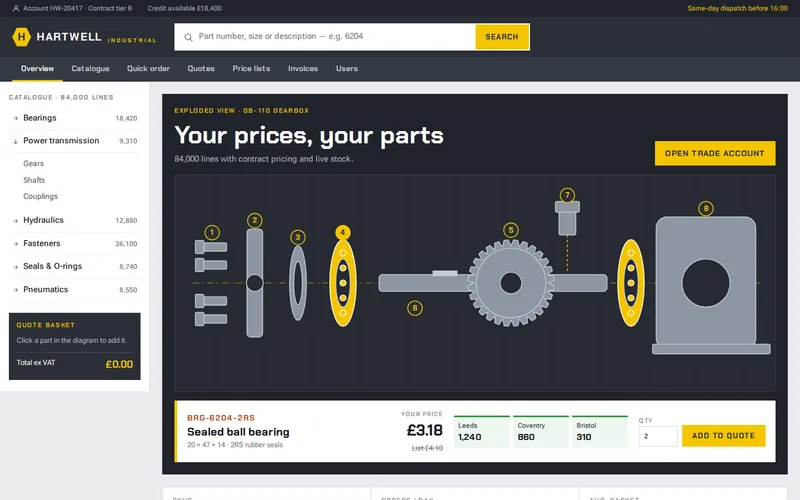
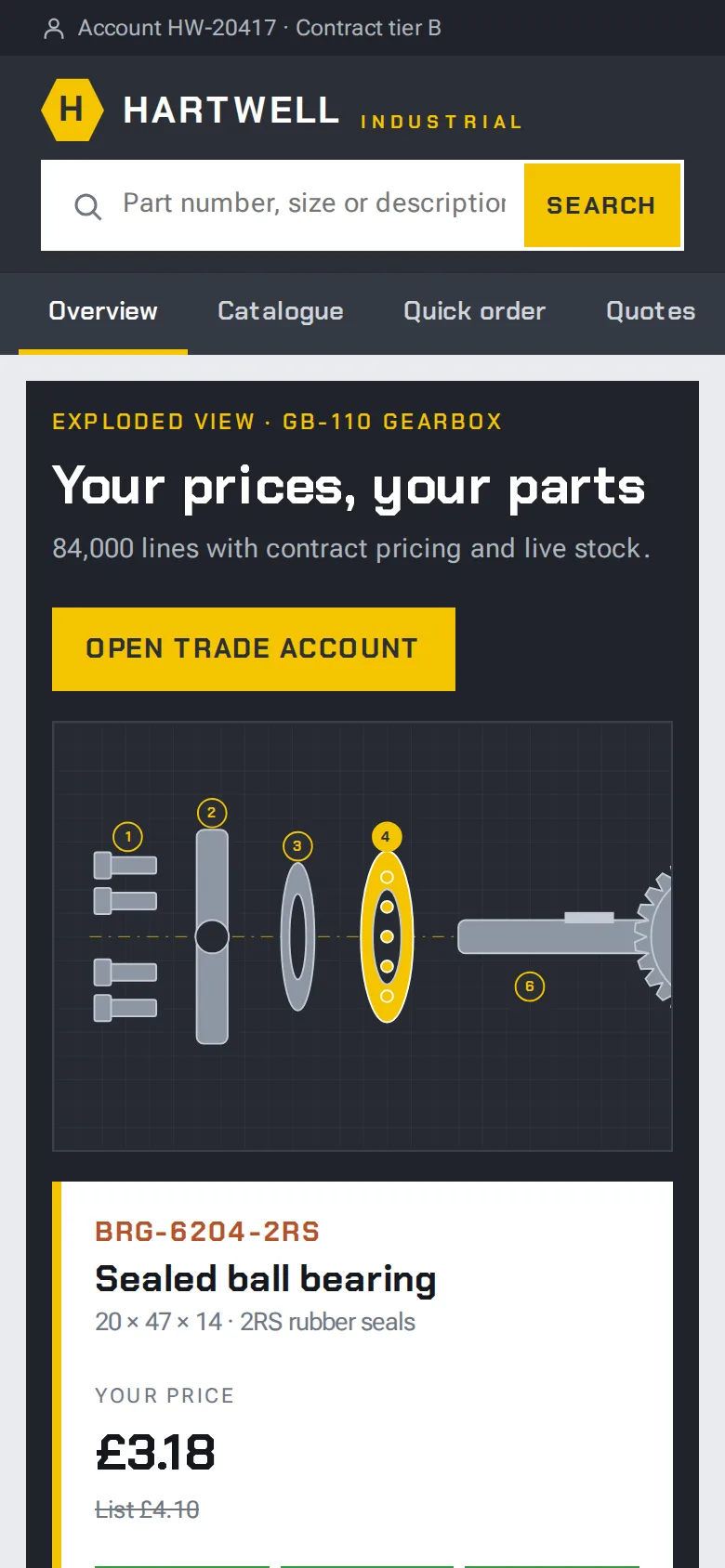
The single most important feature of a trade store is that the price on the screen matches the price on the invoice. On the industrial parts store we built on Magento 2, trade customers phoned or emailed orders because the site showed list prices they did not pay. Customer groups and price lists now drive contract pricing, so each logged-in account sees its agreed rates. Where a part has no agreed rate, the list price is shown, and quote-only items are clearly marked.
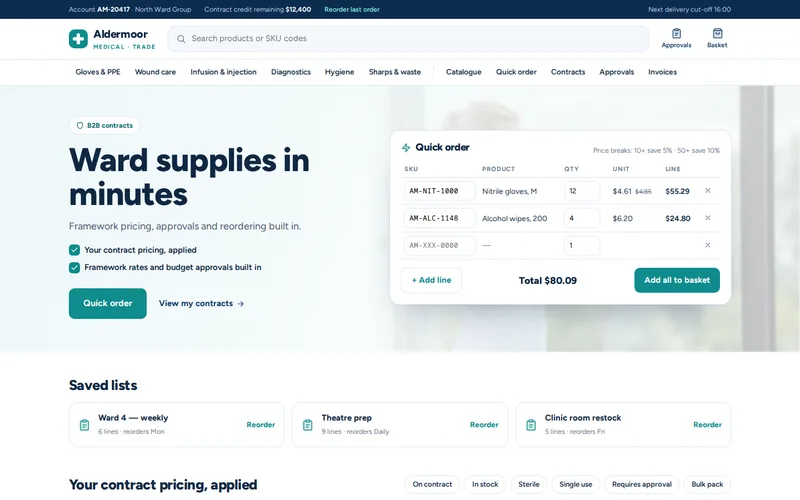
The medical supplies store on BigCommerce had the same need in a different form: care homes and clinics each buy under their own framework agreement, so two customers can buy the same box of gloves at different prices. Customer groups and B2B price lists apply each account's framework rates automatically, with no quote requests and no manual adjustment after the order. Our article on BigCommerce for B2B covers the price list and customer group mechanics in more detail.
Credit Terms at Checkout
Most established trade customers expect to buy on account and pay against an invoice, often at 30 days. The checkout has to support that without becoming a loophole:
- Pay on account appears only for approved accounts, alongside card payment for those without terms.
- A purchase order number field at checkout, required for customers whose own accounts department will not pay an invoice without one.
- A credit limit check against the outstanding balance, which normally lives in your accounting system or ERP. Decide what happens when an order would exceed it: hold for review, ask for card payment, or alert the account manager.
- Invoices and statements in the account area, so buyers can download copies without emailing your accounts team.
- Accounts on stop should be blocked or switched to card-only automatically when the ERP flags them.
Both main B2B platforms support purchase-order checkout; our BigCommerce and Magento teams configure it alongside price lists and quotes. The credit limit check is the part that needs real integration work, because the store cannot know a customer's balance on its own.
Multi-User Accounts and Approvals
A trade customer is an organisation, not a person. Several people order, and someone controls the budget. On the medical supplies store, accounts support multiple users with roles and spend limits. When an order goes above a buyer's limit it routes to their manager for approval inside the store, and the decision is recorded against the order. Before, approvals happened over the phone and were never written down.
Ask early how your customers' own purchasing works. Roles, spend limits, delivery addresses per site and who can see invoices are easier to design at the start than to retrofit after launch.
Quick Order and Reorder
Trade buyers rarely browse. They need ordering to be as fast as sending an email:
- Quick order by part number. On the industrial parts store, the quick-order screen accepts part numbers typed in a list or pasted straight from a spreadsheet, checks each line against stock and contract price, and adds the lot to the basket in one step.
- Reorder from history, which rebuilds a previous order in a click.
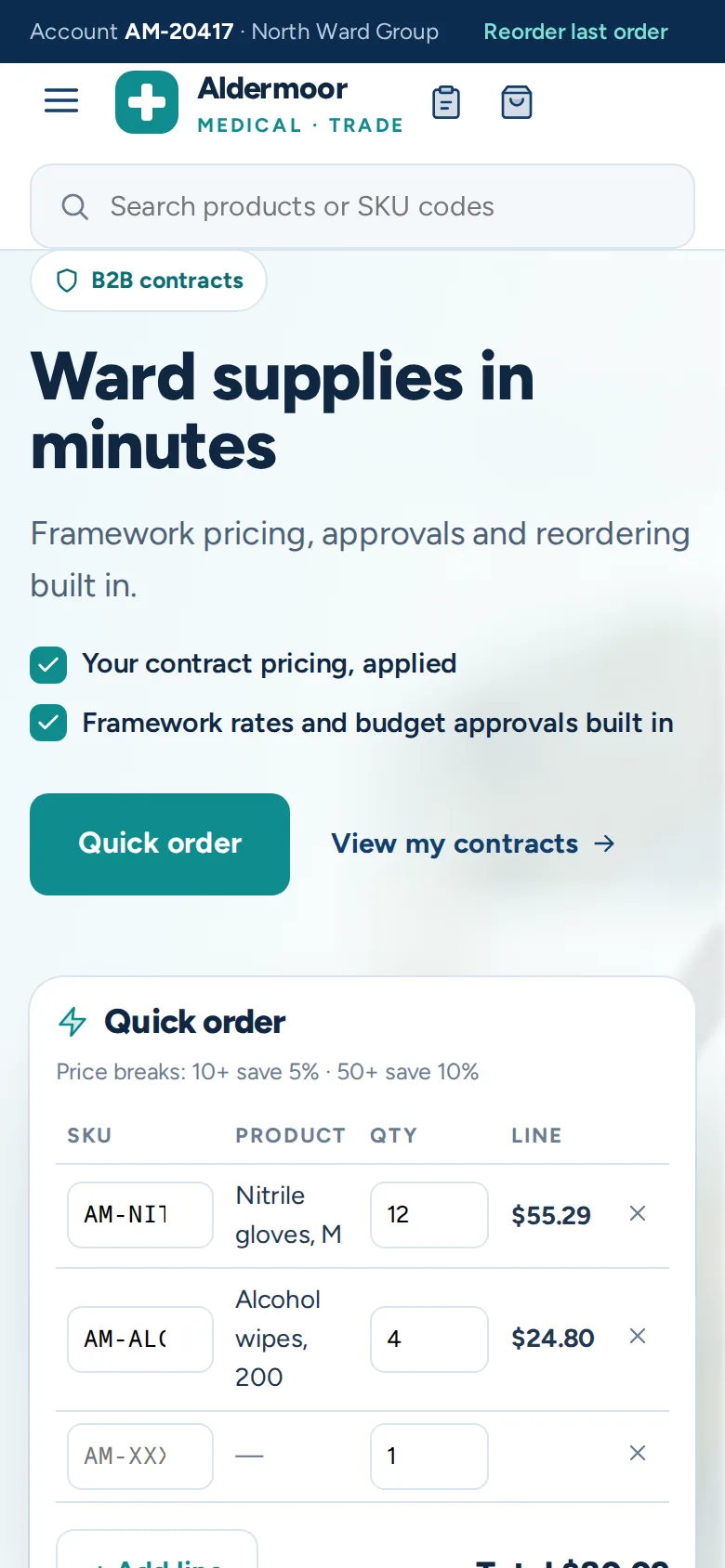
- Saved lists. On the medical supplies store, buyers keep saved lists for a ward or a clinic room and send the whole list to the basket at once, so the weekly repeat order takes a couple of clicks.
- Accessory suggestions that remind buyers of the seals or fittings that usually go with a part.
These features are where the results came from. On the industrial parts store, around 60% of trade order lines moved from phone and email to self-service, and average basket value rose by 31% through quick order and accessory suggestions.
The ERP Integration Is the Real Project
Every feature above depends on data the store does not own: prices, stock, credit limits, account status and order history. If that data is a day old, buyers stop trusting the site. On the industrial parts store, a two-way integration keeps stock and pricing aligned with the ERP within minutes, and orders flow back into the ERP with status updates returning to the customer's account. On the medical supplies store, stock and pricing sync from the ERP so nothing is promised that is not on the shelf.
Scope the integration first, not last. Which system owns each piece of data, how often it changes, and what happens when the connection is down are questions for our API and integration team before anyone designs a page.
Questions to Ask Before You Build
- How are trade accounts opened and approved today, and where are they recorded?
- How many pricing arrangements exist: a few tiers, or a price per customer per product?
- Which customers buy on credit, and where does their balance live?
- How do your customers' own approvals and purchase orders work?
- What share of orders are repeats, and how do buyers send them now?
- How fresh do stock and prices need to be on the site?
If your sales team spends its days re-keying orders, send us a sample week of trade orders and how they arrive. That is usually enough for us to show which parts of the routine a trade store can take over first.
Frequently Asked Questions
Can trade customers pay on account through an online store?
Yes. B2B platforms such as BigCommerce and Magento support a pay-on-account or purchase order payment method that you can restrict to approved accounts. The order is placed without card payment and invoiced through your normal accounting process. The part that needs integration is the credit limit: the store must check the outstanding balance in your accounting system or ERP before accepting the order.
How do we show each trade customer their own prices?
Assign each account to a customer group or price list that holds its agreed rates, and the store shows those prices whenever that customer is logged in. For a handful of tiers this can be managed in the platform. For hundreds of customer-specific prices, it is better to sync price lists from your ERP so prices are maintained in one place and always match the invoice.
Should guests be able to see our trade prices?
That is a commercial decision. Many distributors show list prices to guests, which helps search visibility and new customer enquiries, and show agreed rates after login. Others hide prices entirely until an account is approved, usually because contract prices are sensitive or competitors watch the site. Either way, product pages and specifications should stay public so buyers and search engines can find them.
What is the difference between saved lists and reorder from history?
Reorder from history rebuilds a specific past order, which suits customers who repeat the same order exactly. Saved lists are maintained by the buyer and can be edited over time, such as a standard weekly list for one ward or site. Many trade customers use both: a saved list for routine stock and reorder from history when they need to repeat a one-off order.
How long does a B2B store with ERP integration take to build?
It depends far more on the integration than on the storefront. A store using a standard connector for a common ERP can be live much faster than one that needs custom integration for prices, stock, credit limits and orders. We usually scope the integration first, agree which system owns each piece of data, and then plan the storefront around it, so the timeline is based on facts rather than guesses.