Cloud, Data & AI
Lift-and-Shift or Re-Platform? Choosing How to Move a Web Application to the Cloud
You can move a web application to the cloud as it is, or change how it is hosted on the way. Each is right in different situations. Here is how we decide, component by component, with a video learning platform as the worked example.

Once a business decides to move a web application to the cloud, the next question is how much to change on the way. At one end is lift-and-shift: copy the servers as they are and run them somewhere else. At the other is re-platforming: keep the application code largely intact but change how it is hosted, with containers, managed databases, object storage and automated deployments.
Both are part of our cloud migration service, and the re-platforming work overlaps heavily with our cloud hosting and DevOps service. Neither is always right. This post explains how we choose.
What the Two Options Mean
- Lift-and-shift (rehosting) moves virtual machines largely unchanged to a new provider. Same operating system, same configuration, same deployment process. It is the fastest way out of a building or a contract.
- Re-platforming changes the hosting model without rewriting the application. The database moves to a managed service, each component is packaged in a container, files go to object storage, and releases go through a pipeline.
There is a third option, rewriting the application for the cloud, but that is a software project with a migration attached, and most businesses do not need it to get the benefits they are after.
When Lift-and-Shift Is the Right Call
Lifting servers as they are is underrated. It makes sense when:
- There is a hard deadline. A data centre contract ending or a building lease running out leaves no time to redesign.
- The software cannot change. Vendor applications that only support a particular server setup belong on a virtual machine.
- The workload is stable and quiet. A system that runs reliably, rarely changes and has modest traffic gains little from containers.
Our homeware retailer's move to Azure mixed both approaches: the ERP database and web store moved to managed services, but the reporting tool could not be re-platformed, so it went to a right-sized virtual machine. That was the sensible choice for that workload, not a failure to modernise.
The weakness of lift-and-shift is that it moves your problems as faithfully as your servers. A fragile deployment process is still fragile. An oversized machine is still oversized, and cloud providers charge for every hour of it.
When Re-Platforming Pays Off
Re-platforming earns its extra effort when the pain is in how the application is run rather than where:
- Releases are risky, manual or limited to an evening window.
- One heavy job slows everything else down because it shares the same machine.
- Nobody is sure the backups would restore.
- The server is sized for the busiest hour of the year and paid for all year.
- Rebuilding the server after a failure depends on one person's memory.
A Worked Example: The Learning Platform
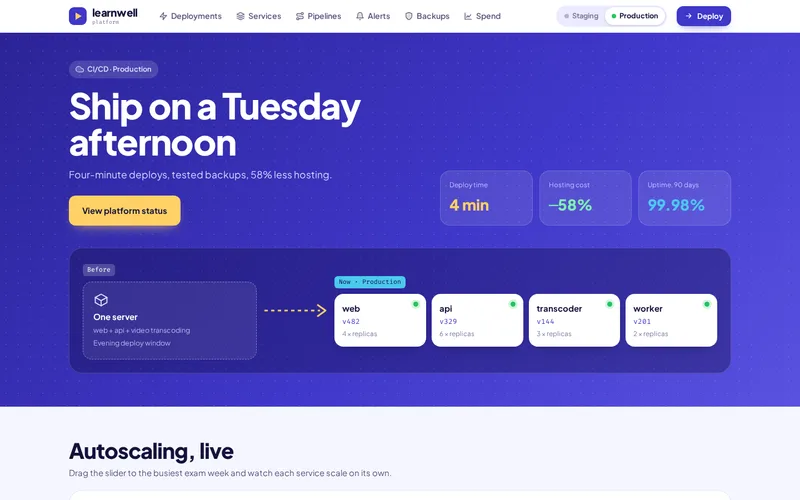
Our learning platform cloud migration ticked every box on that list. The website, API, video transcoding and background jobs all ran on one oversized virtual machine. Releases meant copying files over SSH during an agreed evening window, there was no staging environment, and backups had never been restored. A burst of video uploads competed with lesson pages for the same CPU, and two outages in six months had been fixed by rebuilding the server from memory and notes.
A lift-and-shift would have moved all of that intact to a new provider. Instead we re-platformed:
- Containers per component. Web, API, transcoder and workers each got their own Docker image with health checks, so they deploy, scale and restart independently.
- Pipelines with rollback. GitHub Actions runs tests, builds images and deploys to staging, then production, rolling back automatically if health checks fail.
- Transcoding on its own workers. Fed by a queue, so a spike in uploads can no longer slow lesson pages.
- Infrastructure as code. Environments described in Terraform and recreated from code, not from notes.
- Monitoring and verified backups. Prometheus and Grafana for metrics and alerts, and a scheduled job that restores the latest PostgreSQL backup into a scratch environment and checks it.
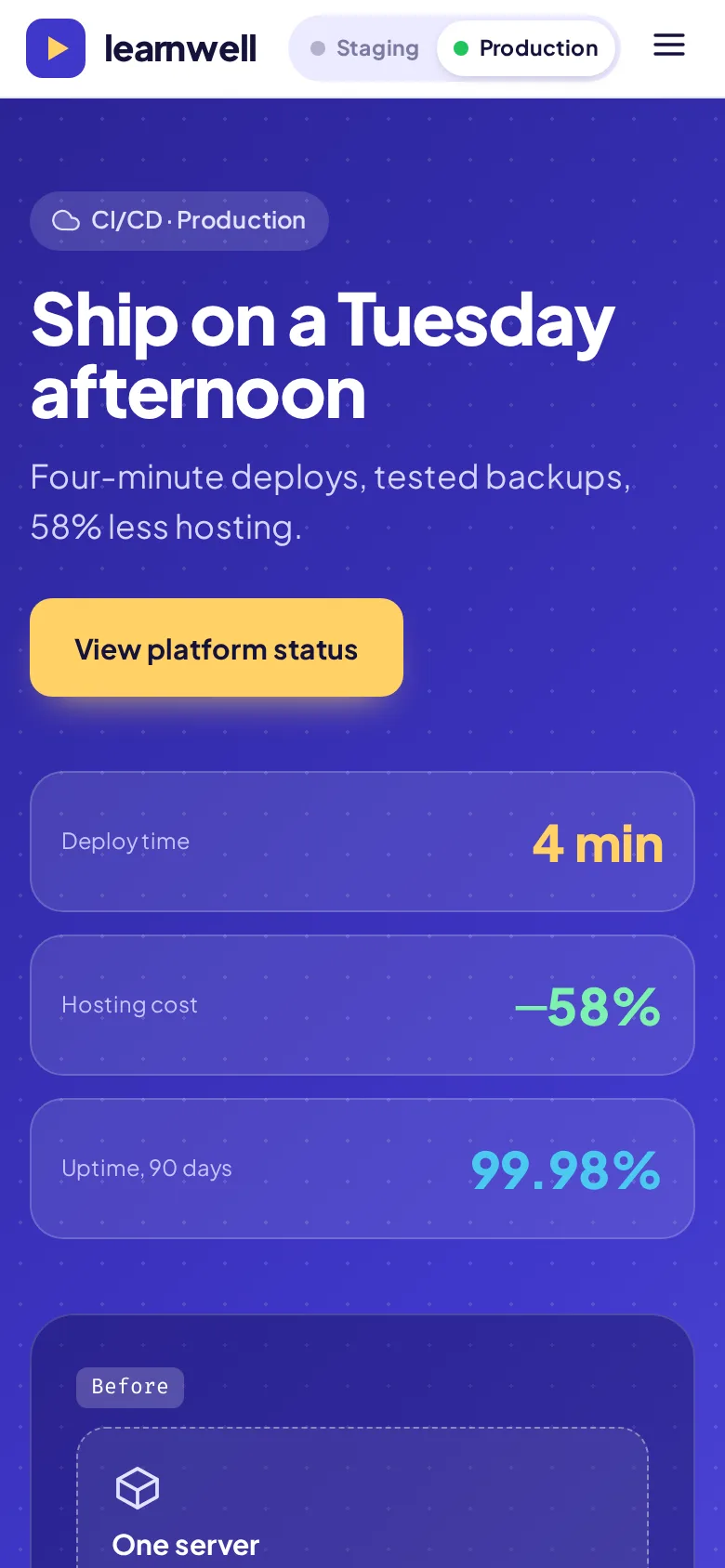
Deployments went from an evening window to about four minutes at any time of day, the platform recorded 99.98% uptime across the following 90 days, and hosting cost fell by 58%. The saving is worth understanding: it did not come from the move itself. It came from separating the heavy transcoding work, sizing each service for its real usage once monitoring showed what that was, and keeping media in object storage.
Deciding Component by Component
Most applications are not one decision. We go through each component with five questions:
- Does it hurt today? If a component is reliable and cheap to run, lifting it is fine.
- Is its load uneven? Bursty, heavy work such as transcoding, imports or report generation benefits most from its own scalable workers.
- Does it hold state? Databases usually belong on a managed service; files belong in object storage. Stateless web and API tiers are the easiest to containerise.
- Do you control the code? If not, a virtual machine is usually the only supported option.
- Can the team run the result? A setup nobody in-house understands is a risk, however modern it is.
A common outcome is a mix: lift the awkward pieces now, re-platform the ones that cause pain, and revisit the rest once the move is done and real costs are visible.
Containers Do Not Require Kubernetes
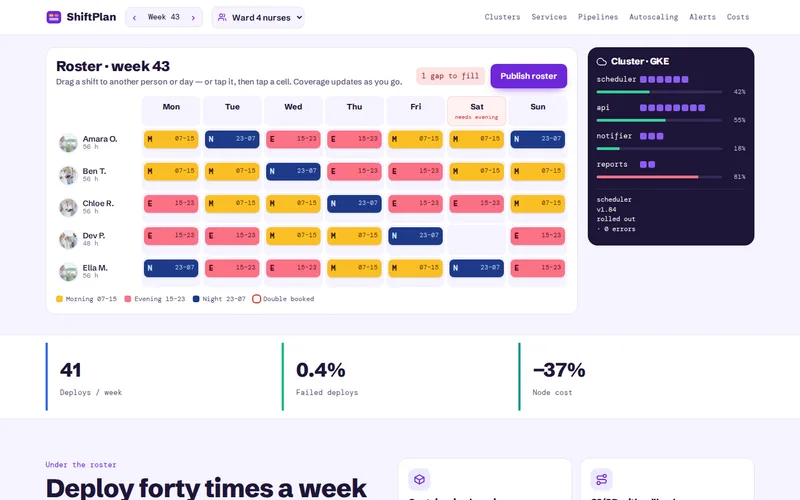
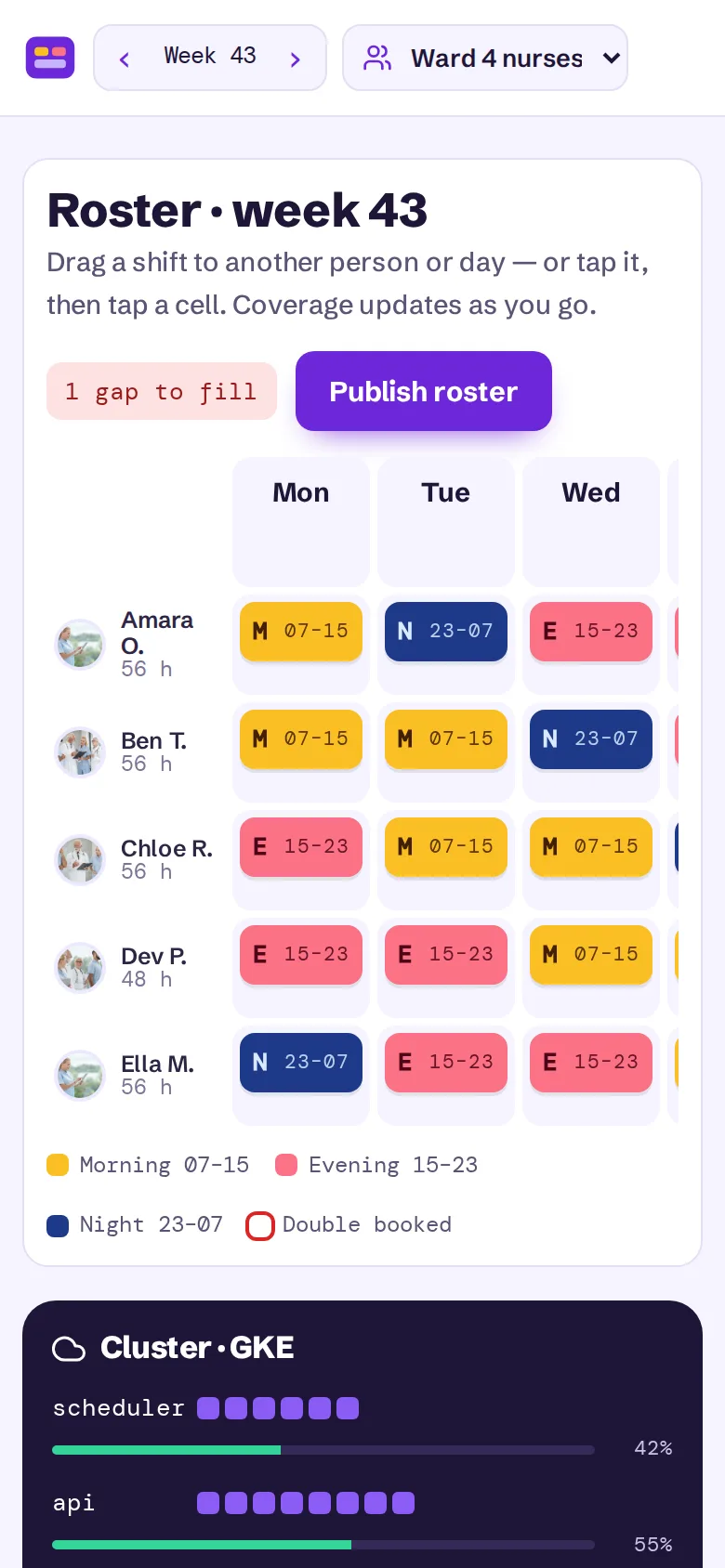
Re-platforming onto containers is often assumed to mean Kubernetes. For a handful of services, simpler container hosting with a good pipeline, monitoring and autoscaling usually does the job at lower running cost. Kubernetes earns its place with many services and frequent releases, as on our rostering SaaS platform, where twelve services moved to it. Do you actually need Kubernetes? covers that decision, and our Docker and Kubernetes service handles either path.
Questions to Ask Before You Choose
- Which components would you lift, which would you re-platform, and why?
- Where would any cost saving come from, specifically?
- How will deployments, backups and monitoring work after the move?
- What will our team need to learn to run it?
- How is the cutover rehearsed, and what is the rollback?
If you are planning a move and are not sure how much to change, send us a short description of what runs on your servers and what goes wrong most often. We will tell you which parts we would lift, which we would re-platform, and what each choice is likely to cost and save.
Frequently Asked Questions
Is lift-and-shift cheaper than re-platforming?
The migration itself usually is, because there is less to change and test. Running costs are a different story: a lifted server keeps its original size and its idle hours, and cloud providers bill for both. Re-platforming costs more up front but often reduces the monthly bill and the time spent on releases and recovery. The right comparison is migration cost plus a year or two of running costs, not the migration alone.
Can we lift-and-shift now and re-platform later?
Yes, and it is a sensible plan when a deadline forces the move. Lifting first gets you out of the old environment; once you are in the cloud with monitoring in place, you can see which components are expensive or fragile and re-platform those first. The risk is that "later" never arrives, so it helps to agree the follow-up work and its priority before the first move.
Do we need to change our application code to re-platform?
Usually only a little. Typical changes are reading configuration from environment variables instead of files on the server, storing uploads in object storage rather than on local disk, writing logs to standard output, and adding a health-check endpoint. These are small, well-understood changes that also make the application easier to run anywhere, including on a developer's laptop.
How long does re-platforming a typical web application take?
It depends on the number of components and how tangled they are. A straightforward application with a web tier, a database and some background jobs can often be containerised, given a pipeline and moved within weeks. Applications with undocumented dependencies, unusual software or large data volumes take longer. An assessment of each component is the best way to get a reliable estimate.
Which cloud provider is best for re-platforming?
AWS, Azure and Google Cloud all offer managed databases, container hosting, object storage and good pipeline integrations, so the deciding factors are usually your existing licences, your team's experience and where your other systems live. For smaller workloads, a well-configured VPS provider can be a cost-effective alternative. We are not paid by any provider, so the recommendation follows your situation.