Kubernetes Deployment Platform for a Rostering SaaS
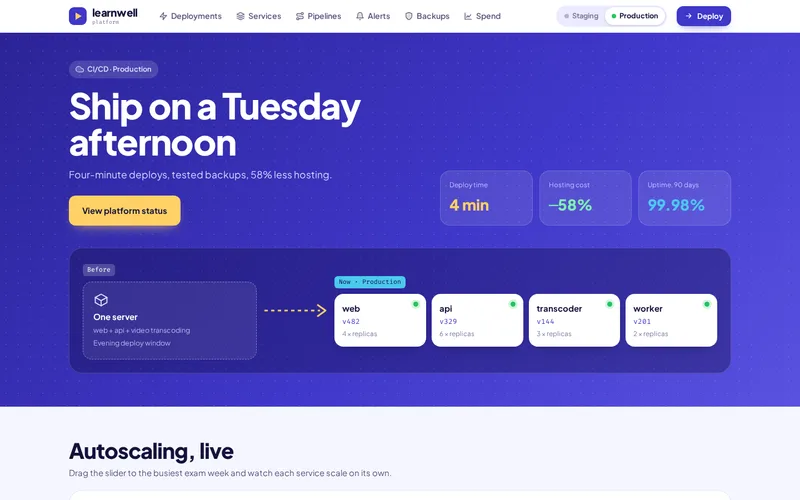
Twelve services moved from hand-managed virtual machines to Kubernetes with CI/CD, autoscaling and zero-downtime releases — forty deployments a week instead of one.
View live demo Opens a working demo with sample content in a new tab.
On location
Health CarePhoto: Direct Media (CC0)
Female NursePhoto: Direct Media (CC0)
Health CarePhoto: Direct Media (CC0)
Health CarePhoto: Direct Media (CC0)
About the Project
This was a Kubernetes migration for a SaaS company whose product helps employers publish staff rosters. The software itself was sound. The way it was run was not: twelve services sat on nine virtual machines configured by hand, deployments needed a Sunday-evening maintenance window, and the machines were sized all week long for a traffic peak that happened once, on Monday morning, when rosters went out.
We moved every service into containers on a managed Kubernetes cluster, built a CI/CD pipeline with automatic rollback, and let the platform scale for the Monday peak and shrink again by lunchtime. Deployments rose from one a week to around forty, the maintenance window disappeared, and node costs fell by 37%.
About the Client
The client is a workforce rostering software company serving organisations with shift-based staff, from care teams to site crews. Its customers publish rosters at the start of the week, and their staff open the app to see their shifts at almost the same moment.
The engineering team wanted to ship improvements as soon as they were ready, stop losing Sunday evenings to deployments, and stop paying for peak-sized machines that sat mostly idle. They also wanted to own the result: infrastructure they could read, change and run themselves after the project.
Project Goals
Release changes at any time without a maintenance window.
Roll back failed releases automatically.
Scale for the Monday roster peak and pay less the rest of the week.
Replace guesswork with metrics, dashboards and alerts.
Hand over infrastructure defined entirely in code.
Project Overview
The Challenge and Our Solution
The Challenge
The product ran as twelve services on nine virtual machines configured by hand. Deployments happened on Sunday evenings because they needed a maintenance window, so features waited a week to ship and a bad release meant a bad week. Traffic spiked every Monday morning when rosters were published, and the machines were sized for that peak all week long.
Our Solution
We containerised each service, wrote Helm charts, and set up a managed Kubernetes cluster with separate staging and production namespaces. GitHub Actions builds, tests and scans every image and rolls it out with health checks and automatic rollback. Horizontal autoscaling on request latency handles the Monday peak, and the node pool shrinks again by lunchtime. Prometheus and Grafana replaced guesswork with dashboards and alerts.
Containerising Twelve Services
Each service was given a Dockerfile and a Helm chart, so it runs the same way in staging as in production and on a developer’s machine. Configuration moved out of hand-edited servers and into version-controlled values files, which removed the class of problems where one machine had been tweaked and the others had not.
Staging and production run as separate namespaces in a managed GKE cluster, with Nginx Ingress routing traffic and PostgreSQL remaining the system of record.
Dockerfiles and Helm charts for every service
Identical staging and production
Configuration in version control
Zero-Downtime Deployments With Automatic Rollback
GitHub Actions builds, tests and scans every image on merge, then rolls it out gradually with health checks. If the new version fails its checks, the rollout stops and the previous version stays in service automatically.
That safety net is what made frequent releases possible. Deployments went from a weekly event to around forty a week, and only 0.4% need a rollback — which happens without anyone being woken up.
Build, test and image scan on every merge
Rolling releases with health checks
Automatic rollback on failure
Kubernetes Autoscaling for the Monday Peak
Horizontal pod autoscaling reacts to measured request latency rather than CPU alone, so services scale when users would start to feel a slowdown. The cluster’s node pool grows to meet the Monday-morning roster peak and shrinks again once it passes.
Paying for capacity only while it is needed cut node costs by 37%, despite the platform handling its peak more comfortably than the old fixed machines did.
Pod autoscaling on request latency
Node pool sized to real demand
Node costs down 37%
Observability and an In-House Handover
Prometheus collects metrics from every service and Grafana dashboards show latency, error rates and scaling activity at a glance. Alerts route to the on-call engineer with enough context to act.
All of the infrastructure — cluster, node pools, networking, monitoring — is defined in Terraform and Helm, and was handed over to the in-house team with documentation and walkthroughs, so the platform is theirs to run and extend.
Prometheus metrics and Grafana dashboards
Alerts routed to on-call
Terraform and Helm handed over to the team
Our Process
How We Delivered It
1
Auditing the Servers
We documented all nine machines, their hand-made configuration and the dependencies between the twelve services.
2
Containerising Service by Service
Each service was containerised and charted, starting with the lowest-risk ones to prove the approach.
3
Pipeline and Cluster in Code
The GKE cluster, networking and CI/CD pipeline were built in Terraform, Helm and GitHub Actions.
4
Parallel Running and Cutover
Services ran in Kubernetes alongside the old machines until each was proven, then traffic moved across without downtime.
5
Tuning and Handover
Autoscaling was tuned against real Monday peaks, and the in-house team took over operations.
Key Features
What We Delivered
Containerised services
Dockerfiles and Helm charts for every service, identical in staging and production.
CI/CD with rollback
Tests, image scanning and rolling releases on merge; a failed health check rolls back automatically.
Autoscaling for real peaks
Pods and nodes scale on measured latency, then scale back down.
Observability
Prometheus metrics, Grafana dashboards and alerts routed to the on-call engineer.
Outcome
Results and Impact
Deployments up from one a week to around forty, with 0.4% needing a rollback.
Zero-downtime releases; the Sunday maintenance window is gone.
Node costs down 37% by scaling for the peak only when it happens.
Infrastructure defined in code and handed over to the in-house team.
Services
Services Behind This Project
The Docker & Kubernetes, Cloud Hosting & DevOps expertise we used to build this cloud & devops — and can bring to yours.
AWS, Azure, Google Cloud and DigitalOcean setup, Docker and Kubernetes, CI/CD pipelines, Nginx tuning, monitoring, backups and cost optimisation.
Learn more
FAQ
Frequently Asked Questions
When is Kubernetes worth it for a SaaS product?
Kubernetes pays off when you run several services, deploy frequently, or face uneven traffic that wastes money on fixed servers. For a single small application it can be overkill; for a multi-service product with weekly peaks, like this one, it delivers safer releases and lower running costs.
How do you migrate to Kubernetes without downtime?
We containerise services one at a time and run them in the cluster alongside the existing servers. Once a service is proven, traffic moves across gradually. Customers keep using the product throughout, and any problem can be rolled back to the old servers.
What does automatic rollback mean in practice?
New versions are rolled out gradually with health checks. If the new version fails those checks, the rollout halts and the previous version keeps serving traffic. Engineers are alerted, but customers are protected without anyone having to intervene in the moment.
Will autoscaling increase our cloud bill?
Usually the opposite. Fixed servers must be sized for the busiest hour all week. Autoscaling adds capacity only when demand rises and removes it afterwards, so you pay for peak capacity briefly rather than permanently. Here, node costs fell by 37%.
Can our own team run the platform afterwards?
Yes — that was a goal from the start. All infrastructure is defined in Terraform and Helm, pipelines live in your repository, and we hand over with documentation and walkthroughs. Your team can change and extend everything without depending on us.
What affects the cost of a Kubernetes migration?
The number of services, how much hand-made configuration needs untangling, data and stateful components, compliance or security requirements, and how far you want CI/CD and observability to go. An infrastructure audit gives a clear scope and estimate. Most migrations are phased, so cost can be spread across stages that each deliver value on their own.
Similar Work
Related Projects
Case studies built with the same technologies or for similar needs.
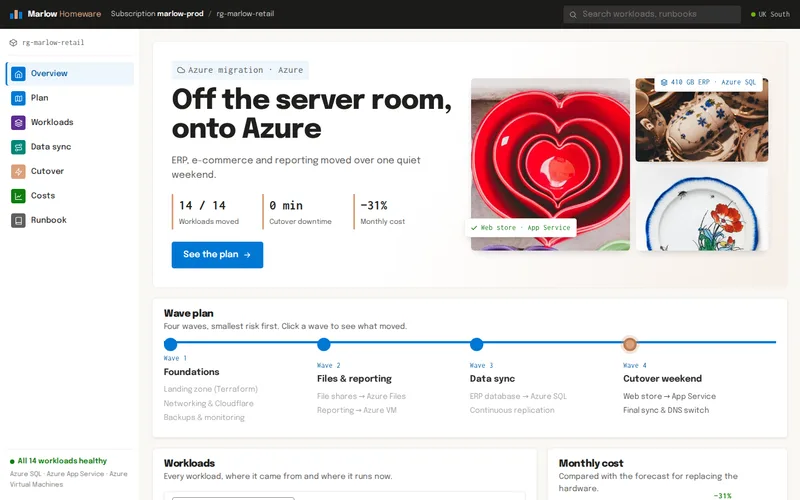
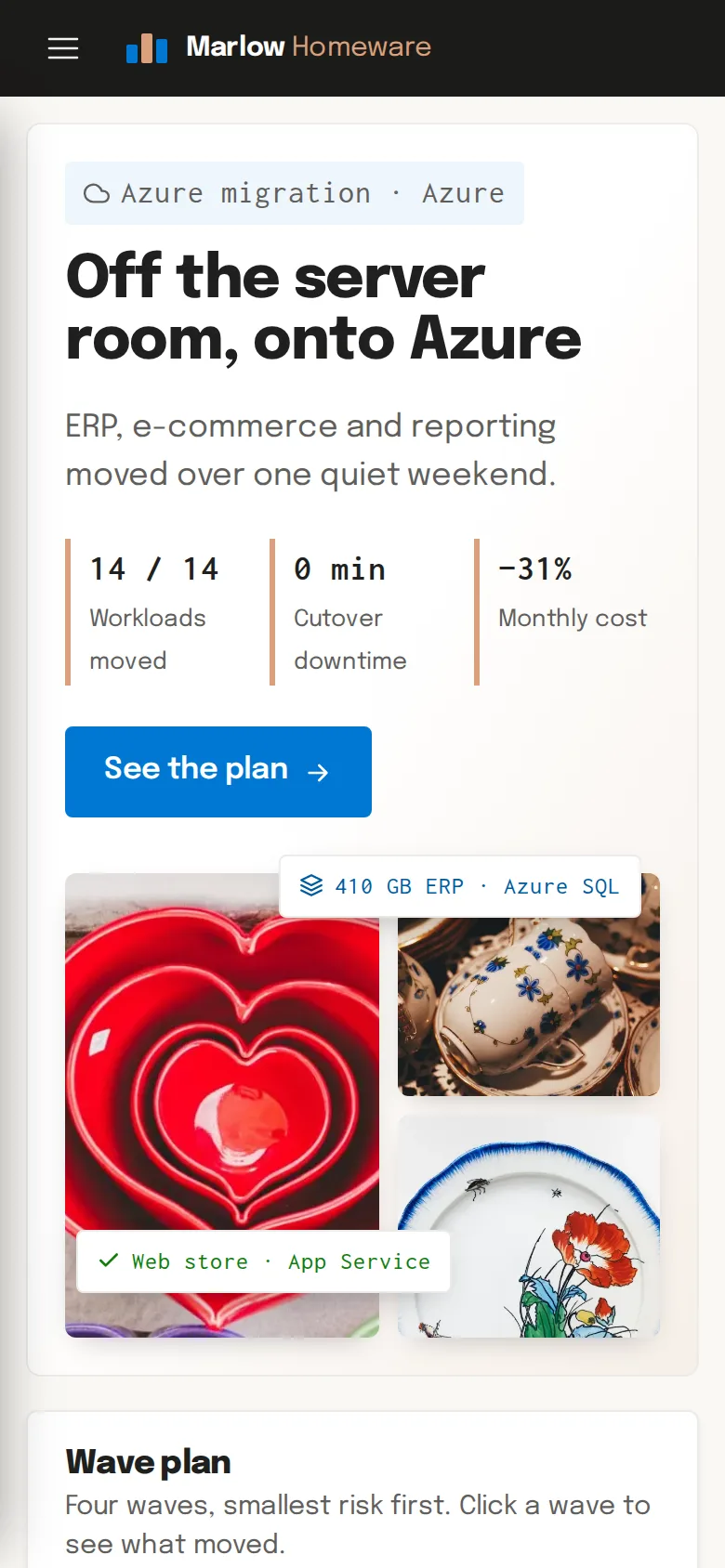
An ERP, a web store, reporting and file shares moved from an ageing server room to Azure over one quiet weekend, with no downtime and a 31% lower monthly bill.
View case study
Let’s Connect
Want Results Like These?
Share your project details and our experts will get back to you within one business day with the best solution — free consultation, no obligation.