




Cloud & DevOps

Learning Platform Cloud Migration

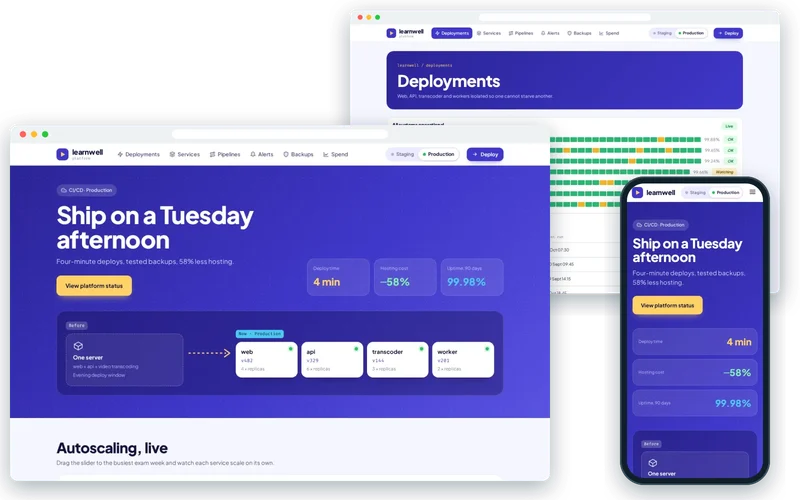
A containerised rebuild of a fragile single-server deployment: 4-minute releases and 58% lower hosting cost.

View live demo Opens a working demo with sample content in a new tab.
Learnwell demo on desktop and phone

On location

  • Student School — Learnwell
    Student SchoolPhoto: Tamarcus Brown (CC0)
  • Students Backpack — Learnwell
    Students BackpackPhoto: Alex Jones (CC0)
  • Student School — Learnwell
    Student SchoolPhoto: Tamarcus Brown (CC0)
  • People Student — Learnwell
    People StudentPhoto: Davide Cantelli (CC0)
  • Guy Student — Learnwell
    Guy StudentPhoto: Cassidy Kelley (CC0)

About the Project

This project is a cloud migration for a learning platform that streams video lessons to students. Everything — the website, the API, video transcoding and background jobs — ran on one oversized virtual machine. Releases meant copying files over SSH during an agreed evening window, there was no staging environment, and backups had never actually been restored. Two outages in six months had been fixed by rebuilding the server from memory and notes.

We containerised each component, built build, staging and production pipelines in GitHub Actions with automatic rollback, moved transcoding onto its own workers, and put monitoring and verified backups in place. Deployments went from an evening window to four minutes at any time of day, hosting cost fell by 58% after right-sizing, and the platform recorded 99.98% uptime across the following 90 days.

About the Client

The client runs a video learning platform used by students who expect lessons to load instantly, often at busy times such as exam season. A slow page or a failed video during revision is not a minor inconvenience; it undermines trust in the whole product.

The engineering team was small and capable but spent too much time keeping one fragile server alive. They wanted releases to be routine, outages to be rare and recoverable, and a hosting bill that reflected what the platform actually used.

Project Goals

  • Make deployments safe, fast and possible at any time of day.
  • Add a staging environment so changes are tested before students see them.
  • Stop video transcoding from slowing down page serving.
  • Prove backups work by restoring them on a schedule.
  • Right-size infrastructure to real usage and reduce hosting cost.

Project Overview

The Challenge and Our Solution

The Challenge

Everything ran on one oversized virtual machine, deployed by copying files over SSH during an agreed evening window. There was no staging environment, backups had never been restored, and a transcoding job could slow the whole site down. Two outages in six months had been resolved by rebuilding the server from memory and notes.

Our Solution

We containerised each component — web, API, transcoder and workers — and set up build, staging and production pipelines in GitHub Actions that run tests, build images and deploy with an automatic rollback if health checks fail. Transcoding moved to its own scaled workers so it can no longer affect page serving. Monitoring, alerting and log aggregation went in alongside backups with a scheduled, verified restore test, and we right-sized the infrastructure once we could see real usage.

From One Server to Containerised Services

Containerising a legacy application starts with untangling it. We separated the web front end, the API, the transcoder and the background workers into their own Docker images, each with explicit configuration and health checks, so they can be deployed, scaled and restarted independently.

Infrastructure is described in Terraform, which means environments can be recreated from code rather than from memory — the exact problem behind the earlier outages.

  • Web, API, transcoder and workers in separate containers
  • Health checks on every service
  • Infrastructure recreated from Terraform, not notes

Four-Minute Deploys with Automatic Rollback

Every change now goes through a GitHub Actions pipeline that runs tests, builds images, deploys to staging and then to production. If health checks fail after a production deploy, the pipeline rolls back automatically to the previous version.

Because releases are small, tested and reversible, the team ships during working hours instead of waiting for the evening window. Deployments take about four minutes.

  • Build, staging and production pipelines
  • Automatic rollback when health checks fail
  • Releases during the working day

Transcoding on Its Own Workers

On the old server, a burst of video uploads competed with page requests for the same CPU, and students felt it. Transcoding now runs on its own scaled workers, fed by a queue, so a spike in uploads can no longer affect lesson pages.

Separating the heavy workload also made right-sizing possible: the web and API services run on smaller machines, while transcoding capacity scales with demand. Together with object storage for media, that is where the 58% hosting reduction came from.

  • Queue-fed transcoding workers
  • Page serving isolated from upload spikes
  • Right-sized services and object storage for media

Monitoring and Backups You Can Trust

Prometheus and Grafana provide metrics and dashboards, with alerting on errors, latency and resource use, and logs are aggregated so problems can be traced across services. The team now hears about issues before students report them.

Backups are no longer assumed to work. A scheduled job restores the latest PostgreSQL backup into a scratch environment and checks it, so the platform has evidence — not hope — that it can recover from a failure.

  • Metrics, dashboards and alerting with Prometheus and Grafana
  • Aggregated logs across services
  • Scheduled, verified restore tests

Our Process

How We Delivered It

  1. Platform Assessment

    We inventoried every component on the server, its dependencies, data and traffic patterns.

  2. Containerisation

    Each service was packaged with Docker, configuration externalised and health checks added.

  3. Pipelines and Infrastructure as Code

    GitHub Actions pipelines and Terraform environments for staging and production were built and tested.

  4. Rehearsed Migration

    Data migration and cut-over were rehearsed in staging before moving production traffic with a rollback plan.

  5. Right-Sizing and Hand-Over

    Once real usage was visible, we resized services and handed over runbooks and dashboards to the team.

Key Features

What We Delivered

  • Containerised services

    Web, API, transcoder and workers isolated so one cannot starve another.

  • CI/CD with rollback

    Tested builds deployed automatically, with health checks and one-step rollback.

  • Monitoring & alerting

    Metrics, log aggregation and alerts that reach a human before customers notice.

  • Verified backups

    Scheduled restores into a scratch environment to prove recovery actually works.

Outcome

Results and Impact

  • Deployments reduced from an evening window to four minutes, at any time of day.
  • Hosting cost down 58% after right-sizing and separating transcoding workloads.
  • 99.98% uptime across the following 90 days.
  • Backups restored on a schedule to prove they work, not assumed.

Client Feedback

What the Client Says

★★★★★

Deployments take four minutes and the hosting bill halved.

Head of TechnologyVideo learning platform

Services

Services Behind This Project

The Cloud Hosting & DevOps, Cloud Migration (AWS, Azure & Google Cloud), Docker & Kubernetes expertise we used to build this cloud & devops — and can bring to yours.

  • Cloud Hosting & DevOps

    AWS, Azure, Google Cloud and DigitalOcean setup, Docker and Kubernetes, CI/CD pipelines, Nginx tuning, monitoring, backups and cost optimisation.

  • Cloud Migration (AWS, Azure & Google Cloud)

    Move websites, applications and databases from shared hosting, a VPS or another cloud to AWS, Azure or Google Cloud — with a rehearsed cutover and a bill you understand.

  • Docker & Kubernetes

    Applications packaged in Docker, deployed with CI/CD, and run on Kubernetes when they need to scale — with monitoring, secrets and rollbacks built in.

FAQ

Frequently Asked Questions

How do you migrate a live platform to the cloud without downtime?

We build and test the new environment alongside the old one, rehearse the data migration in staging and plan a short, controlled cut-over with a rollback path. DNS and traffic move only once health checks pass. Students should notice nothing except that the platform feels faster afterwards.

Why containerise an existing application?

Containers package each part of the application with everything it needs, so it runs the same way on a laptop, in staging and in production. That consistency makes deployments predictable, lets services scale independently and means environments can be rebuilt quickly instead of relying on a hand-configured server.

What is automatic rollback in a CI/CD pipeline?

After deploying a new version, the pipeline checks that the service is healthy. If those checks fail, it automatically restores the previous version, usually within minutes. Rollback turns a bad release from an outage into a brief blip, which is what makes deploying during the working day safe.

How can moving to the cloud reduce hosting costs?

Savings rarely come from the move itself. They come from separating workloads, sizing each service for its real usage, scaling heavy jobs only when needed and using object storage for large files. Monitoring is essential, because you can only right-size what you can measure.

What does a verified backup mean?

A verified backup is one that has actually been restored and checked. Many teams discover during an incident that their backups are incomplete or unusable. Scheduling automatic restores into a scratch environment, with checks on the result, gives evidence that recovery will work when it matters.

Do we need Kubernetes for a platform like this?

Not necessarily. Many platforms run well on simpler container hosting with a good pipeline, monitoring and autoscaling. Kubernetes makes sense when you have many services, complex scaling needs or a team ready to operate it. We recommend the simplest platform that meets your reliability and growth needs.

Similar Work

Related Projects

Case studies built with the same technologies or for similar needs.

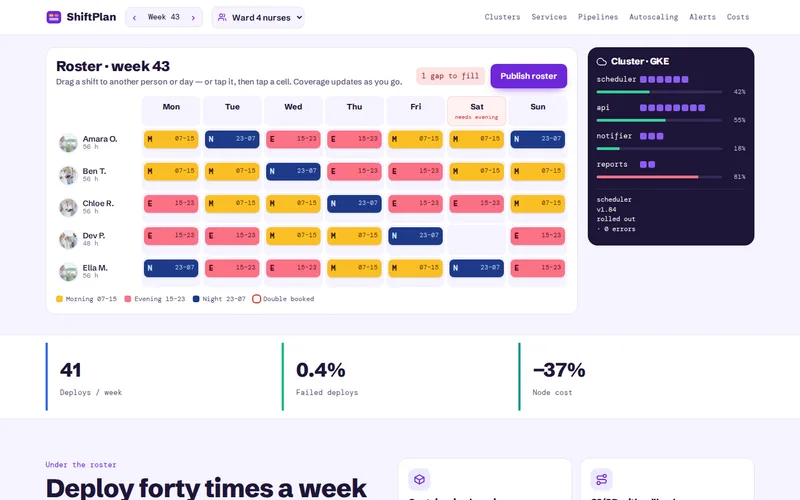
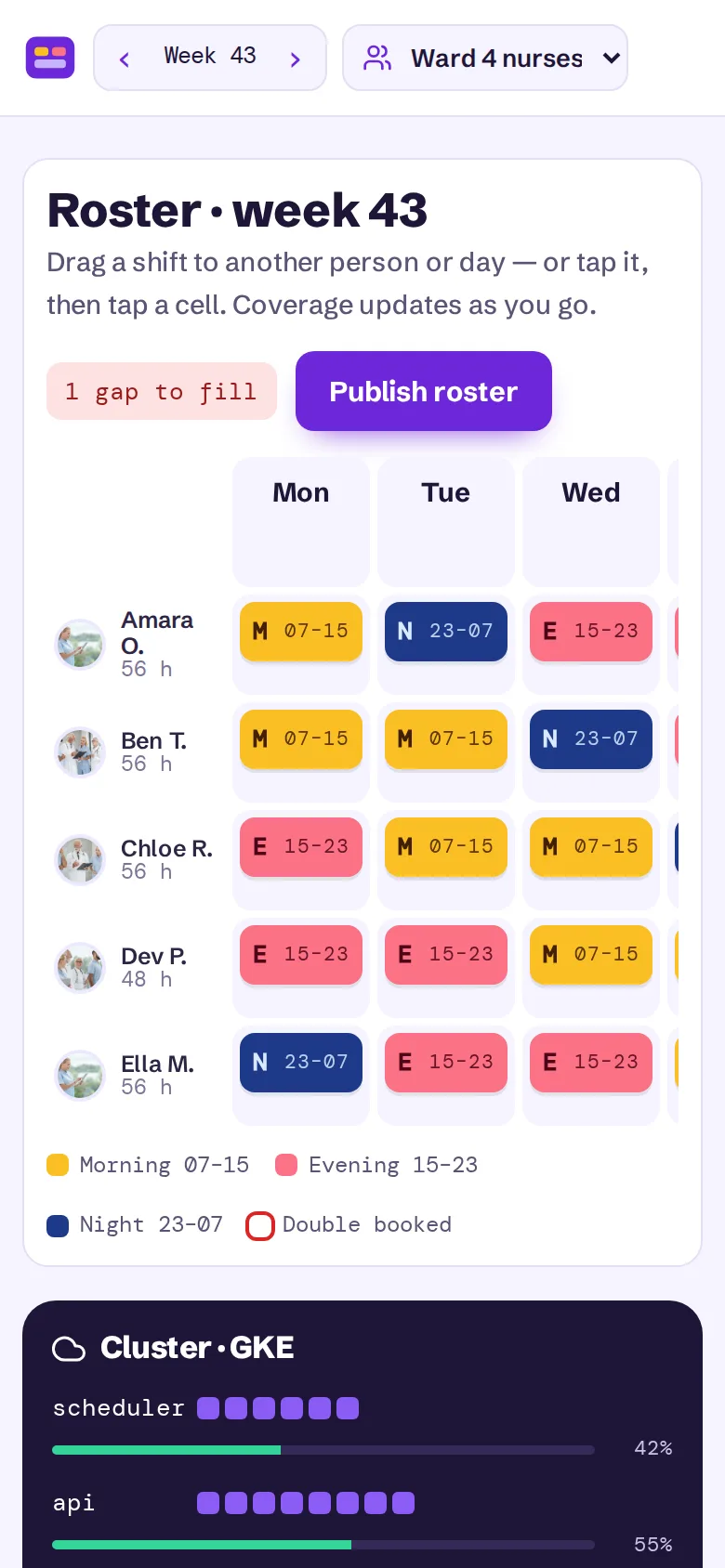
  • Health Care — ShiftPlan
    • Docker
    • Kubernetes (GKE)
    • Helm

    Cloud & DevOps

    Kubernetes Deployment Platform for a Rostering SaaS

    Twelve services moved from hand-managed virtual machines to Kubernetes with CI/CD, autoscaling and zero-downtime releases — forty deployments a week instead of one.

  • Floral ceramic plate. Original Minneapolis — Marlow Homeware
    • Azure SQL
    • Azure App Service
    • Azure Virtual Machines

    Cloud Migration

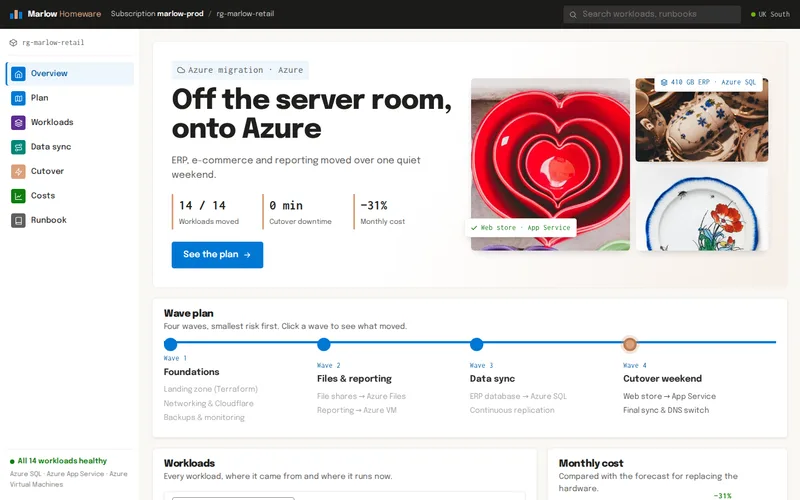
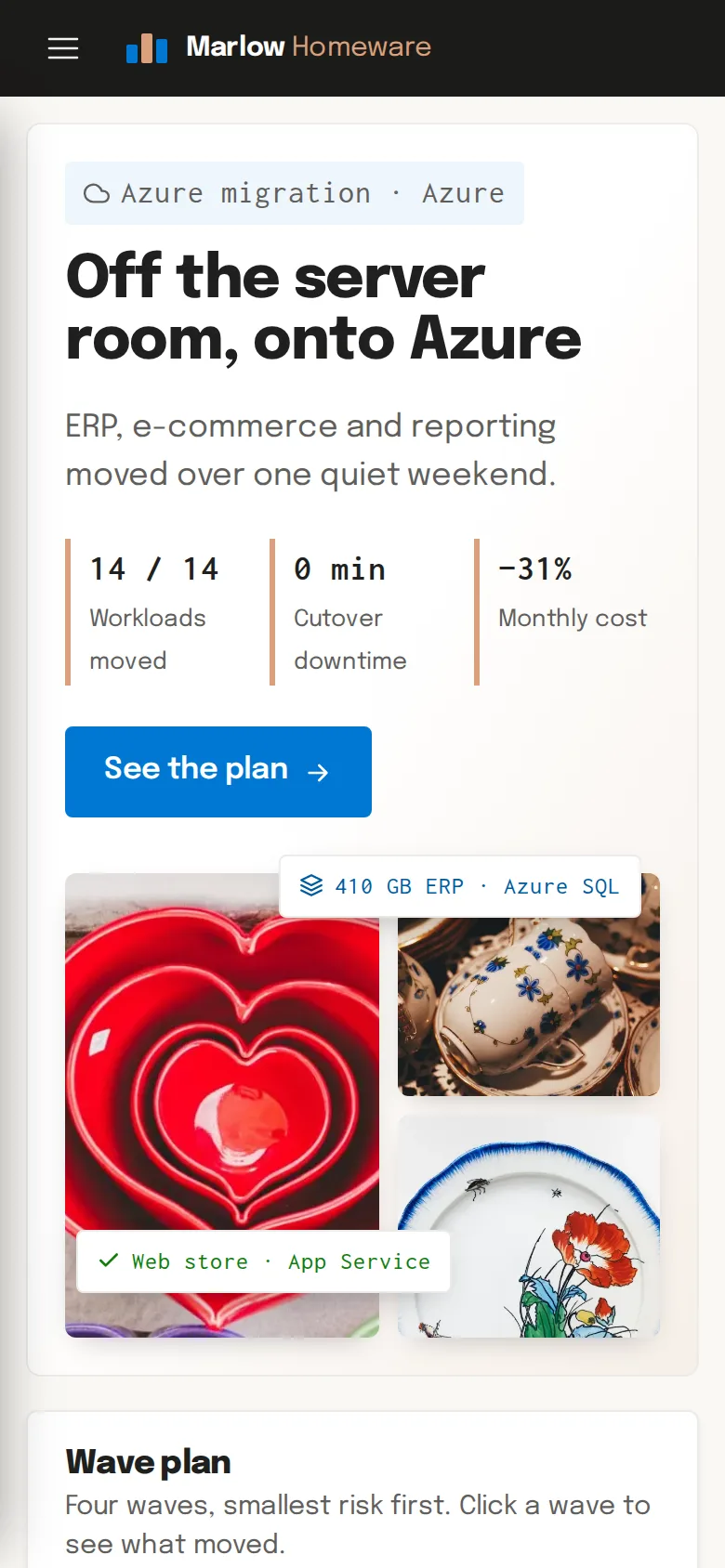
    Homeware Retailer: Server Room to Azure

    An ERP, a web store, reporting and file shares moved from an ageing server room to Azure over one quiet weekend, with no downtime and a 31% lower monthly bill.

  • Containers Bins — Kellner Industrie
    • Java 21
    • Spring Boot
    • Spring Batch

    Enterprise Integration

    Warehouse Order Service & Event Integration

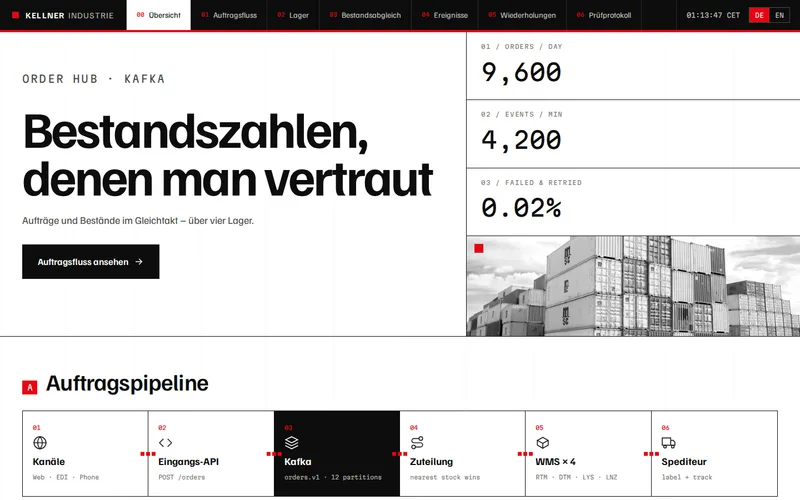
    A Spring Boot order service processing 9,600 orders a day across four warehouses, with event-driven stock sync.

  • Tools Workshop — Quotely
    • Ruby on Rails
    • Hotwire (Turbo & Stimulus)
    • PostgreSQL

    SaaS Product Development

    Field-Service Quoting SaaS

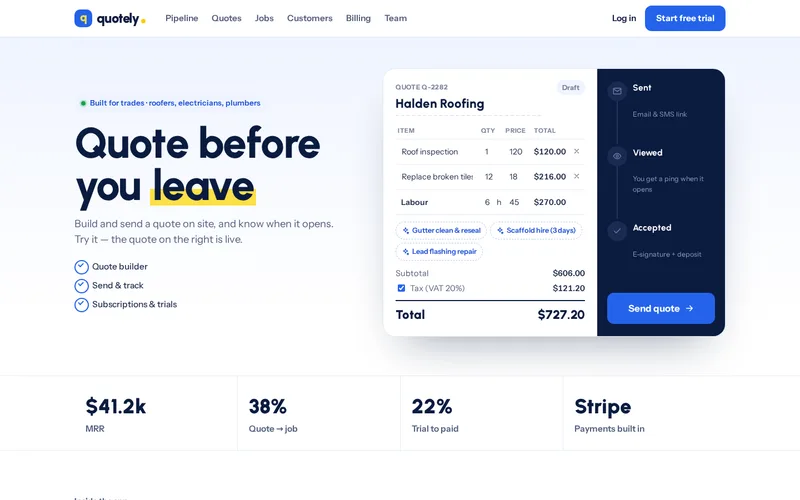
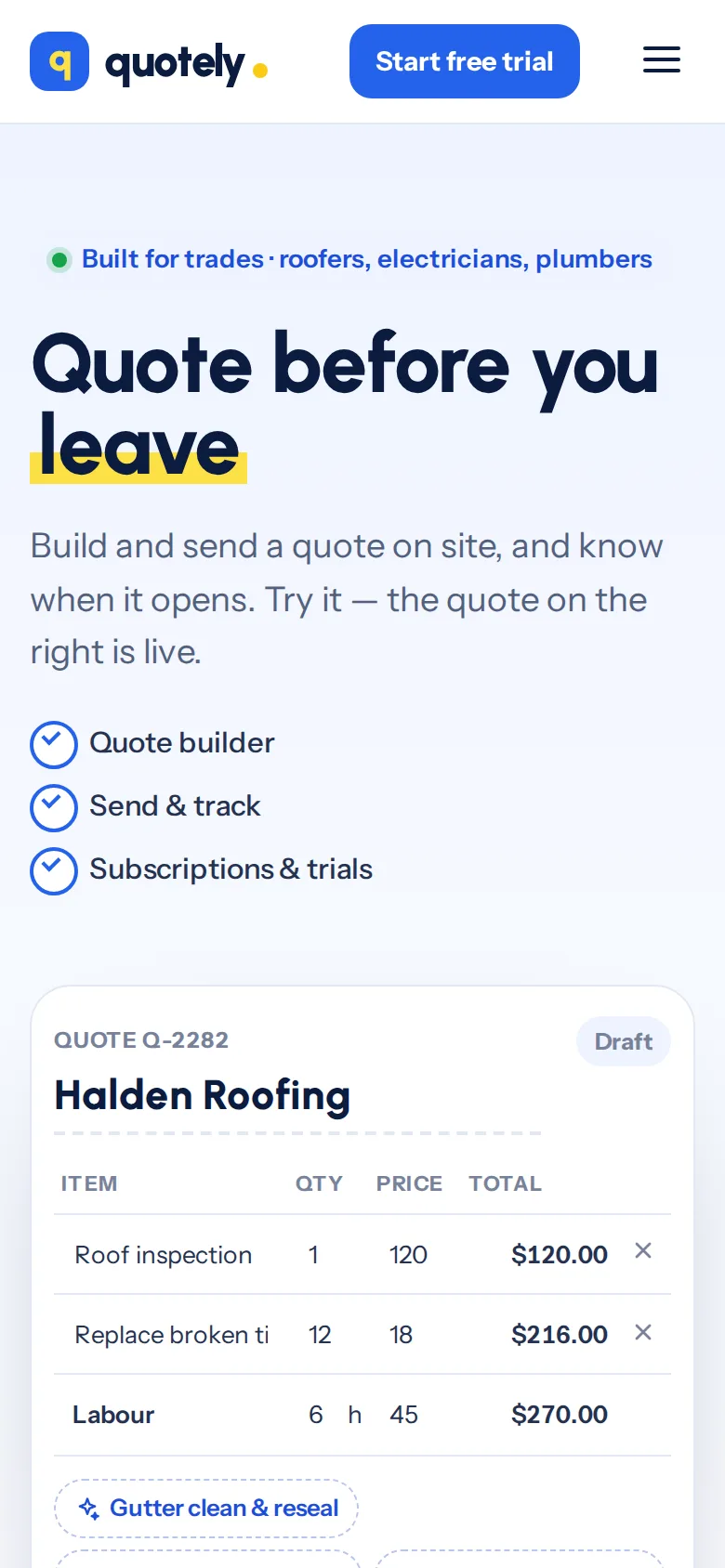
    A Rails MVP taken from idea to paying subscribers in ten weeks, with Stripe billing and Hotwire interactivity.

  • Antique Watch — Ridgemont Auctions
    • Elixir
    • Phoenix Channels
    • Go

    Real-Time Web Platform

    Live Auction Bidding Platform

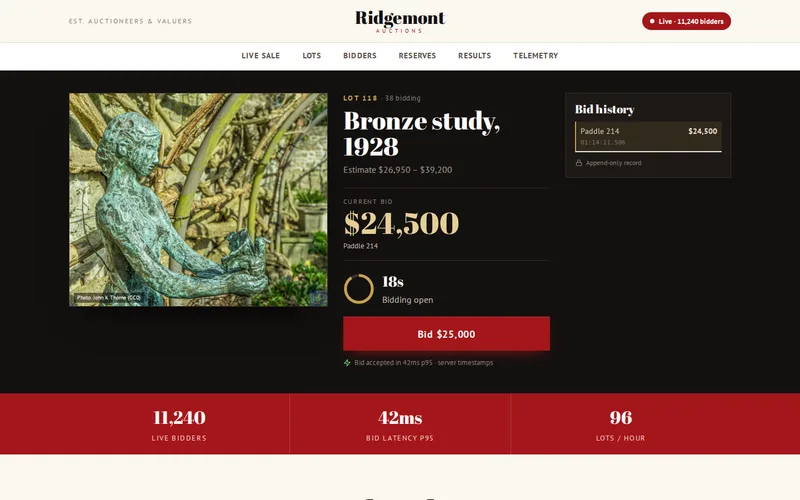
    An Elixir and Go platform holding 11,000+ concurrent bidders per sale with bid latency measured in milliseconds.

  • Construction Tools — Fenwick Trade Supplies
    • CodeIgniter 2 → 3
    • PHP 8.3
    • Laravel 11

    Legacy PHP Modernisation

    Trade Supplier Order Desk: CodeIgniter Upgrade & Laravel Migration

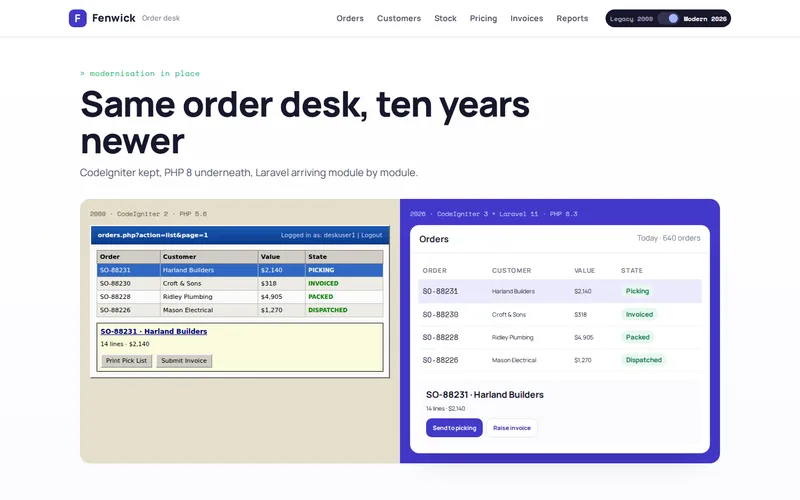
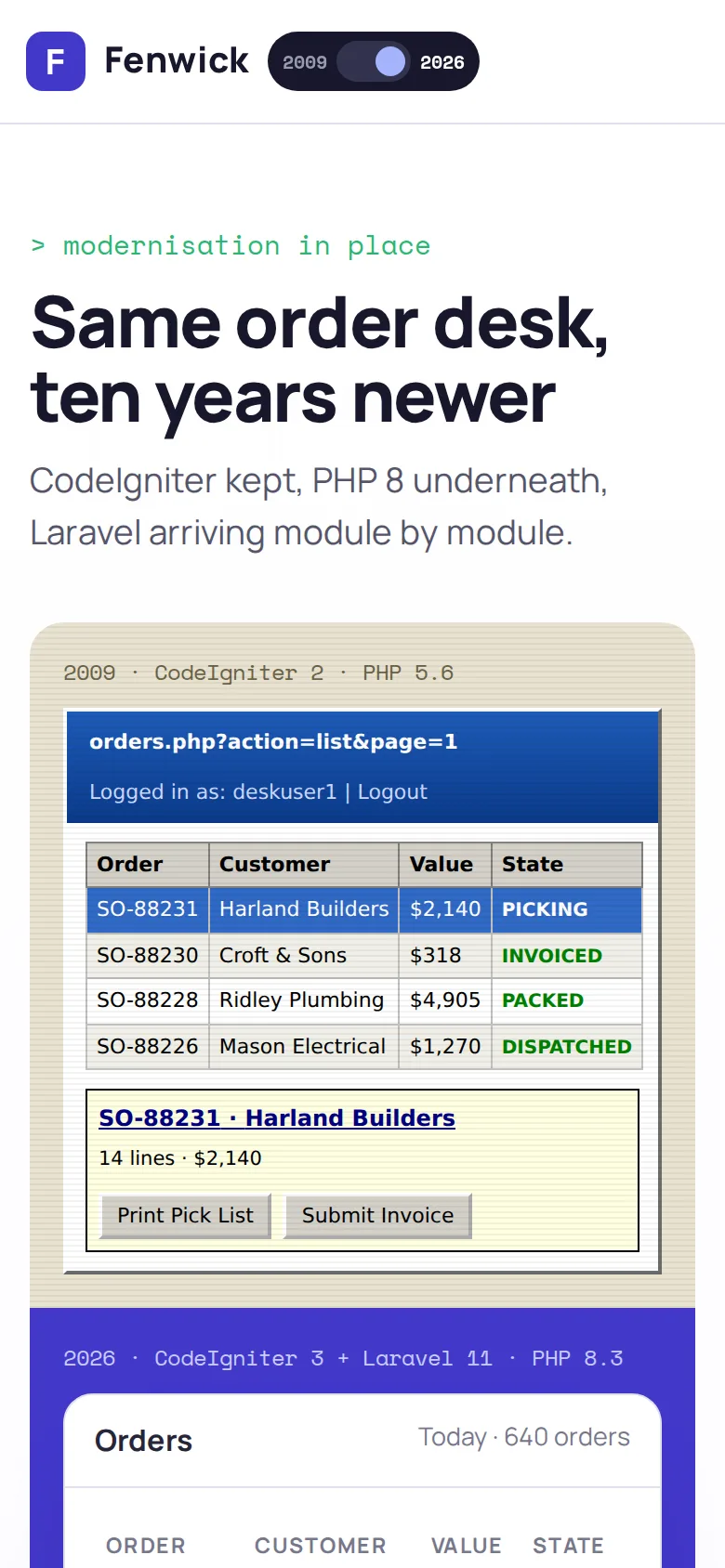
    A ten-year-old CodeIgniter order desk brought onto PHP 8, made fast again, and moved to Laravel one module at a time without a day of downtime.

Let’s Connect

Want Results Like These?

Share your project details and our experts will get back to you within one business day with the best solution — free consultation, no obligation.