Web Development
Training and Membership Portals: Courses, CPD Records, Certificates and Renewals
Training providers and professional bodies sell courses, but what customers really need is proof: certificates that can be checked, CPD records that add up and reminders before anything lapses. Here is how we plan a portal around that, including employer accounts and member pricing.

Training providers and professional bodies tend to think of their website in terms of courses. Their customers think in terms of proof. A site manager needs to show an inspector that every operative's certificate is current. A member needs to show their professional body they have done enough CPD this year. An employer needs to know who on the team is about to lapse, ideally before an inspection rather than during one.
A portal built around that need for proof is a very different thing from a course catalogue with a payment button. We usually build these on WordPress with a membership and LMS layer, adding custom pieces where the off-the-shelf parts stop. This is how we plan one.
Start From the Certificate, Not the Course
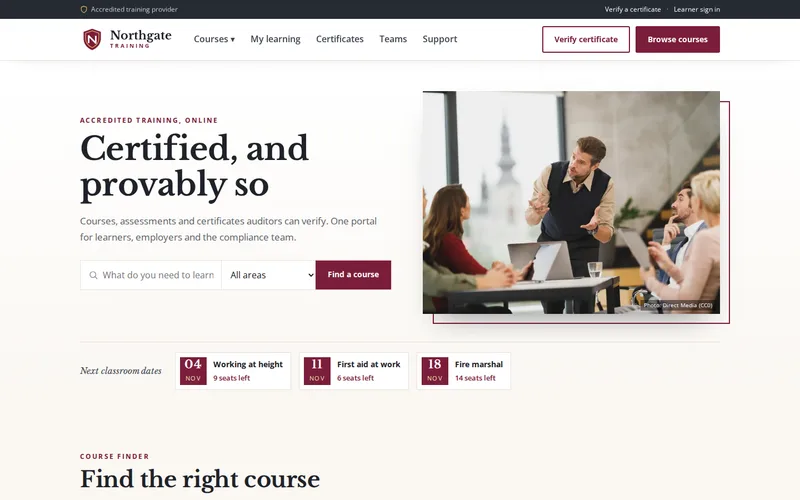
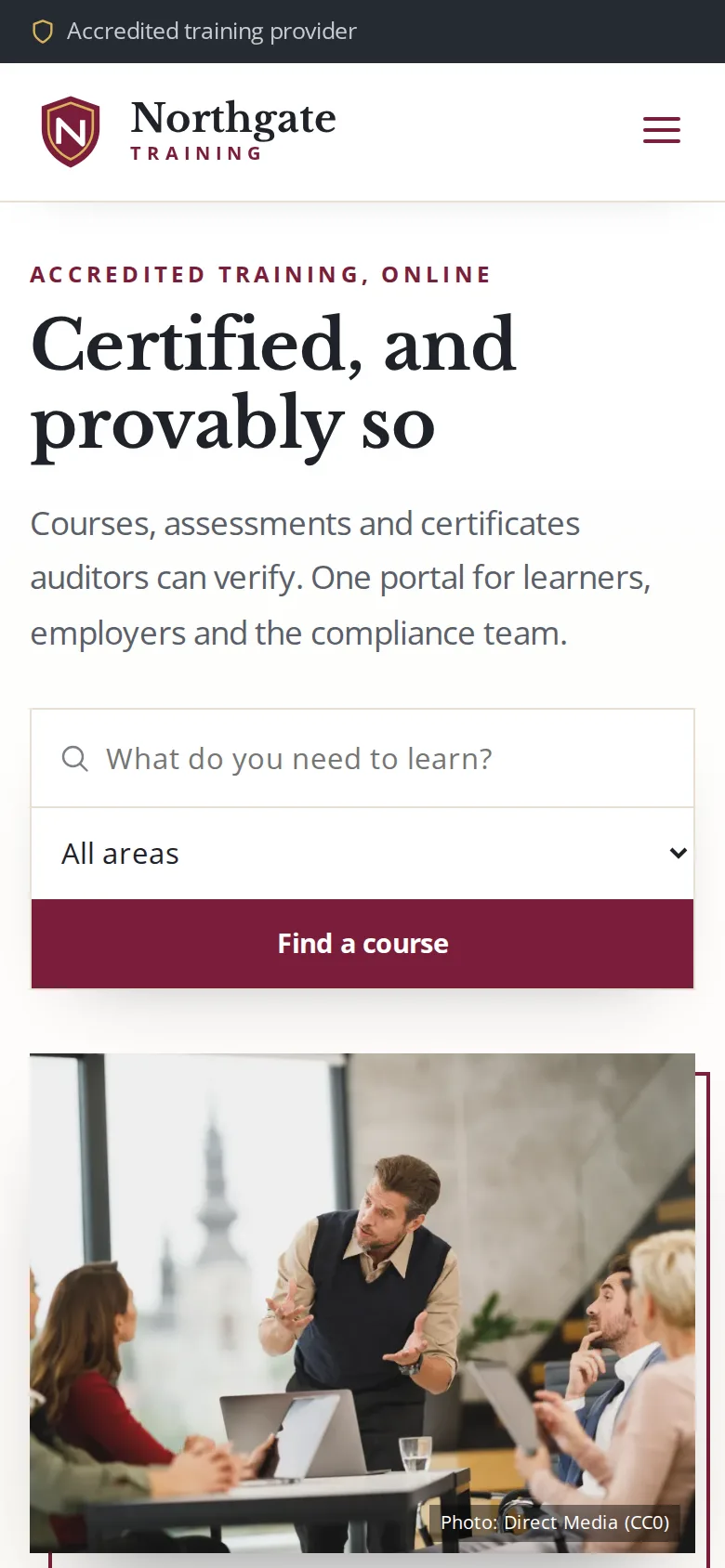
When we built the learning portal for a health and safety training provider, we started by following a single certificate from booking to expiry. Courses were delivered in person, certificates went out as PDFs by email, renewals were tracked in a spreadsheet, and employers phoned the office to ask who on their team was still compliant. Every step was a document someone had to create or a date someone had to remember.
Mapping that journey first tells you what the portal must do: issue the proof, make it checkable, track its validity and act before it runs out. The course pages are the easy part.
Courses and Assessments
On the training portal, each course is built from video and document lessons with progress tracking, followed by a timed assessment drawn from a randomised question bank. Because questions are drawn afresh for each attempt, two learners sitting the same course see different papers, and a learner who resits does not simply see the same questions again. Resit rules are set per course, so a short awareness module can allow immediate retakes while a regulated qualification can require a wait.
Plan for blended delivery from the start. Many providers still run classroom sessions, and a learner who completes the theory online and the practical in person should end up with one record and one certificate, not two systems that disagree.
CPD Tracking: Hours, Evidence and Cycles
For professional bodies and membership organisations, CPD records are often the reason members log in at all. The portal we describe above was built around certificates rather than CPD, but the planning questions are similar, and these are the ones we ask:
- What counts? Hours, points or credits, and whether different activity types count differently.
- What is the cycle? A calendar year, a membership year from each member's join date, or a rolling period.
- What evidence is needed? Your own courses can add CPD automatically on completion. External activities such as conferences or reading need a simple form with an optional upload.
- Who checks it? If records are sampled or audited, staff need a review queue and members need to see the outcome.
- What does the member see? A running total against the requirement, with a clear warning when the end of the cycle is near and they are short.
Certificates People Can Verify
On the training portal, certificates are generated the moment a learner passes, using the course, the learner's details and the validity period, and each one carries a unique verification code. An inspector, insurer or new employer can enter the code on a public page and see whether the certificate is genuine and still in date, without contacting the office.
That removes a whole category of admin, from reissuing lost PDFs to confirming certificates by email, and makes altered certificates easy to spot. When designing verification, decide how little personal data the public page needs to show; a name, course, issue date and status is usually enough. Plan for revoking a certificate issued in error, and for reissuing one when a learner's name changes.
Renewals and Member Pricing
Renewals are where portals earn their keep. On the training portal, expiry warnings go to both the learner and their employer at 90, 30 and 7 days before a certificate expires, each linking straight to the right refresher course. Those reminders turned lapsed renewals into scheduled repeat revenue. Reminders only work if they arrive, so we always set up sending properly; our email deliverability service covers that, and this guide explains why portal emails so often end up in spam.
For membership organisations, renewals also mean the membership itself, and usually member pricing on courses and events. The decisions to make early:
- Annual renewal on a fixed date or on each member's anniversary.
- Automatic card renewal or an invoice for members paid by their employer; our payment and subscription integration work handles both.
- A grace period after expiry, and what a lapsed member can still see.
- Member prices shown to logged-in members, and the non-member price shown to everyone else with a clear saving.
- Whether lapsing affects CPD records or certificates already issued. It usually should not.
Employers Are Often the Real Customer
For workplace training, the person paying is often an employer buying for a team. On the training portal, employers have team accounts: they buy seats in bulk, assign them to staff and watch a live compliance view showing who is enrolled, who has passed, who is due to renew and who has lapsed. Compliance reports export for inspections. Employers now self-serve the answer they used to phone for.
If you sell to employers, build this from day one. Retrofitting team structures into a portal designed for individual learners is one of the more expensive changes we are asked to make.
Plugins or Custom?
WordPress LMS and membership plugins cover courses, lessons, quizzes and subscriptions well, and the training team can run them without a developer. Where they fall short, typically certificate generation with verification, employer accounts and specific renewal rules, those parts can be built as custom code on top. When the rules get far beyond what the plugins expect, a custom web application may be simpler to own than a stack of heavily modified plugins; our comparison of custom websites and WordPress covers that decision.
Either way, a portal that holds certificates and payment records needs regular updates and monitoring after launch, which is what our maintenance and support plans are for.
Questions to Ask Before You Build
- Can someone outside your organisation check a certificate without phoning you?
- Who receives expiry reminders, and when?
- How are classroom and online completions combined into one record?
- Can employers buy, assign and report on seats themselves?
- What happens to a member's records and prices when they lapse?
- Which parts are plugins, which are custom, and who maintains each?
If you are still issuing certificates by email and tracking renewals in a spreadsheet, tell us how a certificate reaches a learner today. We will map the journey with you and show which steps a portal would take off your team's hands.
Frequently Asked Questions
Can WordPress run a proper learning management system?
Yes, for most training providers and membership bodies. Established LMS and membership plugins handle courses, lessons, progress tracking, quizzes and subscriptions, and the team can manage them day to day. The parts that usually need custom development are certificate generation with public verification, employer team accounts and specific renewal or CPD rules. Very large or unusual operations may be better served by a dedicated LMS or a custom application.
How does online certificate verification work?
Each certificate is issued with a unique code, printed on the certificate and stored with its record. Anyone holding the certificate, such as an inspector or a new employer, can enter the code on a public verification page and see whether it is genuine and still valid. The page should show only the minimum needed, typically the name, course, issue date and status, and it should reflect revoked or expired certificates straight away.
When should renewal reminders be sent?
Early enough to act on. For certificates that need a refresher course, a first reminder around three months before expiry leaves time to book a place, followed by reminders closer to the date. The training portal we built sends warnings at 90, 30 and 7 days to both the learner and their employer, each linking straight to the refresher course. Membership renewals follow a similar pattern, with a short grace period after the renewal date.
Can members log CPD from activities outside our courses?
They can, with a simple form for the activity type, date, hours or points and an optional evidence upload such as an attendance certificate. Completions of your own courses can be added automatically. If your body samples or audits CPD records, staff need a review queue and a way to record the outcome, and members should see their running total against the requirement for the current cycle.