




iOS App Development

Hotel Group Guest App

A SwiftUI app with Apple Wallet room keys, Live Activities and in-stay service requests.

View live demo Opens a working demo with sample content in a new tab.
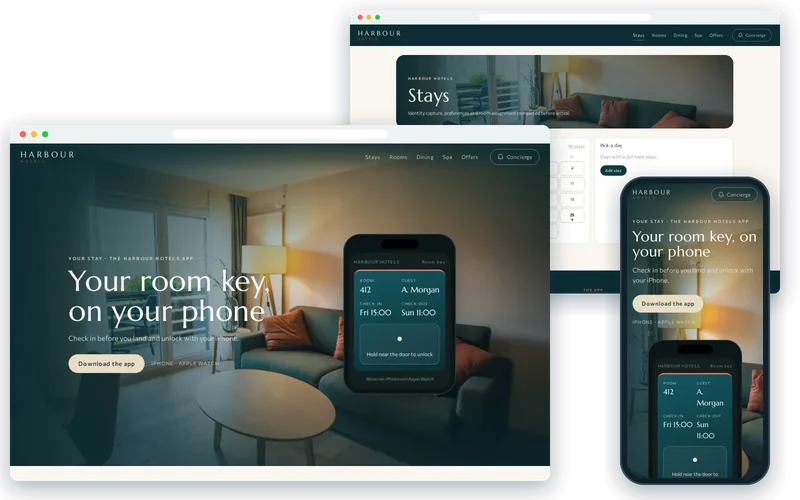
Harbour Hotels demo on desktop and phone

On location

  • Room Interior — Harbour Hotels
    Room InteriorPhoto: Travel Adventures (CC0)
  • Marina Marinadelrey — Harbour Hotels
    Marina MarinadelreyPhoto: Casey Kiernan (CC0)
  • Pool Backyard — Harbour Hotels
    Pool BackyardPhoto: Vita Vilcina (CC0)
  • Bed Breakfast — Harbour Hotels
    Bed BreakfastPhoto: WDnet Studio (CC0)
  • Spa Wellness — Harbour Hotels
    Spa WellnessPhoto: Healthy Living (CC0)

About the Project

This case study covers a hotel guest app for iPhone built for a boutique hotel group that wanted the experience in its app to match the experience in its rooms. Guests were queuing at reception during peak arrival times, plastic key cards were regularly demagnetised or lost, and requests for late checkout or housekeeping went through phone calls that nobody logged. With almost all of its guests on iPhone, the group asked for a native app that felt premium from the first tap.

We built the app in SwiftUI and connected it to the property management system and the electronic lock provider. Guests check in the evening before they arrive, receive their room key in Apple Wallet and unlock the door with their iPhone or Apple Watch. Live Activities keep the key and check-out time on the Lock Screen throughout the stay, and every service request is logged against the booking. A large share of arrivals now bypass the reception queue entirely.

About the Client

The client is a boutique hotel group with a small number of distinctive properties. Its guests pay for an experience, and the group's reputation depends on details: a smooth arrival, a room that is ready, and staff who already know what a guest has asked for.

Reception was carrying too much of that load. At busy times the desk was a queue, key problems sent guests back downstairs, and requests made by phone disappeared once the call ended. The group wanted technology that would remove friction without making the stay feel automated.

Project Goals

  • Let guests check in before arrival and go straight to their room.
  • Replace plastic key cards with keys in Apple Wallet.
  • Keep stay information visible without opening the app.
  • Log housekeeping, checkout, dining and spa requests against the booking.
  • Deliver an experience that feels as considered as the hotels themselves.

Project Overview

The Challenge and Our Solution

The Challenge

Guests queued at reception at peak arrival times, room keys were regularly demagnetised or lost, and requests for late checkout or housekeeping went through a phone call that nobody logged. The group wanted a premium experience that matched its room rate, and its guests were overwhelmingly on iPhone.

Our Solution

We built a native iOS app in SwiftUI, integrated with the property management system and the electronic lock provider. Guests check in from the app the evening before, receive a room key in Apple Wallet, and can unlock their room with the phone or watch. Live Activities keep the key and check-out time on the Lock Screen during the stay. Service requests — housekeeping, late checkout, restaurant bookings — are logged against the stay so staff see a history rather than fielding repeat calls.

Hotel Mobile Check-In the Evening Before

Check-in starts in the app the evening before arrival. Guests confirm their details, capture their identity document and set preferences, and the app works with the property management system so room assignment can be completed in advance.

When a guest arrives, there is nothing left to do at the desk unless they want to stop and talk. Reception staff are freed from paperwork at the busiest times and can spend that time welcoming people instead.

  • Identity capture and preferences completed before arrival
  • Room assignment through the property management system
  • Arrivals free to skip the reception queue

An Apple Wallet Room Key on iPhone and Apple Watch

Once check-in is complete, the room key is added to Apple Wallet using the lock provider's SDK. Guests hold their iPhone or Apple Watch to the door to unlock it, just as they would pay for a coffee. There is no card to demagnetise, and a phone left in a bag is not a problem when a watch will open the door.

Room key issues at reception have reduced substantially since Wallet keys replaced plastic cards, removing one of the most common reasons guests had to return to the desk.

Live Activities Keep the Stay on the Lock Screen

Live Activities put the key and check-out time on the Lock Screen for the whole stay. Guests can glance at their phone to see when they need to leave and reach their key without unlocking the device or finding the app.

It is a small feature that guests notice, because it reflects how people actually use their phones in a hotel: quickly, often while carrying bags or walking down a corridor.

In-Stay Service Requests Logged Against the Booking

Requests for housekeeping, late checkout, restaurant tables and spa treatments are made in the app and logged against the stay. Staff see a history of what each guest has asked for instead of taking repeat phone calls, and guests can see that their request has been received.

Prompts in the app suggest dining and spa at the right moments of a stay, and restaurant and spa bookings from those prompts increased ancillary revenue. Core Data keeps the app responsive and APNs delivers updates, while TestFlight let the hotel team try each release before guests did.

Our Process

How We Delivered It

  1. Guest journey mapping

    We walked through a stay from booking to departure with the hotel team and marked every point where guests waited, repeated themselves or lost something.

  2. Integration planning

    The property management system and the electronic lock provider were assessed early, because check-in and Wallet keys depend on both working together.

  3. Building in SwiftUI

    The native iOS app was built in SwiftUI, with Wallet keys, Live Activities and service requests designed to feel calm and premium.

  4. Hotel testing

    Releases went to hotel staff through TestFlight, who tested check-in, keys and requests on real doors and real rooms before guests used them.

  5. Launch with staff

    We launched with reception and housekeeping teams briefed on the new flows, so guests who still preferred the desk received the same care.

Key Features

What We Delivered

  • Mobile check-in

    Identity capture, preferences and room assignment completed before arrival.

  • Apple Wallet room key

    Wallet key with iPhone and Apple Watch unlock through the lock provider’s SDK.

  • Live Activities

    Key access and check-out time on the Lock Screen for the duration of the stay.

  • In-stay requests

    Housekeeping, late checkout, dining and spa requests logged against the booking.

Outcome

Results and Impact

  • A large share of arrivals now bypass the reception queue entirely.
  • Room key issues at reception reduced substantially with Wallet keys.
  • Service requests logged against the stay instead of taken by phone.
  • Restaurant and spa bookings from in-app prompts increased ancillary revenue.

Client Feedback

What the Client Says

★★★★★

Guests walk past reception and unlock the room from their phone.

General ManagerBoutique hotel group

Services

Services Behind This Project

The iPhone & iOS App expertise we used to build this ios app development — and can bring to yours.

  • iPhone & iOS App Development

    Native iOS apps in Swift and SwiftUI for iPhone and iPad — Human Interface Guidelines design, offline data, App Store submission and review support.

FAQ

Frequently Asked Questions

How does an Apple Wallet room key work?

After check-in, the app adds a key pass to Apple Wallet using the electronic lock provider's SDK. The guest holds their iPhone or Apple Watch near the door reader, which unlocks it. Support depends on your lock system, so we confirm compatibility early in a project.

Does mobile check-in work with our property management system?

Mobile check-in needs access to bookings, guest details and room assignment through your property management system's API. Most modern systems offer this, and we assess the available integration before committing to features.

Why build a native iPhone app rather than a cross-platform app?

This group's guests were overwhelmingly on iPhone, and Apple Wallet keys and Live Activities are deeply integrated iOS features. A native SwiftUI app gave the most polished result. Where guests use a mix of devices, a cross-platform or Android version may also make sense.

Can guests still check in at reception if they prefer?

Yes. The app is an option, not a requirement. Guests who prefer to speak to someone at the desk can still do so, and staff have more time for them because others have checked in already.

How are service requests handled by hotel staff?

Requests made in the app are logged against the guest's stay, so staff can see what was asked for and when. The way requests reach teams, through existing systems or a staff view, depends on the hotel's operations.

What affects the cost of a hotel guest app?

Main factors are the property management and lock integrations, the features in scope such as check-in, keys, requests and offers, the number of properties and the design work. Integrations usually carry the most uncertainty, so we investigate them first.

Similar Work

Related Projects

Case studies built with the same technologies or for similar needs.

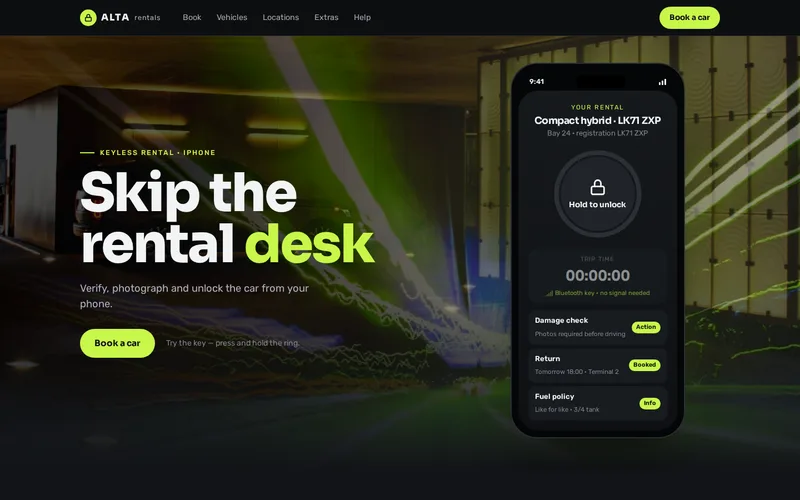
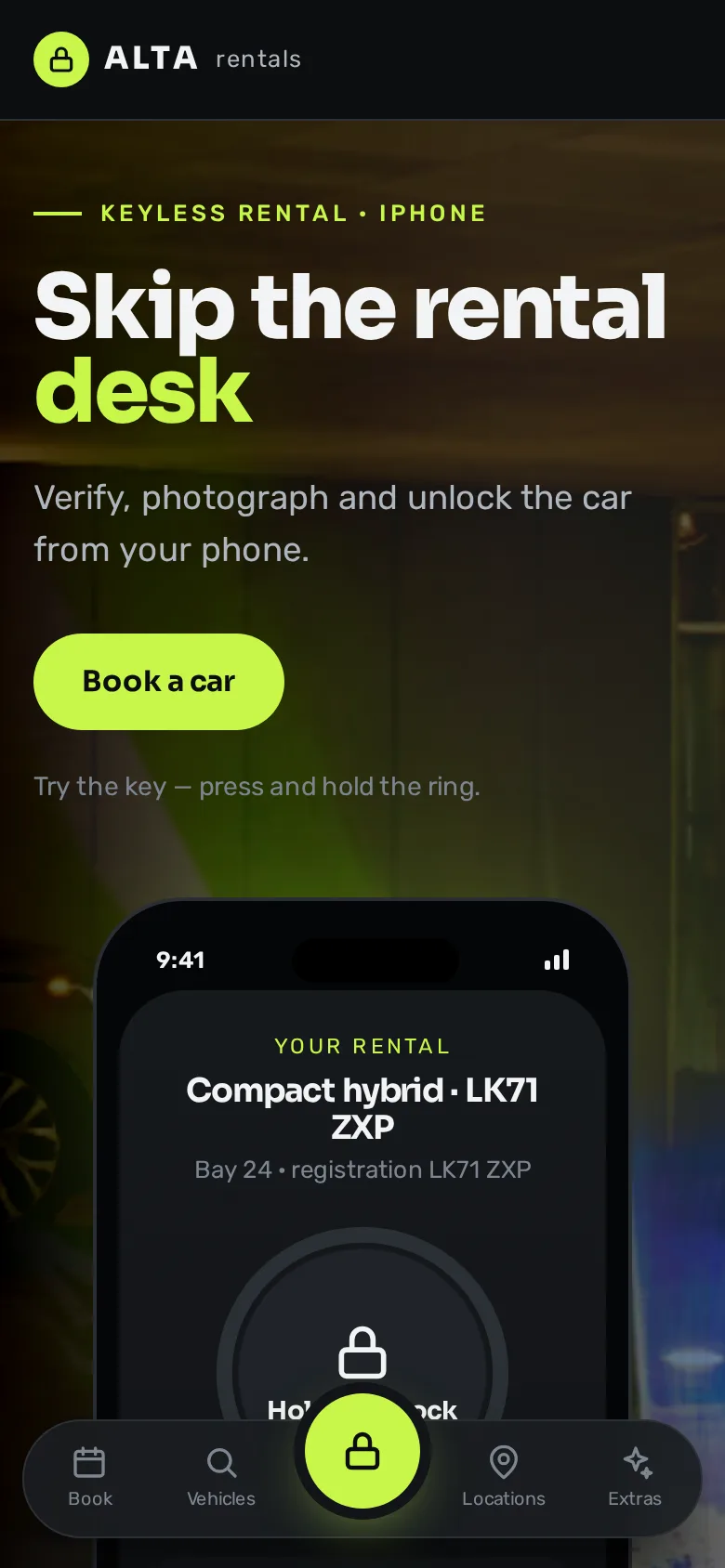
  • Car Interior — Alta Rentals
    • Swift
    • SwiftUI
    • Core Bluetooth

    iOS App Development

    Keyless Car Rental App

    A SwiftUI app that replaces the rental desk — book, verify, photograph damage and unlock the car by Bluetooth.

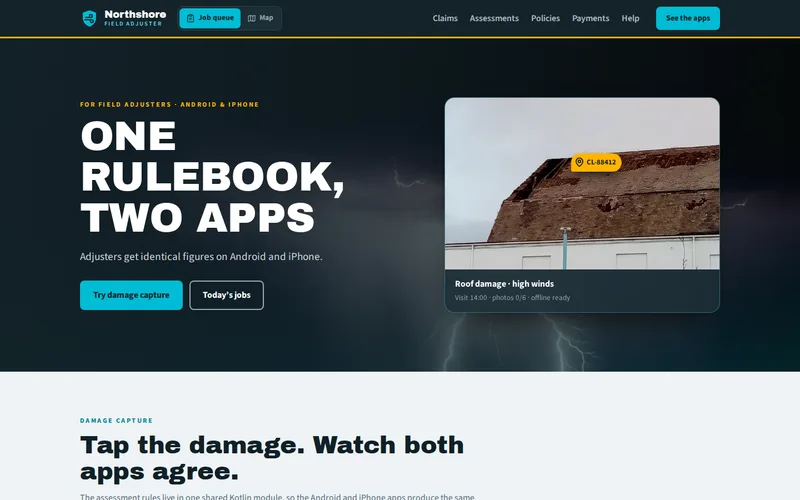
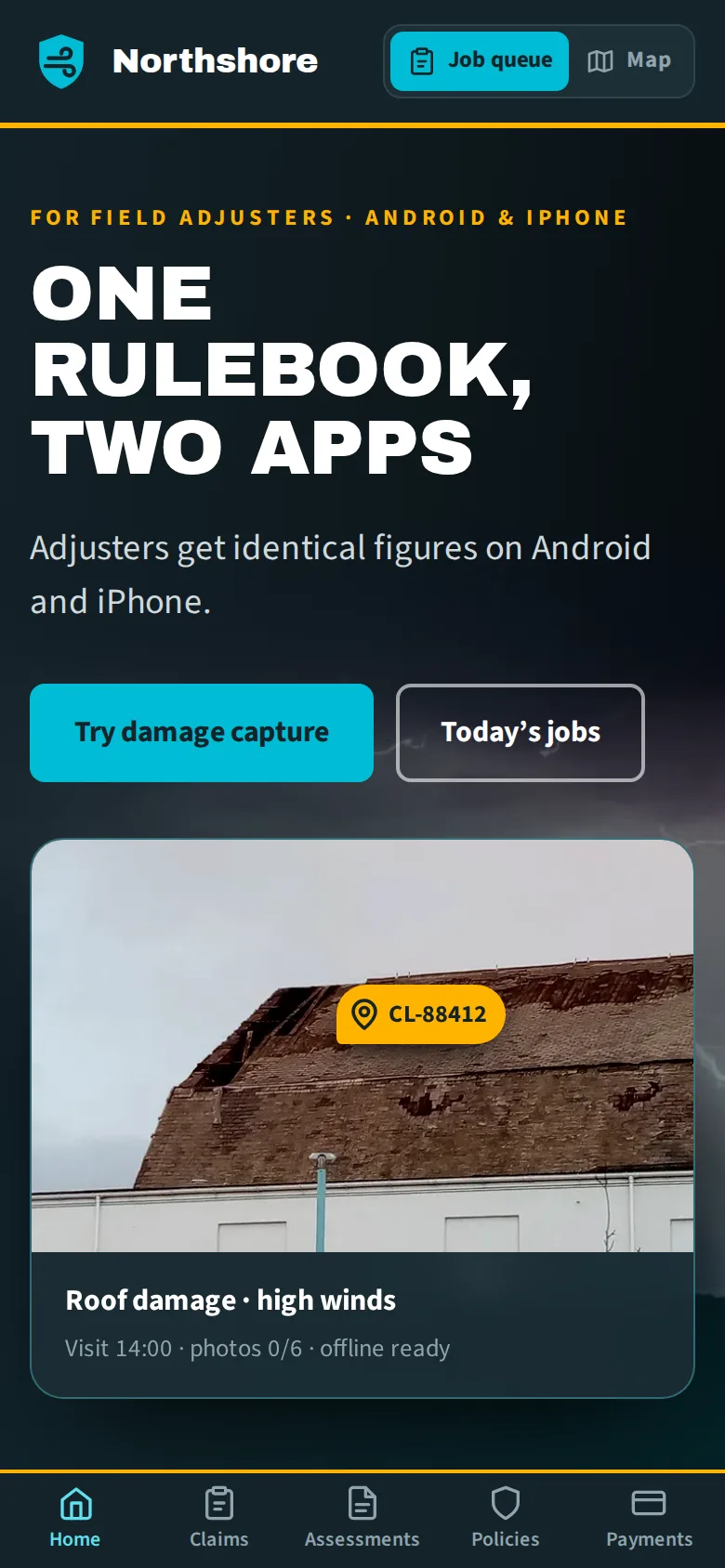
  • Witley Bay Bingo Hall roof damage — Northshore Insurance
    • Kotlin Multiplatform
    • Jetpack Compose
    • SwiftUI

    Cross-Platform App Development

    Field Adjuster Apps on a Shared Core

    Android and iOS adjuster apps sharing one Kotlin Multiplatform core for assessment rules, sync and offline data.

  • Red Tractor — Field & Furrow Supplies
    • WordPress
    • WooCommerce
    • PHP

    WooCommerce eCommerce

    Tractor Cleaning & Equipment Care – WooCommerce Store

    A WooCommerce online store for tractor cleaning, equipment maintenance, paint correction, oxidation removal and foam cleaning products.

  • Dark Chocolate — Cocoa & Co. Gifts
    • Shopify
    • Liquid
    • Online Store 2.0

    Shopify eCommerce

    Chocolate Gift Baskets – Shopify Store for Every Occasion

    A Shopify store for chocolate gift baskets, organised by occasion — birthdays, weddings, anniversaries, holidays and corporate gifting.

  • Outdoors Dog — Pawsome Nutrition
    • BigCommerce
    • Stencil
    • Handlebars

    BigCommerce eCommerce

    Dog Protein Food & Supplements – BigCommerce Store

    A BigCommerce store for high-protein dog food and supplements, with shopping by life stage and recurring auto-delivery.

  • Girl Gym — Ironhouse Training
    • Android
    • iOS
    • Flutter

    Mobile App Development

    Gym Training App – Daily Workouts & Morning Check-ins

    An Android and iPhone app that schedules each day’s training course and checks in with trainees every morning on the previous day’s session.

Let’s Connect

Want Results Like These?

Share your project details and our experts will get back to you within one business day with the best solution — free consultation, no obligation.