

iOS App Development

Keyless Car Rental App

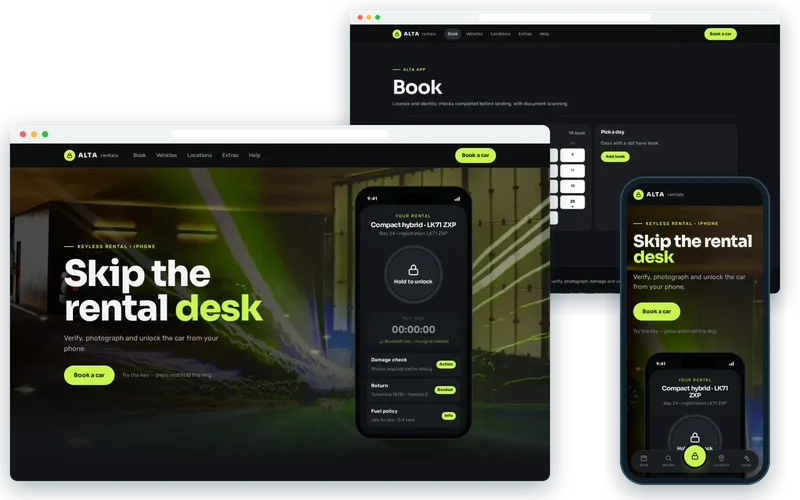
A SwiftUI app that replaces the rental desk — book, verify, photograph damage and unlock the car by Bluetooth.

View live demo Opens a working demo with sample content in a new tab.
Alta Rentals demo on desktop and phone

On location

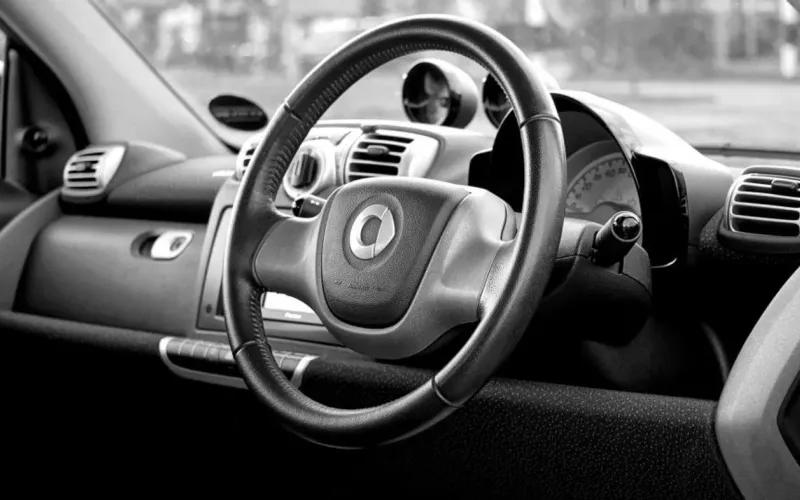
  • Car Interior — Alta Rentals
    Car InteriorPhoto: Mike Birdy (CC0)
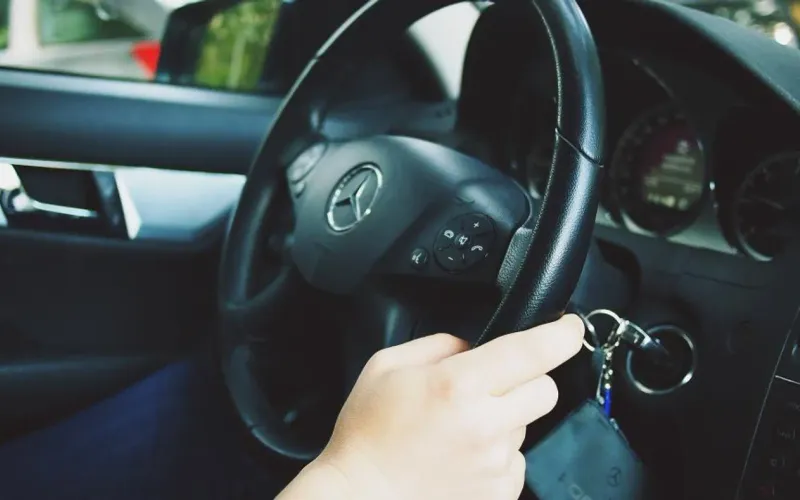
  • Mercedes Benz — Alta Rentals
    Mercedes BenzPhoto: Daria Nepriakhina (CC0)
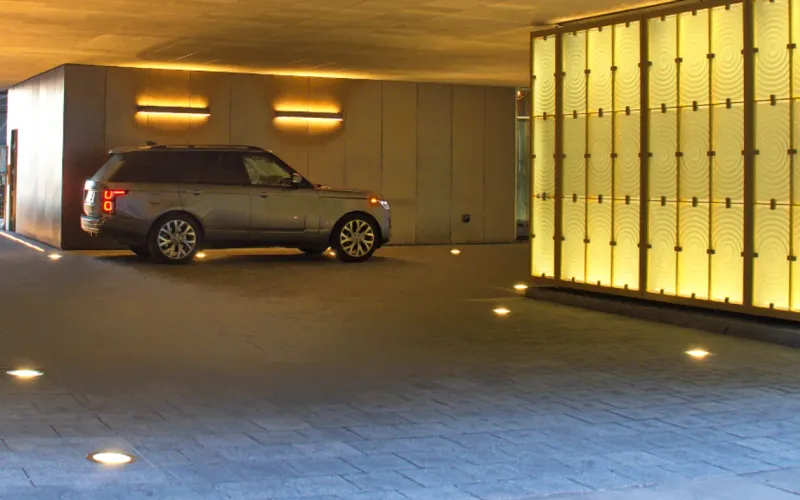
  • Car Lot — Alta Rentals
    Car LotPhoto: The Building Envelope (CC0)
  • Industrial Garage — Alta Rentals
    Industrial GaragePhoto: Steve Johnson (CC0)
  • Airport Travel — Alta Rentals
    Airport TravelPhoto: Negative Space (CC0)

About the Project

This keyless car rental app was built for an airport car rental operator whose customers were landing after long flights and queueing forty minutes at the rental desk for paperwork they had already completed online. Damage disputes were common because the pre-rental check was a paper diagram, and airport car parks have no mobile signal, which ruled out any approach that needed a live connection at the car.

We built a native iOS app in SwiftUI that moves verification before arrival, sends the customer straight to a bay number, captures damage as a guided timestamped photo sequence and unlocks the car over Bluetooth with a key provisioned to the phone in advance. Return is a photo set and a tap.

About the Client

The client is an airport car rental operator serving travellers who want to get on the road quickly. Its desk teams spent their time on identity checks and paperwork rather than helping customers, and the queue at peak arrival times was the most common complaint in reviews.

The operator also carried a steady cost from damage disputes, where it was one party’s memory of a paper diagram against another’s. Any solution had to work in underground car parks with no signal and fit the operator’s existing fleet and booking systems.

Project Goals

  • Remove the rental desk from the journey for app users.
  • Verify licence and identity before the customer lands.
  • Unlock vehicles reliably in car parks with no mobile signal.
  • Replace the paper damage diagram with evidence both sides trust.
  • Close the rental at return without staff involvement.

Project Overview

The Challenge and Our Solution

The Challenge

Customers landed after a long flight and queued 40 minutes at the rental desk for paperwork they had already completed online. Damage disputes were common because the pre-rental check was a paper diagram, and airport car parks have no mobile signal — which ruled out any approach that needed a live connection at the car.

Our Solution

We built a native iOS app in SwiftUI. Licence and identity verification happen before arrival, so the customer walks to a bay number rather than a desk. Damage capture is a guided photo sequence timestamped and stored against the rental, which ended most disputes on its own. The vehicle unlocks over Bluetooth using a key provisioned to the device in advance, so it works underground with no signal, and return is a photo set and a tap.

Contactless Car Hire Starts Before Landing

The desk queue existed because checks happened on arrival. In the app, customers scan their driving licence and identity document using on-device document scanning before they travel, so by the time they land the rental is ready and the app shows a bay number rather than a desk.

Walking from the terminal straight to the vehicle bay is the moment the whole product is built around. For app users the queue simply disappeared.

  • Licence and identity verified in advance
  • Bay number pushed to the phone on arrival
  • Rental details also available in Apple Wallet

A Bluetooth Digital Car Key That Works Underground

Airport car parks are often underground, where there is no mobile signal. A design that asked a server to unlock the car at the moment of arrival would have failed exactly when customers needed it. Instead, a digital key is provisioned to the device in advance and the vehicle unlocks over Bluetooth using Core Bluetooth, with no network required at the car.

Keys are scoped to the rental period and the specific vehicle, and they expire automatically, so the convenience of keyless entry does not come at the expense of control.

Guided Damage Capture

Disputes were common because the old pre-rental check was a hand-drawn mark on a paper diagram. The app replaces it with a guided photo sequence that walks the customer around the car, angle by angle. Each photo is timestamped and stored against the rental, at collection and at return.

With clear evidence on both sides, most disputes ended on their own. Customers trusted the process more too, because the record was theirs as much as the operator’s.

  • Step-by-step photo guide around the vehicle
  • Timestamped images stored against the rental
  • Same sequence repeated at return for comparison

Native iOS App Development with SwiftUI

We chose native iOS development because the product depends on platform capabilities: Core Bluetooth for the key, Vision for document scanning, Core Data for offline storage and Apple Wallet for the rental pass. SwiftUI kept the interface consistent and quick to iterate, and push notifications through APNs keep customers informed about pick-up and return.

Builds went to testers through TestFlight throughout development, so real journeys at the airport shaped the details long before launch.

Our Process

How We Delivered It

  1. Following the Customer Journey

    Walked the route from arrivals to the car park with the operator’s team to see where time and trust were lost.

  2. Offline-First Key Design

    Designed key provisioning, scoping and expiry so unlocking works without any signal at the vehicle.

  3. SwiftUI Build

    Built verification, damage capture, the digital key and return flows natively in SwiftUI.

  4. On-Site Testing via TestFlight

    Tested real collections and returns in the car park, including underground bays.

  5. Launch and Monitoring

    Rolled out to customers with push notifications and monitored unlock success and dispute rates.

Key Features

What We Delivered

  • Pre-arrival verification

    Licence and identity checks completed before landing, with document scanning.

  • Bluetooth keyless entry

    Keys provisioned in advance so unlocking works offline, underground and on Apple Watch.

  • Guided damage capture

    Timestamped photo sequence at collection and return, stored against the rental.

  • Contactless return

    Fuel, mileage and photo capture closing the rental without a staff handover.

Outcome

Results and Impact

  • Desk queueing removed for app users — straight from terminal to vehicle bay.
  • Damage disputes reduced sharply through timestamped guided photo capture.
  • Bluetooth keys work in underground car parks with no mobile signal.
  • Contactless return closed the rental without staff involvement.

Client Feedback

What the Client Says

★★★★★

Customers walk from the terminal straight to the car.

Regional ManagerAirport car rental operator

Services

Services Behind This Project

The iPhone & iOS App expertise we used to build this ios app development — and can bring to yours.

  • iPhone & iOS App Development

    Native iOS apps in Swift and SwiftUI for iPhone and iPad — Human Interface Guidelines design, offline data, App Store submission and review support.

FAQ

Frequently Asked Questions

How does a keyless car rental app unlock the car without signal?

The digital key is sent to the phone in advance, while it still has a connection. At the car, the app talks to the vehicle directly over Bluetooth, so no network is needed. The key is limited to that vehicle and rental period and expires automatically afterwards.

Why build a native iOS app instead of a cross-platform one?

This product relies heavily on device capabilities: Bluetooth vehicle access, document scanning, offline storage and Apple Wallet. Native development gave us direct, reliable access to those frameworks. Cross-platform tools can work well for many apps, but here native was the lower-risk choice.

How are customers verified before they collect the car?

Customers scan their driving licence and identity document in the app before travelling, using on-device document scanning. The checks are completed before arrival, so the customer can walk straight to the vehicle bay rather than queueing at a desk.

How does guided damage capture reduce disputes?

Instead of marks on a paper diagram, the app guides the customer through a set of photos around the vehicle at collection and return. Each photo is timestamped and stored with the rental, giving both sides clear evidence, which settles most disagreements without escalation.

Can this work with our existing booking system and fleet?

Usually, yes. The app connects to your booking and fleet systems through their APIs, and the key approach depends on the vehicle access hardware you use. We assess both early in the project so integration risks are understood before development starts.

Does the app still need staff at the airport?

Staff remain valuable for customers who need help or prefer a desk, but app users can collect and return a car without staff involvement. Contactless return closes the rental with a photo set and a tap, freeing staff to focus on customers who need them.

Similar Work

Related Projects

Case studies built with the same technologies or for similar needs.

  • Room Interior — Harbour Hotels
    • Swift
    • SwiftUI
    • Apple Wallet

    iOS App Development

    Hotel Group Guest App

    A SwiftUI app with Apple Wallet room keys, Live Activities and in-stay service requests.

  • Witley Bay Bingo Hall roof damage — Northshore Insurance
    • Kotlin Multiplatform
    • Jetpack Compose
    • SwiftUI

    Cross-Platform App Development

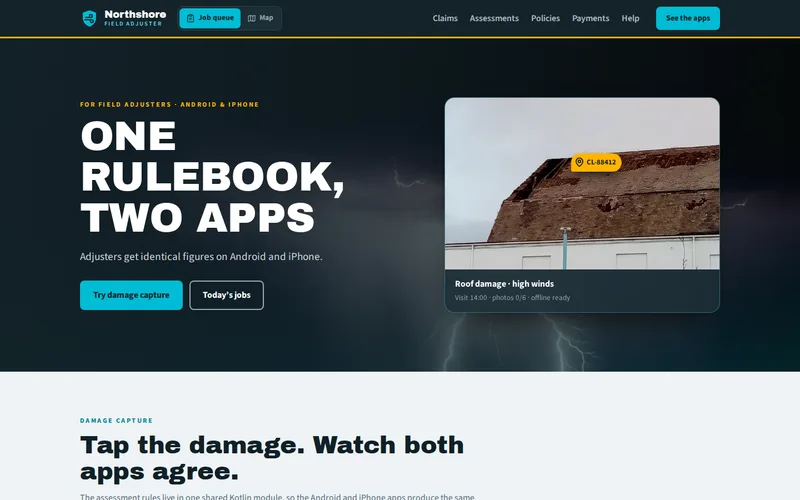
    Field Adjuster Apps on a Shared Core

    Android and iOS adjuster apps sharing one Kotlin Multiplatform core for assessment rules, sync and offline data.

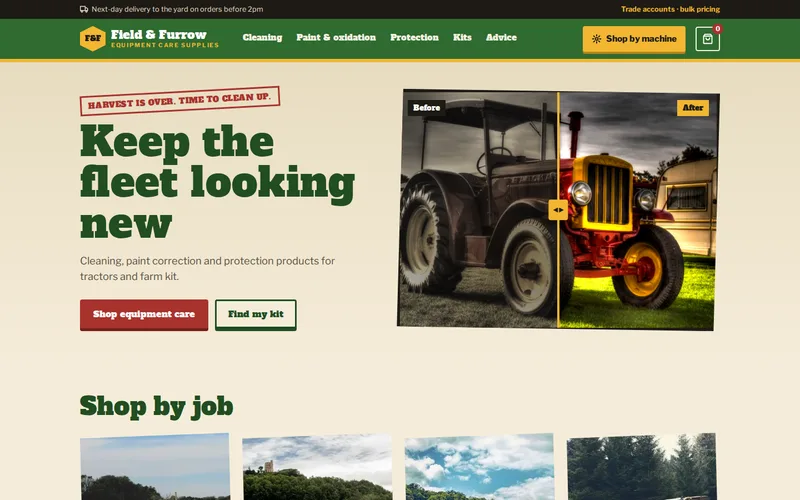
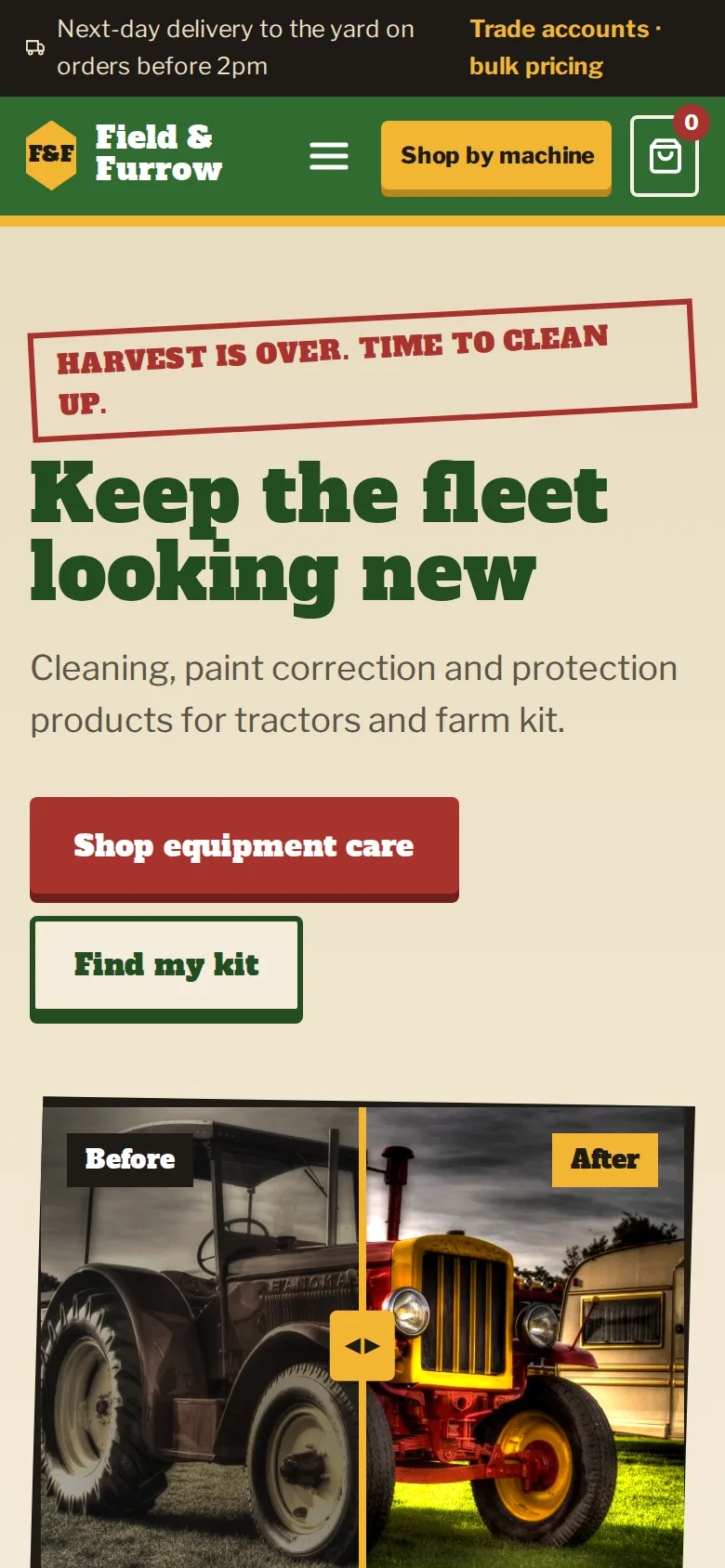
  • Red Tractor — Field & Furrow Supplies
    • WordPress
    • WooCommerce
    • PHP

    WooCommerce eCommerce

    Tractor Cleaning & Equipment Care – WooCommerce Store

    A WooCommerce online store for tractor cleaning, equipment maintenance, paint correction, oxidation removal and foam cleaning products.

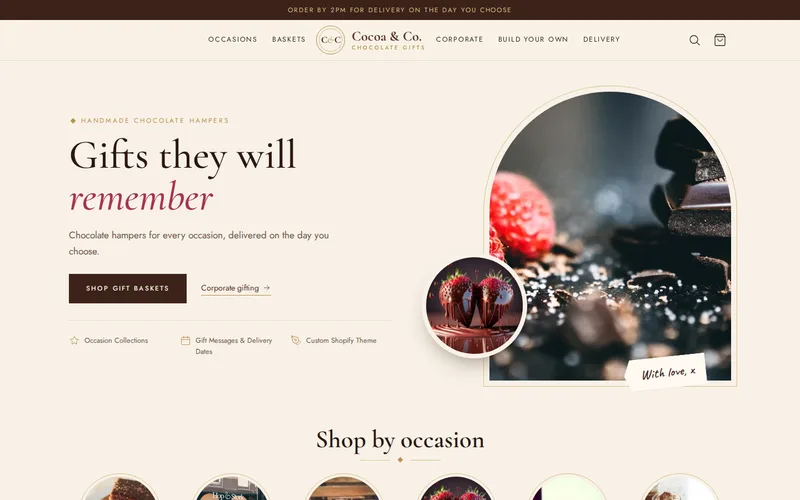
  • Dark Chocolate — Cocoa & Co. Gifts
    • Shopify
    • Liquid
    • Online Store 2.0

    Shopify eCommerce

    Chocolate Gift Baskets – Shopify Store for Every Occasion

    A Shopify store for chocolate gift baskets, organised by occasion — birthdays, weddings, anniversaries, holidays and corporate gifting.

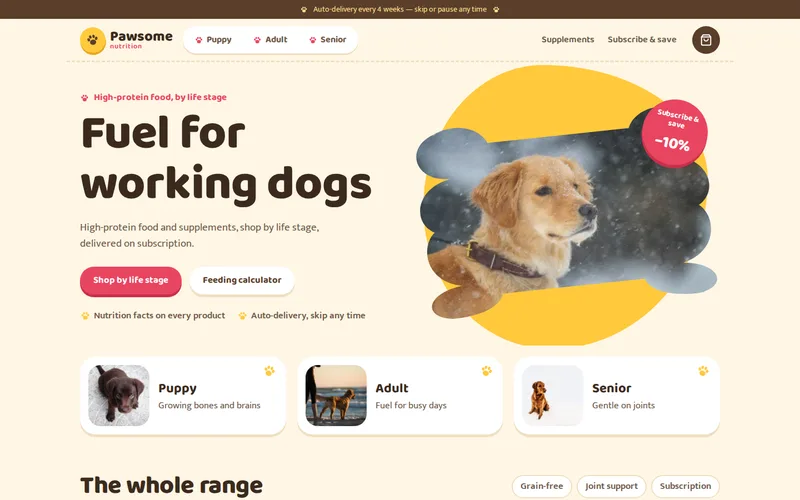
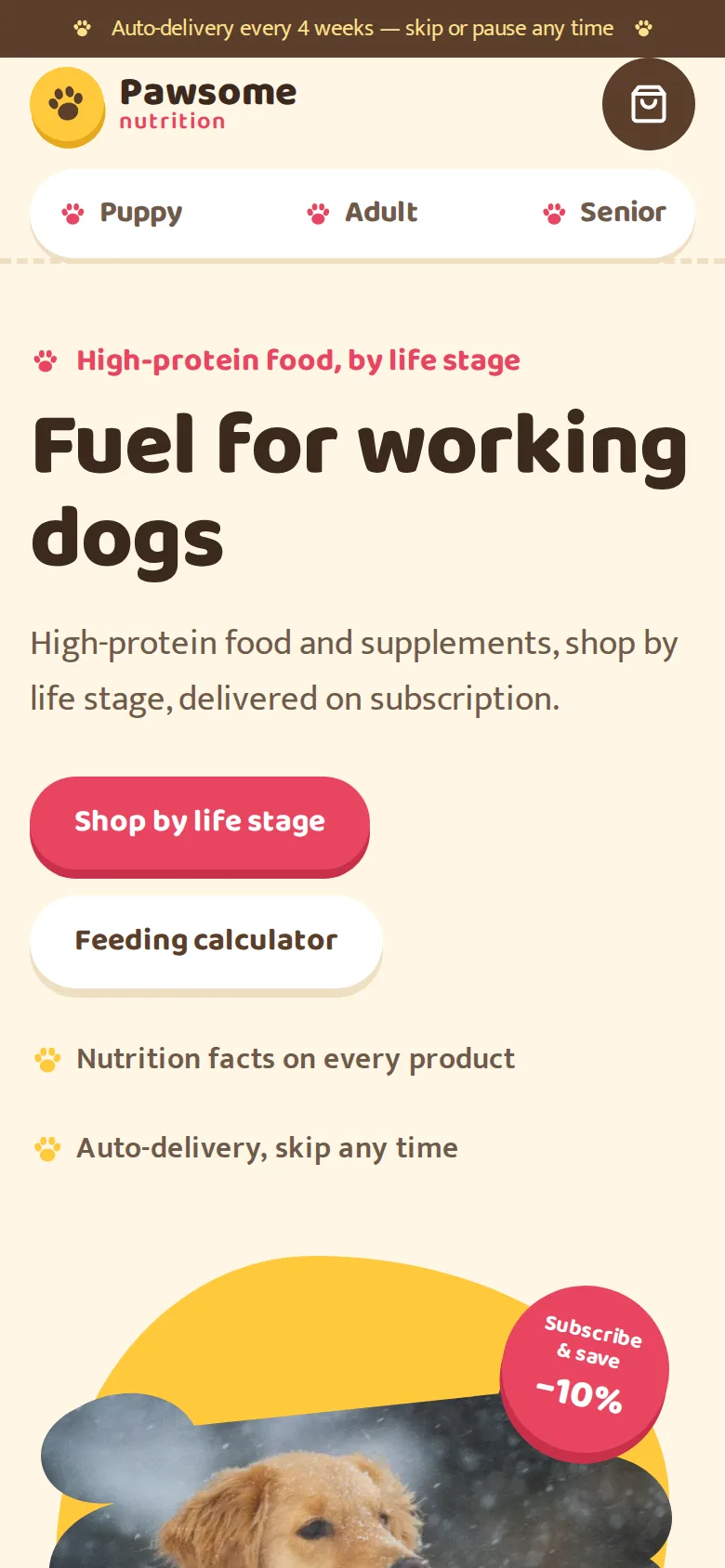
  • Outdoors Dog — Pawsome Nutrition
    • BigCommerce
    • Stencil
    • Handlebars

    BigCommerce eCommerce

    Dog Protein Food & Supplements – BigCommerce Store

    A BigCommerce store for high-protein dog food and supplements, with shopping by life stage and recurring auto-delivery.

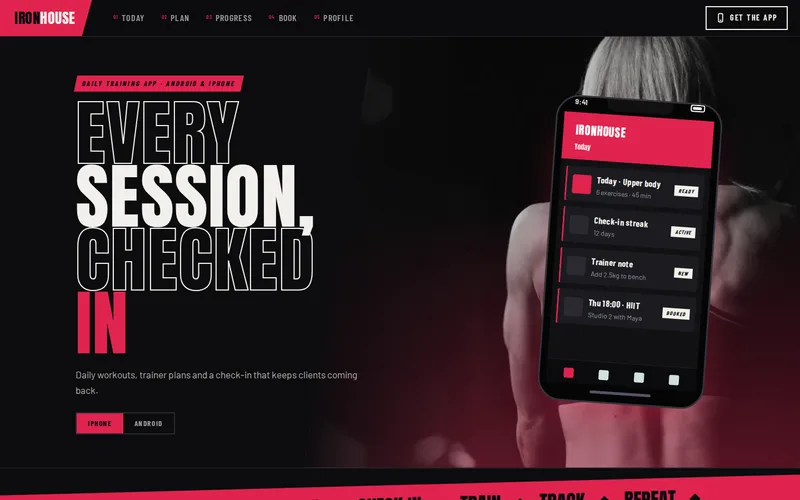
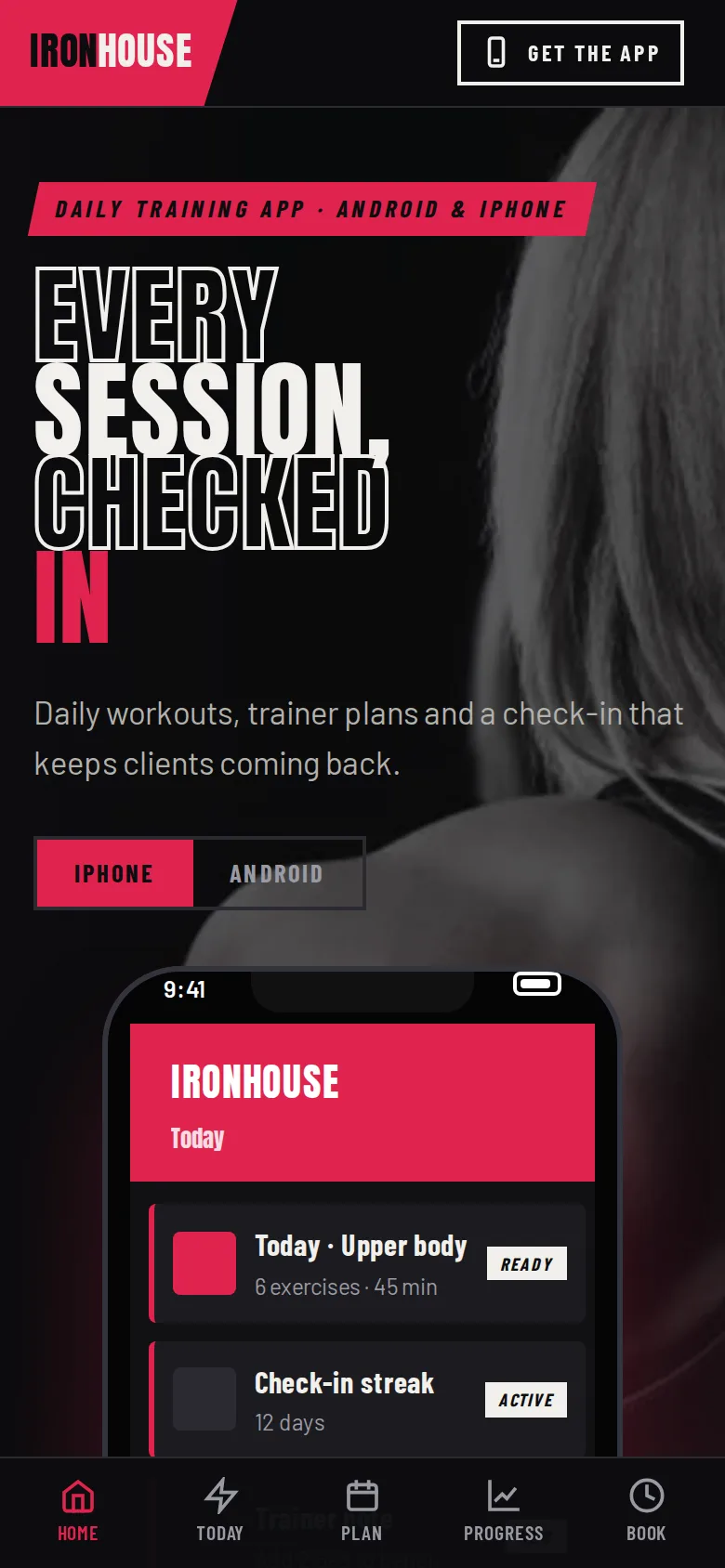
  • Girl Gym — Ironhouse Training
    • Android
    • iOS
    • Flutter

    Mobile App Development

    Gym Training App – Daily Workouts & Morning Check-ins

    An Android and iPhone app that schedules each day’s training course and checks in with trainees every morning on the previous day’s session.

Let’s Connect

Want Results Like These?

Share your project details and our experts will get back to you within one business day with the best solution — free consultation, no obligation.