Web Development
Technical Product Catalogues for Manufacturers: Product Data, Datasheets and Specification Search
Engineers arrive with a specification, not a browsing habit. Here is how we build technical catalogues that answer them: an attribute model that filters properly, one source of truth for product data, specification search with live counts, versioned datasheets and CAD files, and a clear path to distributors.
Engineers and specifiers do not browse a manufacturer's website the way shoppers browse a store. They arrive with requirements: a pressure rating, a connection size, a material, a temperature range, an approval their project demands. Their question is not "what do you sell?" but "which of your products meets this specification, and can I have the CAD file?" A catalogue that makes them download brochures and compare tables by hand sends them to a competitor whose site answers in seconds.
The catalogue we built for an industrial valve manufacturer runs on WordPress, but the approach is the same structured content modelling at the heart of our headless CMS development work, and the selector logic is the kind of thing our custom web development team builds on any stack. What makes a technical catalogue work is the data model, not the platform.
Start With the Attributes, Not the Page Design
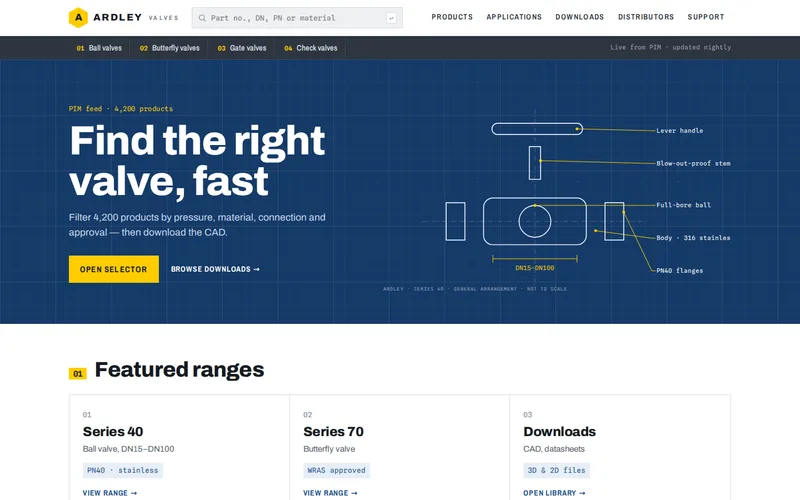
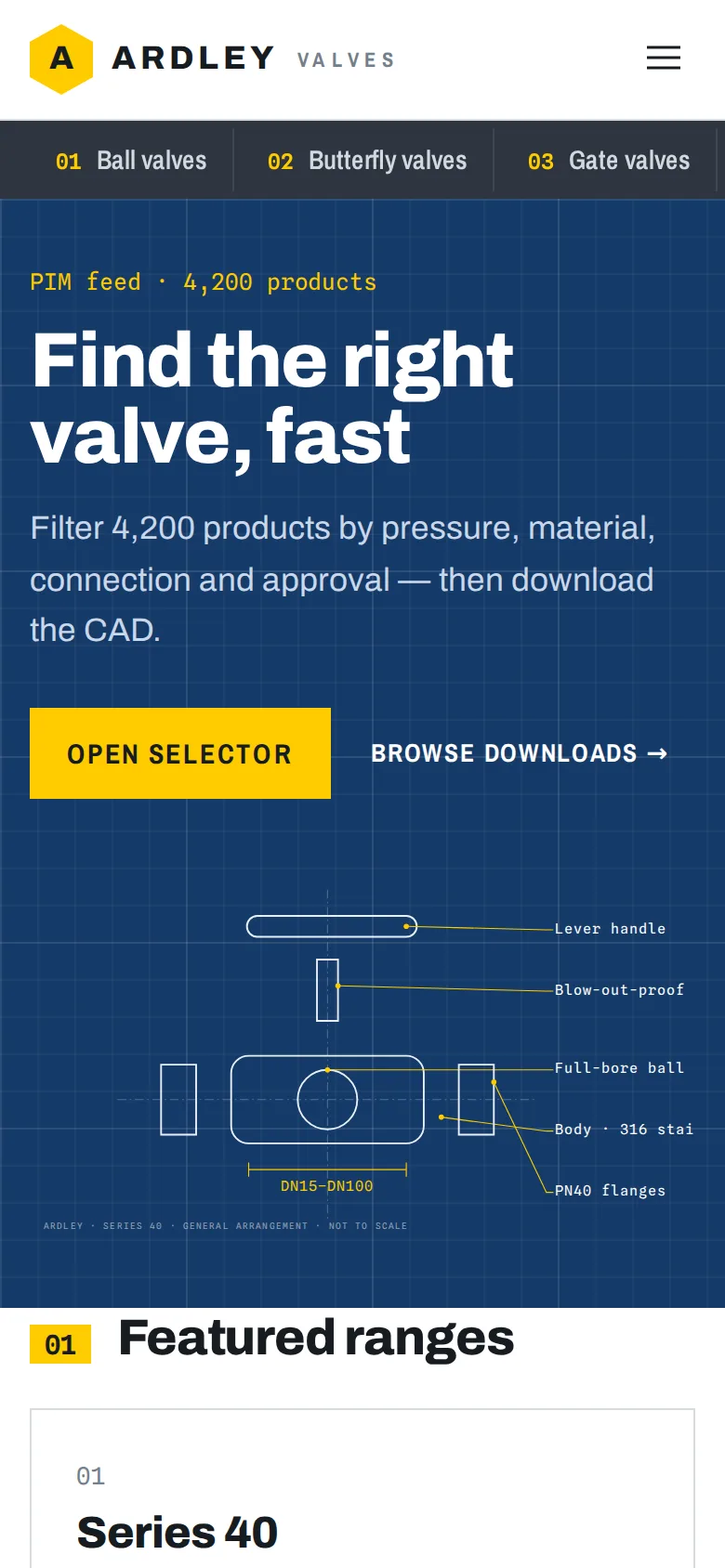
On the valve manufacturer's catalogue, the old site listed 4,200 products as PDF families, so choosing a valve meant downloading three brochures and comparing tables by hand. We modelled every product as structured content with its real attributes instead: pressure rating, connection type, body material, temperature range and approvals.
Getting the attribute model right takes more care than it sounds:
- Numbers must be numbers. A pressure rating stored as text such as "PN16" can be filtered, but a maximum temperature typed as "up to 120°C" cannot be compared with anything. Store numeric values with a consistent unit and format them for display.
- Use controlled values. "Stainless steel", "St. Steel" and "SS316" in different products will break a filter. Agree a fixed list for each attribute.
- Approvals are yes or no. A valve either has a WRAS approval or it does not, and the selector should know the difference rather than searching descriptions for a word.
- Decide families and variants. Engineers often think in product ranges with sizes inside them. The model should reflect that, so a range page and each size within it both have their own data.
- Keep lifecycle status. Discontinued products should keep their page and point to the replacement, because engineers maintaining old installations still search for them.
One Source of Truth for Product Data
Most manufacturers already hold good product data somewhere: a PIM, an ERP, or a carefully maintained spreadsheet. The valve manufacturer had a PIM that nobody had connected to the website, so published specifications were often a version behind and the marketing team spent time updating PDFs.
The fix was a nightly import pipeline. It reads the PIM and updates every product, attribute and document link, so published specifications always match the PIM after each import. Engineers maintain specifications where they already lived; marketing writes application guides, case studies and range introductions in WordPress and links them to products without copying a single figure.
If you do not have a PIM, a structured spreadsheet export can be a sensible start, provided the import validates it and rejects rows with missing or malformed values. The rule is the same either way: technical data is never typed into the website by hand.
Specification Search Engineers Trust
With clean attributes, the selector becomes straightforward to build and genuinely useful. On the valve catalogue, engineers filter by pressure rating, connection type, body material, temperature range and approvals, with result counts updating as each filter is applied, and can share a filtered view with their project team. An engineer can narrow 4,200 products to a handful in seconds.
Details that make the difference:
- Live counts so users never pick a combination that returns nothing.
- Range filters for numeric values: "rated for at least 100°C" rather than a list of exact temperatures.
- Part number search that tolerates spaces, dashes and missing prefixes, because people copy codes from old drawings.
- Speed. Faceted search across thousands of products can be slow if every filter runs heavy database queries. The valve catalogue uses Redis caching to keep it fast; our article on why sites slow down as they grow explains the underlying problem.
Datasheets and CAD: Treat Documents as Data
For a specifier, the CAD file is often the moment of decision. Each product page on the valve catalogue offers 2D and 3D CAD, datasheets and installation guides alongside the specifications, attached from the PIM rather than uploaded by hand. Documents should carry versions, so an engineer can tell whether the datasheet they downloaded last year is still current.
Track downloads. On the valve catalogue, CAD and datasheet downloads became the site's clearest enquiry signal, showing the manufacturer which products were being designed into projects. Think carefully before putting CAD files behind a sign-up form. It captures some contacts, but engineers under deadline often go to a competitor whose files are one click away. Many manufacturers leave downloads open and use the tracking data instead.
From Specification to Sale
Manufacturers who sell through distributors need the catalogue to hand engineers on, not ask them to buy direct. The valve catalogue links product pages to distributor stock and a where-to-buy locator, and distributor referrals are now tracked from the product page for the first time, giving sales a view of demand by product and region.
Search Engines Are Specifiers Too
Engineers often start in a search engine with a part number or a specification. Give every product its own URL, mark it up with product schema, and make sure specifications are in the page as text, not only inside a PDF. Be careful with filters: every combination of facets can generate a new URL, and letting search engines crawl millions of near-identical pages wastes their attention. Our technical SEO service sets those rules as part of a catalogue build.
Questions to Ask Before You Start
- Where does your product data live today, and who keeps it up to date?
- Which five or six attributes do engineers actually filter by?
- Are values stored consistently, with agreed units and vocabularies?
- Which documents belong to each product, and are they versioned?
- Do you sell direct, through distributors, or both?
- How will you measure interest: downloads, referrals, enquiries?
If your catalogue is still a set of PDFs, send us a product range and the spreadsheet or PIM export behind it. We will show you how it would look as structured, filterable data before you commit to a build.
Frequently Asked Questions
Do we need a PIM before building a technical catalogue website?
Not necessarily. A PIM is the best source for large ranges maintained by several people, but a well-structured spreadsheet or ERP export can feed a catalogue perfectly well to begin with. What matters is that the data has consistent attributes, units and values, and that the website imports it automatically with validation rather than having specifications typed in by hand.
Can WordPress handle thousands of technical products?
Yes, if it is built for it. The valve catalogue we built holds 4,200 products in WordPress with ACF Pro fields, a nightly PIM import and faceted search kept fast with Redis caching. The important decisions are how attributes are stored and indexed and how filter results are cached. A default WordPress setup with attributes in free text would struggle.
Should CAD files and datasheets require a sign-up to download?
It is a trade-off. Gating downloads captures contact details, but engineers working to a deadline often choose a supplier whose files are available immediately. Many manufacturers leave downloads open and track them anonymously, which still shows which products are being designed into projects. A middle option is to keep datasheets open and ask for details only for larger 3D model packs.
How do we stop old datasheets being used after a product changes?
Attach documents to products from the same source as the specifications, give each document a version and date, and replace files at the same address when they change, so links always serve the current version. Show the revision date on the product page and inside the PDF. If the PIM marks a document as superseded, the import should remove it from the site automatically.
What is the difference between a product catalogue and an online store?
A store is built around a basket and checkout; a technical catalogue is built around finding the right product and getting the information needed to specify it. Many manufacturers sell through distributors, so the catalogue ends with a where-to-buy link or an enquiry rather than a payment. Some add a store later for spares or small orders, which is easier when the product data is already structured.