Mobile Apps
Offline Ticket Scanning: Keeping Event Gates Moving Without Signal
Venue Wi-Fi fails at the exact moment the crowd arrives, and a scanner that waits on the network turns a gate into a queue. Here is how offline validation, duplicate detection and background sync let stewards scan thousands of tickets an hour with no signal at all.

Every event operator has a version of the same story. The scanners worked perfectly during the test on a quiet afternoon. Then the gates opened, thousands of phones arrived at once, the network saturated and every scan started taking several seconds. Queues grew, stewards started waving people through, and the people with copied tickets walked in with everyone else.
The arithmetic is unforgiving. If each scan waits four seconds on the network, one lane cannot admit more than 900 people an hour however quick the steward is. Remove the wait, and the limit becomes how fast people can hold up a ticket. That is the case for scanning that does not depend on signal at all, and it is why we build gate scanners as native apps through our Android app development service.
Why Gate Wi-Fi Fails at the Worst Moment
Gates are where connectivity is at its worst. Temporary sites rely on mobile networks or portable links, and permanent venues have access points sized for an average day, not for every attendee arriving in the same hour. Attendees are all on their phones too, loading tickets, messaging friends and posting from the queue. A web-based scanner that sends every barcode to a server is competing with all of them.
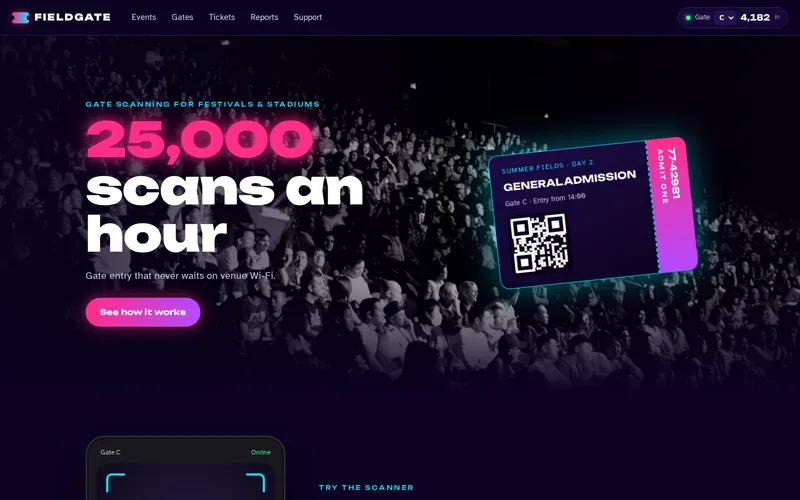
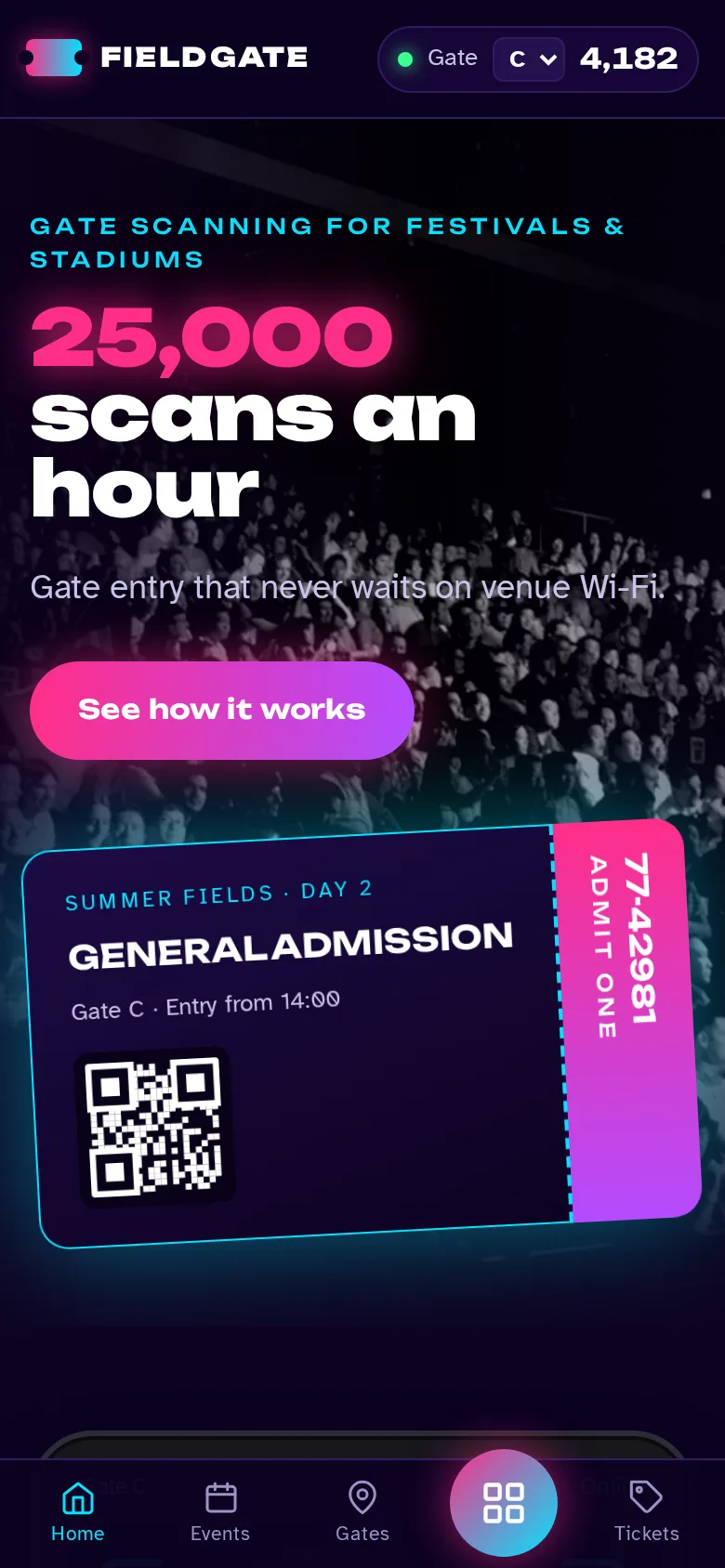
That was the situation for the festival operator behind our event ticketing gate scanner app. Staff had been scanning with a web app on borrowed tablets, scans took four or five seconds each at busy gates, and duplicate tickets got in when queues forced stewards to stop checking. The native Kotlin app we built validates entirely on the device, at well under a second per ticket, with sustained throughput of roughly 25,000 scans an hour across gates.
Put the Ticket List on the Device
Offline validation starts with a simple idea: before doors open, every scanner downloads the full ticket list for the event into a local database. In the festival app that is Room on Android, indexed so a lookup takes milliseconds. A scan becomes a local check that returns valid, already used or invalid, and the network is not involved in the decision.
The details that need deciding up front:
- When the list is downloaded, and how a device proves it has the latest version before a steward starts work.
- Late sales and changes. Tickets sold or cancelled after the download need to arrive as small updates whenever a connection appears.
- Entry rules. Day tickets, re-entry, VIP areas and age checks all change what "valid" means at a particular gate.
- Signed codes as a backstop. If your ticketing provider issues cryptographically signed codes, a device can confirm a ticket is genuine even when it has not seen the latest list. Whether that is available depends on the provider.
- Protecting the list. A device holding every ticket for the event should be locked down, enrolled in device management and wiped after the event.
Duplicates: Decide Locally, Reconcile Everywhere
If each device decides locally, something has to stop the same ticket being used at two gates. The answer is reconciliation. Each device records the tickets it admits and exchanges those scans with the server and other devices as soon as it can. Once a ticket has been admitted anywhere, every device learns about it and flags later attempts.
Be honest with yourself about the gap. If two devices are both offline and a copied ticket is presented at each in the same minute, both may admit it until they reconcile. Short sync intervals keep that window small, and the post-event record still shows exactly what happened. For most events, that is a far smaller risk than stewards waving people through a stalled queue.
How a duplicate is shown matters as much as detecting it. The festival app flags rather than silently rejects, showing which gate admitted the ticket and when. The steward can handle the conversation calmly and call a supervisor with the facts in hand.
Design for the Steward, Not the Demo
Gate entry rewards rhythm. A steward scanning for three hours in the rain needs an app that never makes them think:
- Large, high-contrast result screens readable at arm's length in low light, with a distinct sound and vibration for each outcome.
- One tap or less for every action at the gate, usable with gloves.
- Camera and dedicated scanners. The festival app uses CameraX for phones and a scanner SDK for rugged devices, which are faster for continuous scanning.
- Instant recovery if a device restarts or is swapped mid-shift, with no lost scans.
- Battery planning, with spare devices or power banks at every gate.
The interface in the festival app is written in Jetpack Compose. If you are weighing native toolkits, our comparison of SwiftUI and Jetpack Compose explains how they differ.
Sync, Dashboards and the Morning After
Offline at the gate does not mean blind in the control room. In the festival app, WorkManager uploads scans in the background whenever a connection exists, and a live dashboard shows scan rate, totals and exceptions per gate. When one gate's rate drops or its exceptions climb, supervisors move stewards before a queue forms rather than after attendees start complaining.
After the event, every scan is reconciled into one record for reporting on entry times, gate throughput and duplicates. That needs a well-designed server side, which our API development and integration team builds, including the connection to your ticketing provider. The same offline-first thinking applies to other field tools, as our post on offline-first apps for field teams explains.
Test It Like Event Day
A scanner that has only been tested at a desk has not been tested. Before your first event, check:
- Continuous scanning at full speed for an extended period on the actual hardware.
- Devices switched to airplane mode mid-scan, then reconnected.
- The same ticket presented at two gates, both online and offline.
- A device restarted, swapped or run down to a low battery mid-shift.
- A late ticket sale arriving after the initial download.
- Glare, rain covers, cracked phone screens and dimmed brightness on ticket holders' phones.
Questions to Ask a Developer
- Does every scan decision happen on the device, or does any path wait for the network?
- How are duplicates reconciled between devices, and how long is the window when offline?
- Which ticketing provider integrations exist, and how are late sales handled?
- Which hardware is supported, and what happens if a device fails at the gate?
- What does the control room see, and how quickly?
Native Android is the natural fit for rugged scanners, though our wider mobile app development team can advise if you also need iPhones at overflow gates. If your gates slow down when the crowd arrives, tell us your ticketing provider and the size of your biggest event, and we will show you how offline validation would work for it.
Frequently Asked Questions
Can attendees' phone tickets be scanned as fast as printed ones?
Usually, yes, but phone tickets introduce variables that paper does not: dimmed screens, cracked glass, glare and attendees searching for the ticket at the gate. Dedicated scanners handle screens better than many phone cameras. Signage asking people to have tickets ready with brightness turned up makes a noticeable difference to throughput.
How many scanning devices does a gate need?
It depends on the arrival profile, not the total attendance. Work out how many people arrive in the busiest half hour, divide by a realistic scans per lane per hour for your setup, and add spares. As a hypothetical example, 6,000 arrivals in 30 minutes at 1,200 people per lane per hour needs ten lanes, plus at least one spare device per gate.
Is it safe to store the full ticket list on scanning devices?
It is a risk to manage rather than avoid. Use company-owned devices enrolled in device management, require a staff sign-in, keep the list inside the app's protected storage and wipe it after the event. Ticket lists should contain only what validation needs, not attendee contact details, which reduces the impact if a device is lost.
What happens to scans made while a device was offline?
They are stored on the device and uploaded automatically, in order, once a connection is available. The server merges them with scans from every other device, so the central record and duplicate detection catch up without anyone at the gate doing anything. A device should show how many scans are waiting to upload, so supervisors can spot one that has been offline too long.
Can the same app handle re-entry and restricted areas?
Yes, as long as the rules are defined clearly before the event. Re-entry needs exit scans as well as entry scans, and restricted areas need ticket types mapped to gates. Each extra rule adds testing, so we recommend starting with the rules your events actually use, then extending the app between events.