Progressive Web App

Utility Inspection Field App (PWA)

An installable, offline-first progressive web app used by inspection crews in places with no usable signal.

View live demo Opens a working demo with sample content in a new tab.
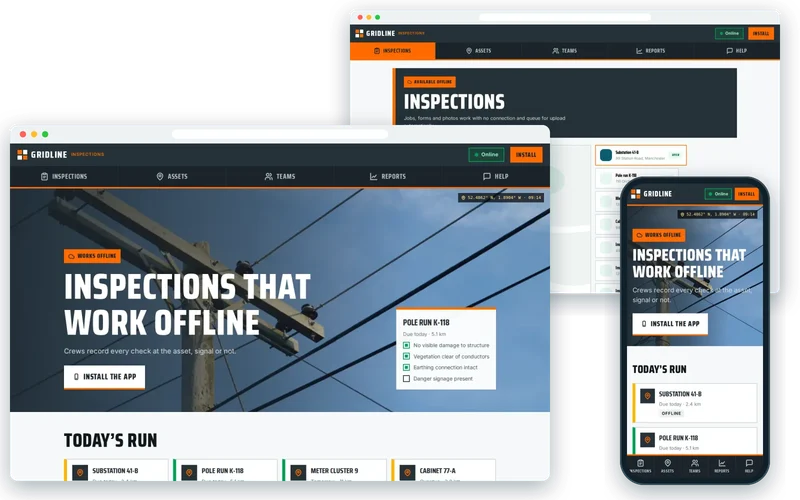
Gridline Inspections demo on desktop and phone

On location

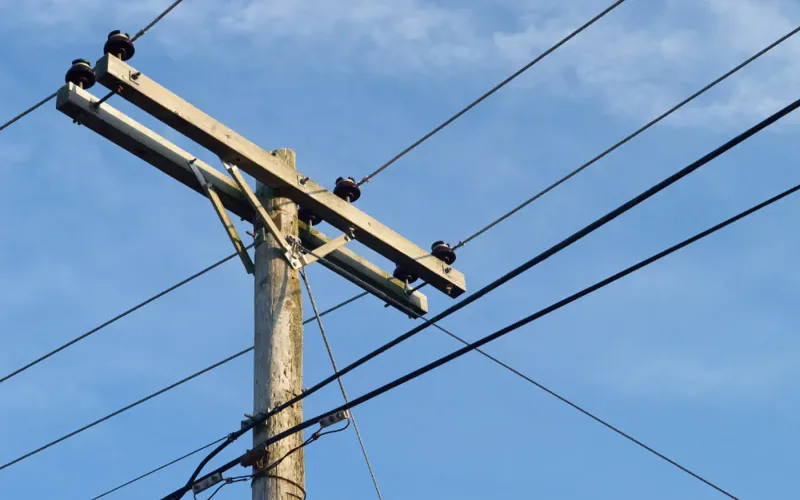
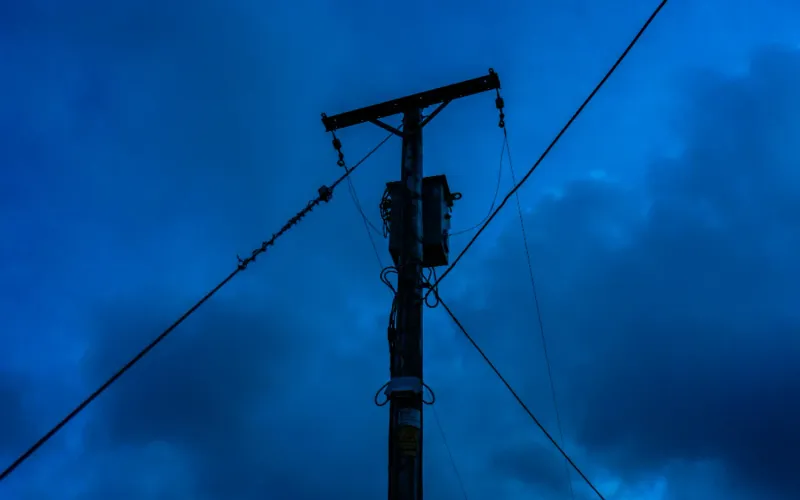
  • Power Lines — Gridline Inspections
    Power LinesPhoto: Tim Sullivan (CC0)
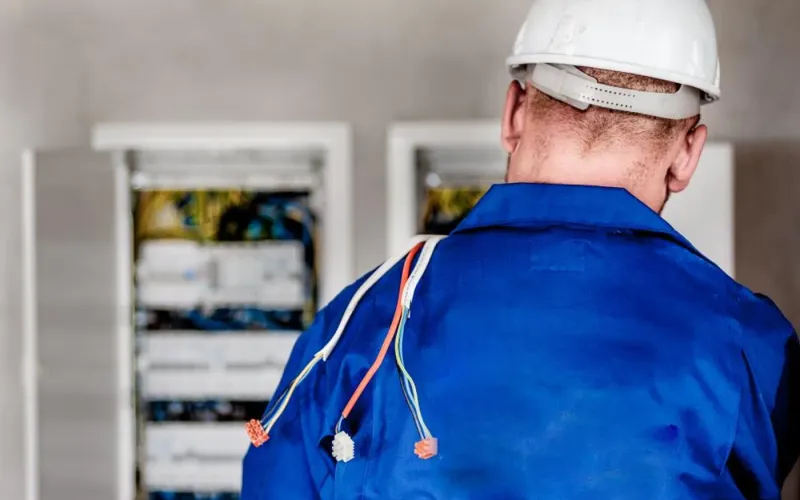
  • Electrician Electricity — Gridline Inspections
    Electrician ElectricityPhoto: Michal Jarmoluk (CC0)
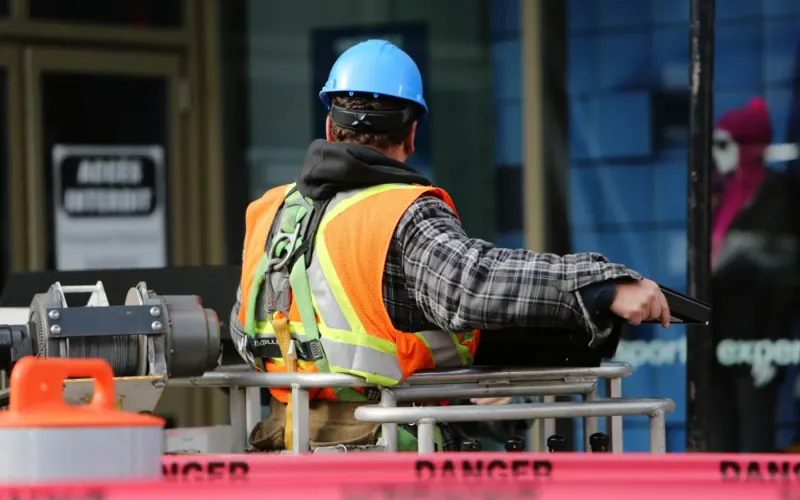
  • Construction Zone — Gridline Inspections
    Construction ZonePhoto: Leeroy (CC0)
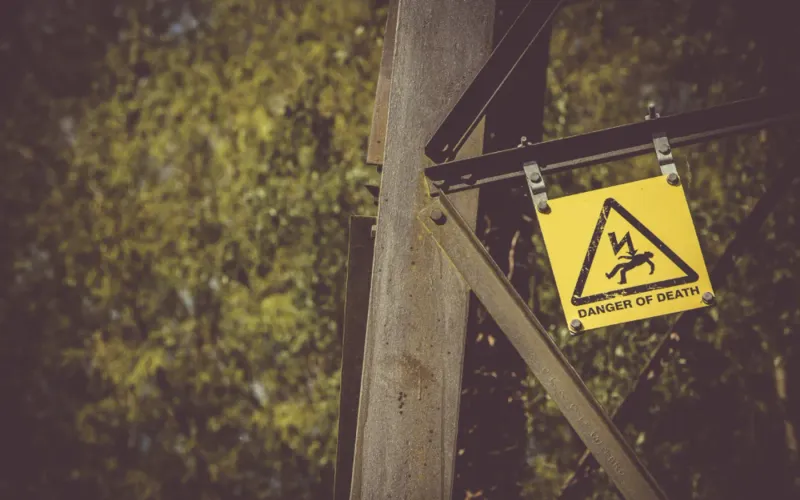
  • Danger Death — Gridline Inspections
    Danger DeathPhoto: James Frid (CC0)
  • Power Lines — Gridline Inspections
    Power LinesPhoto: Ian Livesey (CC0)

About the Project

This project is an offline inspection app for a utility inspection contractor whose crews check substations, poles and cabinets in rural areas where mobile data is unreliable or missing altogether. Before the app, every inspection was written on paper and typed up days later. Defects sat unreported, photographs drifted away from the forms they belonged to, and the contractor could not prove its response times to the utility it works for.

We built a progressive web app that crews install to the home screen of any Android or iPhone. The day's jobs are cached on the device, forms and photos are saved locally, and a background sync queue uploads everything the moment a signal returns. Inspections are now recorded at the asset, defects reach the utility the same day, and every photograph arrives attached to its record with GPS position and a timestamp.

About the Client

The client is an inspection contractor working on behalf of a utility. Its crews spend their days on the road, moving between assets that are often miles from the nearest reliable mast, and their work is measured by how quickly and accurately defects are reported.

Paper had become the bottleneck. Crews were capable and diligent, but every form had to be carried back, read and re-keyed, and the office could never be sure that what it typed matched what was seen in the field. The contractor wanted digital records without asking crews to change the way they worked at the asset.

Project Goals

  • Record inspections at the asset, even with no signal at all.
  • Attach photographs to the right record automatically, with location and time.
  • Report defects to the utility the same day rather than the following week.
  • Run on the Android and iPhone devices crews already had.
  • Avoid the cost and release cycle of maintaining two native apps.

Project Overview

The Challenge and Our Solution

The Challenge

Crews inspected substations, poles and cabinets in rural locations where mobile data was unreliable or absent. Everything was recorded on paper and typed up days later, so defects sat unreported, photographs were separated from their forms, and the contractor could not prove response times to the utility it served.

Our Solution

We built a progressive web app rather than two native apps, because reach and cost mattered more than deep device integration. Jobs for the day are cached on the device, forms and photos are stored locally, and a background sync queue uploads everything the moment a connection returns — with conflict handling if the office has changed the job in the meantime. The app installs to the home screen on both Android and iOS, and defect photos are compressed on-device so a day of work uploads over a weak connection.

Why a Progressive Web App Instead of Two Native Apps

The first decision was the platform. Crews used a mix of Android phones and iPhones, and the contractor needed reach and low running cost more than deep device integration. A progressive web app gave both: one React and TypeScript codebase that installs to the home screen, opens full-screen like a native app, and updates the moment a new version is published, with no app-store review in the way.

Service workers, managed with Workbox, cache the application itself so it opens instantly with no connection. From the crew's point of view it simply behaves like an app on their phone.

  • One codebase for Android and iOS
  • Home-screen install with a full-screen, app-like interface
  • Updates without an app-store release cycle

Offline-First Data Capture at the Asset

Everything a crew needs for the day is stored on the device in IndexedDB when they set off: the job list, asset details and the inspection forms. Forms are completed and saved locally, so a crew standing beside a cabinet in a valley with no signal works exactly as they would in the depot.

Completed inspections join a queue. The app is honest about what has and has not been sent, showing clearly which records are waiting to upload, so crews never wonder whether their work has been lost.

GPS-Tagged Photo Evidence That Stays With Its Record

Photographs are often the most important part of a defect report and the easiest part to lose. In the app, photos are taken from within the inspection, tagged with GPS position and timestamp, and stored with the record they belong to. There is no separate camera roll to sort through later.

Images are compressed on the device before they are queued, so a full day of photographs can upload over a weak connection at the end of a shift. The utility receives evidence that is clearly tied to an asset, a place and a time.

Background Sync With Conflict Handling

When a signal returns, Background Sync uploads queued inspections without the crew doing anything. Real life adds a complication: the office may have changed a job while the crew was out of contact, perhaps reassigning it or adding a note.

The sync process detects those cases and handles them clearly rather than silently overwriting one version with another. Web Push notifications let the office reach crews with updates when they are connected. Together these mean the office sees inspections as soon as they can physically arrive, and defects are reported to the utility the same day.

Our Process

How We Delivered It

  1. Riding along with crews

    We looked at how inspections were really carried out, where signal disappeared and what crews needed with gloves on and limited time, before designing a single screen.

  2. Choosing the platform

    We compared native apps with a progressive web app against the contractor's priorities and chose the PWA for reach, cost and update speed.

  3. Building offline-first

    The React app was built around local storage and a sync queue from the start, rather than adding offline support as an afterthought.

  4. Testing without signal

    We tested complete inspections in airplane mode, interrupted uploads, low-storage devices and jobs edited in the office while crews were offline.

  5. Rollout to crews

    Crews installed the app to their home screens, worked alongside paper briefly to build confidence, and then moved over fully once records matched.

Key Features

What We Delivered

  • Offline-first data capture

    Jobs, forms and photos work with no connection and queue for upload automatically.

  • Installable on any device

    Home-screen install on Android and iOS with a full-screen, app-like interface.

  • Evidence capture

    Photos compressed on device and tagged with GPS position and timestamp.

  • Conflict-aware sync

    Background sync with clear handling when the office has changed a job meanwhile.

Outcome

Results and Impact

  • Paper forms eliminated; inspections recorded at the asset rather than days later.
  • Defects reported to the utility the same day instead of the following week.
  • Photographs tied to their inspection record automatically, with GPS and timestamp.
  • One codebase for Android and iOS, with no app-store release cycle.

Client Feedback

What the Client Says

★★★★★

Our crews work where there is no signal. The app does not care.

Operations LeadUtility inspection contractor

Services

Services Behind This Project

The Progressive Web App, React expertise we used to build this progressive web app — and can bring to yours.

  • Progressive Web App Development

    Installable, offline-capable progressive web apps with service workers, push notifications and app-like performance — no app store required.

  • React Development

    Custom React.js front ends, dashboards and single-page applications built with TypeScript, reusable components and server-side rendering for SEO.

FAQ

Frequently Asked Questions

Can a progressive web app really work with no internet connection?

Yes. Service workers cache the app itself, and IndexedDB stores jobs, forms and photos on the device. Crews can complete full inspections with no signal, and a background sync queue uploads everything automatically when a connection returns.

Does a PWA install on iPhone as well as Android?

Yes. Crews add it to the home screen from the browser and it then opens full-screen like an app. Some device features differ between platforms, so we design around what both support reliably for field work, such as the camera, location and local storage.

When is a native app a better choice than a PWA for field work?

Native apps make sense when you need deep hardware integration, such as specialist Bluetooth sensors, or background processing beyond what browsers allow. For forms, photos, location and offline sync, a PWA usually delivers the same experience at lower cost with simpler updates.

What happens if the office changes a job while a crew is offline?

When the crew's device syncs, the app detects that the job changed on both sides and handles it clearly instead of silently overwriting either version. The right resolution rule depends on your workflow, and we agree those rules during design.

How are photos handled on weak mobile connections?

Photos are compressed on the device and stored with their inspection, tagged with GPS position and time. They upload in the background as part of the queue, so a day's evidence can be sent over a poor connection without crews waiting.

What affects the cost of an offline field inspection app?

The main drivers are the number and complexity of inspection forms, integration with your job management system, photo and evidence requirements, conflict rules for sync and any reporting the client or utility expects. Starting with one inspection type keeps the first release lean.

Similar Work

Related Projects

Case studies built with the same technologies or for similar needs.

  • Semi trucks line up to pick — Northline Freight
    • React
    • TypeScript
    • Node.js

    Web Application Development

    Freight Dispatch & Driver Tracking Platform

    A live dispatch board built in React and Node.js that replaced a spreadsheet-and-phone workflow for 120 drivers.

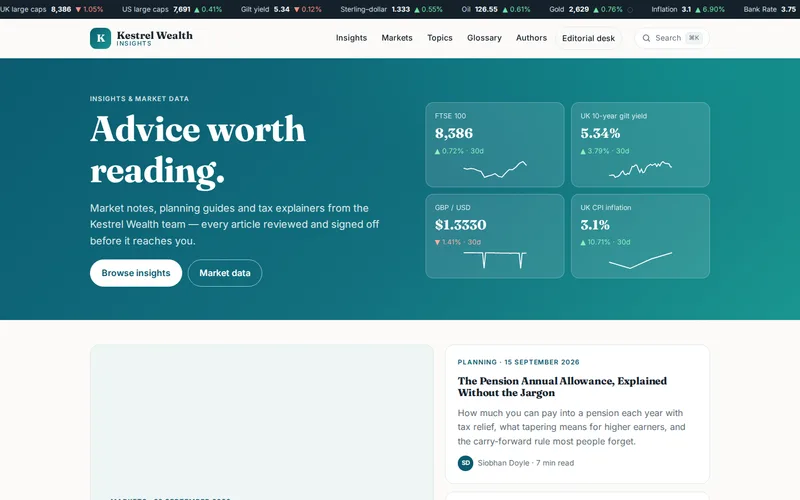
  • Kestrel Wealth demo — home page
    • Next.js
    • React
    • TypeScript

    Headless CMS Website

    Wealth Management Insights Hub

    A Next.js front end over headless WordPress that took a compliance-heavy content library from slow to near-instant.

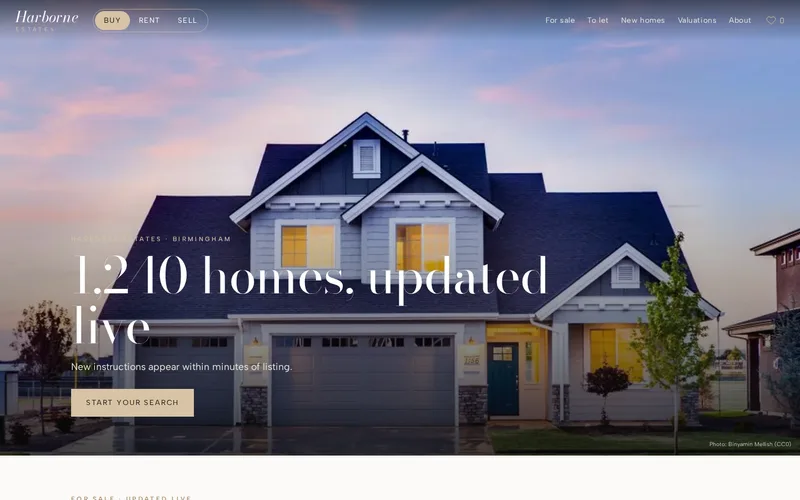
  • House Home — Harborne Estates
    • Next.js
    • React
    • Headless CMS

    Headless CMS Website

    Estate Agency Property Listings

    A headless CMS and Next.js site rendering 1,240 live listings that sync from the agency system every few minutes.

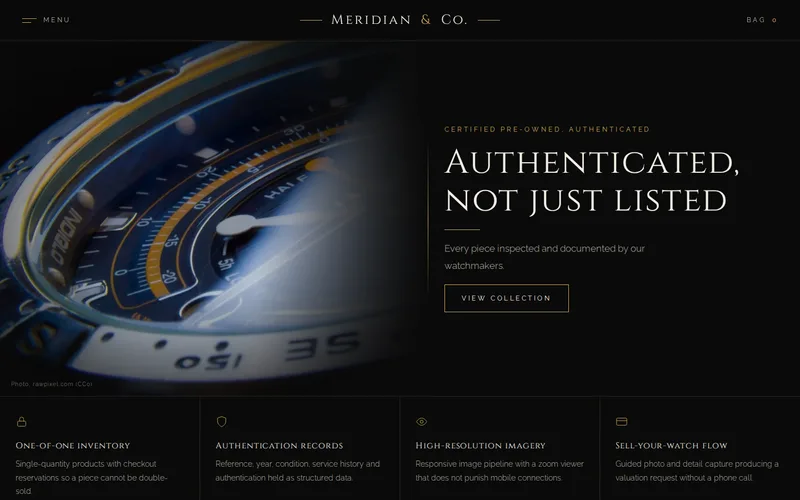
  • Watch Clock — Meridian & Co.
    • Shopify Storefront API
    • Next.js
    • React

    Headless Shopify eCommerce

    Pre-Owned Luxury Watch Storefront

    A headless Shopify storefront for one-of-one inventory, with authentication records and a sell-your-watch flow.

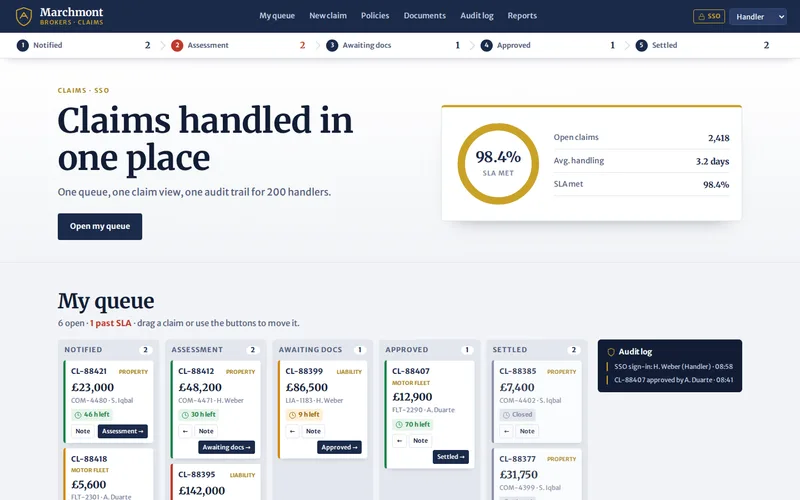
  • Office Work — Marchmont Brokers
    • Angular
    • TypeScript
    • RxJS

    Enterprise Web Application

    Insurance Claims Administration Portal

    An Angular portal that gave 200 claims handlers one screen in place of three legacy systems.

  • Herbs Spices — The Kitchen Table
    • Astro
    • Svelte
    • TypeScript

    Publishing Website

    Food Magazine & Recipe Archive

    An Astro rebuild of a 3,850-recipe archive that cut JavaScript by two thirds and made mobile pages load in about a second.

Let’s Connect

Want Results Like These?

Share your project details and our experts will get back to you within one business day with the best solution — free consultation, no obligation.