Cloud, Data & AI
Choosing an OCR Engine for Business Documents: Cloud APIs, Open Source or Both
Cloud document APIs, open-source engines and language models all read business documents, with very different trade-offs in accuracy, cost per page and data residency. Here is how we compare them on your own documents, and why most pipelines use more than one.

If your team types supplier invoices, delivery notes or application forms into a system by hand, you have probably already decided to automate it. The harder question comes next: which engine should read the documents? The cloud APIs from Microsoft, Google and Amazon, an open-source engine you run yourself, or one of the language models that can now read a page image directly? Each choice changes accuracy, cost per page, where your data goes and how much code has to surround it.
This is a decision we make at the start of most of our OCR and document processing projects, and the answer is rarely a single engine. Here is how we compare the options and why we usually end up with a combination.
First, Check Whether You Need OCR at All
Many business documents are born digital: invoices exported from accounting software, statements generated by a bank, purchase orders sent as PDFs from an ERP. These files already contain a text layer. Libraries such as pdfplumber or PyMuPDF read that text, with its position on the page, in milliseconds and with no recognition errors at all.
So the first step in any pipeline is a check: does this PDF have usable text? If it does, extract it directly and spend your OCR effort only on scans, phone photos and faxes. It sounds obvious, but we regularly see pipelines that rasterise perfectly good digital PDFs and then OCR them, paying for every page and introducing errors that were never there.
The Cloud Document APIs
The three big providers all go well beyond plain text recognition. They return layout, tables, key-value pairs and, for common document types, named fields:
- Azure AI Document Intelligence (formerly Form Recognizer) has prebuilt models for invoices, receipts, ID documents and more, plus custom models you can train on a small set of labelled samples of your own layouts.
- Google Document AI offers processors such as the Form Parser, the Invoice Parser and a custom extractor, and handles multilingual documents well.
- AWS Textract covers text, forms and tables, with specialised operations for expense documents (AnalyzeExpense) and identity documents (AnalyzeID), and a Queries feature that asks for a specific field in plain language.
Their strengths are accuracy on poor scans, good table handling, per-field confidence scores and no infrastructure to run. The trade-offs are per-page charges that grow with volume, documents leaving your network (each provider lets you choose a processing region, which matters for data protection), and prebuilt models that only know the fields their designers chose. A prebuilt invoice model will find the total and the VAT number; it will not know your industry's batch codes unless you train a custom model.
Open-Source Engines You Host Yourself
Tesseract, now on version 5 with an LSTM-based recogniser, is the long-standing open-source choice. PaddleOCR and docTR are newer deep-learning alternatives that often cope better with photos and unusual fonts. All three run on your own servers, so documents never leave them and the cost per page is compute time.
What they give you is mostly text and word positions. Turning that into "invoice number", "net total" and "line items" is your job: templates, regular expressions, layout rules or a model on top. Quality also depends heavily on pre-processing. Deskewing, removing shadows from phone photos, binarisation and scanning at a sensible resolution (around 300 DPI) make a large difference, and Tesseract in particular struggles with handwriting and dense tables.
Self-hosting makes sense when documents are sensitive and must stay on your infrastructure, when volumes are high and layouts are consistent, or when the documents are simple enough that text plus a few rules gets you there.
Language Models That Read Documents
Multimodal models such as Claude, GPT and Gemini can take a page image or PDF and return structured JSON against a schema you define. Their advantage is flexibility: a new supplier layout needs no template, and they understand context, so "Amount due" and "Balance to pay" land in the same field. Smaller vision models, such as the Qwen2.5-VL family, can be run locally through tools like Ollama when data must not leave your servers, at some cost in accuracy and speed. Wiring these models into a pipeline is part of our AI integration work.
The weaknesses matter for business data. A language model can misread a digit and still return a confident, well-formed answer; it does not give you calibrated per-field confidence the way the document APIs do; and long, multi-page documents cost more and take longer. We use them where layouts vary widely and the output can be checked by rules, and we design the validation on the assumption that they will sometimes be wrong. Our article on what accuracy to expect from OCR and AI document processing covers that side in more detail.
Why We Usually Combine Them
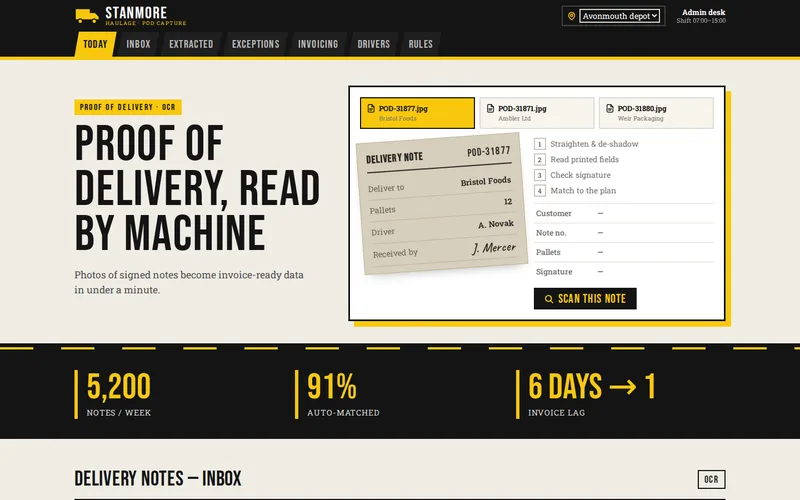
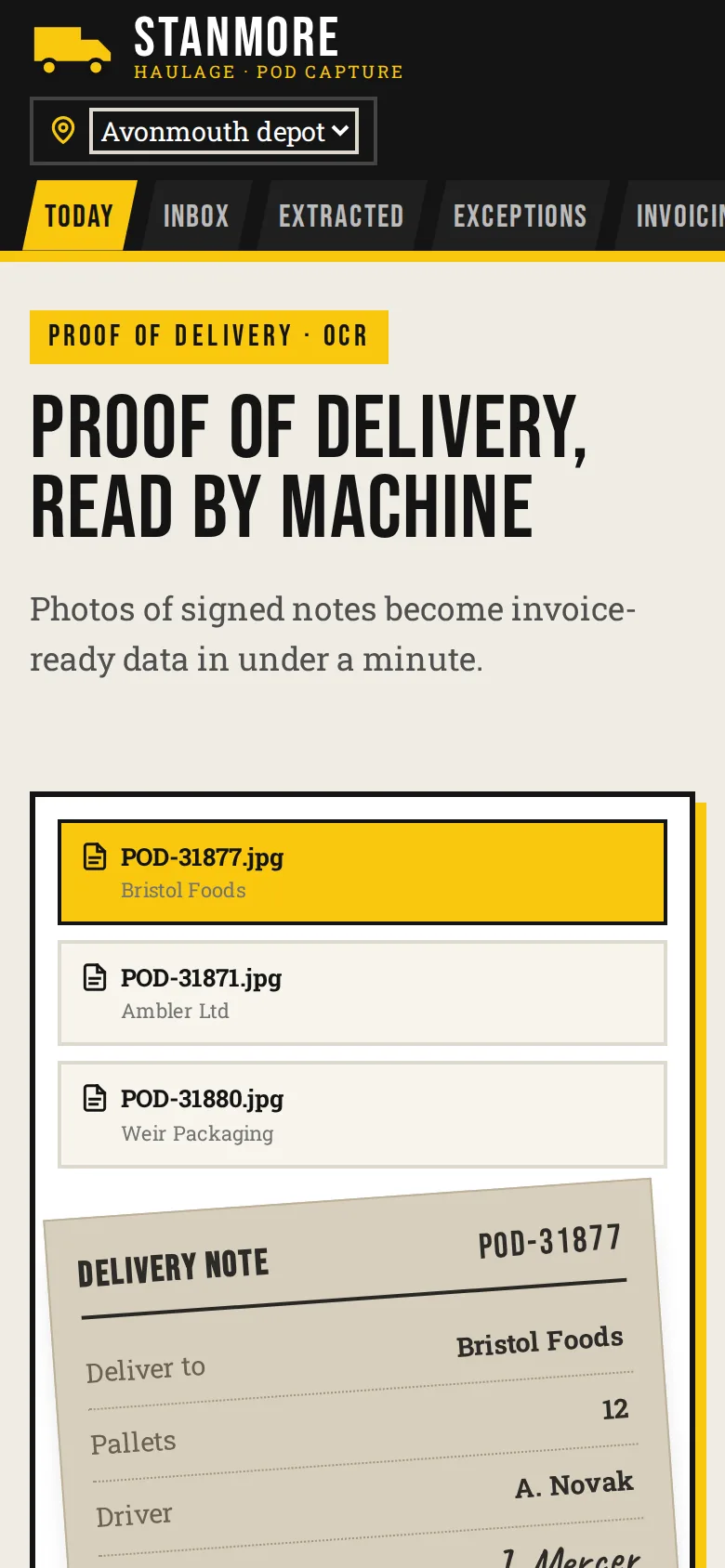
Most real document flows are mixed: some digital PDFs, some clean scans, some crumpled photos taken in a van cab, like those we discuss in proof-of-delivery capture with phone cameras. A layered pipeline handles that better than any one engine:
- Extract the text layer directly from born-digital PDFs.
- Send scans and photos to a document API or a self-hosted engine, depending on sensitivity and volume.
- Use a language model to map awkward layouts to your schema, or as a second opinion when the first pass has low confidence.
- Validate everything with business rules: lines add up to the total, the supplier exists, the date is plausible, the invoice number is not a duplicate.
- Route anything that fails a rule or falls below a confidence threshold to a person.
Put the engines behind your own interface: one function that takes a document and returns a typed result with values, confidence and page positions. When a provider changes its pricing or a better model appears, you swap an adapter rather than rewriting the pipeline. We normally build this layer in Python, where the document libraries are strongest, and expose it to the rest of the business through a small API.
Test on Your Own Documents
Vendor demos use clean samples. The only comparison that counts is on your documents. Before committing, we assemble a test set:
- A representative sample from real intake, including the worst scans and the most unusual suppliers, not just the tidy ones.
- The correct value for each field, entered by someone who knows the documents.
- A script that runs each candidate engine and scores field-level accuracy rather than character accuracy. One wrong digit in a total is a failed field.
Alongside accuracy, compare cost at your expected monthly volume, processing time, data residency, and how each engine reports confidence. Then decide which fields can be posted automatically and which always need a look. The structured results usually land in your accounting system, or in a schema we design for them as part of our database development work.
Questions to Answer Before You Choose
- Are documents allowed to leave your infrastructure, and if so, in which regions?
- How many pages do you process a month now, and how many in two years?
- How varied are the layouts, and do any include handwriting or several languages?
- What does a single wrong value cost you, and who would notice?
If you are weighing up engines for a document flow of your own, send us a handful of typical documents and tell us where the data needs to end up. We will run them through the candidates and show you the results field by field.
Frequently Asked Questions
Is open-source OCR accurate enough for invoices?
For clean, consistent documents such as good scans from a small set of known suppliers, often yes, especially with careful pre-processing and layout rules. For varied layouts, poor phone photos or handwriting, the cloud document APIs usually extract fields more reliably out of the box and save you writing templates for every supplier.
Do cloud OCR services keep or train on our documents?
Each provider publishes its own data handling terms, and they differ by service and plan, so check the current terms for the exact API you use. All three major providers let you choose the region where processing happens. Where documents must never leave your infrastructure, a self-hosted engine or locally run model is the safer route.
Can we switch OCR engine later without starting again?
Yes, if the pipeline is built for it. We put the engine behind an adapter that returns the same typed result whatever the provider, and keep a labelled test set. Switching then means writing a new adapter, re-running the test set and comparing field-level results, not rebuilding the validation, review and export stages.
How many sample documents do you need to compare engines?
Enough to cover the real variety: every common supplier or form type, plus the worst scans and photos you receive, each with the correct values recorded. A small but representative set tells you far more than a large pile of tidy samples, and it becomes the regression test for every later change.
Should we just use ChatGPT or Claude instead of an OCR service?
Language models are very good at mapping varied layouts to a fixed schema, but they can return a wrong digit with complete confidence and do not provide calibrated per-field confidence. We use them alongside a document API or direct text extraction, with business rules checking the output, rather than as the only reader of financial data.