Web Development
Progressive Web Apps vs Native Apps: When a PWA Is Enough
A PWA can be installed, work offline and send notifications without an app store. Here is what it can genuinely do, where native still wins, and how to decide.
Not every mobile problem needs an app store listing. A progressive web app is a website that behaves like an installed app: it can be added to the home screen, launch without browser chrome, work offline and receive push notifications. For a large class of projects it is the cheaper and faster answer — and for another class it is the wrong one.
What a PWA Can Actually Do
Modern browsers give web applications capabilities that used to require native code:
- Offline operation through service workers that cache assets and data.
- Home screen installation with an icon and splash screen, no store required.
- Push notifications, now supported on both Android and iOS.
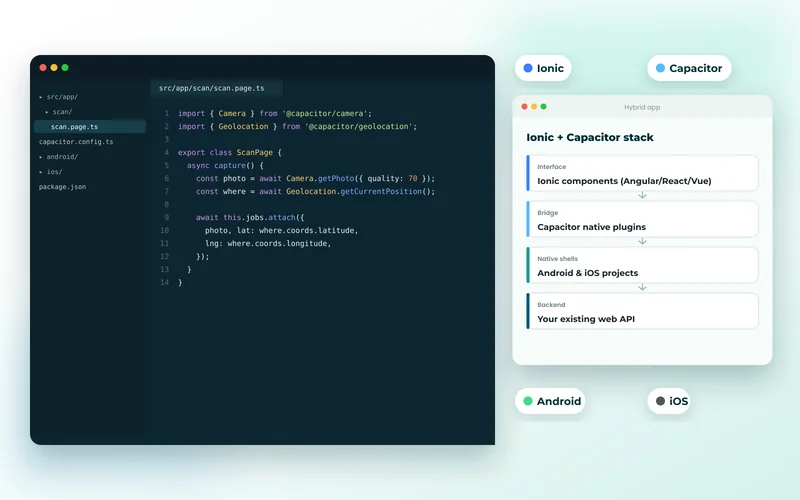
- Camera, geolocation and file access for common tasks such as scanning or uploading.
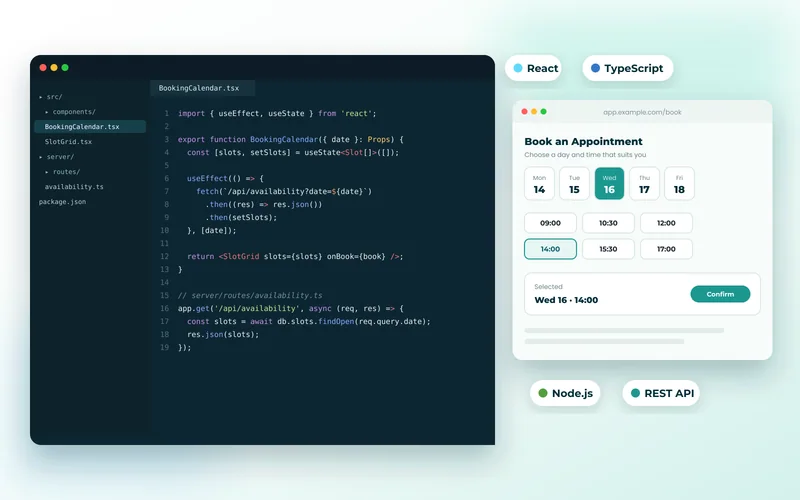
- Background sync, so actions taken offline are sent once a connection returns.
That covers a great many internal tools and customer portals. We used exactly this approach for a utility inspection field app, where engineers work in areas with no signal and needed forms that survive a lost connection.
Where Native Still Wins
Native apps retain real advantages, and pretending otherwise leads to expensive rewrites:
- Sustained performance. Heavy graphics, video processing and real-time rendering remain better native.
- Deep hardware and OS integration. Bluetooth peripherals, biometric APIs, widgets, background location and health data are native territory.
- Store presence. If customers search the App Store or Play Store for what you do, absence costs you discovery.
- Payments. Selling digital goods generally means store billing and their commission.
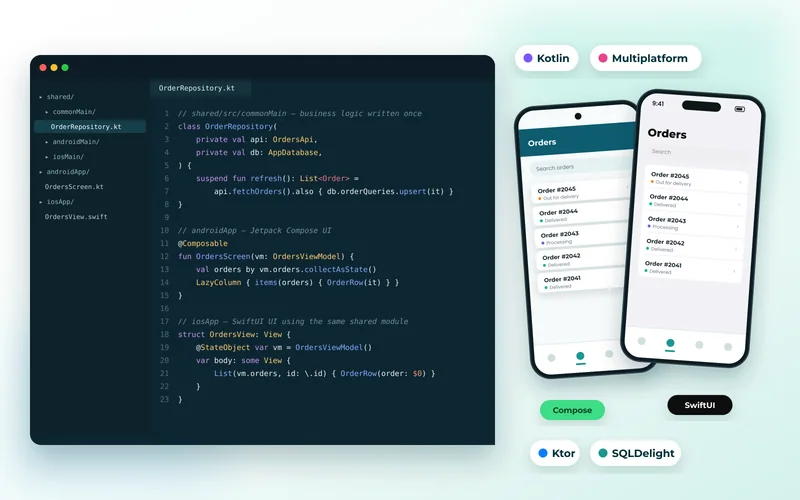
When those matter, mobile app development is the right investment — whether that is iOS, Android, or both from one codebase with Flutter.
Cost and Time
A PWA is usually the cheaper route because there is one codebase, one deployment and no store review. Updates go live immediately rather than waiting for approval, which matters when you are iterating quickly. It also means your existing front-end development skills carry straight over.
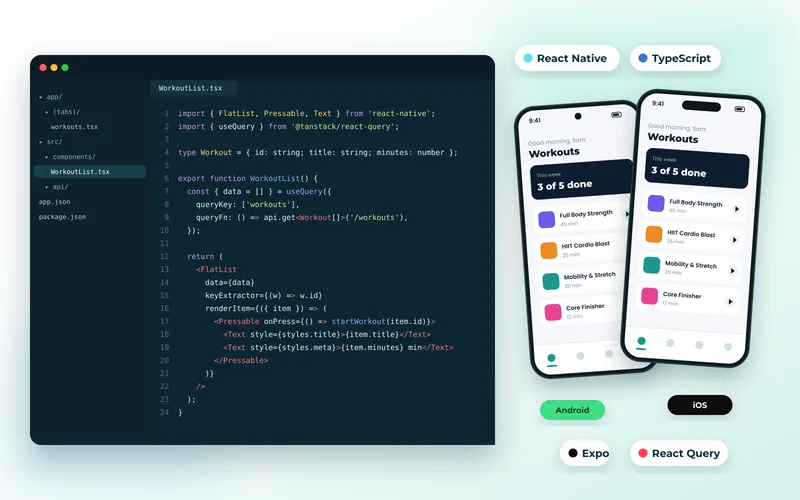
Two apps built natively for iOS and Android cost roughly twice as much as one, which is why cross-platform frameworks exist. We compare those trade-offs in detail in Flutter vs React Native vs native development.
A Decision You Can Apply Today
Ask three questions. Does the product need hardware or OS features the web cannot reach? Do customers expect to find you in an app store? Is sustained high-performance rendering central to the experience? If all three answers are no, start with a PWA — and note that you can add a native app later without discarding the web work, since the API layer built through API development and integration serves both.
Do Not Neglect the Basics
A PWA is still a website, which means it still needs fast load times, sensible caching and a clean crawlable structure. Installability does not rescue a slow site. Treat speed optimisation and technical SEO as part of the build rather than something to bolt on afterwards.
If you are unsure which route fits, describe how your users work — particularly whether they are offline, in the field, or sitting at a desk — and we will recommend the option that solves the problem for the least money.