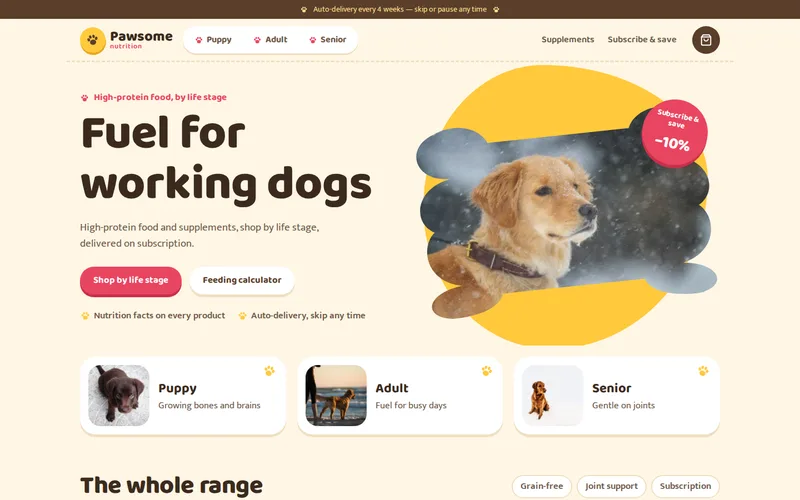
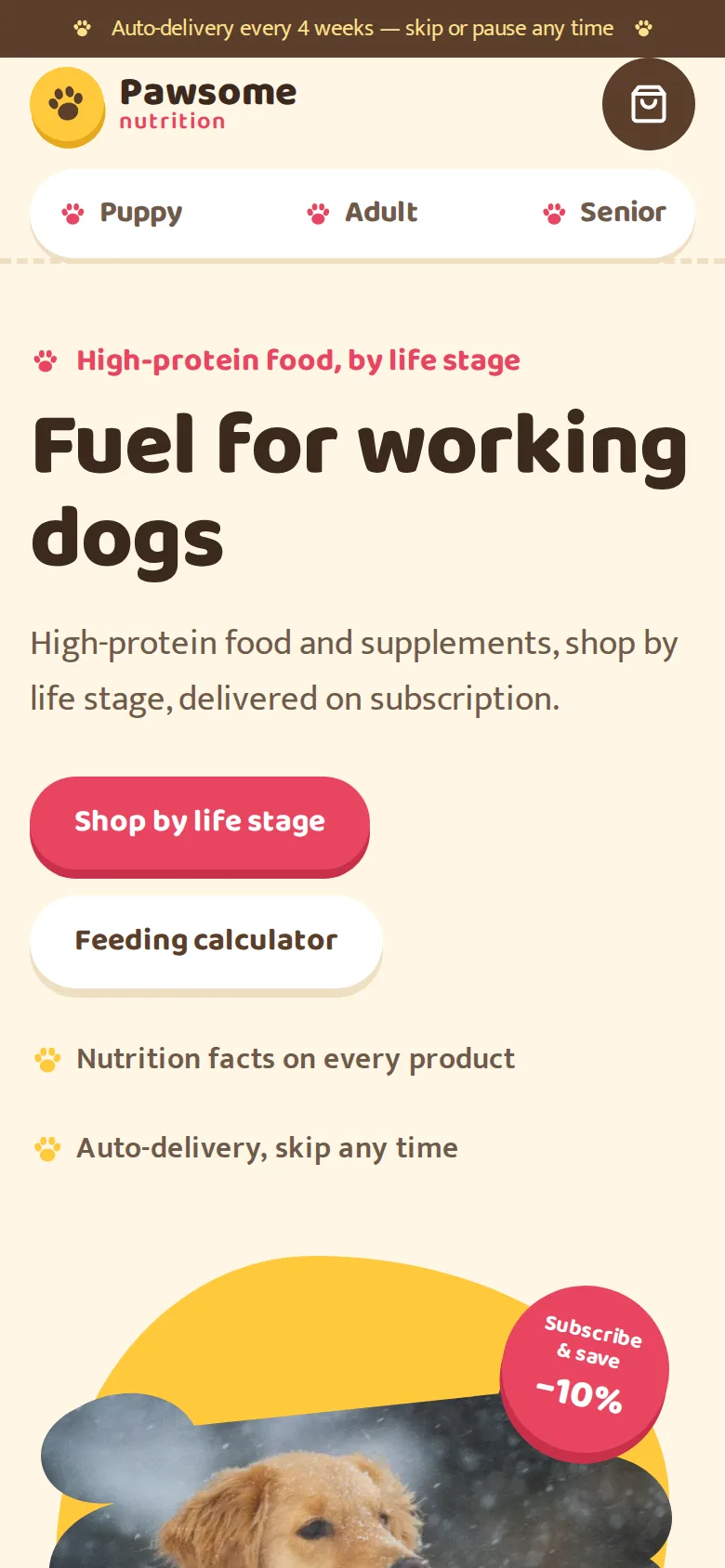
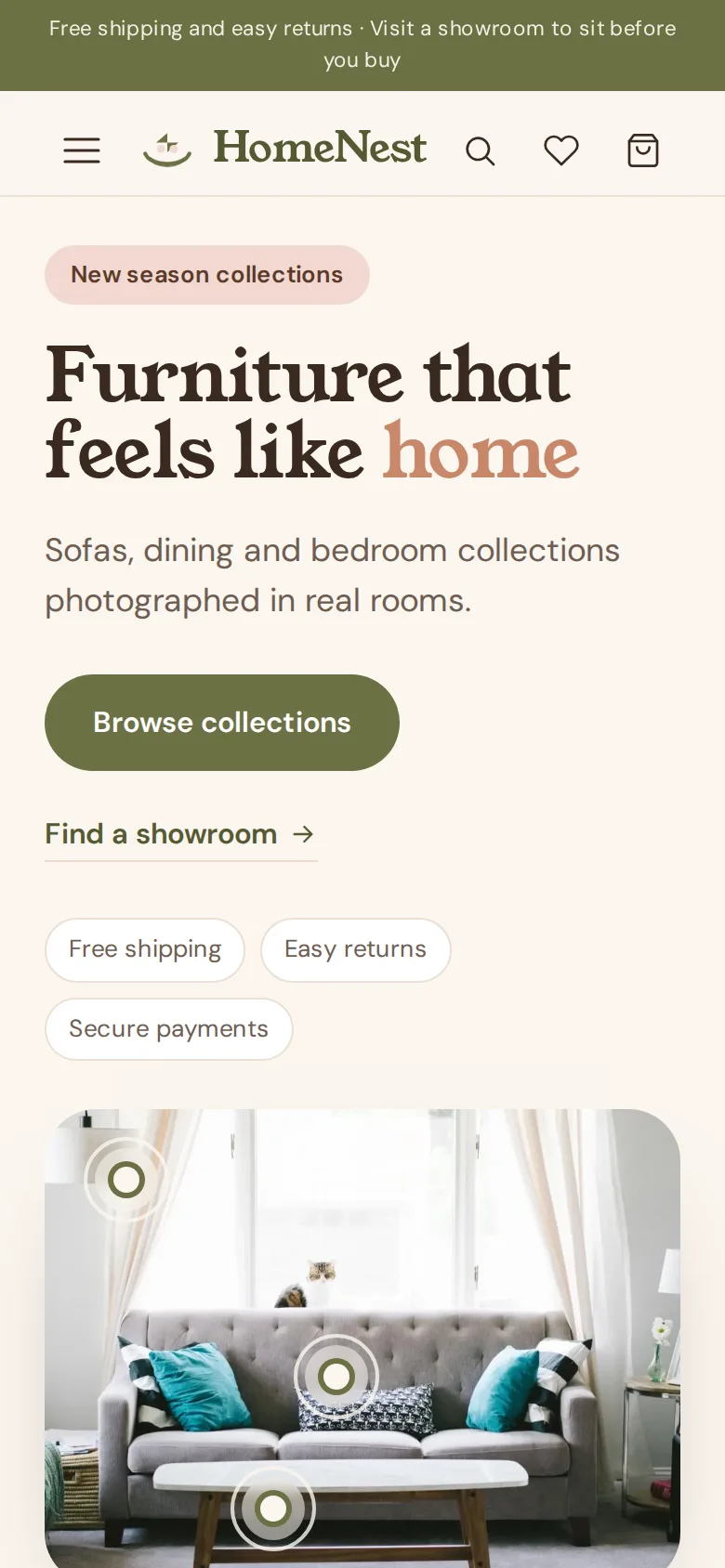
A Shopify store where subscriptions, bundles and a product finder lifted repeat revenue.
View live demo Opens a working demo with sample content in a new tab.
On location
Woman StretchPhoto: Healthy Living (CC0)
Girl WomanPhoto: Scott Webb (CC0)
Sneakers WeightsPhoto: Kristin Hardwick (CC0)
Fitness WeightsPhoto: Kristin Hardwick (CC0)
Fitness WeightsPhoto: Kristin Hardwick (CC0)
About the Project
This case study looks at a Shopify subscription store for a sports nutrition brand with a familiar problem: customers bought once and rarely came back. Subscriptions existed, but they were tucked away below the add-to-cart button. The bundle offer was a handful of static product pages, and people new to supplements could not work out what to buy, so they ordered a single tub and drifted away.
We rebuilt the theme around the second purchase rather than the first. Subscribe and save now appears on every eligible product page as the default choice, with the saving shown in pounds rather than percentages. Customers manage deliveries in a portal, a bundle builder rewards bigger baskets with tiered discounts, and a short product finder points first-time buyers to a sensible starting stack. The subscription share of orders grew substantially after the product-page redesign, and average order value rose through the bundle builder.
About the Client
The client is a sports nutrition brand selling protein, creatine, hydration and energy products to people who train regularly, from gym-goers to endurance athletes. Its products are used up on a predictable schedule, which makes them a natural fit for subscriptions.
The business understood that its growth depended on repeat customers, but its store was built like a catalogue for one-off purchases. Over time it had also gathered apps and scripts that slowed every page. It wanted a store that made reordering effortless and that the in-house team could keep fast.
Project Goals
Make subscription the obvious, default choice on product pages.
Let customers pause, skip and change deliveries without emailing support.
Increase basket size with flexible, discounted bundles.
Give first-time buyers a clear starting point instead of a full catalogue.
Speed up the store by removing apps and scripts that were no longer earning their place.
Project Overview
The Challenge and Our Solution
The Challenge
The brand sold well on first purchase and poorly on the second. Subscriptions existed but were buried, the bundle offer was a set of static product pages, and customers new to supplements could not work out what to buy — so they bought one tub and never returned.
Our Solution
We rebuilt the theme around repeat purchase. Subscribe-and-save is presented on the product page as the default choice with the saving shown in cash terms, and customers manage deliveries in a portal rather than by email. A bundle builder lets them combine products at a tiered discount, and a short product finder recommends a starting stack based on training type and goals. Klaviyo flows were rewired to the new events, and the theme was trimmed of six unused apps.
Subscribe and Save on Shopify, Presented as the Default
Small details decide whether someone subscribes. On the redesigned product page, the subscription option is preselected for eligible products, the saving is shown as a cash amount next to the one-off price, and the delivery frequency is chosen right there with sensible options. Customers can see exactly what they will pay and when the next order arrives.
Subscriptions run on Shopify's Subscriptions API, and customers manage everything in a portal: pausing a delivery before a holiday, skipping a month or changing flavour. Fewer emails reach support, and fewer customers cancel simply because changing an order felt like a chore.
Subscription preselected with the saving shown in cash
Delivery frequency chosen on the product page
Self-service portal to pause, skip or change deliveries
A Shopify Bundle Builder That Rewards Bigger Baskets
The old bundles were fixed product pages, which meant every new combination needed a new listing. We replaced them with a bundle builder built as an Online Store 2.0 section. Customers pick the products they want, the discount tier updates as the bundle grows, and the result can be bought once or on subscription.
Tiered discounts are applied with Shopify Functions, so the logic lives in the platform rather than in a fragile script. The merchandising team can promote different bundles from the theme editor without asking a developer.
A Product Finder Quiz for First-Time Buyers
Newcomers to supplements were the customers most likely to leave without buying. A short guided quiz now asks about training type and goals and recommends a starting stack, with a sentence explaining why each product is there.
The finder gives new visitors a confident first step instead of a long list of tubs. Recommendations are driven by metafields on the products themselves, so they stay accurate as the range changes.
Klaviyo Lifecycle Flows and a Leaner, Faster Theme
Email had been sending generic campaigns. We rewired the Klaviyo flows to events from the new store: replenishment reminders timed to how long a product lasts, winback messages for lapsed customers and notes that mark subscription milestones.
At the same time we audited the theme and removed six apps that were redundant or barely used, along with their scripts. Store speed improved as a result, which matters most on mobile, where most supplement shoppers browse between sessions.
Our Process
How We Delivered It
1
Understanding the drop-off
We traced where first-time customers went quiet and how existing subscribers had found the option, which showed that visibility and clarity were the real barriers.
2
Redesigning the product page
Subscription, frequency and cash savings were brought together into one clear choice, tested on mobile first because that is where most customers shop.
3
Building bundles and the finder
The bundle builder and product finder were built as Online Store 2.0 sections, with discounts in Shopify Functions and recommendations in metafields.
4
Rewiring email
Klaviyo flows were reconnected to the new subscription and order events so replenishment and winback messages reach the right people at the right time.
5
Cleaning up and launching
Unused apps and scripts were removed, the theme was checked for speed and the new store went live with the team trained on managing bundles and offers.
Key Features
What We Delivered
Subscribe & save
Subscription presented as the default with cash savings shown, managed in a customer portal.
Bundle builder
Mix-and-match bundles with tiered discounts, built as an Online Store 2.0 section.
Product finder
A short guided quiz recommending a starting stack by training type and goal.
Lifecycle email flows
Klaviyo flows for replenishment, winback and subscription milestones tied to store events.
Outcome
Results and Impact
Subscription share of orders grew substantially after the product-page redesign.
Average order value up through the bundle builder and tiered discounts.
Product finder gave first-time buyers a clear starting point instead of a catalogue.
Store speed improved after removing six redundant apps and their scripts.
Client Feedback
What the Client Says
★★★★★
They rebuilt the product page around subscriptions instead of bolting another app on top, and removed six apps that were slowing the store down. Repeat orders are the majority of our revenue for the first time.
eCommerce ManagerSports nutrition brand
Services
Services Behind This Project
The Shopify, eCommerce expertise we used to build this shopify ecommerce — and can bring to yours.
High-converting online stores on Shopify, WooCommerce and BigCommerce — with smooth checkout, secure payments and easy product management.
Learn more
FAQ
Frequently Asked Questions
Can Shopify handle subscriptions without a third-party app?
Shopify provides the subscription framework and checkout support through its Subscriptions API. Many stores still use an app for the customer portal and management features, while others build those parts into the theme. The right choice depends on your products, budget and how much control you want.
Why show subscription savings in pounds rather than as a percentage?
A cash amount is easier to judge at a glance, especially on cheaper products where a percentage can feel abstract. Showing the one-off price beside the subscription price makes the choice concrete and helps customers decide quickly.
How does a bundle builder work on Shopify?
Customers choose products from a set range, and the discount tier updates as they add more. We build the interface as an Online Store 2.0 section and apply the discounts with Shopify Functions, so pricing rules stay reliable and the team can manage bundles without code.
Will removing apps break features we rely on?
We audit every app first, noting what it does, where it loads scripts and whether the theme or Shopify now covers the same need. Only redundant or unused apps are removed, and anything still needed is kept or rebuilt more efficiently.
What does a product finder quiz need to work well?
It needs a few clear questions and products tagged with the right information, such as goals, dietary needs and training type. Keeping recommendations in product metafields means the quiz stays accurate as you add or retire products.
What affects the cost of a Shopify subscription store project?
Key factors include whether you are redesigning or adjusting an existing theme, the subscription and portal approach, bundle and discount rules, quiz logic, email platform integration and any data migration. We usually scope the product page and subscription flow first, because that is where the biggest gains come from.
Similar Work
Related Projects
Case studies built with the same technologies or for similar needs.