Web Development
Event-Driven Integration: Keeping Warehouse and Web Shop Stock in Step
A nightly CSV export means your web shop sells from yesterday's stock. Here is how event-driven integration keeps warehouses and the shop in step during the day, and the three properties that make it reliable: idempotent processing, sensible retries and reservations.
Most web shops we are asked to connect to a warehouse already have an integration of sorts. Every night a job exports a CSV of stock levels, another job imports it, and orders flow back the other way in a second file. It works until it does not: a fast-moving line sells out at ten in the morning and the shop keeps selling it until the next import, or the overnight job fails and nobody knows until customers start asking where their orders are.
Replacing that with something that keeps systems in step during the day is a large part of our API development and integration work. This post explains what event-driven integration is, why it fixes stock accuracy, and what makes it trustworthy rather than just fast.
What a Nightly File Really Costs
A batch file is simple to build, which is why it is everywhere. Its costs are less visible:
- Stale stock. Every system works from last night's numbers until the next run. On busy lines that means oversells.
- Silent failure. A run that fails at 2am is discovered at 9am, usually by a person, and fixing it means a morning of scrambling.
- All or nothing. One malformed row can stop the whole import, or worse, be skipped without anyone noticing.
- No history. When figures disagree, there is rarely a record of which change came from where.
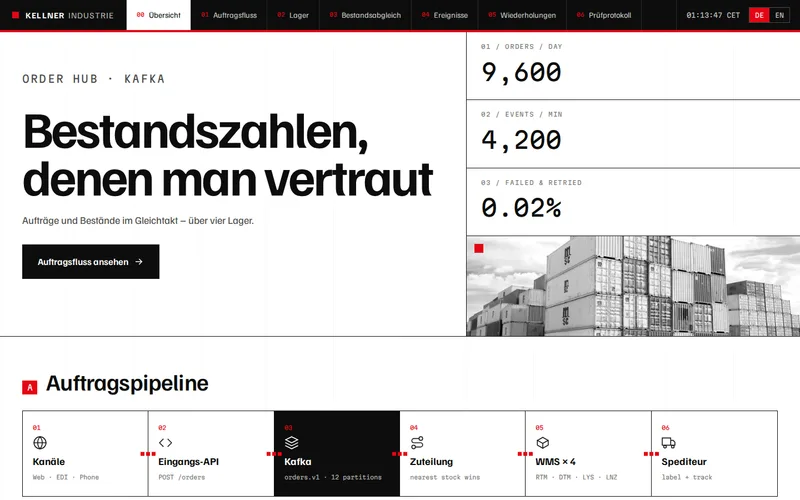
That was the starting point for our warehouse order service for an industrial manufacturer. Orders arrived from a web shop, EDI feeds and phone sales and were reconciled into the ERP by an overnight batch. Stock figures were up to a day out of date and oversells on fast-moving lines were common.
Events and Queues in Plain Terms
An event is a short message describing something that has happened: an order was accepted, ten units of a part were picked in warehouse two, a delivery arrived. Instead of waiting for a nightly export, the system where the change happened publishes the event straight away. Any other system that cares about it, such as the web shop, the ERP or the reporting database, consumes it and updates itself.
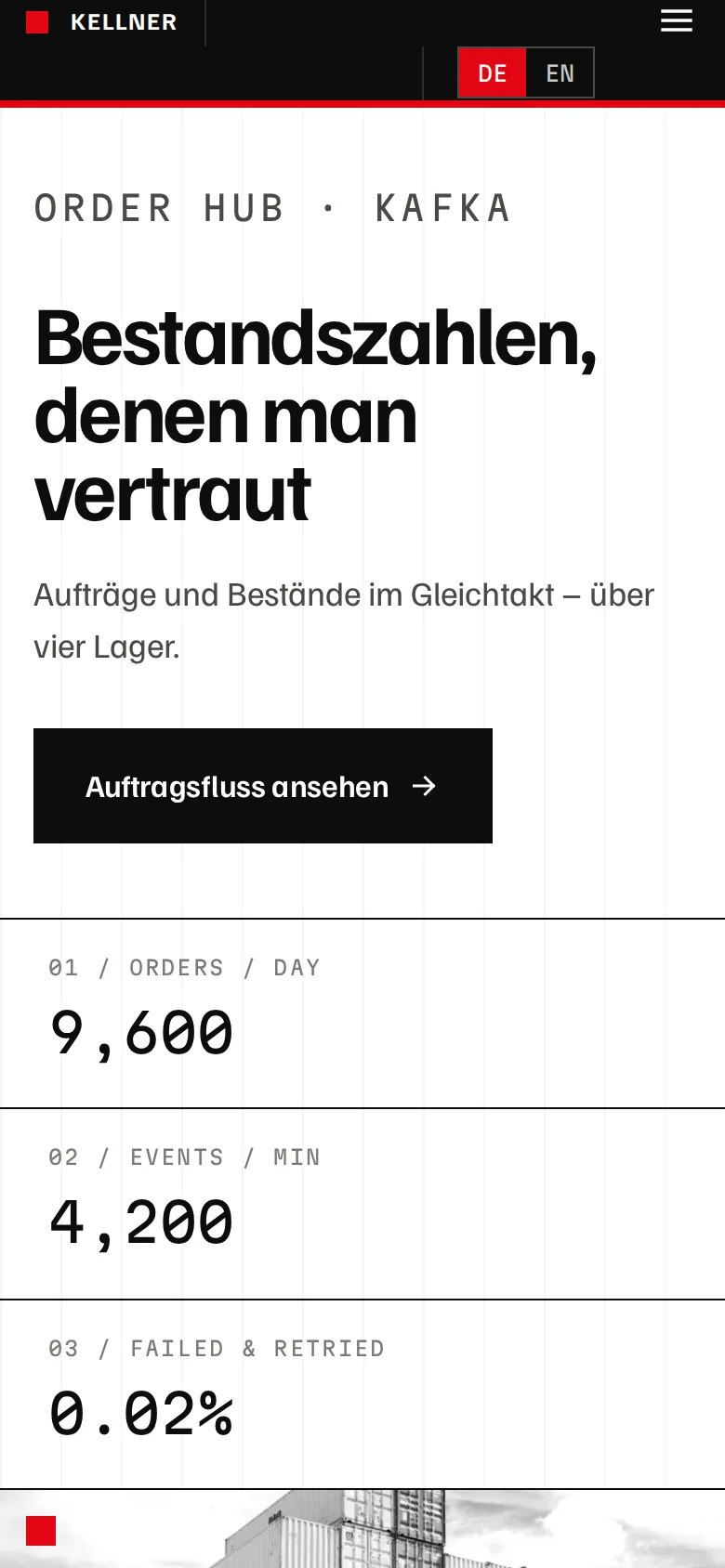
Between the two sits a message broker. It holds events until each consumer has processed them, so if the web shop is being deployed or a warehouse system is briefly offline, nothing is lost; the messages wait. On the manufacturer project, a Spring Boot order service accepts orders from every channel through one validated API and publishes events to Apache Kafka. Stock movements from each of the four warehouses come back the same way, and stock accuracy moved from up to 24 hours stale to within about 40 seconds.
Kafka is not compulsory. It suits high volumes, several consumers reading the same events and the ability to replay history. For smaller volumes, a managed queue from your cloud provider is often enough and simpler to run. If your back office already runs on Java, why Spring Boot suits enterprise integration covers the framework side, and our Java and Spring Boot development team builds these services. Node.js works well too: our ERP to web shop integration for a wholesale distributor is a NestJS integration layer.
Idempotency: Why a Retry Must Never Duplicate an Order
Networks time out. A consumer can process a message, crash before it confirms, and receive the same message again when it restarts. If processing an "order accepted" event twice creates two orders, or a "stock picked" event twice deducts stock twice, the integration becomes less accurate than the CSV it replaced.
The fix is idempotent processing: handling a message once or five times has the same result. The usual techniques are:
- Stable identifiers. Every order and every stock movement carries an ID from its source system, never one generated on arrival.
- Processed-message records. The consumer records which message IDs it has applied, in the same database transaction as the change itself, and ignores repeats.
- Upserts, not inserts. Creating an order that already exists updates it rather than adding a second copy.
- Movements with IDs. Stock changes are sent as identified movements ("pick 4471: minus 10"), so a duplicate is recognisable, rather than anonymous deltas that cannot be told apart.
Every consumer in the manufacturer's order service is idempotent, which is what makes automatic retries safe there.
Retries, Back-Off and the Dead-Letter Queue
Failures come in two kinds. Transient ones, such as a timeout or a system restarting, fix themselves, so the right response is to retry after a short wait and then a longer one. Permanent ones, such as an order for a product code that does not exist, will fail however often they are retried.
A good integration retries transient failures with increasing back-off, then moves anything still failing to a dead-letter queue and alerts a person. The message is kept intact, with the error, so it can be inspected, corrected and replayed. On the manufacturer project only 0.02% of messages needed attention, and nothing disappears silently, which is the real difference from a batch file that either worked or did not.
Reservations: Stopping Two Orders Claiming the Last Unit
Fresh stock figures are not enough on their own. If two customers order the last unit within the same second, both orders can see it as available. The answer is reservation: when an order is allocated, its stock is reserved immediately so a second order cannot claim the same units, and the reservation is released if the order is cancelled.
With several warehouses, allocation rules decide which site fulfils each line, and backorders are created explicitly at that point rather than discovered by a picker in front of an empty shelf. The manufacturer's service allocates against live stock across four warehouses this way, and oversells on fast-moving lines have effectively been eliminated.
Keep the Batch for Work That Suits It
Event-driven does not mean everything must happen in real time. Invoicing runs, management reports and data warehouse loads are naturally periodic, and a scheduled job is the simplest way to do them. On the manufacturer project, Spring Batch still handles that overnight work, but with stock and orders no longer in it, the batch window shrank from six hours to under one.
Moving Off CSV Without a Big Bang
The safest migration runs the new integration alongside the old one first and compares results: do the event-driven stock figures match what the nightly file says, allowing for timing? Once they agree, channels move across one at a time, each with a way back. Dashboards for consumer lag, failure rates and dead-letter volume go in before the first channel moves, not after.
Questions worth asking any developer proposing this work:
- Which system is the source of truth for stock, and for orders?
- What happens if a consumer receives the same message twice?
- Where do failed messages go, and who is alerted?
- How will you prove the new figures match before we switch?
- Does our volume justify Kafka, or is a managed queue enough?
Integration also changes what the shop itself can promise, from delivery dates to live availability; our eCommerce development team can use that once the data is reliable. If your stock is still synchronised by a file at night, tell us which systems are involved and roughly how many orders a day you handle, and we will outline what an event-driven version would look like for you.
Frequently Asked Questions
Do we need to replace our ERP or warehouse system to move to event-driven integration?
Usually not. An integration service sits between the systems you already have and takes over the coordination: validating orders, allocating stock, passing changes along and retrying when something is unavailable. Each existing system keeps doing its own job. Where a system cannot publish events itself, the integration can poll its API or database for changes frequently and turn them into events.
What if our warehouse system only supports file imports and exports?
Files can still be part of an event-driven design. The integration can pick up small files every few minutes instead of one large file at night, or watch a folder and process each file as it arrives, turning each row into an identified event. This keeps most of the accuracy benefit while the warehouse system stays as it is, and the file step can be replaced later if the vendor adds an API.
How accurate can web shop stock figures realistically be?
With events flowing continuously, figures are typically current within seconds to a minute, depending on how quickly each warehouse system publishes its movements. On our manufacturer project stock accuracy is within about 40 seconds. Reservations at the moment of allocation close the remaining gap, so two orders cannot claim the same last units even if they arrive almost together.
Is event-driven integration harder to support than a nightly batch?
It has more moving parts, so it needs monitoring from day one: dashboards for message lag, failures and the dead-letter queue, with alerts that reach a person. In return, problems are visible within minutes and isolated to individual messages rather than whole runs. Most teams find it easier to support once it is running, because failures arrive with the exact message and error attached.
Can events be replayed if something goes wrong downstream?
With a broker that keeps history, such as Kafka, consumers can re-read events from an earlier point, which is useful for rebuilding a reporting database or recovering a system restored from backup. With simpler queues, messages are removed once processed, so replay relies on the dead-letter queue and on the source systems. This is one of the factors we weigh when choosing the messaging technology.