Cloud, Data & AI
Moving a Retailer's Server Room to Azure: What Changes on Monday Morning
For a small or mid-sized retailer, moving from a server room to Azure is less about technology than about what changes for the business afterwards: who looks after backups, how shops and head office reach their systems, what the monthly bill looks like and what still needs a person.

Plenty of retailers still have a server room. Sometimes it is an actual room; often it is a cupboard above a shop with an ERP server, a web store, a reporting box and a network drive full of product photos, all humming next to the stock of carrier bags. It works until the hardware ages out, a power cut stops trading, or the lease on the building ends.
We have written a technical cloud migration checklist already. This post is for the owner or finance director of a retailer considering our cloud migration service: what moving to Azure actually involves, and what is different for the business once it is done.
What Usually Lives in the Server Room
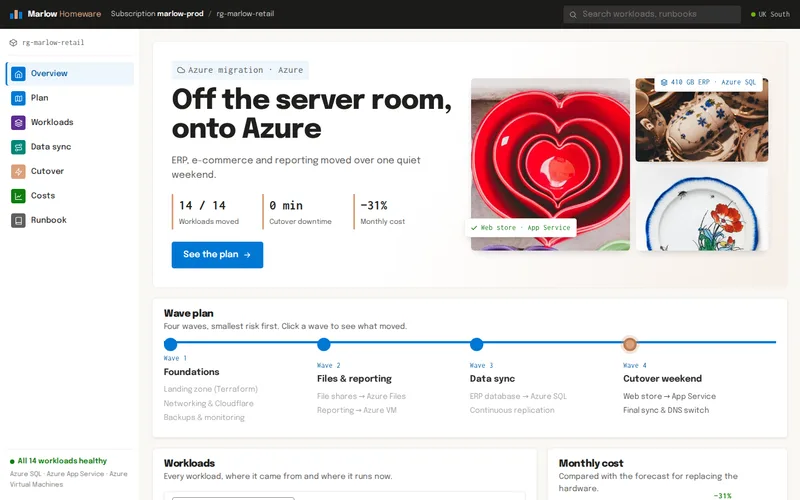
Our homeware retailer migration is typical. The server room held an ERP running stock, purchasing and finance for every branch on SQL Server, the web store on IIS, a reporting server and a NAS full of product images and documents. The hardware was past warranty, a power cut had already cost a day of trading, and the lease was ending.
The four obvious systems turned into fourteen workloads once we looked properly. That is normal. Scheduled jobs that copy files at 2am, reports that connect to a server by name, supplier feeds pointed at an IP address: none of them are on anyone's list, and every one of them breaks if it is moved without being noticed. Finding them is the first job, and the one that decides how calm the rest of the project is.
Where Each Workload Goes
Moving to the cloud does not mean turning every server into a cloud server. Each workload gets the destination that fits it:
- The ERP database went to Azure SQL, a managed database. Patching, backups and high availability are handled by the platform.
- The web store went to Azure App Service, which runs the application without anyone managing the server underneath.
- The reporting tool could not be re-platformed, so it went to a right-sized Azure virtual machine. That was the sensible choice, not a compromise.
- The file shares went to Azure Files.
The general rule: managed services wherever the software allows, virtual machines where it does not. Managed services cost slightly more per hour than a bare machine but remove most of the routine work, which for a retailer with a small IT team is usually the bigger saving.
What Changes Day to Day
Backups stop depending on someone remembering
The retailer had automated backups and geo-redundancy in place for the first time after the move. Managed databases take backups on a schedule and keep copies in another region. What does not change is the need to test a restore now and then, and to decide how far back you need to be able to go. Retention is a business decision, not a default.
The shop's internet line becomes critical
While the ERP sits in the building, a broadband outage at that site stops the web store's link to it but not the tills' access to stock. Once systems are in the cloud, every site needs a reliable connection. A backup line, often a 4G or 5G router that takes over automatically, is a small cost worth budgeting for at every branch that depends on cloud systems.
Access becomes a sign-in question, not a building question
Staff no longer reach systems by being in the office. That makes remote work and new branches easier, but it means sign-in has to be strong: company accounts with multi-factor authentication, and access removed promptly when people leave. How shops and home workers reach the file shares, whether through a VPN, private connectivity or a sync server in a branch, needs deciding before cutover, not after.
Hardware failures stop being your problem; patching partly does
Power supplies, disks and air conditioning become Microsoft's concern. Managed services are patched for you. Virtual machines, like the retailer's reporting server, still need patching and monitoring, which is where an arrangement for server management or cloud hosting and DevOps support comes in.
What It Costs, and Keeping It Predictable
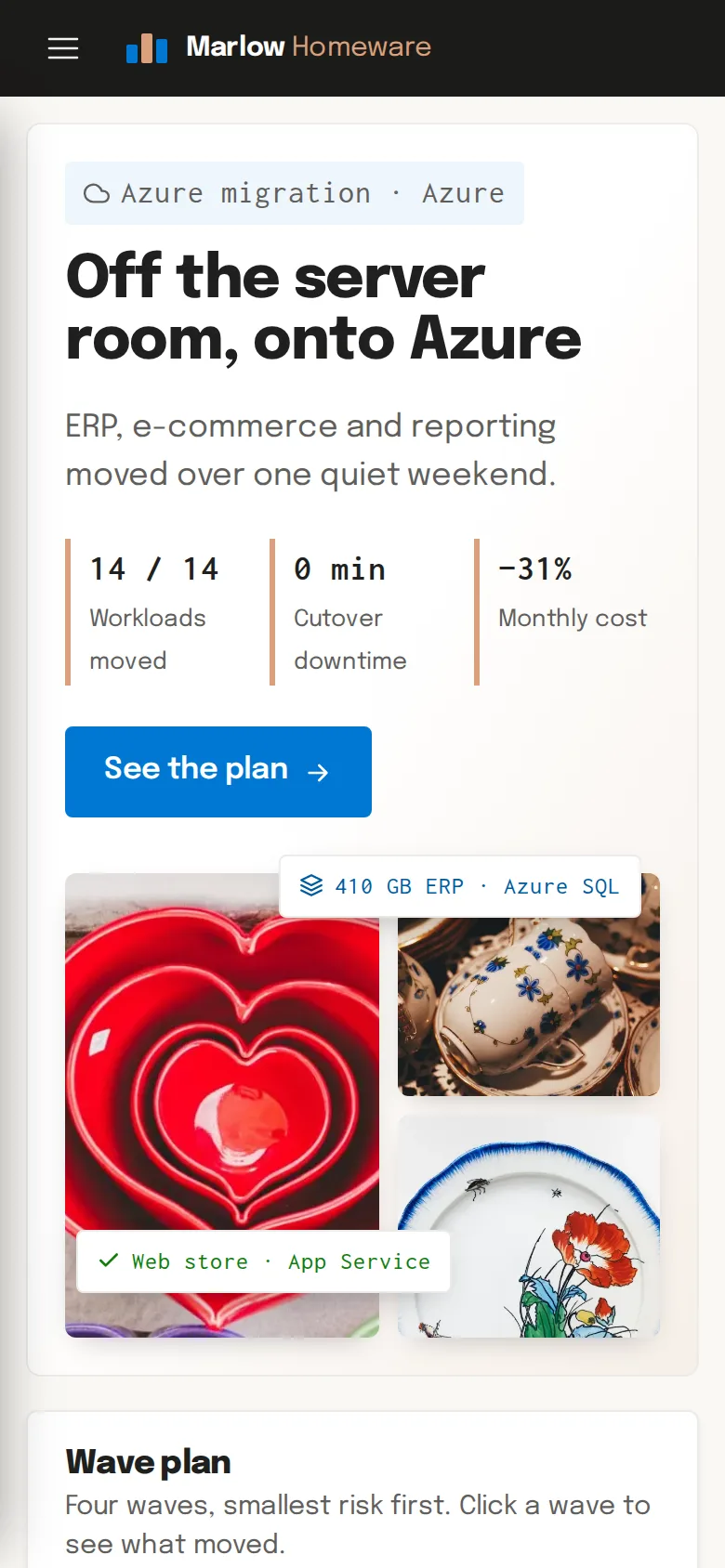
The financial shape changes from a hardware purchase every few years to a monthly bill. For the homeware retailer, the monthly infrastructure cost came in 31% lower than the forecast for replacing the hardware. Note what that compares: the alternative was buying new servers, not keeping the old ones forever.
Cloud bills drift when nobody owns them. The controls that kept the retailer's bill where it was forecast are straightforward:
- Reserved capacity for workloads that run all the time, which costs less than paying by the hour.
- Storage tiers matched to how often files are actually opened; old product photos do not need the fastest storage.
- Budget alerts so someone hears about unexpected spend before the invoice arrives.
- A review of the first months' bills with the team, so forecast and invoice stay close.
Software licensing deserves its own line in the forecast. SQL Server and Windows licences can change shape in the cloud, and in some cases existing licences can be carried over. It is worth checking before choosing between a managed database and a virtual machine.
The Move Itself
The retailer's systems moved over one quiet weekend with no customer-facing downtime. The ERP database had been replicating continuously to Azure SQL for two weeks, so the final synchronisation took minutes. We rehearsed the full cutover twice on copies of real data, then switched on a Saturday night with DNS on a five-minute TTL and a written rollback plan that was never needed. On Monday, staff carried on working, and the server room was emptied before the lease ended.
The Azure environment was defined in Terraform, so it is documented and can be rebuilt from code rather than from someone's memory, which matters for a small team inheriting it.
Questions a Finance Director Should Ask
- What exactly is moving, including the scheduled jobs and feeds nobody has listed?
- Which workloads become managed services and which stay as servers, and why?
- What will the monthly bill be, what is it compared against, and who watches it?
- How are backups tested, and how far back can we restore?
- What happens to trading if a shop's internet connection fails?
- What is the rollback plan on cutover night?
If your systems still live in a room you would rather not depend on, send us a list of what runs there, even a rough one. We will come back with the questions that reveal the rest, and an honest view of whether Azure, AWS or Google Cloud fits your business best.
Frequently Asked Questions
Do our shops need new equipment after moving systems to Azure?
Usually not new tills or PCs, but each site that depends on cloud systems needs a dependable internet connection, ideally with automatic failover to a mobile data line. Printers, scanners and card terminals that talked to a local server may need reconfiguring to reach the new environment, which is why they belong on the inventory before the move rather than being discovered afterwards.
Can we keep using our existing ERP after moving to the cloud?
In most cases, yes. The homeware retailer kept its ERP; only its database moved, from an on-premise SQL Server to Azure SQL. Some ERP vendors certify specific cloud configurations, so we check their support position before choosing between a managed database and a virtual machine, and we involve the vendor where their support contract requires it.
What happens to our data if we later want to leave Azure?
Your data remains yours and can be exported. Databases can be backed up and restored elsewhere, and files copied out. Defining the environment as code, as we did with Terraform, and avoiding unnecessary proprietary services keeps a future move manageable. Data transfer out of a cloud provider is charged, so a very large exit has a cost worth knowing about in advance.
Who do we call when something goes wrong after the migration?
That should be agreed before cutover. Microsoft is responsible for the platform itself, but not for your applications, configuration or users. Most retailers our size choose a support arrangement with us or another partner for monitoring, patching virtual machines, restore tests and cost reviews, with a clear route for urgent problems during trading hours.
Is Azure always the right choice for a retailer?
No. Azure suited the homeware retailer because its ERP ran on SQL Server and the team already used Microsoft tools, which simplified both the migration and licensing. A retailer whose systems run on Linux and open-source databases might be better served by AWS, Google Cloud or even a well-managed VPS. We recommend the platform that fits your systems, skills and budget.