




Enterprise Web Application

Clinic Group Scheduling System

An ASP.NET Core scheduling system across nine clinics, with Entra ID sign-in and automated patient reminders.

View live demo Opens a working demo with sample content in a new tab.
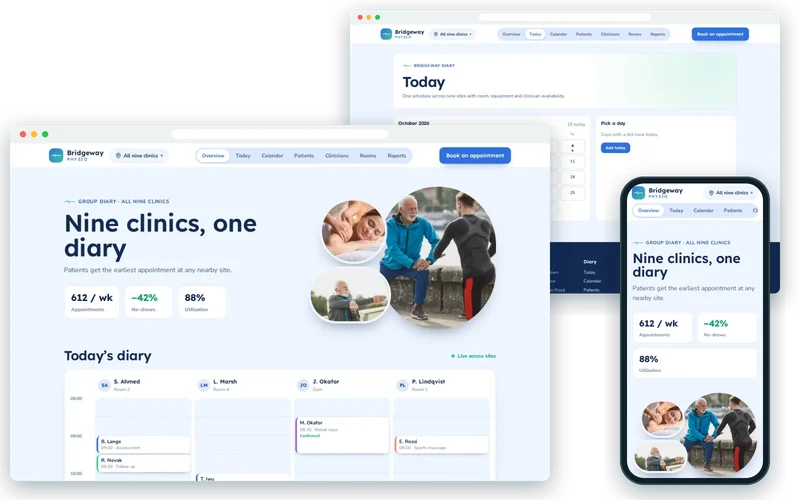
Bridgeway Physio demo on desktop and phone

On location

  • Stretching Exercises — Bridgeway Physio
    Stretching ExercisesPhoto: Direct Media (CC0)
  • Woman Massage — Bridgeway Physio
    Woman MassagePhoto: Authentic Stock (CC0)
  • Stretching Exercises — Bridgeway Physio
    Stretching ExercisesPhoto: Direct Media (CC0)
  • Stretching Exercises — Bridgeway Physio
    Stretching ExercisesPhoto: Direct Media (CC0)
  • Woman Stretch — Bridgeway Physio
    Woman StretchPhoto: Burst (CC0)

About the Project

This project is clinic scheduling software for a physiotherapy group that had grown to nine sites but still ran nine separate diaries. Each clinic could see only its own appointments, so a patient phoning one site was offered that site’s next gap even when a colleague two miles away had a free slot that afternoon. Clinicians who covered two locations were booked twice for the same hour more often than anyone liked to admit.

We replaced the separate diaries with one multi-site appointment booking system built in ASP.NET Core. Every clinician, room and piece of equipment now lives in a single calendar, travel time between sites is respected, reminders go out on their own, and the leadership team finally has one picture of how the group’s capacity is being used.

About the Client

The client is a multi-site physiotherapy clinic group treating musculoskeletal injuries, sports injuries and post-operative rehabilitation. Around 140 staff work across the nine clinics, including physiotherapists who split their week between locations, reception teams and a small central management function.

The group already used Microsoft 365, so staff identities lived in Microsoft Entra ID. Leadership wanted to cut no-shows, which were running above 15%, make better use of rooms and clinicians, and stop losing patients who could not be seen quickly at their nearest clinic.

Project Goals

  • Give receptionists one diary across all nine clinics so patients are offered the earliest suitable appointment at any nearby site.
  • Stop double-booking of clinicians who work at more than one location, allowing for travel time between sites.
  • Reduce no-shows with timed reminders that make confirming or rescheduling a one-tap job for the patient.
  • Let staff sign in with their existing Microsoft accounts rather than another password.
  • Report utilisation, cancellations and revenue per slot by clinic and clinician to support staffing decisions.

Project Overview

The Challenge and Our Solution

The Challenge

Each clinic kept its own diary, so patients could not be offered an appointment at a nearby site, and clinicians covering two locations were regularly double-booked. No-shows ran above 15%, and the group had no consolidated view of utilisation to plan staffing against.

Our Solution

We built a single scheduling system in ASP.NET Core with a shared calendar across all nine sites, room and equipment allocation, and clinician availability that accounts for travel between locations. Staff sign in with their existing Microsoft accounts through Entra ID, so there is no separate password to manage. Appointment reminders go out by SMS and email on a schedule, with a one-tap confirm or reschedule link, and utilisation reporting feeds the group’s staffing decisions.

One Diary Across Nine Clinics

The heart of the system is a group-wide calendar. Appointments, clinicians, treatment rooms and equipment are modelled as separate resources, and every booking has to satisfy all of them at once: the clinician must be free and at the right site, the room must suit the treatment, and any equipment the appointment needs must not already be in use. Entity Framework Core and Azure SQL hold the schedule, and SignalR pushes changes to every open diary so two receptionists cannot book the same slot.

Clinician availability is not just a list of working hours. It includes which site a physiotherapist is at on each day and the travel time between locations, so the system will not offer a 9:30 appointment in one clinic to someone who finishes in another at 9:15.

  • Shared availability for clinicians, rooms and equipment
  • Travel time between sites built into availability
  • Live updates so two people never book the same slot

Earliest Appointment at Any Nearby Site

Because every site’s availability is in one place, the booking screen can search across clinics. A receptionist enters the treatment type and the patient’s location, and the system lists the earliest suitable slots at nearby sites, not only at the clinic the patient happened to call. Patients who are flexible about location are seen sooner, and quieter clinics fill gaps that used to go unbooked.

The same search powers rebooking. When a clinician is off sick, their patients can be offered the next available appointment with a colleague at the same or a neighbouring site, rather than being pushed to the back of one clinic’s queue.

Automated Appointment Reminders That Patients Act On

No-shows were the group’s most expensive gap, so automated appointment reminders were designed around making it easy to respond. Reminders go out by SMS and email on a schedule that varies by appointment type, and each one carries a link to confirm or reschedule in a single tap. A patient who cannot make it is far more likely to say so when rescheduling takes seconds rather than a phone call during opening hours.

Released slots go straight back into the shared diary, where the cross-site search can offer them to someone else. Combined, these changes reduced no-shows by 42%.

Single Sign-On and Utilisation Reporting

Staff sign in through Microsoft Entra ID with the accounts they already use for email and documents, and role-based permissions decide what each person can see and change. Reception teams manage bookings, clinicians see their own lists and notes, and managers see the whole group. Removing a separate password for 140 staff also removed a steady stream of reset requests.

Utilisation reporting shows occupancy, cancellations and revenue per slot by clinic and clinician. With room and clinician utilisation now up to 88% across the group, managers can plan staffing against real demand rather than each site’s impression of how busy it is.

Our Process

How We Delivered It

  1. Mapping Every Diary

    We sat with reception teams at several sites to document how each clinic booked, rebooked and handled cover, including the informal workarounds.

  2. Designing the Resource Model

    Clinicians, rooms, equipment and sites were modelled as resources with rules, so the scheduling logic could be tested before any screens were built.

  3. Building on .NET and Azure

    The application was built in ASP.NET Core with Entity Framework Core and Azure SQL, with SignalR for live diary updates and Entra ID for sign-in.

  4. Clinic-by-Clinic Rollout

    Future appointments were migrated site by site, with staff trained on the new diary before their clinic switched over.

  5. Tuning Reminders and Reports

    After launch we adjusted reminder timing per appointment type and refined the utilisation reports with the management team.

Key Features

What We Delivered

  • Group-wide calendar

    One schedule across nine sites with room, equipment and clinician availability.

  • Entra ID single sign-on

    Staff sign in with their existing Microsoft accounts, with role-based permissions.

  • Automated reminders

    SMS and email reminders with confirm and reschedule links, timed per appointment type.

  • Utilisation reporting

    Occupancy, cancellation and revenue-per-slot reporting by clinic and clinician.

Outcome

Results and Impact

  • No-shows reduced by 42% through timed reminders with easy rescheduling.
  • Room and clinician utilisation up to 88% across the group.
  • Patients offered the earliest appointment at any nearby site, not just one clinic.
  • Single sign-on removed a separate password for 140 staff.

Client Feedback

What the Client Says

★★★★★

They asked better questions than the two agencies we spoke to before. The scheduling system fits how nine clinics actually work, not how software wishes they worked. No-shows are down 42% and our utilisation report finally means something.

Practice ManagerMulti-site physiotherapy clinic group

Services

Services Behind This Project

The .NET & ASP.NET Core expertise we used to build this enterprise web application — and can bring to yours.

  • .NET & ASP.NET Core Development

    ASP.NET Core web applications and APIs in C#, Blazor front ends, .NET MAUI apps and integration with the Microsoft and Azure ecosystem.

FAQ

Frequently Asked Questions

Can clinic scheduling software handle staff who work at several sites?

Yes, if it is designed for it. In this system each clinician’s availability includes which site they are at on a given day and the travel time between locations, so the diary will not offer back-to-back appointments in two clinics that cannot physically be reached in time. That single rule removed most of the double-booking the group had been living with.

Why build a custom scheduling system instead of using an off-the-shelf booking tool?

Simple booking tools work well for a single location with a fixed list of services. Multi-site groups usually need shared resources, travel-aware availability, equipment rules, integration with existing sign-in and reporting that matches how they manage the business. A custom system fits those rules exactly and avoids per-seat pricing that grows with every new clinician.

How do automated reminders reduce no-shows?

Most no-shows are people who forgot or could not easily cancel. Reminders sent at the right moment, with a one-tap link to confirm or reschedule, solve both problems. The released slot goes straight back into the shared diary so another patient can take it. In this project the approach cut no-shows by 42%.

Do staff need another username and password?

No. The system uses Microsoft Entra ID, so staff sign in with the Microsoft accounts they already use. Permissions are based on their role, and when someone leaves the organisation their access ends as soon as their Microsoft account is disabled, which is simpler and safer than managing a separate set of logins.

What affects the cost of a multi-site scheduling application?

The main factors are the number of resource types and rules, integrations such as SMS providers, payment or practice management systems, reporting requirements and how existing appointments are migrated. Starting with the core diary and adding integrations in stages keeps the first release focused and lets the clinics shape later features.

Can patients book online themselves?

The same availability engine can power an online booking page, because it already knows which slots are genuinely free across every site. Many groups start with staff-led booking to bed the new diary in, then open self-service booking for selected appointment types once they are confident in the rules.

Similar Work

Related Projects

Case studies built with the same technologies or for similar needs.

  • Floral ceramic plate. Original Minneapolis — Marlow Homeware
    • Azure SQL
    • Azure App Service
    • Azure Virtual Machines

    Cloud Migration

    Homeware Retailer: Server Room to Azure

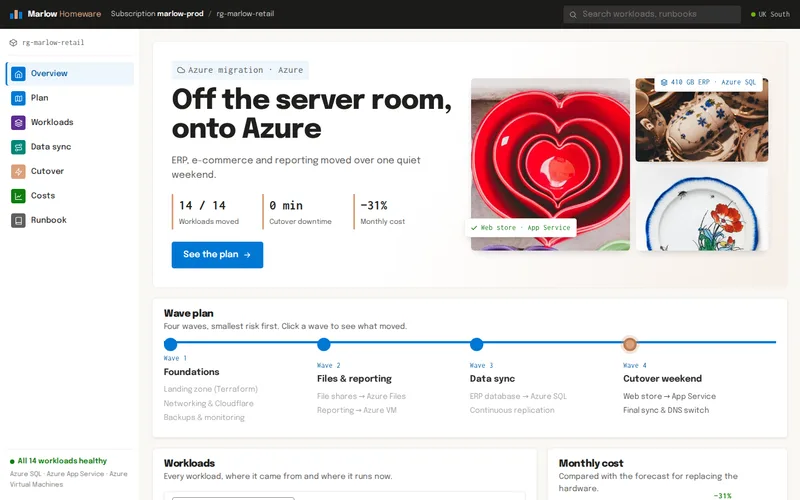
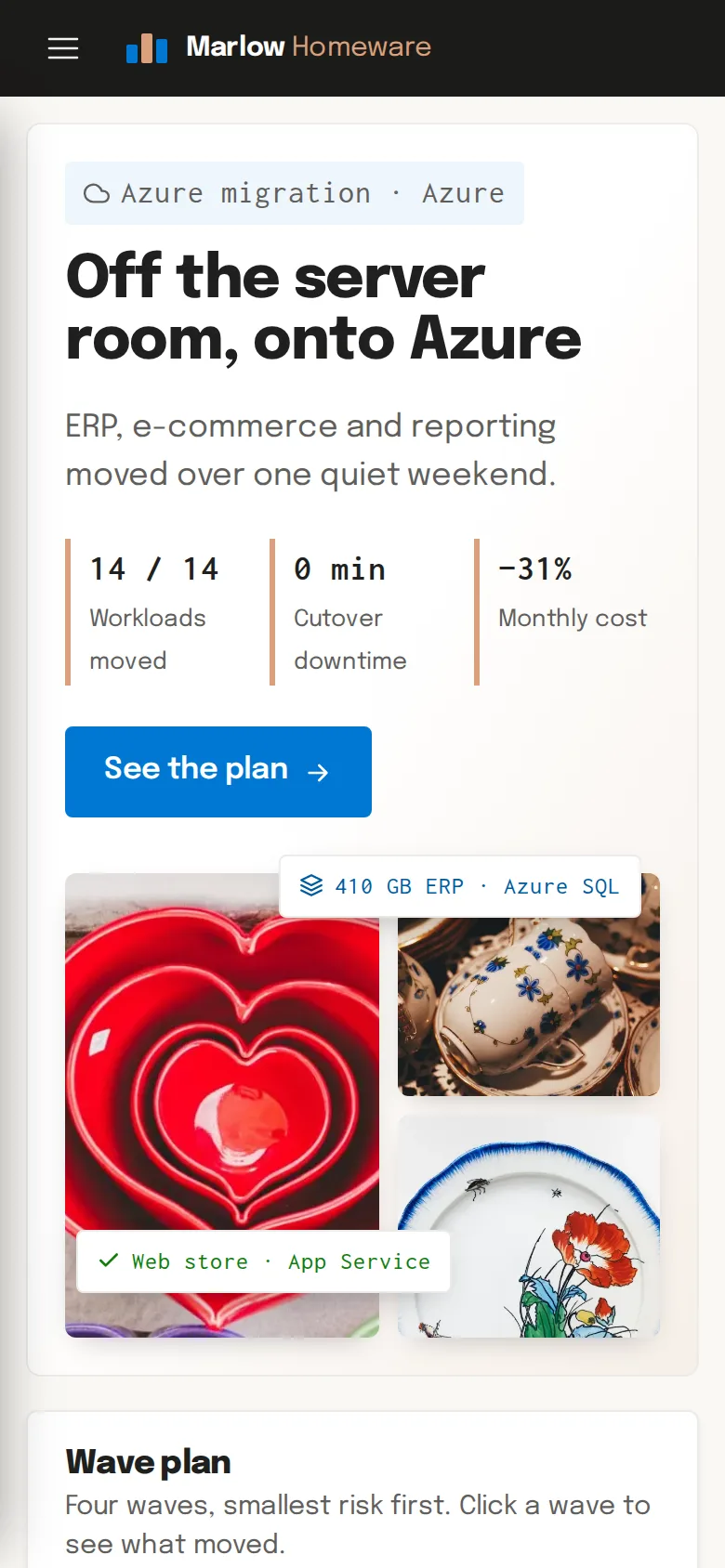
    An ERP, a web store, reporting and file shares moved from an ageing server room to Azure over one quiet weekend, with no downtime and a 31% lower monthly bill.

  • Office Work — Marchmont Brokers
    • Angular
    • TypeScript
    • RxJS

    Enterprise Web Application

    Insurance Claims Administration Portal

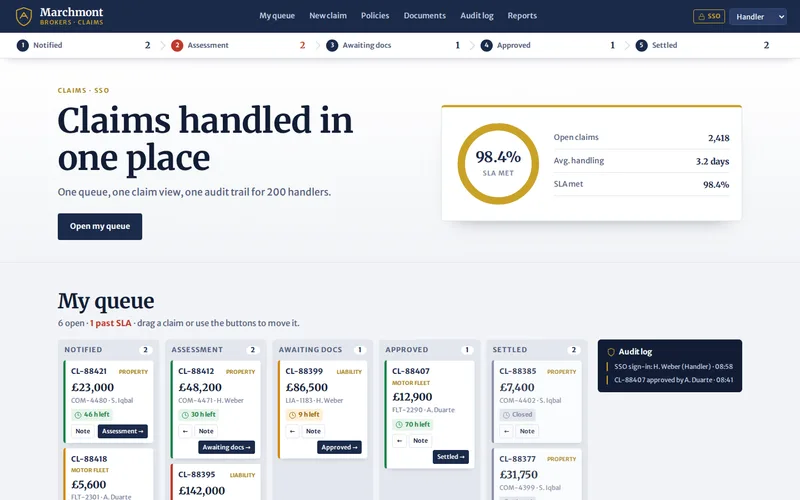
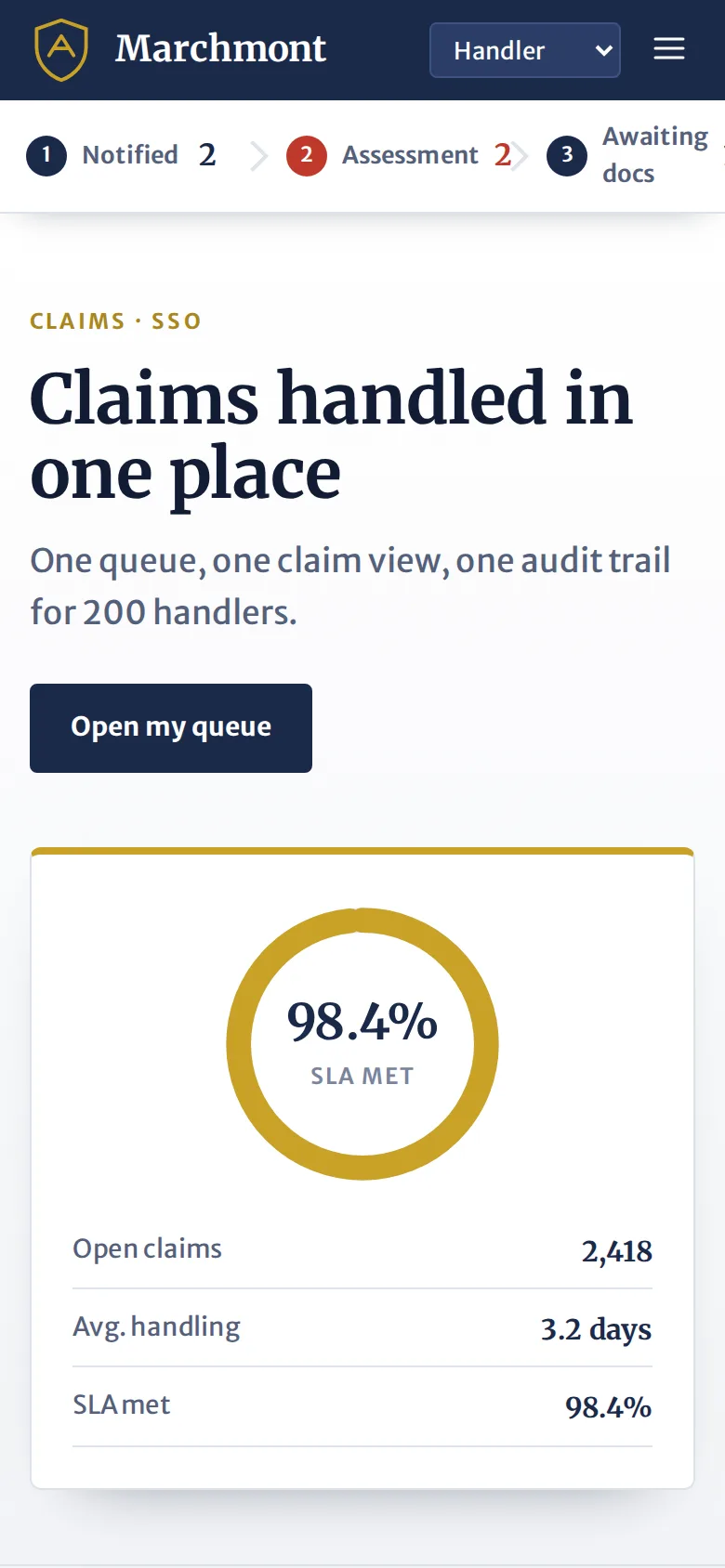
    An Angular portal that gave 200 claims handlers one screen in place of three legacy systems.

  • Semi trucks line up to pick — Northline Freight
    • React
    • TypeScript
    • Node.js

    Web Application Development

    Freight Dispatch & Driver Tracking Platform

    A live dispatch board built in React and Node.js that replaced a spreadsheet-and-phone workflow for 120 drivers.

  • Living Room — Ashcroft Lettings
    • Laravel
    • PHP 8
    • Blade & Livewire

    Web Application Development

    Property Management & Tenant Portal

    A Laravel platform managing 1,140 units — tenancies, maintenance jobs, contractor scheduling and owner statements.

  • House Interior — HomeNest
    • WordPress
    • Custom Theme
    • HTML5

    Website Design & Development

    HomeNest – Responsive Furniture Website

    A modern, fully responsive website for a home furniture brand, designed to showcase products beautifully on every device.

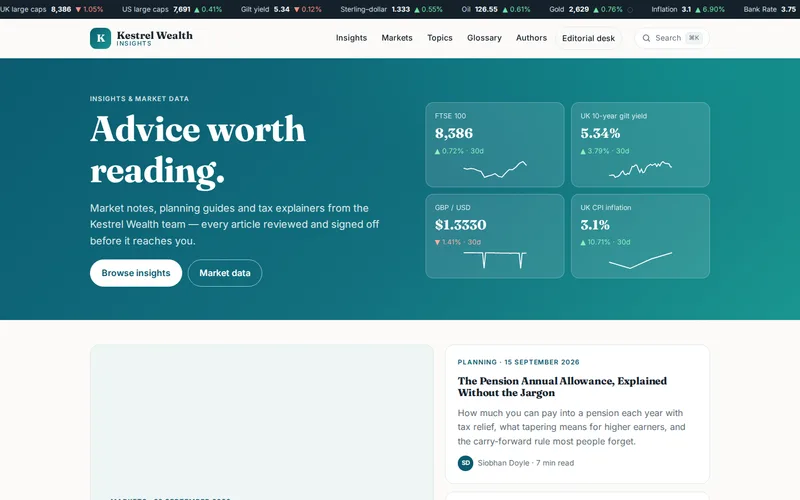
  • Kestrel Wealth demo — home page
    • Next.js
    • React
    • TypeScript

    Headless CMS Website

    Wealth Management Insights Hub

    A Next.js front end over headless WordPress that took a compliance-heavy content library from slow to near-instant.

Let’s Connect

Want Results Like These?

Share your project details and our experts will get back to you within one business day with the best solution — free consultation, no obligation.