eCommerce
Building a Tour Booking Platform: Availability, Group Sizes, Deposits and Supplier Sync
Tour operators sell dated departures with limited seats, minimum numbers, deposits and balances, and suppliers behind every itinerary. Here is how we model departures, stop double-bookings, take deposits without chasing balances and decide how much supplier integration is worth building.

A tour is an awkward thing to sell online. It is not a product with stock, and it is not a hotel room with a nightly rate. It is a dated departure with a fixed number of seats, a minimum number of travellers before it runs, a guide who must be qualified and rested, a deposit now and a balance later, and a chain of suppliers behind every day of the itinerary.
Generic shop or booking plugins handle some of that. When they cannot, the operator ends up with a website that takes enquiries and a spreadsheet that holds the truth. Our custom web development team builds booking platforms for exactly that gap, and the payment side draws on our payment and subscription integration work. This is how we approach one.
Model Departures, Not Products
The most important decision is the data model. A tour is a template: the itinerary, inclusions, difficulty, photographs and base price. A departure is a dated instance of that tour with its own capacity, its own guide, sometimes its own price, and its own status. Bookings belong to departures, and travellers belong to bookings.
Getting this right early makes everything else straightforward. A departure can show "4 seats left" because it knows its capacity and its confirmed and held seats. A price change for next season does not rewrite this season's bookings. A single-room supplement, a private departure or an extra night before the trip are options on the booking, not separate products. Rooming, dietary needs and passport details belong to each traveller, and can be collected after booking with a deadline rather than all at checkout.
Availability You Can Trust
Double-bookings happen when two people reach the last seat at the same moment, or when availability shown on the page is a cached copy of yesterday's numbers. The fix is to treat seats as something the server holds, not something the page displays.
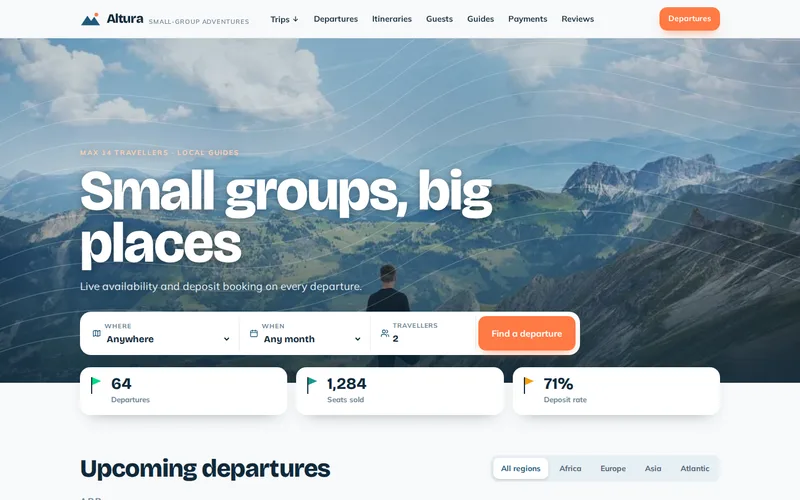
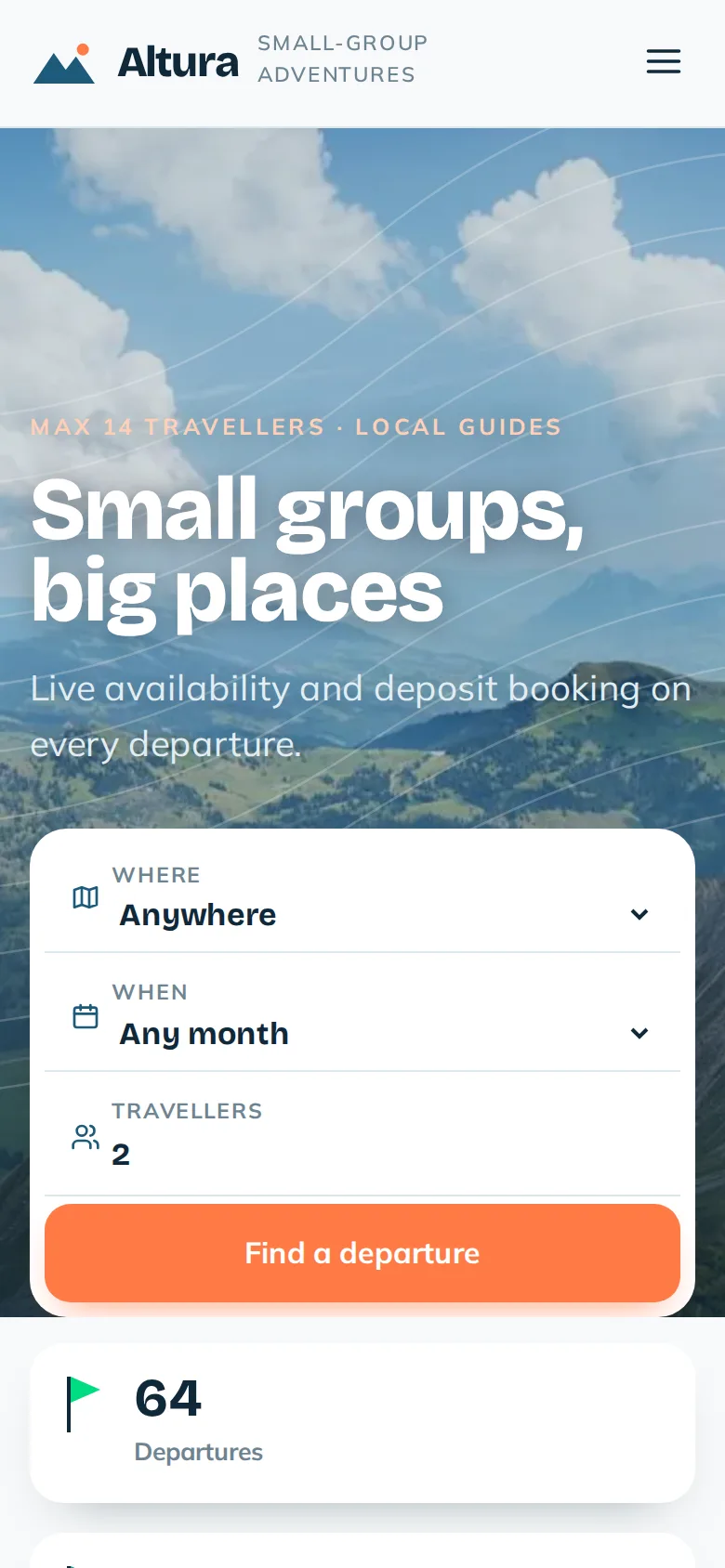
On the adventure tour booking platform we built in Nuxt, seats are held on the server for the duration of checkout. While a traveller enters their details and pays, nobody else can take those seats; if checkout is abandoned the hold expires and the seats return to sale. Before the platform, bookings arrived by email and phone, were typed into a spreadsheet and reconciled every evening, and double-bookings happened several times a season. Server-side holds eliminated them.
A few related rules we apply:
- Itinerary pages can be cached for speed, but the seat count on them is fetched live or refreshed the moment a booking changes it.
- Holds have a sensible expiry, long enough to complete a payment with a bank authentication step, short enough not to block the last seats for long.
- "Filling fast" and waitlist states come from real thresholds, never from marketing copy.
- Staff bookings taken by phone go through the same hold and confirm process as online ones.
Group Sizes and Minimum Numbers
Small-group operators live with two numbers per departure: the maximum the guide and vehicle can take, and the minimum that makes the trip viable. The platform should know both. A departure below its minimum can still be sold, but it should be clearly marked and trigger a decision date for operations: confirm, combine with another date or cancel with notice. Once the minimum is reached, the departure can be shown as guaranteed, which is one of the strongest reasons a hesitant traveller books.
Guide assignment belongs in the same system. On the tour platform, assignments are checked against qualifications and rest rules before a departure can be confirmed, so a scheduling mistake is caught by the software rather than discovered on the trail.
Deposits and Balances Without Chasing
Multi-day trips are expensive and booked months ahead, so many travellers prefer to secure a place with a deposit. On the tour platform, deposits are taken through Stripe at checkout, the balance is scheduled automatically with reminders before it is due, and a card can be kept on file for collection. Offering deposit-only checkout increased completed bookings on longer, higher-value tours.
The details that need deciding up front:
- Deposit rules. A fixed amount or a percentage, per tour or per departure, and whether bookings made close to departure must pay in full.
- Balance collection. Charging a saved card automatically is convenient, but card authentication rules mean some charges need the customer to confirm, so a payment link fallback and reminder are essential.
- Cancellation and refunds. The terms should be encoded so staff are not calculating refunds by hand, with clear records of what was refunded and why.
- Your legal obligations. Selling packages can bring specific rules on protecting customer money and what travellers must be told before booking; in the UK that means the Package Travel Regulations, and ATOL where flights are included. Check them with your adviser before designing the payment flow.
Itineraries That Sell and Rank
Travellers research for weeks, often comparing operators side by side. The itinerary page is where they decide, so it needs the day-by-day plan, what is included, real dates with real availability and the price, all on one page. On the tour platform, the public site and the booking engine are one Nuxt application: itinerary pages are server-rendered with structured data for search engines, and the availability they show is the same data operations sees in its dashboard. Our post on Nuxt for content-heavy sites explains why that framework suits the combination.
Store the day-by-day itinerary as structured content rather than one long text block. The same entries can then feed the web page, the booking confirmation, the pre-departure pack and the guide's briefing.
Supplier Sync: Decide What Really Needs to Be Live
Behind every itinerary sit lodges, transport companies and activity providers. It is tempting to integrate with all of them. In our experience it pays to sort them first:
- Allocations you hold. If you have a block of rooms per departure, the platform can manage them internally and needs no live connection.
- Suppliers with real APIs. Worth integrating where availability changes often and errors are costly, with retries, logging and a daily reconciliation report.
- Everyone else. Generate a clear rooming list or manifest per departure and send it automatically. Email and a well-structured export often beat a fragile integration.
Where integrations are justified, our API and integration service builds them so that a supplier being slow or down never blocks a customer's booking.
Questions to Ask Before You Build
- How does the system prevent two people booking the last seat?
- Where do minimum numbers, guaranteed status and decision dates live?
- What happens when an automatic balance charge needs the customer to authenticate?
- Are cancellation terms calculated by the system or by staff?
- Which suppliers genuinely need a live integration?
- Do the website and the booking engine share one source of truth?
Not every operator needs a custom platform; a good booking tool fits many, and our guide to custom websites versus WordPress covers the wider trade-off. If your seat counts live in a spreadsheet and you have had a double-booking this season, tell us how a booking reaches you today and we will map what the platform would need to replace it.
Frequently Asked Questions
Should a tour operator use an off-the-shelf booking system or a custom platform?
Off-the-shelf tour booking systems suit many operators, especially those with straightforward departures and standard payment terms. A custom platform makes sense when your rules do not fit the tool, such as guide qualification checks, unusual deposit terms or itinerary pages that must rank in search while showing live availability, or when an embedded booking widget keeps drifting out of step with your website. A good starting point is to list the workarounds your team uses today.
How long should seats be held during checkout?
Long enough for a traveller to enter details for everyone in the party and complete a card payment, including a bank authentication step, and short enough that abandoned checkouts do not block the last seats for long. Ten to twenty minutes is a common range, with the hold extended while the customer is actively progressing. Expired holds should release seats automatically, and the remaining-seat count on itinerary pages should update straight away.
Can balances be taken automatically from a saved card?
Yes. Payment providers such as Stripe let you save a card at the deposit stage and charge the balance later. However, card authentication rules mean the bank may ask the customer to confirm some of those later charges, so the platform needs a fallback: an email or text with a secure payment link, reminders before the due date and a clear status for operations staff. Customers should agree to the saved-card arrangement at checkout.
Do we need to integrate with every supplier?
Rarely. Integrate where a supplier offers a reliable API, availability changes often and an error would be costly. For suppliers where you hold an allocation or confirm in batches, an automatically generated rooming list or manifest per departure is usually more dependable than a live connection. Whatever you integrate, make sure a slow or unavailable supplier never stops a customer completing a booking with you.
How do minimum group sizes work in an online booking system?
Each departure stores a minimum and maximum number of travellers. Below the minimum, the departure can still be sold but is marked as not yet guaranteed, and operations get a decision date to confirm, combine or cancel it. Once the minimum is reached it can be shown as guaranteed, and the confirmation emails can say so. Travellers should be told at booking what happens if a departure does not reach its minimum.