App Development
Scheduling Software for Multi-Site Clinics: Rotas, Reminders and No Double-Bookings
When a clinic group grows past a few sites, separate diaries start costing patients and clinicians time. Here is what a group-wide scheduling system has to get right: resources rather than slots, double-booking prevention that holds under pressure, rotas across sites, reminders, waitlists and patient data protection.

A clinic with one site can run on almost any booking tool. A group with five or nine sites usually cannot, because the problems stop being about individual appointments and start being about shared people and rooms. A patient phones one clinic and is offered next Thursday, while a colleague two miles away has a gap this afternoon. A physiotherapist who works at two locations is booked into both at nine o'clock.
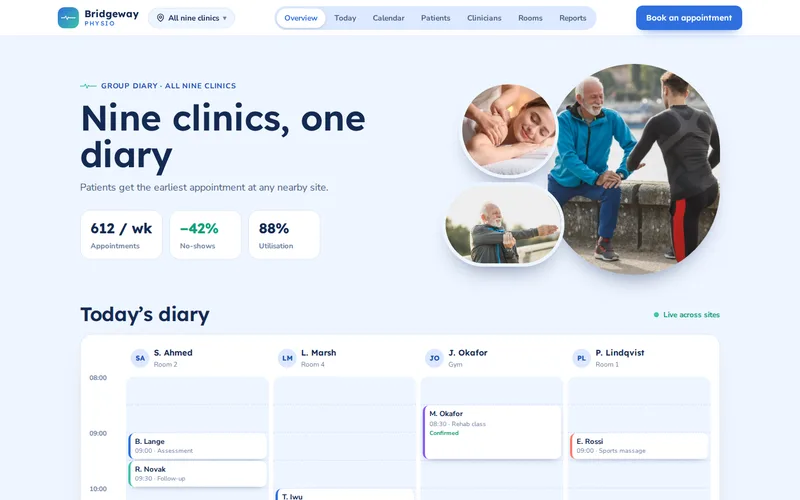
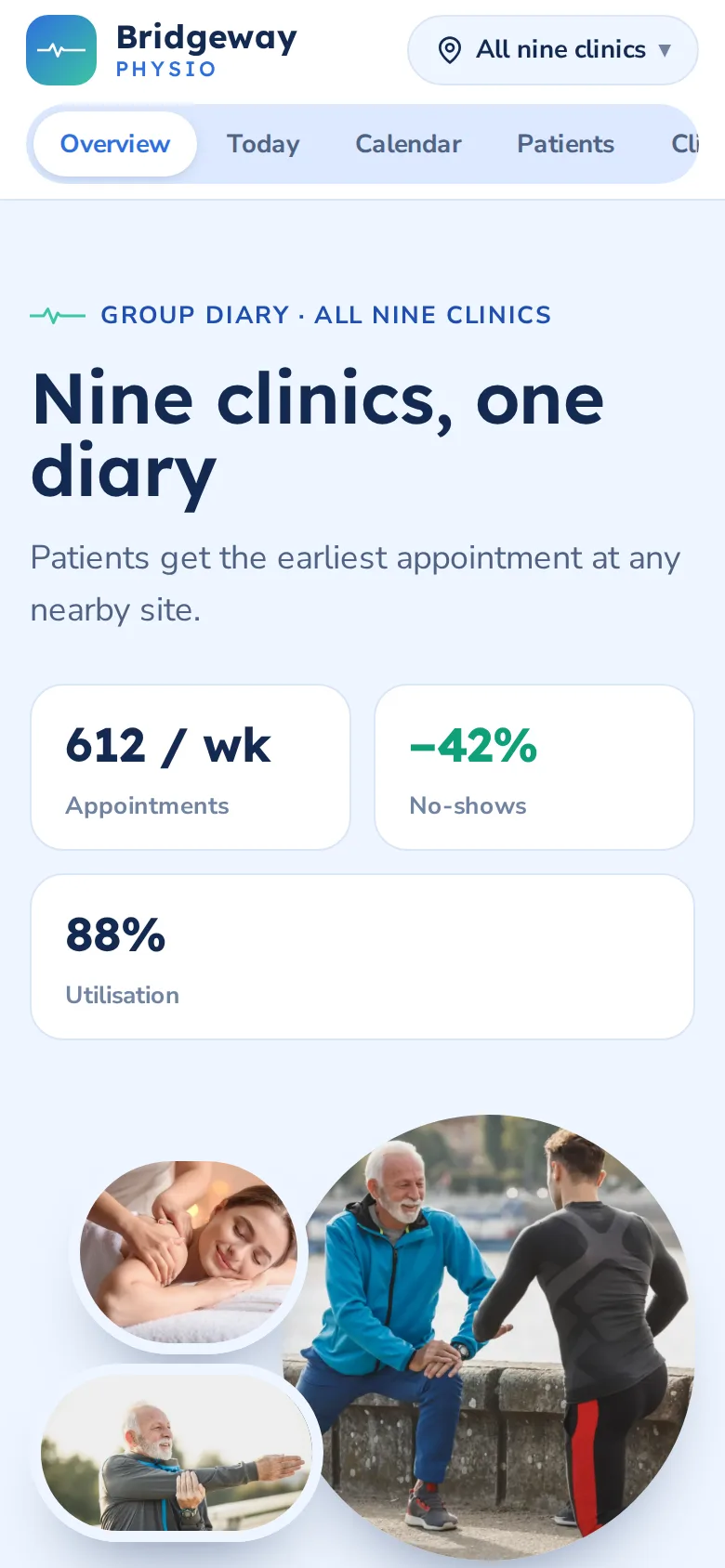
We build this kind of system as custom software, most often on Microsoft's stack through our .NET and ASP.NET Core development service, because many clinic groups already run Microsoft 365. This post covers what a multi-site scheduling system has to get right, drawing on the scheduling system we built for a nine-site physiotherapy group.
Model Resources, Not Just Appointment Slots
Simple booking tools think in slots: a list of times per practitioner. A clinic group needs to think in resources. An appointment needs a clinician who is free and at the right site, a room that suits the treatment, and sometimes a piece of equipment that only some rooms have. A booking is valid only when every one of those is available at once.
In the physiotherapy group's system, clinicians, treatment rooms and equipment are separate resources, and clinician availability includes which site each person is at on each day and the travel time between sites. The system will not offer a 9:30 appointment in one clinic to someone who finishes at another at 9:15. Getting this model right on paper, and testing the rules before any screens exist, is the most valuable part of the project.
Preventing Double-Bookings That Slip Past the Screen
Most double-bookings in custom systems do not come from a missing check. They come from two receptionists checking at the same moment: both see the slot as free, both press book, and both bookings are saved. A check in the user interface cannot stop that. The database has to.
The reliable patterns are:
- Check and save in one transaction. The overlap check and the insert happen together, with the clinician's schedule for that day locked so a second booking waits for the first.
- Optimistic concurrency. Each clinician's diary for a day carries a version number; a save that was based on an older version is rejected and the receptionist sees the updated diary.
- Overlaps, not just start times. A unique constraint on start time misses a 45-minute appointment that overlaps a 30-minute one starting a quarter of an hour later. The check must compare time ranges, for every resource the booking uses.
- Live updates. Open diaries should change the moment someone else books. The group's system uses SignalR to push changes to every open diary, so receptionists rarely even try to book a slot that has gone.
Clinician Rotas Across Sites
Rotas are where scheduling systems most often drift away from reality. A clinician's working pattern changes for leave, training, sickness and covering a colleague, and every change can clash with appointments already booked. The system should treat a rota change as an event with consequences: show the appointments that no longer fit and offer each patient an alternative, rather than silently leaving them in a diary that no longer exists.
A group-wide calendar makes those alternatives much better. In the physiotherapy group's system, when a clinician is off sick their patients can be offered the next available appointment with a colleague at the same or a neighbouring site, instead of going to the back of one clinic's queue. The same cross-site search lets reception offer new patients the earliest suitable slot at any nearby clinic.
Reminders Patients Actually Respond To
No-shows are usually people who forgot or could not easily cancel. Reminders fix the first; making cancellation effortless fixes the second. The group's reminders go out by SMS and email on a schedule that varies by appointment type, each with a one-tap link to confirm or reschedule, and released slots go straight back into the shared diary. Combined, those changes reduced no-shows by 42%.
Two details are worth getting right. Keep clinical information out of reminder messages: a time, a site and a link are enough, because texts are read on lock screens and shared phones. And let patients choose their channel and opt out, which matters both for consent and for your SMS bill.
Waitlists That Fill Cancellations Automatically
A released slot is only valuable if someone takes it. A waitlist feature, which many groups add once the shared diary is settled, holds patients who want an earlier appointment along with their constraints: which sites they can reach, which days, which clinician types. When a slot opens, the system finds matching patients and offers it by text.
The design choices matter. Offering a slot to one patient at a time with a short hold is fair but slow; offering it to several at once and taking the first reply is fast but means telling the others it has gone. Either way, the hold must use the same double-booking protection as a receptionist's booking, or the waitlist becomes a new way to book two people into one room.
Protecting Patient Data
A scheduling system holds health data, even if it never stores a clinical note: an appointment type at a physiotherapy clinic says something about the patient. Under GDPR that is special category data, and the system should be designed accordingly:
- Role-based access. In the group's system, reception teams manage bookings, clinicians see their own lists and notes, and managers see the whole group.
- Single sign-on. Staff sign in through Microsoft Entra ID with their existing accounts, so access ends the moment a leaver's account is disabled. It also removed a separate password for 140 staff.
- Audit trails. Who viewed or changed which booking, and when, recorded and kept.
- Encryption and location. Data encrypted in transit and at rest, hosted in a region that matches your obligations.
- Minimal messages. Reminders and emails carry as little personal information as possible.
A data protection impact assessment before build, and an independent security audit and penetration test before launch, are sensible for anything holding patient information. What a security audit actually covers explains what to expect from the second.
Questions to Ask Before You Commission One
- How does the system stop two people booking the same clinician or room at the same moment?
- How are travel time and multi-site rotas represented?
- What happens to booked appointments when a rota changes?
- How will existing future appointments be migrated, and can sites switch over one at a time?
- Who can see what, and how is that audited?
The physiotherapy group's system was rolled out clinic by clinic, with each site's future appointments migrated and staff trained before it switched. If you are weighing custom development against an off-the-shelf tool, when .NET is the right choice is a useful companion read. Or tell us how many sites, clinicians and rooms you schedule and where double-bookings or no-shows hurt most, and we will sketch the resource model for your group.
Frequently Asked Questions
Can patients book online with a custom clinic scheduling system?
Yes. The same availability engine that serves reception can power an online booking page, because it already knows which slots are genuinely free across every site. Many groups start with staff-led booking so the rules and rotas settle first, then open self-service booking for selected appointment types, such as follow-ups, where the right clinician and duration are predictable.
Can a scheduling system integrate with our practice management or patient records software?
Usually, if that software offers an API or a reliable export. Common integrations include pushing confirmed appointments to the patient record, pulling patient contact details, and sending attendance to billing. We check what the existing system supports early on, because it shapes which system owns which data, and where no API exists we look at scheduled file exchanges as an interim step.
How do you migrate existing appointments from several separate diaries?
Site by site. Each clinic's future appointments are exported, cleaned and matched to clinicians, rooms and patients in the new system, then checked by that clinic's reception team before it switches over. Running one site at a time limits the impact of any surprises and lets staff who have already switched help train the next site.
How much does SMS add to the running cost of reminders?
It depends on volume, message length and the provider, so it is worth estimating from your monthly appointment numbers before launch. Keeping reminders to a single message, letting patients choose email instead, and only sending a second reminder for appointment types with high no-show rates all keep the cost down. In most clinics a reduction in no-shows recovers the messaging cost quickly.
Is a custom scheduling system worth it for a group with only two or three sites?
Often not at first. A good off-the-shelf booking tool can handle a small group well, especially if clinicians rarely move between sites. Custom software starts to pay off when shared rooms, equipment, travel between sites, Microsoft sign-in or group-wide reporting become everyday problems. We are happy to say so when an existing product will do the job.